 ProMapRanker
Best Discord Alternatives in 2026

Key takeaways
- Slack suits work teams that need searchable history, integrations, and admin controls, while Microsoft Teams suits organizations already using Microsoft 365.
- Telegram suits large public groups and channels, and Element suits people who want open, decentralized chat.
- TeamSpeak and Mumble suit gamers who want low latency voice and control over their own server.
- Revolt and Rocket.Chat suit communities that want a Discord style layout or a self-hosted option.
- Circle suits creators who want paid memberships, courses, and events in a structured community space.
Quick comparison
| Pick | Great for | Pricing starts at | Free tier | |
|---|---|---|---|---|
 Slack Slack | Work teams and integrations | Free | Yes | Visit |
 Microsoft Teams Microsoft Teams | Microsoft 365 organizations | Free | Yes | Visit |
 Telegram Telegram | Large groups and channels | Free | Yes | Visit |
 TeamSpeak TeamSpeak | Low latency gaming voice | Free | Yes | Visit |
 Mumble Mumble | Self-hosted voice chat | Free | Yes | Visit |
 Element Element | Open decentralized chat | Free | Yes | Visit |
 Revolt Revolt | Discord style community chat | Free | Yes | Visit |
 Rocket.Chat Rocket.Chat | Self-hosted team chat | Free | Yes | Visit |
 Circle Circle | Paid creator communities | $89 per month | Free trial | Visit |
The best discord alternatives
We looked for services that cover text chat, voice channels, moderation, and sharing, with options for work teams, gaming groups, and public communities. The list includes hosted apps, open tools, and self-hosted platforms, so you can choose by control, cost, and audience.
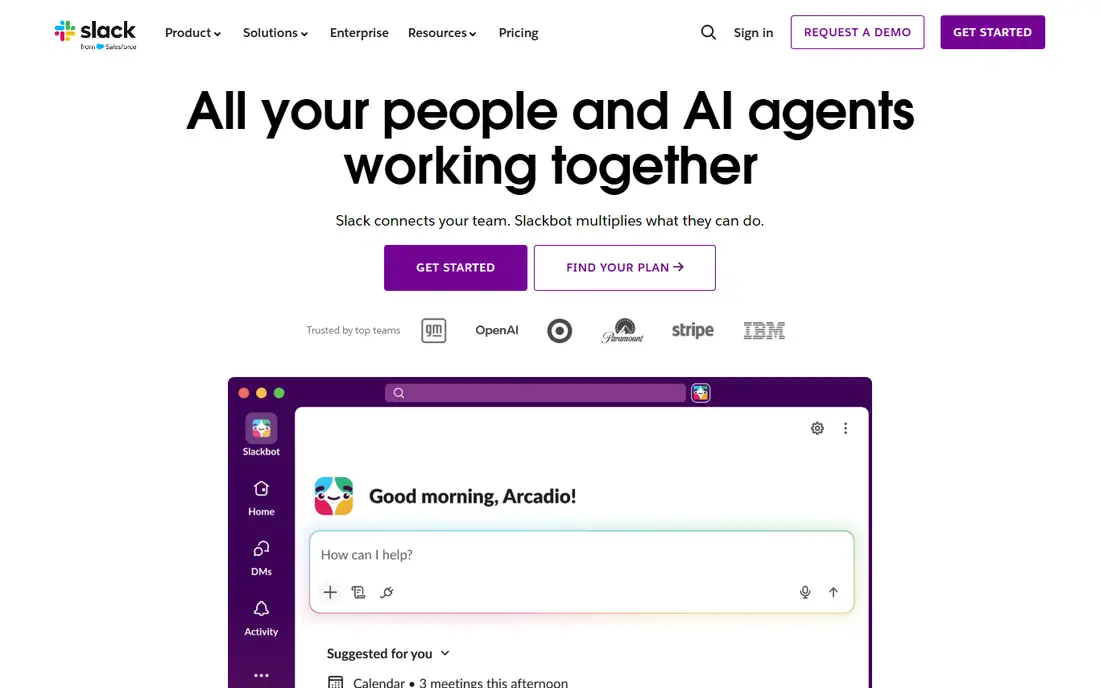
Slack is the closest work focused alternative to Discord for teams that need a record of decisions. Channels keep topics separate, threads keep replies tidy, and search helps new team members find past context. Integrations with tools such as Google Drive, GitHub, and project apps reduce the need to switch apps for updates. The free plan is useful for small teams, but the 90-day history limit means older messages become unavailable unless you pay. Paid Pro starts at $7.25 per user per month billed annually in US listings, with higher tiers adding admin and compliance tools. If your team needs durable history and integrations, Slack is a strong, well supported choice.
- Strong search, threads, and app integrations
- Channels, huddles, and workflow tools
- Clear admin controls on paid plans
- Free plan limits message history to 90 days
- Per user pricing adds up for large teams
Microsoft Teams suits workplaces that already use Outlook, Word, Excel, and OneDrive. Chat, video meetings, and shared files live in the same workspace, and documents can be edited without leaving the app. That integration helps schools, offices, and larger organizations that need scheduled meetings and shared drives. For casual gaming or hobby communities, Teams can feel formal and heavy. The free version covers basic chat and meetings, while fuller features come with Microsoft 365 plans. If your organization already pays for Microsoft 365, Teams is often the simplest good discord alternative, because it adds no new vendor to manage.
- Chat, meetings, and file sharing in one app
- Deep Microsoft 365 integration
- Large meeting support
- Can feel heavy for small casual groups
- Best value depends on an existing Microsoft 365 plan
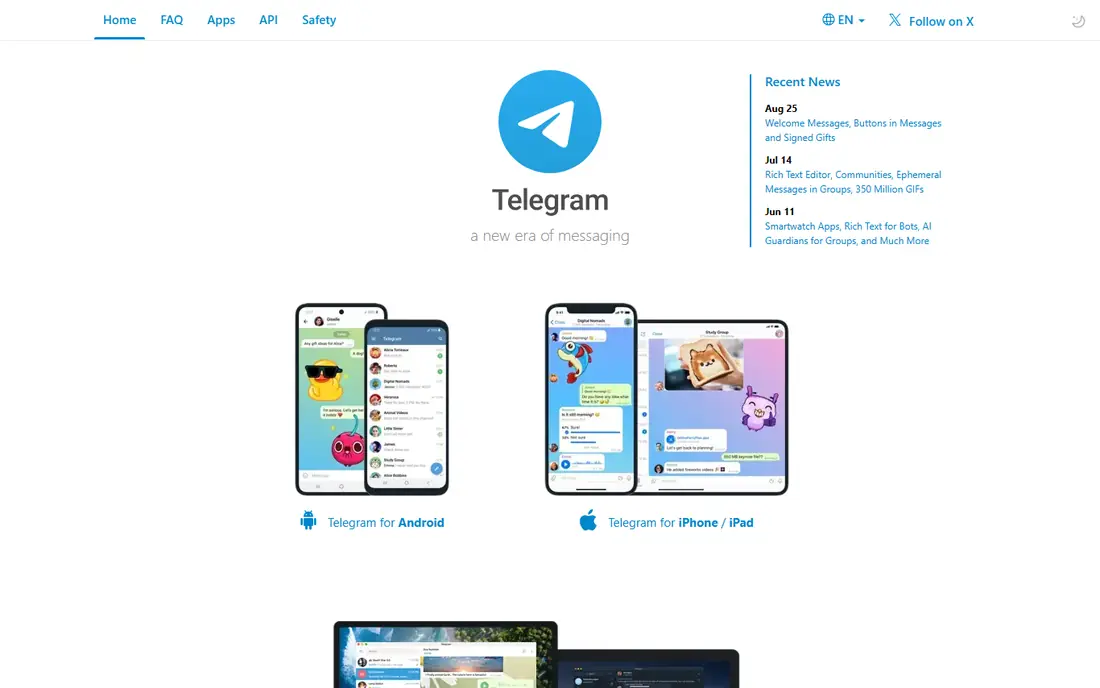
Telegram suits coaches, creators, and communities that need large groups and one-way channels. Groups can hold very large numbers of members, channels can broadcast updates to subscribers, and bots can automate welcomes, polls, and moderation tasks. File sharing and cloud sync across devices are also strengths. It is not a direct clone of Discord. There are no always-on voice channels in the same way, and community structure relies on groups and channels rather than a single server with many channel types. For broadcast and large group chat, Telegram is free and fast. For gaming voice, TeamSpeak or Mumble may fit better.
- Very large groups and broadcast channels
- Fast messaging and file sharing
- Bots and public discovery
- No persistent voice hangout channels like Discord
- Moderation tools differ from server based apps
TeamSpeak remains a trusted choice for gamers who care most about voice quality and control. You can run your own server, set permissions, and tune audio settings for clear, low delay speech during play. That control appeals to clans and esports groups that do not want to rely on a hosted platform for voice. Text chat, media sharing, and community discovery are thinner than in Discord, so many groups pair TeamSpeak with another chat app. If voice is the priority and you are comfortable with server setup or a hosted server plan, TeamSpeak is a reliable alternative to Discord for gaming.
- Low latency voice with server control
- Strong audio quality settings
- Long history in gaming communities
- Text chat and community features are thinner than Discord
- Setup needs more care for self-hosting
Mumble is an open source voice app built for low latency gaming chat. It uses a client and server model, so a group can host its own server and control access, permissions, and data. Positional audio in supported games can also help players hear teammates based on in-game location. The interface looks older than Discord or Slack, and text chat, images, and community tools are basic. That is a fair trade for a free, self-hosted voice tool with no subscription. If you want voice control and low cost, and you do not need a polished social feed, Mumble is a solid pick among free discord alternatives.
- Free and open source voice chat
- Low latency and positional audio in some games
- Self-hosting gives full control
- Older interface
- Text and media features are basic compared with modern chat apps
Element is the main client for Matrix, an open network for decentralized chat. Instead of one company holding all data, users can choose a homeserver or run their own, and rooms can span servers. That model suits privacy focused groups, open source communities, and teams that want control over hosting. New users may find server choice confusing at first, and the experience can differ between clients and servers. For most people, starting on a public homeserver and joining rooms is enough, while advanced users can self-host later. If openness and control matter more than a polished gaming layout, Element is a strong alternative for discord style chat.
- Built on the open Matrix network
- End-to-end encryption in direct and many group chats
- Bridges to other chat networks
- Setup and server choice can confuse new users
- Voice and video features vary by client and server
Revolt is the closest free alternative in layout to Discord, with servers, text channels, voice channels, roles, and direct messages. It is open source, free to use, and communities can self-host an instance if they want control over data. That familiarity helps groups move without retraining members. The trade-off is scale. The community, bot ecosystem, and third-party integrations are smaller than Discord, so some niche bots and discovery features may be missing. For a gaming or hobby group that wants a Discord style space without a large platform, Revolt is a practical and cost free option.
- Familiar server, channel, and voice layout
- Free and open source
- Self-hosting option for communities
- Smaller community and fewer integrations than Discord
- Some features are still developing
Rocket.Chat suits teams and organizations that want Slack style chat with control over hosting. It offers channels, direct messages, threads, file sharing, and video calls, plus admin tools for permissions and retention. A free community version can be self-hosted, while paid hosted plans add support and extra features. Self-hosting is the main cost in time, not money. You need to install, update, and back up the server, which suits IT teams more than casual groups. If data control, compliance, or internal hosting matters, Rocket.Chat is one of the best alternatives to discord for work, with a clear path from free self-hosting to paid support.
- Self-hosting and on-premise options
- Channels, threads, and video calls
- Admin and compliance controls
- Self-hosting needs technical setup and maintenance
- Hosted paid plans add cost for larger teams
Circle is built for creators, coaches, and educators who run a paid community as a business. Spaces organize discussions, courses, live events, and member content in a structured layout, and native payments support memberships and subscriptions without extra tools. That structure helps when a community needs lessons and events, not just chat. The price starts at $89 per month in listings, which is high for a casual hobby group. Circle also lacks the always-on voice hangout feel of Discord, so gaming groups may prefer Revolt or TeamSpeak. For creators who sell access and need courses, events, and member management in one place, Circle is a strong, professional alternative.
- Structured spaces for discussions, courses, and events
- Native memberships and payments
- Branded community pages
- Paid plans start high for small hobby groups
- Less suited to always-on gaming voice chat
How we picked these
We compared official feature pages, pricing pages, app store listings, privacy policies, and public reviews. We checked text and voice chat, moderation, file sharing, admin controls, self-hosting options, and free limits. We did not claim hands-on testing, and we favored services that state pricing, data handling, and free limits clearly.
How to choose an alternative that your group will actually use
Start with your group type. Work teams need search, threads, and integrations. Gaming groups need low latency voice and simple roles. Public communities need discovery, moderation, and scalable groups. Creator businesses need payments, courses, and structured spaces. Picking by group type avoids paying for features your members will never open. Next, test migration with a small group. Move one channel or one game night first, check voice quality, notifications, and mobile use, and ask members what feels missing. Check moderation tools, data export, and whether you can leave with your content. A good alternative should make joining easy, keep conversations findable, and let admins control who can post, invite, and manage roles.
Voice, moderation, and control
Voice quality matters for gaming, while moderation matters for public communities. Check voice latency, noise handling, and whether voice channels stay open when no one is talking. For moderation, check role permissions, slow mode or similar controls, bans, and audit logs. For work teams, check admin controls, retention, and single sign-on on paid plans.
What to check before you pay
Confirm whether pricing is per user, per month flat, or self-hosted free with paid support. Check message history limits, file storage, integration limits, and whether a free plan covers your group size. For the best discord alternatives, compare the total cost for your actual member count, not the headline starting price, because per user pricing grows quickly for large teams.
Frequently asked questions
What are the best free discord alternatives?
Slack, Telegram, Element, Revolt, Mumble, and TeamSpeak all offer useful free tiers for different needs. Slack suits work, Telegram suits large groups, Element suits open chat, Revolt suits Discord style communities, and Mumble and TeamSpeak suit gaming voice. The best free discord alternatives depend on whether voice, work tools, or community size matters most.
What is the best alternative to Discord for gaming?
TeamSpeak and Mumble are strong for low latency voice and server control, while Revolt offers a Discord style layout for gaming communities. Telegram can support large gaming groups for text, but it lacks persistent voice hangouts. For gaming, test voice quality on your connection and choose the app your whole group will install and keep open.
What are good discord alternatives for work teams?
Slack and Microsoft Teams are the strongest work alternatives, with channels, search, meetings, and integrations. Rocket.Chat suits teams that want self-hosting, while Element suits teams that want an open network. For work, check message history, admin controls, and whether the app integrates with the tools your team already uses.
Is there an alternative for Discord for communities?
Yes, Circle suits paid creator communities, Telegram suits large public groups, and Revolt suits free hobby communities with a Discord style layout. Element and Rocket.Chat suit communities that want hosting control. The right community alternative depends on size, moderation needs, and whether you charge for access.
Can I self-host a Discord alternative?
Yes, Mumble, Element with Matrix, Revolt, and Rocket.Chat all support self-hosting, with varying setup effort. Mumble is simplest for voice, while Rocket.Chat and Matrix need more server care for full chat. Self-hosting gives control over data and access, but you take on updates, backups, and security.
Why switch from Discord to another app?
Groups switch for work tools, data control, lower cost, better voice, or a structure that fits courses and memberships. Discord suits casual and gaming communities well, but it lacks some work admin controls, self-hosting, and native paid membership tools. Switch when a specific limit blocks your group, not only because another app looks newer.
Sources
See where you really rank - block by block
ProMapRanker scans Google Maps across a grid of your service area. Simple monthly plans from $19, white-label on every plan.
Start freeKeep reading
 youtube alternatives
Best YouTube Alternatives in 2026
Looking for youtube alternatives in 2026? We compare Vimeo, Dailymotion, Twitch, Rumble, and more on price, audience, monetization, control and privacy.
Read → what's the best ai tool for photo editing
What Is the Best AI Tool for Photo Editing in 2026
What is the best AI tool for photo editing? We compare ten tools for 2026, from Photoshop and Lightroom to Luminar, Topaz, Canva and mobile editors today.
Read → twitter alternatives
Best Twitter Alternatives in 2026
Compare the best twitter alternatives for 2026, from Bluesky, Threads, and Mastodon to Reddit, Tumblr, and Micro.blog, with free plans and audience notes.
Read →