 ProMapRanker
Best Dext Alternatives in 2026

Key takeaways
- Hubdoc suits Xero firms that want bills, receipts and statements fetched and filed in one place.
- Expensify suits employee expense reports and reimbursements, not just receipt storage.
- AutoEntry, DocuClipper and Datamolino suit firms that process client documents in volume.
- QuickBooks and Xero built-in capture may be enough if you already pay for full accounting software.
- This article gives general information only, not tax advice, and tax rules vary by business and location.
Quick comparison
| Pick | Great for | Pricing starts at | Free tier | |
|---|---|---|---|---|
 Hubdoc | Xero firms fetching documents | $12 per month | No | Visit |
 Expensify | Employee expenses and reports | $5 per user per month | Yes | Visit |
 AutoEntry | Firm-style document extraction | See website | No | Visit |
 DocuClipper | Bulk receipts to Excel and ledgers | $29 per month | No | Visit |
 Receiptor AI | Email receipt recovery | See website | No | Visit |
 WellyBox | Email receipt collection | See website | No | Visit |
 Datamolino | Line-item bookkeeping data | See website | No | Visit |
 QuickBooks Online | Capture inside full accounting | See website | No | Visit |
 Xero | Capture inside full accounting | See website | No | Visit |
The best dext alternatives
These nine tools cover receipt photos, email receipts, bill fetching and ledger sync, and we compared their published pricing, extraction depth and accounting links.
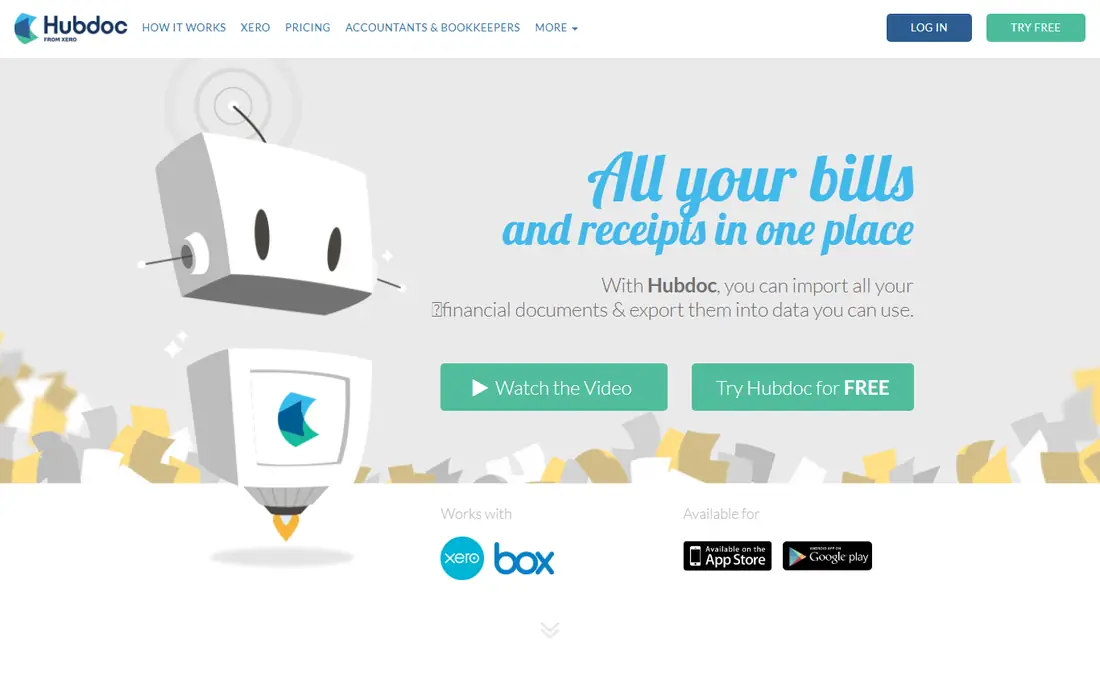
Hubdoc is the first tool many Xero firms try when they leave a standalone capture tool. It collects receipts, bills and bank statements, reads key header fields, and files documents against Xero or QuickBooks records. Supplier rules and auto-fetch save repeat downloads, which matters when a client has the same utility, phone and supplier bills each month.
The limit is line detail. Hubdoc reads headers well, but a firm that splits long supplier invoices across jobs will still do manual work. For general bookkeeping, where clean documents and tidy filing matter most, Hubdoc is a strong and affordable pick. Firms that need deep line-item data should look at Datamolino or DocuClipper as well.
- Auto-fetches bills and statements from suppliers
- OCR reads vendor, date and total
- Syncs to Xero and QuickBooks
- Line-item depth is thinner than specialist tools
- Best value stays inside Xero workflows

Expensify suits a business with staff who submit expenses, rather than a bookkeeping firm processing client files. Employees photograph receipts, SmartScan reads vendor and total, and reports flow through approval to reimbursement. Mileage tracking, corporate card feeds and global currency support help teams that travel.
It is less suited as a pure document capture tool for accountants. Bulk client processing, deep line-item extraction and supplier fetching are not its core job. For a small business that wants staff expenses handled cleanly, Expensify is a practical choice. For a firm, pair it with a capture tool built for client work.
- SmartScan reads receipts fast
- Expense reports, approvals and mileage in one app
- Syncs to QuickBooks and Xero
- Built for employee reports, not firm document processing
- Higher tiers needed for advanced controls
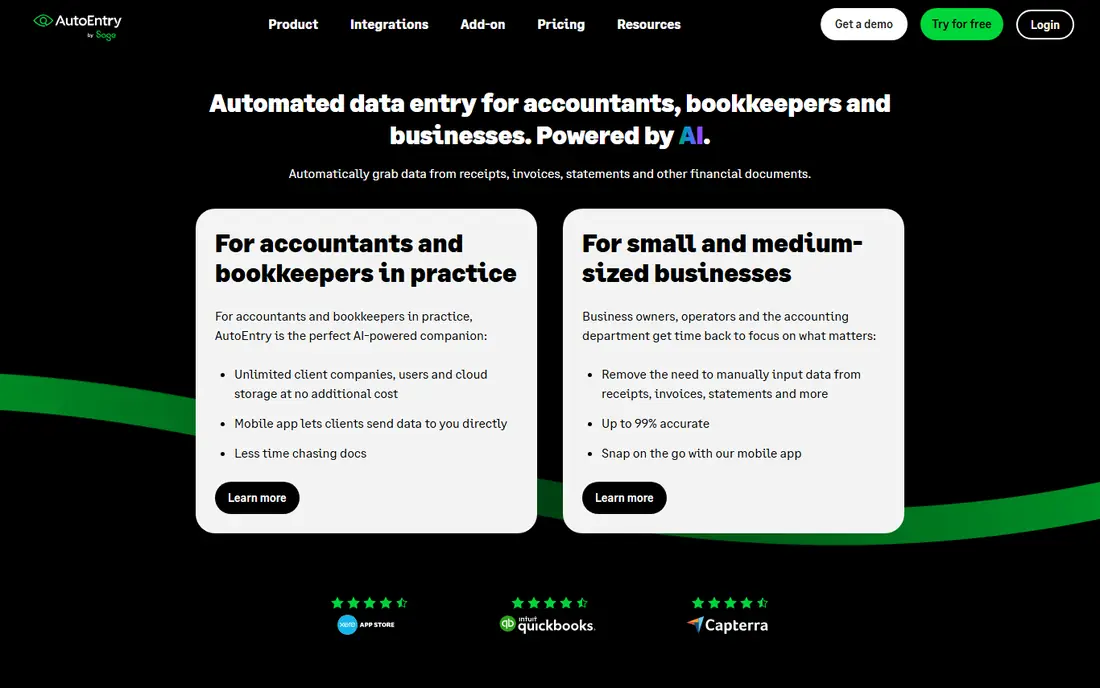
AutoEntry, from Sage, is the closest firm-style replacement for many Dext users. It extracts data from receipts, invoices, bank statements and bills, and posts results to Sage, QuickBooks or Xero. Credit-based pricing lets a firm pay for document volume rather than a flat per-client fee, which can suit firms with uneven monthly volume.
Credit pricing is also the thing to model. A firm with many long invoices can burn credits faster than expected, so test with a real month of client documents before committing. For firms that want extraction depth and ledger links without a per-client subscription for every client, AutoEntry is a credible and mature option.
- Dext-style extraction for receipts, invoices and statements
- Credit-based pricing for firms
- Sage, QuickBooks and Xero links
- Pricing is credit-based, so forecasting takes care
- Setup and supplier rules need time
DocuClipper suits accountants and finance teams that scan receipts in volume and need clean output. It extracts line items, including description, quantity and price, and exports to Excel, QuickBooks or Xero without manual retyping. Bulk upload by folder helps when a client hands over a month of receipts at once.
It is less focused on employee reimbursement workflows, so a business that needs approvals and card feeds may prefer Expensify. Page-based pricing also needs a volume check, because a month of long invoices costs more than a month of short receipts. For bulk processing and clean spreadsheet output, DocuClipper is a strong specialist.
- Line-item extraction
- Native Excel export
- Direct QuickBooks and Xero output for finance teams
- Built for finance teams, less suited for casual employee expenses
- Page-based pricing needs volume checks
Receiptor AI fills a specific gap: receipts buried in email. It scans a connected inbox, pulls out purchase receipts and organises them for bookkeeping, which helps after a capture tool closes or when staff forward receipts by email. For a business that buys much of its stock online, email receipts can be a large share of missing documents.
It is not a full replacement for a capture suite. It does not fetch supplier portal bills or bank statements in the same way Hubdoc does, and it does not replace a ledger. Use it as a recovery and collection layer, alongside a main capture tool or accounting system, rather than as your only bookkeeping tool.
- Recovers receipts from email inboxes
- Useful after a tool change
- Tidy export for bookkeeping
- Narrow focus on email receipts
- Not a full bill and statement fetcher
WellyBox also focuses on email receipts, and it suits freelancers and small businesses that want those receipts collected without manual forwarding. Receipts are gathered, organised and made searchable, which helps at month end and at tax time. The setup is lighter than a full firm platform, and the price model suits a single business rather than a firm with many clients.
The limit is scope. WellyBox does not replace invoice line-item extraction or full bill fetching, and its accounting links should be checked against your ledger before you rely on it. For email-heavy buying, it is a useful helper. For full bookkeeping, pair it with QuickBooks, Xero or a firm capture tool.
- Collects email receipts automatically
- Organises receipts by vendor and date
- Useful for small businesses and freelancers
- Email-only scope
- Accounting sync and extraction depth vary by plan
Datamolino suits bookkeepers who need line-item data, not just header totals. It reads invoice lines and posts structured data for bookkeeping, which helps when a wholesaler invoice must be split across jobs or categories. That depth is the reason firms choose a specialist over a general capture app.
It is a specialist tool, so a casual user who only photographs a few receipts a month may find it more than they need. Pricing is plan-based, and limits should be checked against real document volume. For document-heavy bookkeeping, Datamolino is a focused and practical alternative.
- Line-item extraction for bookkeepers
- Plan-based pricing
- Designed for document-heavy bookkeeping work
- Specialist focus, less suited for casual users
- Pricing and limits need a direct check
QuickBooks Online is worth checking before you pay for a separate capture tool. Its mobile app captures receipts, reads key fields and links them to expenses, bills and bank feeds in the same ledger. For a business already on QuickBooks, that built-in capture may be enough, and it avoids a second subscription and a second sync.
The catch is scope. If you only need capture and you use Xero or another ledger, QuickBooks capture alone is not a reason to switch accounting systems. Capture depth also varies by plan. Test QuickBooks capture with your own receipts first, and only buy a specialist tool if it misses line items or volume you truly need.
- Receipt capture built into accounting
- Mileage and expense tools
- Wide accountant and app support
- Capture depth varies by plan
- Paying for full accounting when you only need capture is wasteful
Xero also deserves a check before you add a separate tool, because many Xero plans include Hubdoc at no extra cost. Receipts and bills can be captured, filed and matched to bank transactions in one ledger, and reporting stays in the same system. For a Xero firm, that bundle can make a standalone capture subscription hard to justify.
Long supplier invoices may still need specialist line-item help, and plan limits vary by region, so check your local plan. Test Xero capture and Hubdoc with a real month of documents, and only add AutoEntry, DocuClipper or Datamolino if line-item work or volume demands it. For many small firms, the built-in route is the simplest and cheapest path.
- Receipt and bill capture built into accounting
- Hubdoc included on many plans
- Strong bank feeds and reporting
- Capture depth for long invoices may still need a specialist
- Plan limits vary by region
How we picked these
We compared official pricing pages, extraction features and accounting integrations for receipt and expense tools, and we kept only tools that are available and supported in October 2026. We looked for photo capture, email collection, supplier fetching, line-item depth and sync to QuickBooks or Xero, and we noted where pricing is credit-based, page-based or bundled with accounting software.
We did not claim hands-on testing. Our comparison rests on vendor documentation, pricing pages and public reviews. This article gives general information only, not tax advice. Keep original documents as your accountant advises, and check retention rules for your business and location.
How to choose a receipt tool for your workflow
Start with who creates the documents. Employee expenses need reports, approvals and mileage. Client bookkeeping needs bulk upload, supplier rules and line-item data. A tool built for one job will feel awkward for the other, so match the tool to the creator first, then to the ledger.
Next, test with a real month. Use long invoices, short receipts, email receipts and bank statements from your own work, and check how much manual fixing each tool needs. A tool that reads headers well but misses lines can still cost hours on wholesaler invoices. Count that fixing time, not just the subscription price, when you compare.
Finally, check sync and retention. Confirm that documents link to the right ledger record, that duplicates are handled, and that you can export documents if you leave. A capture tool should reduce month-end work, not create a second filing system you must maintain by hand.
Frequently asked questions
Is a separate receipt tool still needed if I use QuickBooks or Xero?
Not always. Both systems include capture, and Xero plans often include Hubdoc, which covers many small businesses. A separate tool helps when you need deep line-item data, bulk firm processing or email receipt recovery at scale.
What is the difference between header extraction and line-item extraction?
Header extraction reads vendor, date and total, which is enough for simple expenses. Line-item extraction reads each product line, quantity and price, which matters when an invoice must be split across jobs, categories or tax codes.
Do receipt apps replace my accountant?
No, they reduce data entry and organise documents, but an accountant still checks categories, tax treatment and reporting. This article is general information only, not tax advice, so check tax questions with a qualified professional.
How should I store original receipts?
Keep originals as your accountant advises, and check retention rules for your business type and location. Most capture tools store images, but a stored image is not always a substitute for an original in every tax situation.
Can email receipts be captured automatically?
Yes, tools such as Hubdoc, Receiptor AI and WellyBox collect email receipts, but scope and accuracy vary. Test with your own suppliers, because some vendors send receipts in formats that are harder to read.
What does credit-based pricing mean for firms?
Credit-based pricing charges for documents or pages processed, rather than a flat monthly fee. It can suit uneven volume, but a firm should model a busy month, because long invoices can use more credits than short receipts.
Sources
See where you really rank - block by block
ProMapRanker scans Google Maps across a grid of your service area. Simple monthly plans from $19, white-label on every plan.
Start freeKeep reading
 zyte alternatives
Best Zyte Alternatives in 2026
These zyte alternatives cover managed scraping APIs, proxy networks and no code tools for lawful collection from your own or consented sources only in 2026.
Read → zerto alternatives
Best Zerto Alternatives in 2026
Compare the best zerto alternatives for disaster recovery and replication, with recovery targets, cloud options and honest trade-offs for teams in 2026.
Read → zerofox alternatives
Best ZeroFox Alternatives in 2026
We compared 9 zerofox alternatives for brand protection, phishing takedowns, dark web monitoring, and social impersonation, with clear coverage notes.
Read →