 ProMapRanker
Best Detectify Alternatives in 2026


Continuous scanning for small teams · Pricing starts at: $149 per month
Key takeaways
- Intruder is our pick for most small teams that want continuous scanning without running their own scanner infrastructure.
- OWASP ZAP is the free starting point for web app testing, but it needs skill and time to run well.
- Acunetix, Tenable, and Qualys suit teams that need deep web application coverage and formal reporting.
- Burp Suite Professional fits testers who want manual control alongside automated scans.
- Price models differ sharply, so compare cost per application and per target, not just the headline monthly price.
Quick comparison
| Pick | Great for | Pricing starts at | Free tier | |
|---|---|---|---|---|
| Intruder | Continuous scanning for small teams | $149 per month | Free trial | Visit |
 Probely | Simple web app scanning | See website | Free trial | Visit |
 Acunetix by Invicti | Deep web application scanning | See website | Free trial | Visit |
 Tenable Web App Scanning | Enterprise web app coverage | See website | Free trial | Visit |
 Qualys Web App Scanning | Enterprise scanning and compliance | See website | Free trial | Visit |
 Burp Suite Professional | Manual and automated web testing | See website | Free trial | Visit |
 OWASP ZAP | Free open source web testing | Free | Yes | Visit |
 Pentest-Tools.com | Target based cloud scanning | See website | Free trial | Visit |
 Escape | API and web app security testing | See website | No | Visit |
The best detectify alternatives
Detectify combines web application scanning with attack surface monitoring. These alternatives cover the same ground in different ways, from simple cloud scanners to manual testing tools used by professional testers.
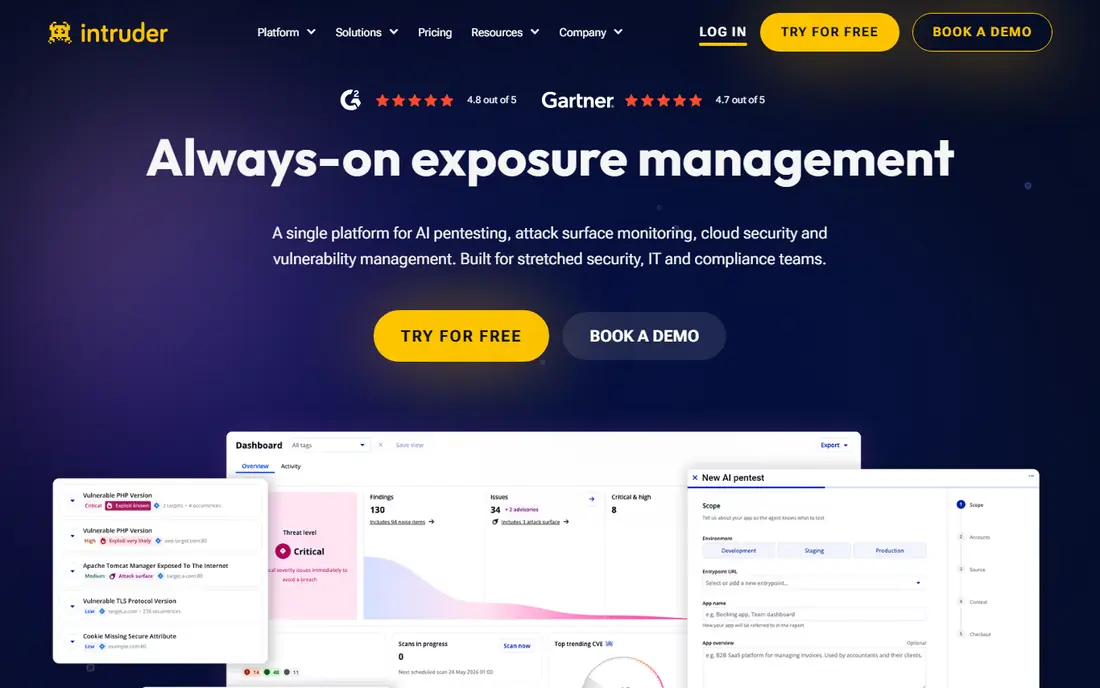
Intruder suits a team that wants scanning to run in the background and flag new issues as they appear. You add your targets, set a schedule, and get reports that explain what to fix first. That low admin load is why many small teams pick it over a scanner they must host and maintain themselves.
The limit is depth. Intruder is strong on continuous coverage, but it does not replace a skilled manual test for complex logic flaws or chained attacks. Treat it as an always on safety net, and bring in manual testing for high risk applications and major releases.
- Continuous infrastructure and web scanning
- Easy setup
- Clear reporting for remediation
- Manual testing depth is limited
- Higher tiers are needed for more applications
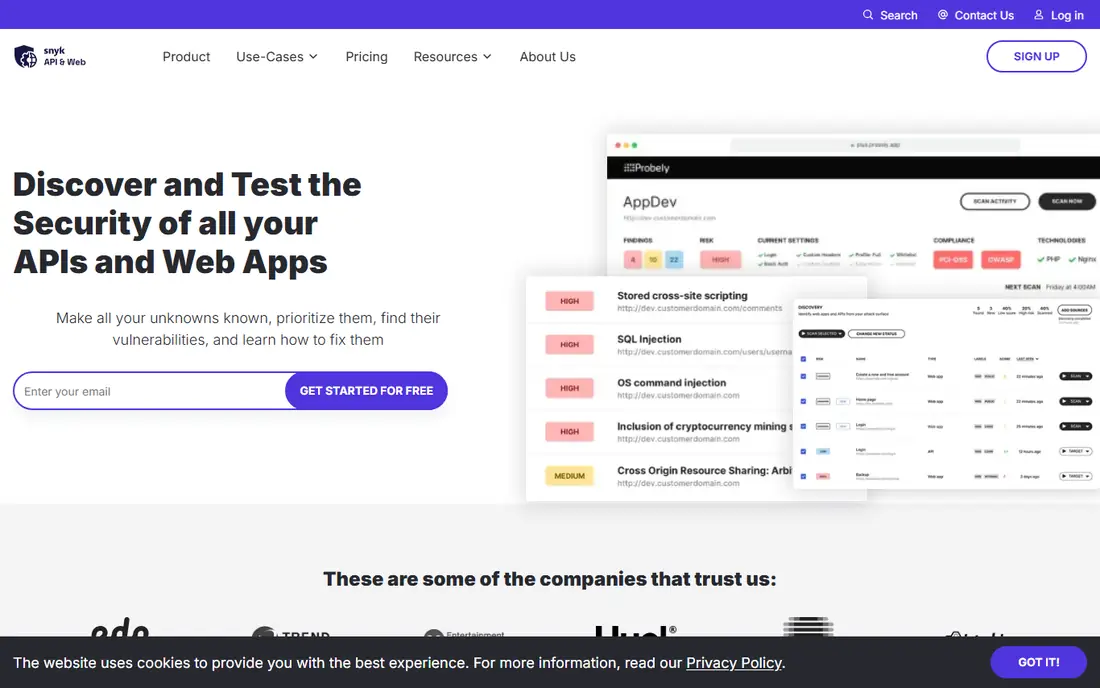
Probely keeps web application scanning close to the developer workflow. It scans web apps and APIs, reports findings with fix guidance, and integrates with common development tools. For a small product team that needs regular web scans without a security department, that focus is a plus.
The trade off is breadth. Probely does not try to cover every infrastructure and compliance use case that Qualys or Tenable cover. If you need network scanning, asset inventory, and compliance reporting in one platform, you will need a second tool or a larger suite.
- Web focused scanner
- Straightforward setup
- API scanning on higher plans
- Smaller feature set than enterprise platforms
- Pricing is not fully public
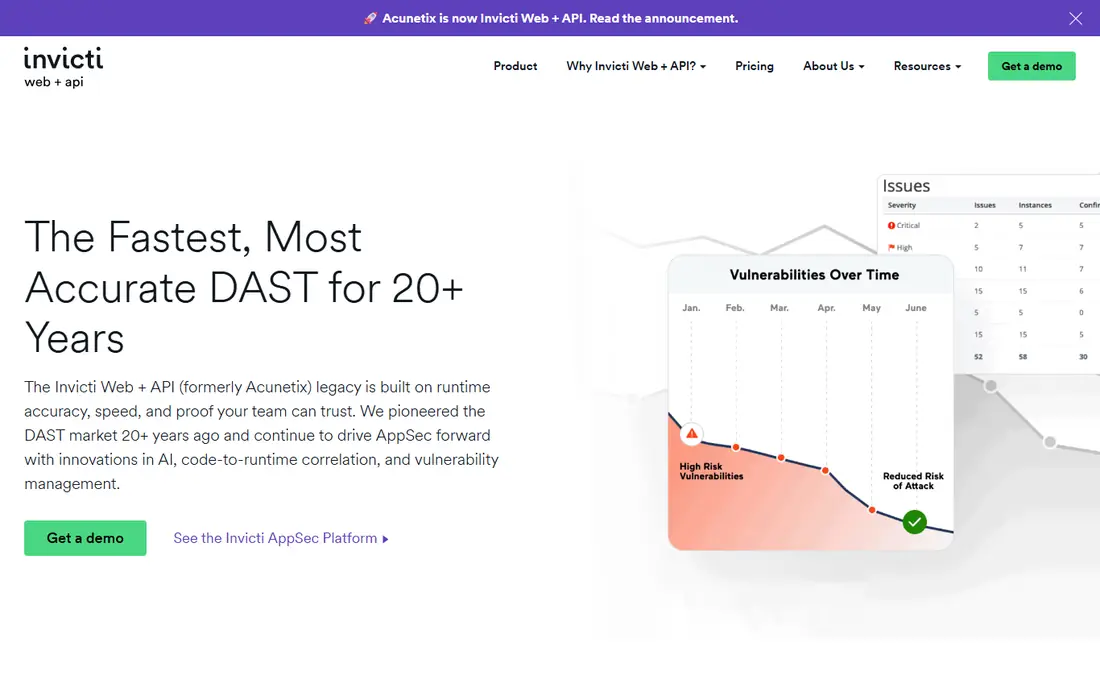
Acunetix is built for depth. It crawls complex web applications, handles common authentication patterns, and tests for a wide range of web flaws with evidence for each finding. Security teams that need to show proof to developers and auditors often prefer this style of report over a simple vulnerability list.
The cost and setup reflect that depth. Pricing is quote based, and a small team with one simple site may pay for capability it never uses. It fits best where web applications are core to the business and where scan quality matters more than a low entry price.
- Deep crawling and scanning for complex web apps
- Strong reporting
- Proof based findings
- Quote based pricing
- Can be costly for a single small site
Tenable Web App Scanning fits organisations that already manage vulnerabilities at scale. It scans web applications alongside the wider Tenable platform, so findings sit next to network and cloud results in one view. That unified picture helps a security team prioritise across the whole estate rather than in silos.
For a small team, the enterprise model can feel heavy. Contracts, licensing by fully qualified domain name, and platform setup all add time. It is a strong choice for a larger team, and a costly one for a team that only needs a few web scans each month.
- Part of a large vulnerability management ecosystem
- Scalable for many applications
- Mature reporting
- Enterprise pricing and contracts
- Setup takes more planning than a simple cloud scanner
Qualys Web App Scanning sits inside the Qualys cloud platform, which also covers infrastructure, cloud, and compliance checks. That breadth suits teams that must report against standards and show continuous monitoring across many assets. The platform is mature, and its reporting is built for auditors as well as engineers.
New users should expect a learning curve. Qualys has many modules and settings, and getting scan profiles, authentication, and schedules right takes time. Small teams may prefer a simpler scanner, while larger teams will value the depth once it is configured.
- Cloud platform with broad coverage
- Compliance reporting
- Scalable asset management
- Quote based pricing
- Learning curve for new users
Burp Suite Professional is the tool many professional web testers open first. It combines a proxy for manual testing with an automated scanner, a repeater for crafting requests, and extensions that add new checks. For a team with testing skill, it finds logic and workflow issues that automated cloud scanners often miss.
That skill requirement is also the catch. Burp Suite is not a hands off monitoring service. It rewards a tester who understands web applications, and it can sit unused if nobody on the team has time to run it. Buy it for capability, not for passive coverage.
- Industry standard manual testing tools
- Powerful scanner and repeater
- Large community and training material
- Needs skilled testers to get full value
- Not a set and forget cloud scanner
OWASP ZAP, often called ZAP, is the free open source option that every web team should know. It proxies traffic, runs automated scans, and can run in continuous integration to catch basic flaws before release. For a team with no security budget, it is the honest starting point.
The cost is time, not money. ZAP needs configuration, tuning to reduce false positives, and someone who can read the results. It also lacks the managed monitoring, support, and polished reporting of paid cloud scanners. Use it as a foundation, and add a paid scanner when you need continuous external monitoring.
- Free and open source
- Active community
- Good for learning and CI checks
- Needs setup and skill
- No vendor support contract by default
Pentest-Tools.com organises pricing around the number of targets you scan, which makes budgeting simple for a team with a known set of websites. All plans include the full suite of reconnaissance, web, network, and CMS tools, so you do not lose a tool when you pick a cheaper plan. That clarity is refreshing in a market full of quote only pricing.
The suite approach has a limit. Individual tools may not go as deep as a specialist scanner for a complex web application, and reporting is more practical than enterprise grade. It suits a security team that wants flexible cloud scanning across many targets without a large contract.
- Clear target based pricing model
- Full tool suite on every plan
- Easy to understand plans
- Depth varies by tool
- Enterprise features are limited compared with large suites
Escape stands out for API heavy products. It tests REST, GraphQL, and SOAP APIs, handles modern authentication flows, and covers internal as well as external applications. Teams that ship APIs as their main product often find that traditional web scanners miss API logic flaws that Escape is built to catch.
The pricing model reflects an enterprise focus, so a small team with one marketing site will likely find it costly. It fits best where APIs carry real user data and where a missed API flaw would matter more than a missed marketing page issue.
- Strong API testing including GraphQL
- Internal and external coverage
- Modern authentication support
- Enterprise focused pricing
- Less suited to a single simple website
How we picked these
We compared official product pages, pricing pages, and public scanner comparisons, and we kept only tools that are live in October 2026 and that scan web applications or attack surfaces as a core function. We included a free open source tool, a manual testing standard, and cloud scanners at different price points, because teams buy these tools for different jobs. Where pricing was quote only, we wrote See website rather than repeating a third party estimate as fact.
What to check before you pay
Start with what you actually run. A marketing site, a customer portal, and an API need different scan depth, authentication handling, and frequency. List your applications and APIs, note which ones handle payments or personal data, and scan the highest risk ones first. A cheap scanner that cannot log in to your app will miss the pages that matter most.
Next, test authentication and false positives. Run a trial scan against a staging copy, check whether the scanner reaches authenticated pages, and read a sample report for findings your developers can act on. A long list of low value findings wastes developer time, while a short list with clear fix steps gets fixed. Finally, check the schedule and the handoff. Continuous scanning only helps if findings reach the team that owns the code, so confirm integrations with your issue tracker and your release process before you sign.
Frequently asked questions
Can a scanner replace a penetration test?
No. A scanner finds known patterns and common flaws at scale, while a penetration test adds human judgement, chained attacks, and business logic testing. Many teams use both, with scanning running continuously and a manual test before major releases.
How often should I scan a web application?
Continuous or weekly scanning suits live applications that change often, while a monthly scan may suit a stable marketing site. Scan again after any major release, infrastructure change, or security incident, and keep a record of each scan for audit purposes.
Do I need permission to scan a website?
Yes. Only scan systems you own or have written permission to test. Scanning a third party site without permission can break the law and your terms of service, even if the tool is marketed as a security scanner.
What is attack surface monitoring?
Attack surface monitoring finds internet facing assets linked to your organisation, including subdomains and services you may have forgotten, and watches them for change. It complements application scanning, which tests known applications in depth.
Is OWASP ZAP enough for a small business?
For many small teams, ZAP plus good patching and secure coding is a strong start. Add a paid cloud scanner when you need continuous external monitoring, vendor support, or formal reports for customers and auditors.
Sources
See where you really rank - block by block
ProMapRanker scans Google Maps across a grid of your service area. Simple monthly plans from $19, white-label on every plan.
Start freeKeep reading
 zoro.to alternatives
Best Zoro.to Alternatives in 2026
We compare the best zoro.to alternatives in 2026, listing only legal licensed anime streaming services, from Crunchyroll to free options for fans today.
Read → zip alternatives
Best Zip Alternatives in 2026
We compare the best zip alternatives for buy now, pay later in 2026, covering pay-in-4 plans, fees, spending limits, and credit reporting options today.
Read → yesware alternatives
Best Yesware Alternatives in 2026
Compare the best yesware alternatives for sales email tracking, templates, and sequences, with current pricing and honest tradeoffs for small sales teams.
Read →