 ProMapRanker
Descript Alternatives in 2026

Key takeaways
- Riverside is the best pick when remote recording quality comes first, with text based editing added on top.
- Podcastle suits podcasters who want recording, editing, and publishing in one simple studio.
- Kapwing and VEED suit browser based video editing, with captions and clips as core strengths.
- Audacity and Clipchamp are the low cost picks, with Audacity free and Clipchamp offering free 1080p exports.
- Transcript editing is not the same on every tool, so test filler removal, caption accuracy, and export on a real episode.
Quick comparison
| Pick | Great for | Pricing starts at | Free tier | |
|---|---|---|---|---|
 Riverside | Remote studio recording | $24 per month | Yes | Visit |
 Podcastle | All in one podcast studio | $11.99 per month | Yes | Visit |
 Kapwing | Browser video editing and clips | $16 per month | Yes | Visit |
 VEED | Browser editing and subtitles | $12 per month | Yes | Visit |
 Audacity | Free audio editing control | Free | Yes | Visit |
 Camtasia | Tutorial and training videos | $179.88 per year | Free trial | Visit |
 Adobe Premiere Pro | Professional timeline editing | $22.99 per month | Free trial | Visit |
 Clipchamp | Free browser video editing | $11.99 per month | Yes | Visit |
 Otter.ai | Transcription only | $8.33 per month | Yes | Visit |
The best Descript alternatives
We compared alternatives to Descript on recording, transcript editing, captions, audio cleanup, and pricing, and we kept only tools that are live in October 2026.
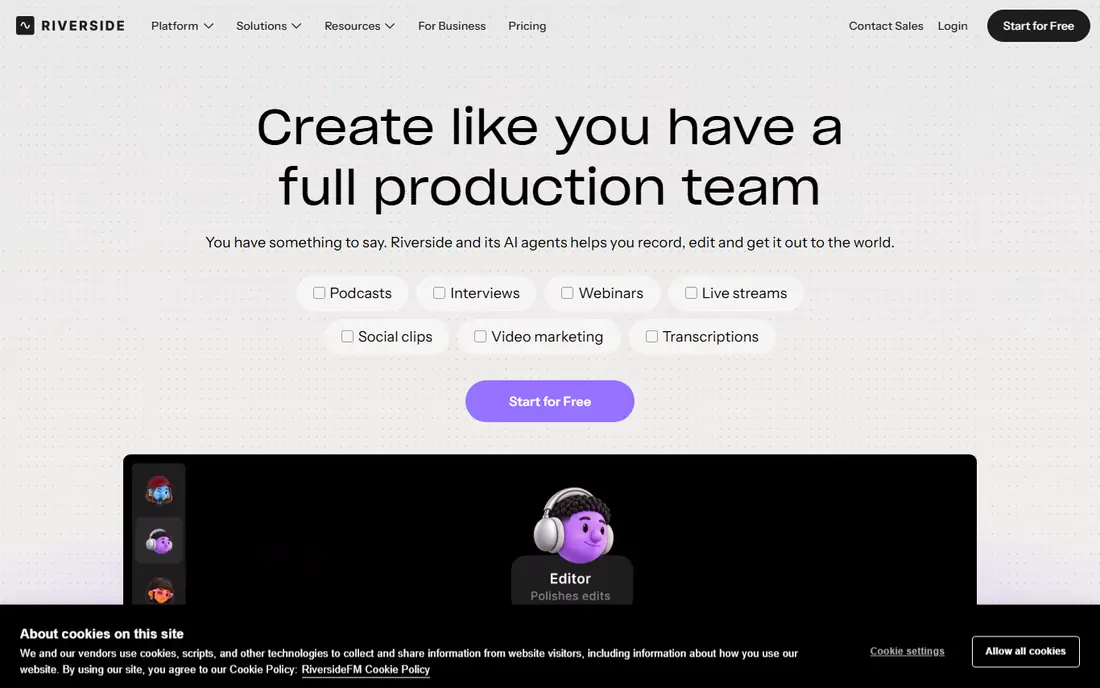
Riverside is our pick when recording quality matters most. Each guest records locally in high quality, so a weak internet connection does not ruin the final audio or video, and the files sync to the studio after the call. Text based editing then lets you cut by editing the transcript, remove filler words, and tidy an episode without scrubbing a timeline for every cut.
The price reflects that recording focus. Pro starts at $24 per month on annual billing, which is higher than Kapwing or VEED, and some hosting and advanced features sit on higher tiers. If you record remote interviews and want the cleanest source files, Riverside is the best Descript alternative. If you only edit files you already have, a cheaper editor may be enough.
- Studio quality local recording for remote guests
- Text based editing with filler removal
- Podcast hosting on higher tiers
- Higher starting price than browser editors
- Editing is secondary to recording quality
- Some features need higher tiers
Podcastle suits podcasters who want one studio for the whole episode, from recording to cleanup to publishing. The interface is beginner friendly, with AI tools for noise removal, voice enhancement, and text based edits, plus video recording for video podcasts. That all in one flow saves time for solo creators who do not want to move files between three apps.
Depth is the trade off. Podcastle editing is simpler than a professional timeline editor, and some AI features are English first. Essential starts at $11.99 per month, with a free plan for testing. For a solo podcaster who wants a fast route from record to publish, Podcastle is a strong Descript alternative.
- Recording, editing, and publishing in one studio
- AI audio cleanup and voice tools
- Easy for beginners
- English first for some AI features
- Editing depth is thinner than Premiere Pro
- Paid tiers affect hours and features
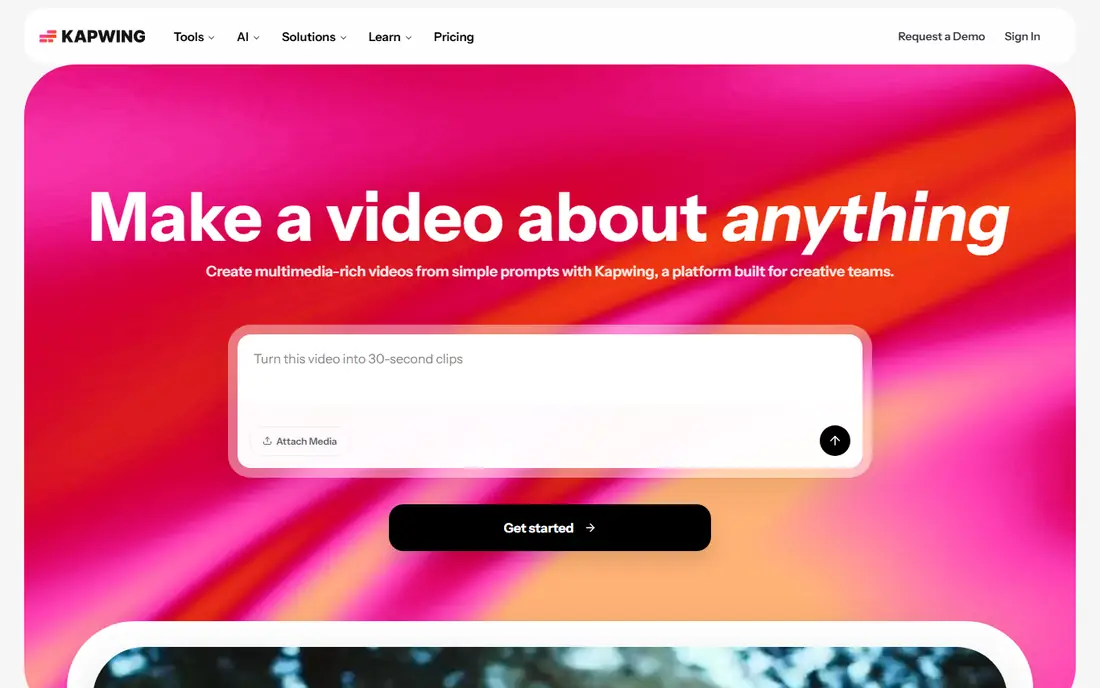
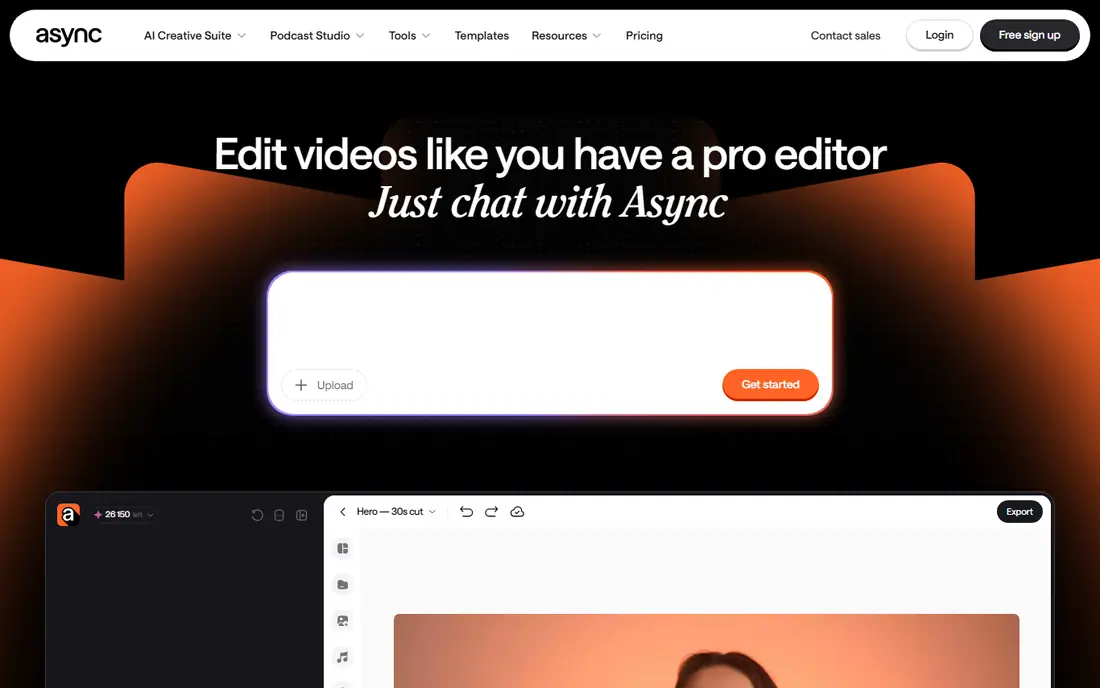
Kapwing suits creators who edit in a browser and need social clips fast. You can upload video, add subtitles, remove silences, trim clips, and share work with a team without installing desktop software. That browser flow is handy for teams that work across devices or that need a quick edit on a shared machine.
Free use is limited, with a small number of exports per month and a watermark, while Pro starts at $16 per month on annual billing. Kapwing also lacks the deep timeline control of Premiere Pro or Camtasia. For browser based editing, captions, and clips, it is one of the best Descript alternatives, especially for social teams.
- Browser editing with no install
- Smart silence removal and subtitles
- Good for clips and social video
- Free plan limits exports per month
- Advanced editing is thinner than desktop tools
- Watermark on free exports
VEED is the browser pick for creators who care most about subtitles and social video. Its caption tools are strong, with automatic subtitles, styling, and translation options, plus templates that speed up short form video. Beginners can produce a clean captioned video in a browser without learning a desktop editor.
The limits are familiar for browser tools. Free exports carry a watermark, paid plans start at $12 per user per month on annual billing, and transcript based cutting is lighter than Descript. VEED also needs an internet connection, so offline editing is not an option. For captioned social video in a browser, VEED is a solid alternative.
- Browser editor with strong subtitle tools
- Templates and stock media for social video
- Easy for beginners
- Free exports carry a watermark
- Offline editing is not available
- Transcript cutting is lighter than Descript
Audacity is the free audio pick, and it remains a staple for podcasters who need precise audio control without paying. You can cut, clean, normalise, and apply effects to audio with a level of control that browser tools often lack, and there is no subscription, watermark, or export limit. For audio only work, it is hard to beat on price.
It is not a Descript clone. Audacity has no transcript based video editing, no built in transcription workflow like Descript, and no video timeline. The interface also looks dated, and new users need time to learn its tools. Use Audacity when audio quality and cost matter most, and pair it with Otter.ai or another transcription tool if you need text.
- Completely free and open source
- Precise audio editing and effects
- No subscription or watermark
- No built in transcript editing
- No video editing
- Interface looks dated and learning takes time
Camtasia suits creators who make tutorials, training videos, and demos, where screen recording and editing must work together. You can record a screen, webcam, and audio, then edit on a timeline with annotations, callouts, zooms, and captions. That tutorial focus sets it apart from podcast first tools like Podcastle or Riverside.
Price is the main limit. Camtasia costs $179.88 per year, with a trial rather than a free plan, which is costly for casual use. It is also less useful for audio only podcasters. For training teams and tutorial creators who need polished screen videos, Camtasia is a strong Descript alternative.
- Screen recording plus timeline editing in one tool
- Strong for tutorials, demos, and training
- Annotations and callouts built in
- Annual price is high for casual use
- No free plan, only a trial
- Less suited to podcast only workflows
Adobe Premiere Pro is the professional pick for creators who have outgrown browser editors. Its timeline gives precise control over video, audio, effects, and colour, and its text based editing lets you cut footage by editing a transcript, much like Descript. That mix of professional control and transcript editing makes it a credible alternative for serious video creators.
The trade offs are cost and complexity. Premiere Pro starts at $22.99 per month on an annual plan, with a trial rather than a free plan, and it needs a capable computer for large projects. New users will also need time to learn the timeline. For professional video work, it is the deepest tool here.
- Professional timeline editing
- Text based editing from transcripts
- Broad format and export support
- Learning curve is steep
- Subscription cost adds up
- Needs a capable computer for heavy projects
Clipchamp suits creators who want a free browser editor without a watermark on basic exports. Free 1080p exports are a real advantage over VEED and Kapwing free tiers, and templates plus stock media help beginners make a clean video quickly. Microsoft integration also helps teams already on Microsoft 365.
Paid plans start at $11.99 per month for premium features, stock, and brand tools, so advanced work still costs. Clipchamp is also more of a general video editor than a podcast studio, so podcasters may prefer Riverside or Podcastle. For free browser video editing, Clipchamp is a strong Descript alternative.
- Browser editor with free 1080p exports
- Templates and stock media
- Microsoft integration for many users
- Advanced features need paid plans
- Browser performance depends on your machine
- Less podcast focused than Riverside or Podcastle
Otter.ai is the transcription only pick, and it belongs here for creators who mainly need accurate text from audio. It transcribes meetings, interviews, and podcast recordings, makes the text searchable, and lets you export or share transcripts. That text can then feed an editor like Premiere Pro, Audacity, or Kapwing.
It is not a video or audio editor by itself. You cannot cut video from a transcript in Otter.ai, and free transcription minutes are capped, with Pro starting at $8.33 per month on annual billing. Use Otter.ai when transcription is the bottleneck, and pair it with an editor for the final cut.
- Accurate transcription for meetings and interviews
- Searchable transcripts
- Good for turning audio into text fast
- Transcription only, not a full editor
- Free plan caps transcription minutes
- Language support is narrower than some rivals
How we picked these
We compared official pricing pages and public Descript alternative comparisons, and we kept only tools that are live in October 2026 and that cover recording, transcript editing, captions, or professional editing. We included podcast, browser, desktop, free, and transcription only options, because Descript users switch for different jobs. Where pricing differed across sources, we used the most commonly published annual figure and wrote See website only where needed, though most prices here are published.
What to check before you switch
Decide whether you need recording, editing, or both. A great recording tool with weak editing, or a great editor with no recording, can both disappoint if you expected one tool to do everything.
Test transcript accuracy on your own audio
Run a real episode, with your voices, accents, and background noise, through the trial. Caption and transcript accuracy on clean demo audio does not predict accuracy on your real recordings.
Check export and watermark rules
Free plans often limit exports, add watermarks, or cap resolution. Check export format, resolution, and watermark rules on the exact plan you will use, because those decide whether free is usable for published work.
Check filler removal and audio cleanup
Filler removal, silence removal, and noise cleanup vary a lot. Test those features on a noisy, real recording, not just on a short clean clip, before you commit to a paid plan.
Frequently asked questions
What are the best Descript alternatives?
Riverside is best for remote recording, Podcastle is best for an all in one podcast studio, and Kapwing and VEED are best for browser video editing. Audacity is best for free audio editing, Premiere Pro is best for professional video, and Otter.ai is best for transcription only.
Is there a free alternative to Descript?
Yes. Audacity is free, Clipchamp offers free 1080p exports, and Riverside, Podcastle, Kapwing, VEED, and Otter.ai offer free plans with limits. Free plans often cap minutes, exports, or features, so check limits before you rely on free for published work.
Which alternative is best for podcasters?
Riverside suits remote interview podcasters, while Podcastle suits solo podcasters who want recording, editing, and publishing in one place. Audacity plus Otter.ai suits podcasters who want free audio editing and transcription without a subscription.
Which alternative is best for video creators?
Kapwing and VEED suit browser based social video, Clipchamp suits free browser editing, and Premiere Pro suits professional video work. Camtasia suits tutorial and training video creators who need screen recording plus editing.
Do these tools offer text based editing?
Some do. Riverside and Premiere Pro offer text based editing from transcripts, while Podcastle offers text based edits in its studio. Kapwing and VEED offer subtitle and silence tools rather than full transcript cutting, so test the exact workflow you need.
Can I edit on a phone with these tools?
Browser tools like Kapwing, VEED, and Clipchamp work on mobile browsers to varying degrees, while desktop tools like Premiere Pro and Camtasia need a computer. Check mobile editing on the exact tool you plan to use, because mobile support is often viewing only or limited.
Sources
See where you really rank - block by block
ProMapRanker scans Google Maps across a grid of your service area. Simple monthly plans from $19, white-label on every plan.
Start freeKeep reading
 zscaler alternatives
Best Zscaler Alternatives in 2026
Looking for zscaler alternatives? We compare 9 SASE and zero trust platforms on architecture, data protection, pricing, and fit for your network and team.
Read → zapier alternatives free
Best Zapier Alternatives Free in 2026
Nine automation tools for zapier alternatives free in 2026, all with genuinely free tiers, plus free plan limits, starting prices and upgrade paths explained.
Read → which platform is best for online reputation
Which Platform Is Best for Online Reputation in 2026
Wondering which platform is best for online reputation? We compare 8 review, listing, and response tools for small and multi-location businesses and agencies.
Read →