 ProMapRanker
Best DeployHQ Alternatives in 2026

Key takeaways
- Buddy and DeployBot are the closest simple replacements for DeployHQ-style Git deployments.
- GitHub Actions, GitLab CI/CD and CircleCI suit teams that want build, test and deploy in one pipeline.
- Jenkins remains free and self-hosted, but needs more setup and maintenance time.
- Octopus Deploy fits complex release workflows, with pricing that reflects enterprise scale.
- Netlify and Launchdeck suit website teams that want fast, simple deploys from Git.
Quick comparison
| Pick | Great for | Pricing starts at | Free tier | |
|---|---|---|---|---|
 Buddy | Simple visual CI/CD pipelines | $29 per month | Yes | Visit |
 DeployBot | Simple Git deployments | $25 per month | Yes | Visit |
 Octopus Deploy | Complex release management | Free | Yes | Visit |
 GitHub Actions | GitHub-native teams | Free | Yes | Visit |
 GitLab CI/CD | All-in-one DevOps teams | Free | Yes | Visit |
 CircleCI | Fast cloud builds | Free | Yes | Visit |
 Jenkins | Self-hosted control | Free | Yes | Visit |
 Netlify | Website and frontend deploys | Free | Yes | Visit |
 Launchdeck | Simple PHP and website deploys | $10 per month | Free trial | Visit |
The best DeployHQ alternatives
DeployHQ is known for simple deployments from Git to servers over SSH, SFTP and FTP, without a full CI/CD suite. The tools below cover that same job, plus broader pipelines for teams that also need builds and tests. We compared official pricing pages, feature lists and recent comparisons to build this list.
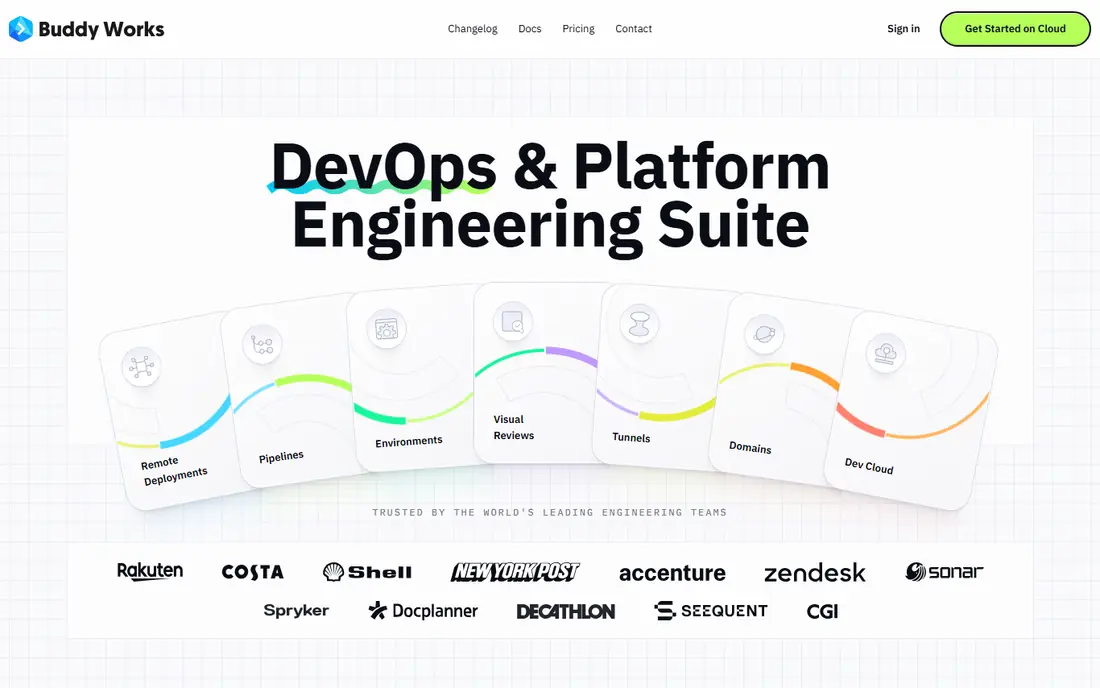
Buddy is often described as one of the simplest CI/CD tools to set up. Teams build pipelines by arranging ready actions for building, testing and deploying, rather than writing long config files. That visual approach suits small teams that want DeployHQ-style ease with added build and test steps.
Pricing starts with a free plan for one user, then Pro at $29 per month for two seats in recent listings. Additional seats and compute minutes add cost, so larger teams should model seat count before choosing. Buddy fits website and app teams that want a clear pipeline view without a heavy platform.
- Visual pipeline builder
- Over 100 ready actions
- Fast setup for small teams
- Seat and compute limits shape cost
- Less suited to very large enterprise release rules
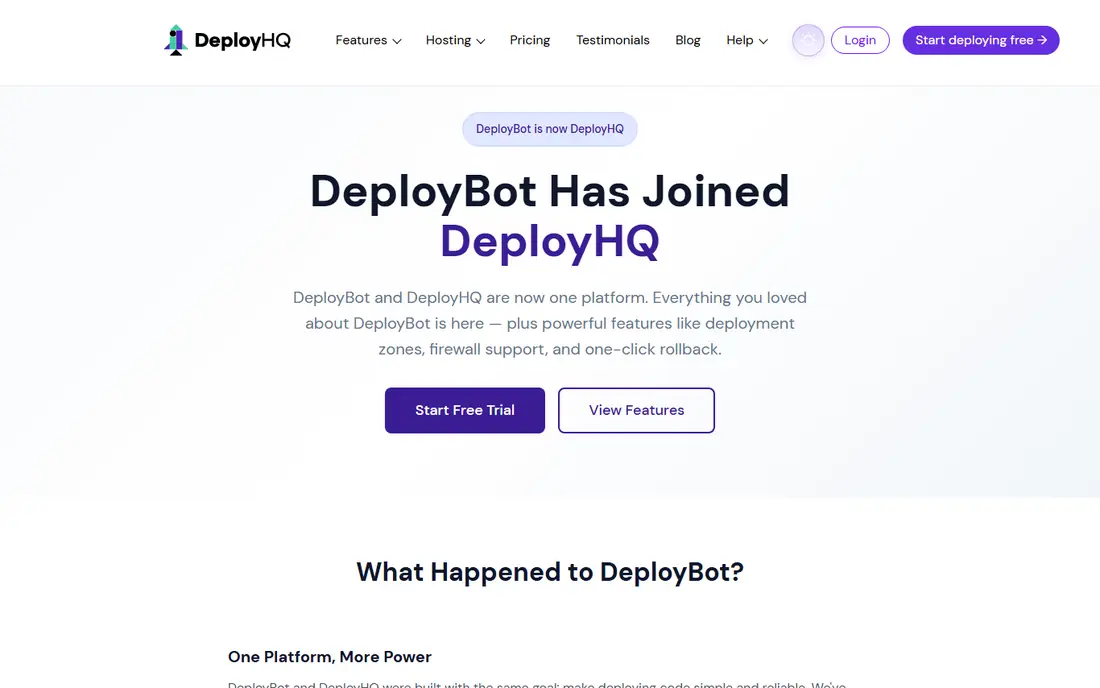
DeployBot is the closest like-for-like replacement in this list. It deploys code from Git repositories to servers, supports multiple environments and keeps deployment history clear. Teams that liked DeployHQ for its single-purpose focus will find DeployBot familiar, with less to configure than a full CI/CD suite.
Pricing starts at $25 per month in recent comparisons, with a free tier for small use. The limit is scope. DeployBot is not a full build and test platform, so teams that need heavy testing will pair it with another tool or choose a broader pipeline platform instead.
- Direct Git to server deploys
- Multiple environments
- Easy rollback view
- Narrower CI features than full platforms
- Pricing rises with servers and users

Octopus Deploy handles complex deployments that simple tools struggle with. It manages releases, environments, approvals and rollouts across many servers, which suits larger teams and regulated release processes. The free tier covers up to 10 projects and 10 machines in recent listings, which lets small teams test it properly.
Paid cloud pricing is enterprise-scale, with Professional listed around $4,330 per year in recent comparisons. That cost is justified only when release control, tenancy and approvals are central needs. For a single website deploy, Buddy or DeployBot will be cheaper and faster.
- Strong release and environment management
- Good for .NET and multi-server deploys
- Approval workflows
- Professional cloud pricing is high
- More setup than simple deploy tools
GitHub Actions is the natural pick for teams whose code already lives on GitHub. Workflows trigger on pushes, pull requests and schedules, and the marketplace offers thousands of community actions for building, testing and deploying. Private repos get free minutes on lower plans, and public repos get generous free use.
The trade-off is config depth. Simple deploys are quick, but complex workflows still need YAML care, and hosted runner minutes add cost at scale. Self-hosted runners can lower that bill, at the cost of maintaining the runners. For GitHub teams, the integration alone often outweighs those limits.
- Deep GitHub integration
- Huge action marketplace
- Free minutes for public repos
- YAML debugging can be slow
- Costs rise with hosted runner minutes
GitLab CI/CD covers planning, code, testing, security and deployment in one place. Teams that want to reduce tool handoffs will value that breadth, and self-managed GitLab gives control over runners and data. The free tier includes a modest CI minute allowance, with Premium adding more minutes and features.
Pricing for Premium SaaS is listed at $29 per user per month in recent comparisons, so it is a team cost, not a single flat fee. GitLab suits teams that will use more than deployment alone. If only simple server deploys are needed, a narrower tool will be simpler.
- Code, CI/CD and security in one platform
- Strong self-managed option
- Reusable components
- Premium pricing starts at $29 per user per month
- Platform breadth adds learning time
CircleCI is built for speed. Its cloud runners, caching and parallelism help large test suites finish faster, and its orbs package reusable config for common stacks. The free tier includes credits each month, and paid plans start with a Performance tier that adds users and credits.
The credit model is the watch point. Teams should model builds per day and parallelism before committing, because a fast pipeline can also be a costly one. CircleCI fits teams where build time directly affects developer speed and where GitHub or Bitbucket hosting is already in place.
- Fast parallel builds
- Reusable orbs
- Good caching and test splitting
- Credit model needs careful budgeting
- Costs rise with parallelism
Jenkins is the free, self-hosted standard. It runs on your own servers, supports hundreds of plugins and can build and deploy almost any stack. There is no software license fee, which makes it attractive for teams with infrastructure skills and tight budgets.
The real cost is time. Someone must install, update, secure and maintain Jenkins and its plugins, and that work grows with team size. Jenkins suits teams that need full control, custom runners or on-premises builds. Teams that want a managed service will prefer Buddy, CircleCI or GitHub Actions.
- Free open source software
- Huge plugin library
- Full control over runners and data
- Setup and plugin maintenance take real time
- Interface feels dated
Netlify suits website and frontend teams that deploy from Git and want hosting included. Every pull request can get a preview deploy, rollbacks are simple, and the platform handles hosting, forms and serverless functions for many sites. The free plan covers small sites and personal projects.
Netlify is not a general server deployment tool. Teams deploying to their own VPS or dedicated servers over SSH will find DeployBot or Buddy a better fit. For Jamstack and frontend sites, however, Netlify removes hosting and deploy steps in one move.
- Git-based deploys with previews
- Global hosting included
- Simple rollback
- Less suited to general server deploys
- Usage limits on free and lower plans
Launchdeck focuses on simple website deployments from GitHub and Bitbucket to your own servers over SSH, SFTP and FTP. Recent listings place it at $10 per month for 5 repositories, which makes it one of the lowest-cost paid options here. Setup is deliberately light, with no pipeline config to learn.
That simplicity is also the limit. Launchdeck does not replace a full test and build platform, so teams with complex builds will need another step. For agencies and freelancers deploying client websites to shared or dedicated servers, that narrow focus is often exactly what is needed.
- Simple Git to server deploys
- No complex pipeline config
- Low entry price
- Narrower scope than full CI/CD
- Smaller ecosystem than larger rivals
How we picked these
We compared official pricing pages, feature lists and recent comparisons for tools that deploy from Git to servers or hosting. We kept only products live in October 2026 and that cover simple deploys, full CI/CD or website hosting in a direct way. We did not include DeployHQ itself, and we favored tools with a clear free tier or a published entry price.
What to check before you switch
Start with where your code deploys to. A website host, a VPS over SSH and a fleet of app servers need different tools, and a platform that is perfect for one can be awkward for another. List your servers, environments, rollback needs and whether builds and tests must run before deploy.
Also check secrets handling, deploy logs and rollback speed. Test a deploy to staging with a real branch, confirm that failed deploys stop cleanly, and check how quickly you can roll back. For teams with compliance needs, confirm approval steps and audit logs before choosing a simple tool that may lack them.
Frequently asked questions
What is the closest alternative to DeployHQ?
DeployBot is the closest simple replacement, with Git to server deploys and multiple environments. Buddy is close too, with added build and test steps in a visual pipeline.
Is there a free DeployHQ alternative?
Yes. Jenkins is free open source software, GitHub Actions, GitLab CI/CD, CircleCI and Netlify all offer free tiers, and Octopus Deploy offers a free tier for small use. Free tiers carry minute, project or usage limits.
Which tool is best for PHP websites?
Launchdeck and DeployBot suit PHP and website deploys to your own servers. Netlify suits frontend sites where hosting is included, while Buddy covers broader app builds.
Do I need full CI/CD to deploy a website?
No. A simple deploy tool is enough if you only need to push code from Git to a server. Full CI/CD helps when you need automated tests, builds or approvals before every deploy.
Can I deploy to multiple servers at once?
Yes. DeployBot, Buddy, Octopus Deploy and Jenkins all support multi-server deploys, with different levels of control. Octopus Deploy is strongest for staged rollouts across many servers.
What happens if a deploy fails?
Good tools stop the deploy, keep the previous version live where possible and show clear logs. Test failure and rollback on staging before you rely on a new tool in production.
Sources
See where you really rank - block by block
ProMapRanker scans Google Maps across a grid of your service area. Simple monthly plans from $19, white-label on every plan.
Start freeKeep reading
 zoro.to alternatives
Best Zoro.to Alternatives in 2026
We compare the best zoro.to alternatives in 2026, listing only legal licensed anime streaming services, from Crunchyroll to free options for fans today.
Read → zip alternatives
Best Zip Alternatives in 2026
We compare the best zip alternatives for buy now, pay later in 2026, covering pay-in-4 plans, fees, spending limits, and credit reporting options today.
Read → yesware alternatives
Best Yesware Alternatives in 2026
Compare the best yesware alternatives for sales email tracking, templates, and sequences, with current pricing and honest tradeoffs for small sales teams.
Read →