 ProMapRanker
Best Demio Alternatives in 2026

Key takeaways
- Livestorm charges only for attendees who join, which suits teams tired of paying for no-shows.
- GoToWebinar and Zoom Webinars are the safer picks for large, recurring webinar programs.
- WebinarJam and Crowdcast are better fits for creators who sell during a live session.
- ClickMeeting, WebinarGeek, and Zoho Webinar keep entry costs lower for small teams.
- BigMarker and Webex-style enterprise options are worth the quote process only when you need large events and deep customization.
Quick comparison
| Pick | Great for | Pricing starts at | Free tier | |
|---|---|---|---|---|
 Livestorm | Usage-based marketing webinars | $3 per attendee | Yes | Visit |
 GoToWebinar | Recurring corporate webinars | $59 per month | Free trial | Visit |
 Zoom Webinars | Large audiences on a familiar platform | $66.67 per month | Free trial | Visit |
 WebinarJam | Selling during live webinars | $39 per month | Free trial | Visit |
 BigMarker | Large virtual events and summits | See website | Free trial | Visit |
 ClickMeeting | Training and paid webinars | €31.92 per month | Free trial | Visit |
 WebinarGeek | Simple browser-based webinars | See website | Free trial | Visit |
 Crowdcast | Community and creator events | $49 per month | No | Visit |
 Zoho Webinar | Small free and low-cost events | Free | Yes | Visit |
The best Demio alternatives
Demio is known for a clean live room and simple setup, so the best replacement depends on what you valued most in it. We compared official feature pages, pricing, app and platform documentation, and public reviews, and we focused on live webinars, automated replays, registration, and follow-up tools.
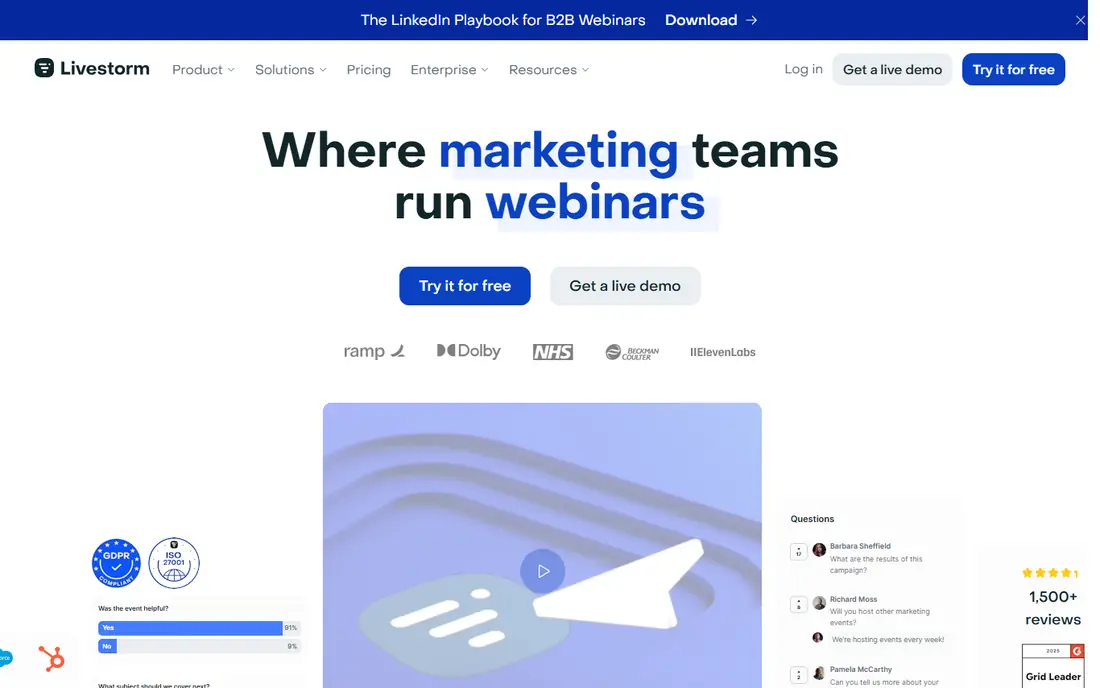
Livestorm is our pick for marketing teams that run webinars to generate leads and want the whole flow in one place. Registration pages, reminder emails, the live room, replays, and on-demand pages sit together, so a small team can run a full campaign without stitching several tools together. Attendees join from a browser, which lowers friction for people who do not want to install software before a session.
The pricing model is the main reason to shortlist it, and also the main thing to check before you commit. You pay for attendees who actually join, while hosts, moderators, and no-shows do not use credits, according to the vendor. That helps when registration numbers look large but live turnout is modest. The trade-off is that a high-turnout event can cost more than a flat monthly plan, so compare your past attendance figures, not just your registration totals.
- Browser-based joining with no download
- Only attendees who join use credits
- Strong registration and analytics tools
- Per-attendee pricing can add up for very large lists
- Some advanced CRM syncs sit on higher plans
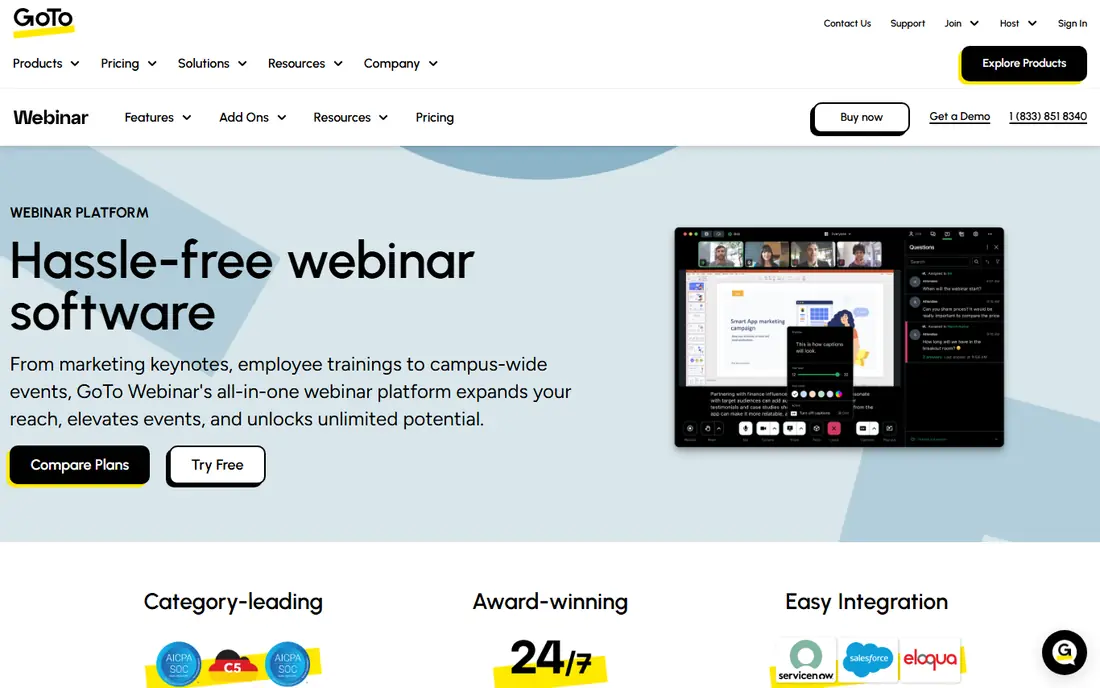
GoToWebinar suits teams that run the same webinar format every week or every month and need it to work the same way each time. The entry annual plan covers 500 attendees, which gives growing teams room before they need to move up a tier. Polls, question and answer sessions, surveys, and handouts cover the standard engagement tools without extra add-ons for most sessions.
The catch is the overall feel and price. It is a solid, dependable choice, but it does not try to be the most playful or creator-focused room on this list. If your sessions are mainly internal training or partner briefings, that dependability matters more than a flashy stage. If you sell from the stage, WebinarJam or Crowdcast may fit the sales flow better.
- Long track record for large recurring programs
- Polls, surveys, and handouts built in
- Clear audience tiers
- Entry plan still costs more than several creator-focused tools
- Interface feels more corporate than modern
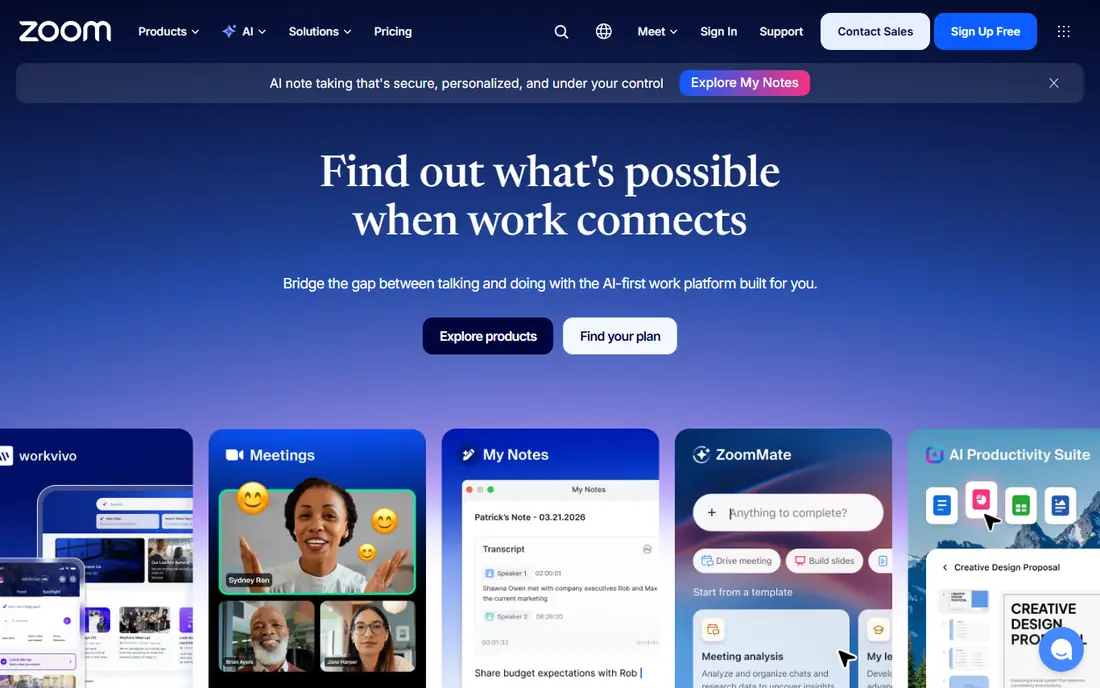
Zoom Webinars is the low-friction choice when your audience already uses Zoom every day. People know where the mute button is, how to raise a hand, and how to use chat, so you spend less time on joining instructions and more time on the session itself. The entry webinar plan covers 500 attendees on annual billing, and higher tiers scale far beyond that for flagship events.
The pricing structure needs a careful read. The webinar add-on is priced in addition to a Zoom Workplace license, so the total is higher than the webinar figure alone suggests. That makes Zoom a strong pick for teams already paying for Workplace, and a harder sell for a team that only needs webinars. Check the combined cost before you compare it with a standalone platform.
- Attendees already know how to join
- Scales from 500 to very large audiences
- Polls, chat, and reactions included
- Webinar capacity sits on top of a Zoom Workplace license
- Costs rise quickly at higher tiers
WebinarJam is built around a simple idea: the webinar is a sales event, not just a presentation. On-screen offers, calls to action, polls, and timers let a presenter move an interested viewer toward a purchase while the session is still live. That focus makes it a natural fit for course creators, coaches, and small businesses that run launch webinars.
The limits on the entry plan are the honest catch. One hundred attendees and one-hour sessions are enough for a first launch, but a growing list will push you to a higher tier fairly quickly. The platform also leans on third-party connectors for some CRM workflows, so teams that need native CRM sync should test that flow during the trial. For pure selling power at a low entry price, it still earns its place here.
- Built-in offers, calls to action, and scarcity timers
- Live and automated webinars
- Straightforward setup for creators
- Entry plan caps sessions at 100 attendees and one hour
- CRM sync often needs a third-party connector
BigMarker is the pick when a single webinar is not enough and you need a summit, a series, or a multi-track virtual event. The player supports calls to action, pop-ups, polls, and forms, which helps sponsors and marketing teams collect responses without sending people away from the session. Customization runs deeper than most tools on this list, which matters for branded events.
That depth comes with a slower buying process. Entry pricing is not published as a simple monthly figure, and the entry plan is sized around 1,000 attendees in vendor comparisons. Small teams running one simple webinar a month will find lighter tools faster to set up. Larger teams that need a polished, branded event experience will get more value from the extra configuration.
- Supports large events and multi-session formats
- Calls to action and forms inside the player
- Strong customization options
- Pricing is quote-based, so budgeting takes a sales conversation
- Setup is heavier than a simple webinar tool
ClickMeeting works best for teachers, trainers, and teams that run paid sessions. The whiteboard and breakout rooms support real teaching, not just a slide deck with a chat box, and paid webinar features let you charge for access without a separate ticketing tool. Surveys and question handling help a trainer check understanding during the session.
The entry tier is modest, with 50 attendees on annual billing, so it fits small classes and workshops rather than mass marketing events. US buyers should also note that the headline price is in euros and will convert on the card statement. If your main need is classroom interaction at a fair price, those limits are easy to live with.
- Whiteboard, breakout rooms, and surveys for teaching
- Paid webinar support
- Browser-based attendance
- Pricing is in euros, so US buyers should check the converted total
- Entry plan covers 50 attendees
WebinarGeek is a calm, practical option for small businesses that want webinars without a steep learning curve. Hosts and viewers both work in the browser, and the platform covers live sessions, automated replays, and on-demand viewing. Built-in payment support through providers such as Stripe helps teams that sell access to a session.
The part to verify before purchase is the tier structure. Plans are priced by viewer tier, and features such as longer sessions, custom branding, and extra presenters move up with the plan. That is normal for this category, but it means the cheapest figure may not include the feature you assumed was standard. Run a full test session on the trial, including payments if you plan to charge.
- Browser-based for hosts and viewers
- Live, automated, and on-demand formats
- Built-in payment options
- Pricing varies by viewer tier and currency
- Higher tiers are needed for longer sessions and custom branding
Crowdcast feels closer to a community gathering than a corporate broadcast, which is why creators and membership groups like it. The room supports live chat, questions, polls, and paid events, so a creator can host a workshop, a Q and A session, or a members-only talk in one place. Monthly plans are easy to understand, with caps based on live attendees and streaming hours.
The main drawback is the fee on paid events, which is higher on lower plans and lower on the Business plan. If you sell tickets often, that fee belongs in your margin calculation next to the monthly price. Crowdcast also has no free plan, so the trial or the first paid month is your test window. For community-led events, the friendly room often justifies that cost.
- Friendly room for community events and Q and A sessions
- Paid event support
- Simple monthly plans
- No free plan
- Paid events carry a transaction fee on lower plans
Zoho Webinar is the sensible starting point if you are testing whether webinars work for your business at all. The free plan supports small sessions, which is enough for a team meeting, a client walkthrough, or a first public talk. Because it sits inside the Zoho suite, teams already using Zoho tools get a familiar account and billing setup.
The free limits are tight by design, with 20 attendees and 60-minute sessions, so it is not a long-term home for a growing audience. Paid plans lift those caps, but teams with large marketing lists will outgrow Zoho faster than they outgrow GoToWebinar or Zoom. Use it to learn the format, then move up when attendance proves the demand.
- Free plan for small events
- Part of the wider Zoho suite
- Simple setup for first-time hosts
- Free plan covers only 20 attendees and 60-minute sessions
- Larger events need a paid plan
How we picked these
We compared official feature pages, pricing pages, platform documentation, and public reviews for webinar tools that are live and actively sold in October 2026. We favored platforms with live, automated, and on-demand options where possible, and we weighed attendee limits, pricing models, engagement tools, and CRM connections. We did not claim hands-on testing, and we left out tools with unclear pricing or a poor fit for standard webinar use.
What to check before you switch
Start with your last three webinars, not with a feature list. Write down how many people registered, how many attended live, how long each session ran, and whether you sold anything during the session. Those four numbers decide whether a flat plan, a per-attendee plan, or a quote-based enterprise plan makes sense for you.
Next, test the attendee experience on a phone and on a desktop. Joining friction kills attendance faster than a missing feature, so check whether viewers need a download, an account, or a plugin. Then test registration, reminders, replay delivery, and any CRM sync during the trial, using a real list rather than a single test address. Finally, confirm the renewal price, the cost of extra attendees, and the fee on paid events, since those are the charges that surprise teams after the first month.
Frequently asked questions
What is the best Demio alternative for small businesses?
Livestorm, ClickMeeting, and Zoho Webinar are strong starting points for small teams, because they keep entry costs low and setup simple. Livestorm suits marketing-led teams, ClickMeeting suits training, and Zoho Webinar suits a first test. Pick based on whether you need leads, teaching tools, or the lowest possible starting cost.
Can I run automated webinars with these alternatives?
Yes, most tools on this list support automated or on-demand webinars, including Livestorm, WebinarJam, WebinarGeek, and ClickMeeting. Automated sessions work best when the content does not change often and the offer stays current. Check whether automated sessions count toward the same attendee limits as live sessions on your chosen plan.
Do I need a separate meeting tool as well?
Not usually. Webinar platforms cover registration, presentation, and follow-up, while meeting tools cover small group discussion. Teams that also run daily internal meetings may still keep a meeting tool, but a webinar platform alone is enough for public sessions, training, and product launches.
Which alternative is best for selling during a webinar?
WebinarJam and Crowdcast are the most sales-focused picks here, thanks to on-screen offers and paid event support. WebinarGeek also supports paid sessions through built-in payment options. Compare the transaction fee and the attendee cap together, since both affect your margin on a launch.
How many attendees can these platforms handle?
Entry plans range from 20 attendees on Zoho Webinar to 500 on GoToWebinar and Zoom Webinars, with higher tiers reaching thousands. BigMarker is sized for large virtual events, while Livestorm supports up to 3,000 live attendees per event on its published plans. Always confirm the cap on the exact plan you intend to buy.
Is there a free Demio alternative?
Zoho Webinar offers a free plan for small sessions, and Livestorm offers a free starting option. Free plans come with tight attendee and time limits, so they suit testing and small groups rather than a full marketing program. Read the limits on the pricing page before you build a launch around a free tier.
Sources
See where you really rank - block by block
ProMapRanker scans Google Maps across a grid of your service area. Simple monthly plans from $19, white-label on every plan.
Start freeKeep reading
 zyte alternatives
Best Zyte Alternatives in 2026
These zyte alternatives cover managed scraping APIs, proxy networks and no code tools for lawful collection from your own or consented sources only in 2026.
Read → zerto alternatives
Best Zerto Alternatives in 2026
Compare the best zerto alternatives for disaster recovery and replication, with recovery targets, cloud options and honest trade-offs for teams in 2026.
Read → zerofox alternatives
Best ZeroFox Alternatives in 2026
We compared 9 zerofox alternatives for brand protection, phishing takedowns, dark web monitoring, and social impersonation, with clear coverage notes.
Read →