 ProMapRanker
Best DeepL Alternatives in 2026

Key takeaways
- Google Translate and Microsoft Translator suit everyday translation and broad language coverage at no consumer cost.
- Reverso suits learners and professionals who want context examples, synonyms and document translation in one place.
- Smartling, Phrase and Crowdin suit teams that need translation memory, glossaries and review workflows.
- Machine translation still needs human review for contracts, medical text and published marketing copy.
Quick comparison
| Pick | Great for | Pricing starts at | Free tier | |
|---|---|---|---|---|
 Google Translate | Everyday translation | Free | Yes | Visit |
 Microsoft Translator | Microsoft and Office workflows | Free | Yes | Visit |
 Reverso | Context and document translation | Free | Yes | Visit |
 SYSTRAN | Regulated and technical translation | See website | Free trial | Visit |
 Amazon Translate | AWS-based translation | See website | Free trial | Visit |
 Smartling | Enterprise localization | See website | No | Visit |
 Phrase | Software and content localization | $27 per month | No | Visit |
 Crowdin | Team localization projects | See website | Free trial | Visit |
 Yandex Translate | Free multilingual translation | Free | Yes | Visit |
The best deepl alternatives
We compared these tools on language coverage, document support, glossary and memory features, privacy controls and price clarity. Our pick for most people is Google Translate for quick everyday use, and Reverso for a closer writing and learning workflow. Teams with published content should look at Phrase, Crowdin or Smartling instead.
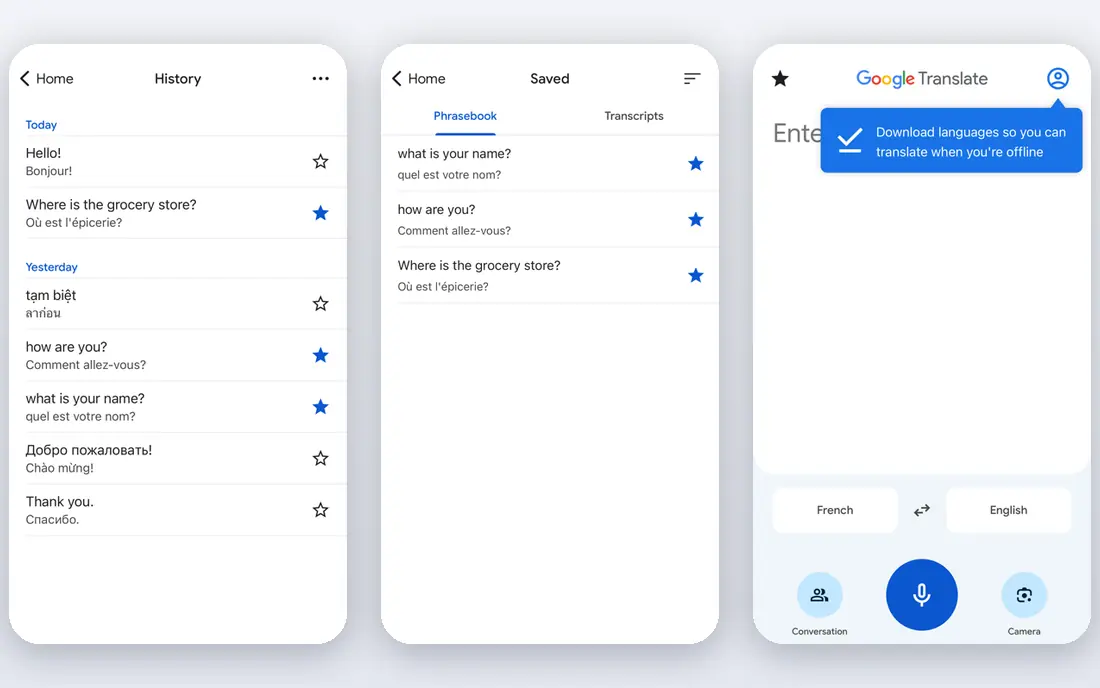
Google Translate is the most practical free alternative for most readers. It covers a very large set of languages, handles text, documents and images, and works on the web and on mobile without a subscription. For travel, reading foreign news or getting the gist of a message, it is often fast enough that a paid tool adds little value.
The weakness is control. The free consumer tool does not offer the same glossary, style and review controls that a localization platform provides, and output quality varies by language pair. For a published page or a contract, treat the result as a draft and have a fluent reviewer check names, numbers and terms. For everyday use, though, it is hard to beat on coverage and cost.
- Very broad language coverage
- Free web and mobile use
- Image and document options
- No built-in glossary control for consumers
- Quality varies by language pair
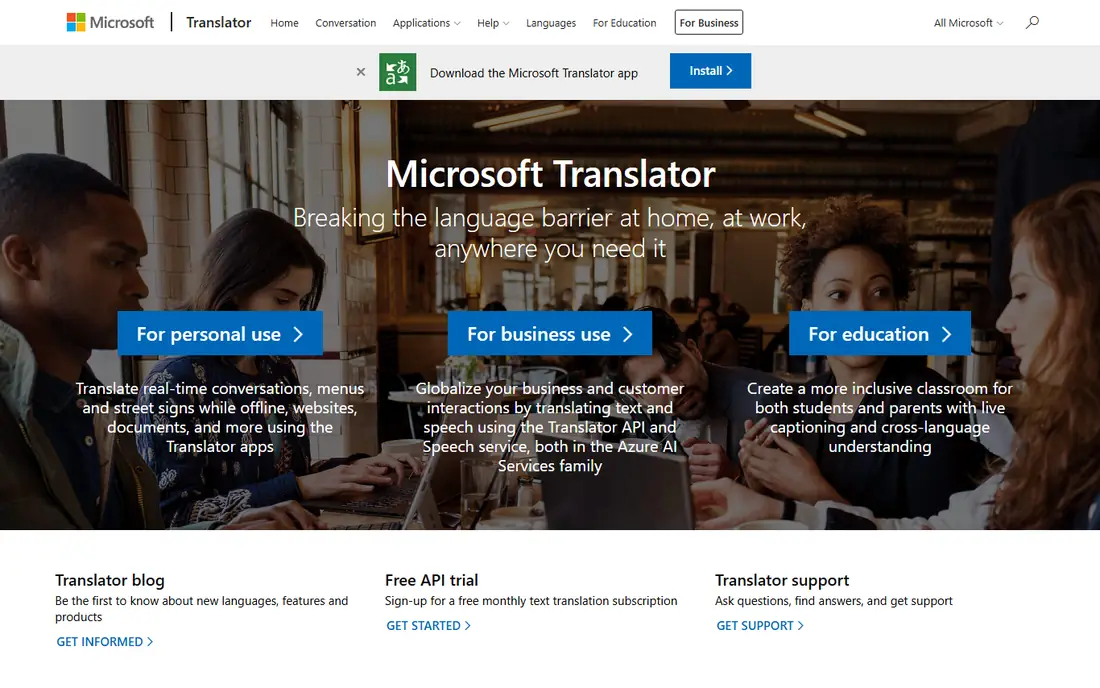
Microsoft Translator fits teams and individuals who already work in Word, Outlook, Teams or Edge. Translation is built into several Microsoft products, and the Azure Translator API offers a paid route for apps and higher volumes, with a free tier for standard translation. That makes it a natural choice for a Microsoft-centered office.
The trade-off is nuance. In our reading of comparisons, Microsoft output can be solid for straightforward business text but less smooth for idioms and creative copy. It also lacks the dedicated writing tools that some rivals bundle. If your workflow is already in Microsoft 365, the integration gain often outweighs that gap.
- Office and Teams integration
- Azure API option
- Free consumer use
- Idiom handling can be uneven
- Advanced features sit in Azure pricing
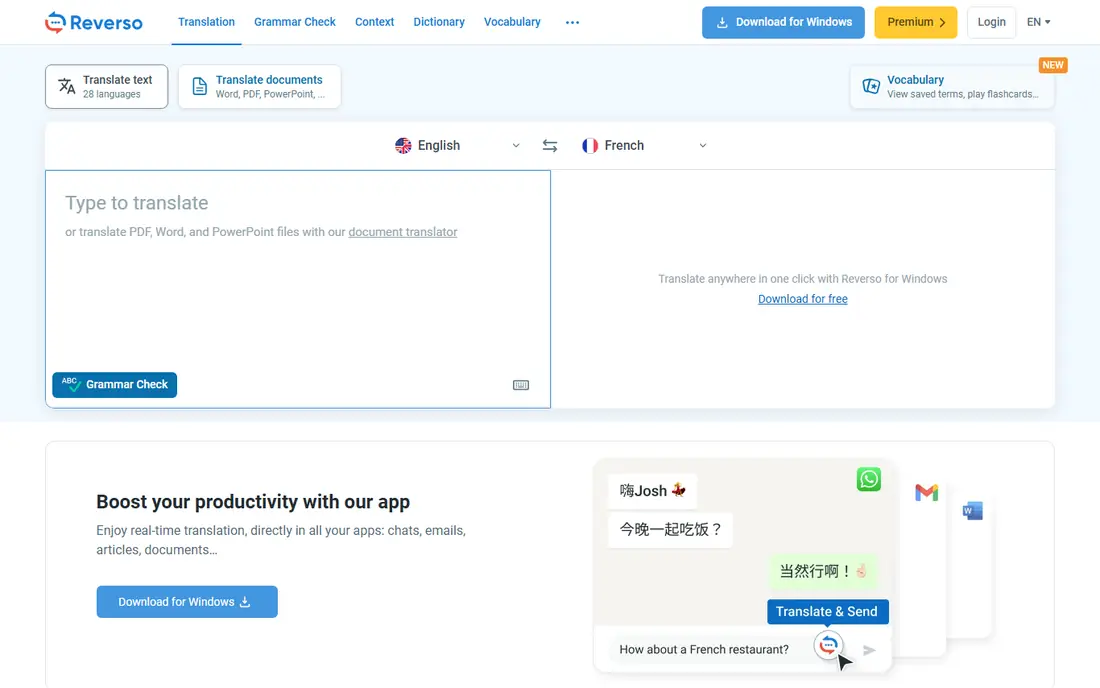
Reverso stands out because it shows how a word or phrase is used in real sentences, not only a single translation. That context view helps a writer choose between similar terms, and the built-in dictionary, conjugation tables and grammar checks make it useful for learning and editing. Paid plans add larger document translation and more writing features.
The catch is that the free tier has limits, and paid pricing is shown in euros, so US buyers should check the converted cost and renewal terms. Document size limits also matter for long reports. Reverso is a good pick for professionals who translate and edit in the same session, rather than for bulk API work.
- Context examples and conjugations
- Document translation
- Grammar and rephrasing tools
- Paid plans are priced in euros
- Free limits apply to documents and long texts
SYSTRAN has a long history in technical and regulated translation, where terminology and data control matter more than a free consumer app. It offers specialized models and deployment options that can suit defense, manufacturing and public-sector teams. That focus makes it a serious alternative when a general engine mishandles domain terms.
The drawback is access and price. SYSTRAN is not a casual free tool, and pricing is not a simple monthly consumer plan. Small teams should confirm the trial terms and the cost of the languages they need. It fits best when security, terminology or on-premises deployment is a formal requirement.
- Specialized technical models
- On-premises and private options
- Enterprise controls
- Quote-based pricing
- Less suited to casual consumer use
Amazon Translate is a neural machine translation API for developers building on AWS. It suits teams that already run content, support or data pipelines in AWS and want translation as one step in that pipeline. Pay-as-you-go pricing means a team pays for characters used rather than a large seat license, and a free tier applies for a limited period.
The limitation is that it is not a ready-made consumer translator. A team needs to build or buy the interface, document handling and review workflow around it. For a business that already uses AWS, that effort can be worthwhile. For an individual who wants to translate a document today, Google Translate or Reverso is simpler.
- Fits AWS pipelines
- Pay-as-you-go API pricing
- Many languages
- Developer tool, not a consumer app
- Document handling needs other AWS services
Smartling is a localization platform, not just a translation engine. It combines machine translation with translation memory, glossaries, workflows and optional human review, so a company can publish consistent content in many languages. Website, app and document localization are handled in one system, which helps teams that ship updates often.
The cost and setup are the trade-offs. Smartling is built for companies with ongoing localization volume, and pricing is tailored rather than a simple consumer plan. A small team with occasional translation needs will find it too heavy. It is a strong pick when brand consistency and review control matter across many markets.
- Translation memory and workflows
- Human review options
- Website and app localization
- Enterprise pricing
- Heavier setup than a simple translator
Phrase brings together translation management, software localization and machine translation in one platform. Freelancer plans start at 27 dollars per month billed annually in some listings, while team and business plans are higher. Features such as translation memory, glossaries and workflow automation help teams reuse past translations and keep terminology consistent.
The drawback is that Phrase is a platform to learn, not a one-click translator. A team needs to set up projects, keys and review steps before it feels fast. It is best for product and content teams that localize on a regular cycle and want control over strings, files and releases.
- Translation memory and glossaries
- Software localization tools
- Automation options
- No permanent free plan
- Learning curve for new localization teams
Crowdin is a localization platform used by software teams, game studios and content teams to translate with contributors and reviewers. It offers translation memory, glossaries, quality checks and integrations with code and content tools. That structure helps a team keep many languages in step when a product changes often.
The catch is scope. For a single document, Crowdin is more setup than needed, and pricing depends on project size and features. It earns its place when translation is a recurring team job with reviewers, rather than a one-off task. Teams should trial it with a real project and check how string updates flow through review.
- Collaboration and review tools
- Many integrations
- Translation memory
- Pricing varies by project size
- Setup takes time for small jobs
Yandex Translate is a free web translator with text, document and image support. It is especially useful for Russian and several languages of the surrounding region, where its output can be competitive with larger engines. For a reader who needs a quick, free translation outside the Google or Microsoft ecosystems, it is a practical extra option.
The limitation is enterprise fit. Yandex Translate does not offer the same localization workflow, glossary control or support structure as Phrase, Crowdin or Smartling. It also should not be used for sensitive documents without checking the privacy terms for the account type in use. As a free everyday tool, though, it is worth keeping in the shortlist.
- Free web use
- Document and image options
- Useful for Russian and nearby languages
- Fewer enterprise controls
- Quality varies by language pair
How we picked these
We compared official product pages, pricing pages and recent comparison guides, and we favored tools that are still available in October 2026. We mixed free consumer translators with developer APIs and localization platforms because DeepL itself serves both individuals and teams. Where pricing conflicted across sources, we wrote See website rather than repeating a figure we could not confirm. We did not claim hands-on testing.
What to check before you switch
Test the same passages in each tool, including names, numbers, dates and industry terms, and have a fluent reader score the results. A tool that reads well in one language pair can struggle in another, and a single test passage will not reveal that gap. Check document handling too, since formatting, tables and footnotes can break during translation.
For published work, decide who reviews the output and how glossary terms are enforced. A free translator is fine for understanding a message, but a localization platform pays for itself when the same terms must stay consistent across a website, app and help center. Also check privacy terms before pasting sensitive text, and avoid sending contracts or medical records through a consumer tool without a clear data agreement.
Frequently asked questions
What is the best DeepL alternative?
Google Translate is the best free general alternative, while Reverso is a closer fit for context, writing and document work. Teams that publish in many languages should consider Phrase, Crowdin or Smartling for memory, glossaries and review.
Are there free alternatives to DeepL?
Yes. Google Translate, Microsoft Translator and Yandex Translate offer free consumer translation, and Reverso offers a free tier with limits. Free tiers are best for everyday use, not for large published projects that need review control.
Which alternative is best for documents?
Reverso and Google Translate both handle documents for everyday use, while Smartling, Phrase and Crowdin handle documents as part of a localization workflow. For a long or sensitive document, check file size limits and whether formatting is preserved.
Can I use these tools for business translation?
Yes, but with review. Machine translation is a draft for business copy, and a fluent reviewer should check terminology, numbers and tone before publication. For legal or medical text, use a qualified human translator.
Do any alternatives offer translation memory?
Yes. Phrase, Crowdin and Smartling offer translation memory and glossaries, which reuse past translations and keep terms consistent. Free consumer translators generally do not offer the same control.
Sources
See where you really rank - block by block
ProMapRanker scans Google Maps across a grid of your service area. Simple monthly plans from $19, white-label on every plan.
Start freeKeep reading
 zscaler alternatives
Best Zscaler Alternatives in 2026
Looking for zscaler alternatives? We compare 9 SASE and zero trust platforms on architecture, data protection, pricing, and fit for your network and team.
Read → zapier alternatives free
Best Zapier Alternatives Free in 2026
Nine automation tools for zapier alternatives free in 2026, all with genuinely free tiers, plus free plan limits, starting prices and upgrade paths explained.
Read → which platform is best for online reputation
Which Platform Is Best for Online Reputation in 2026
Wondering which platform is best for online reputation? We compare 8 review, listing, and response tools for small and multi-location businesses and agencies.
Read →