 ProMapRanker
Databox Alternatives in 2026

Key takeaways
- This guide lists alternatives only, so Databox itself is not listed as a pick, even though it is the tool readers are comparing against.
- AgencyAnalytics and DashThis are the closest like-for-like replacements for client reporting, while Looker Studio is the best free starting point.
- Pricing models differ sharply: per-client, per-dashboard, per-user and per-source pricing punish different kinds of growth.
- Klipfolio and Tableau suit teams with an analyst who builds custom dashboards, while DashThis suits teams that want fast, template-led reports.
- Count clients, dashboards and data sources before you buy, because the cheapest headline price often changes at your real volume.
Quick comparison
| Pick | Great for | Pricing starts at | Free tier | |
|---|---|---|---|---|
 Klipfolio | Custom dashboards for analysts | See website | Free trial | Visit |
 AgencyAnalytics | Agencies needing client reporting | $20 per client per month | Free trial | Visit |
 DashThis | Fast client-ready reports | $44 per month | Free trial | Visit |
 Google Looker Studio | Free reports on Google data | Free | Yes | Visit |
 Microsoft Power BI | Microsoft-stack reporting | $14 per user per month | Yes | Visit |
 Tableau | Deep visual analysis | $75 per user per month | Free trial | Visit |
 Geckoboard | Live KPI displays for teams | See website | Free trial | Visit |
 Whatagraph | Large agencies and white-label reports | See website | Free trial | Visit |
 Swydo | Low-cost agency reporting | $49 per month | Free trial | Visit |
The best Databox alternatives
Databox is known for KPI dashboards, goals and client reporting, but agencies often look elsewhere for lower cost, better white-label options, stronger SEO reporting or a simpler pricing model. The tools below are alternatives only, and we compared official pricing pages, feature pages and public documentation to place each one. We did not include Databox in the list, so every pick here is a genuine replacement to evaluate on its own merits.
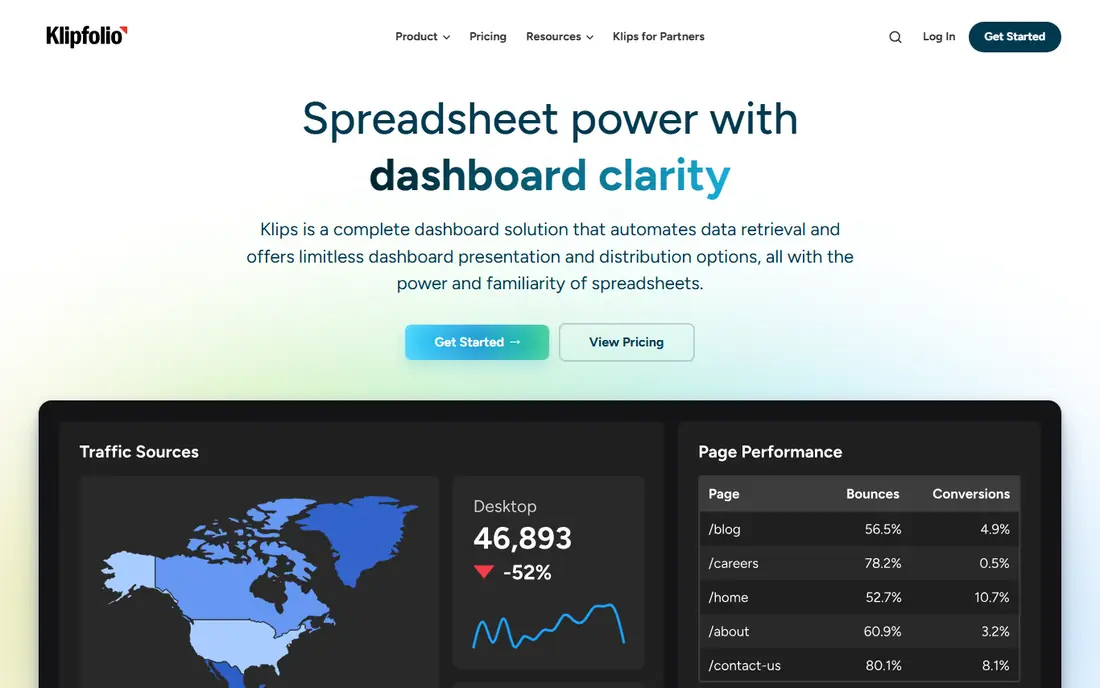
Klipfolio suits a team with someone who enjoys building dashboards, because its Klips system gives fine control over metrics, formulas and layouts. That flexibility helps an agency that reports on unusual metrics or combines data in ways a preset template cannot handle. With many integrations and scheduled reporting, it can serve as a central dashboard for several clients once the initial build is done.
The trade-off is setup time. Klipfolio is not the fastest tool for a team that wants a client report in ten minutes from a template. White-label options also sit on higher plans or as an add-on, so an agency that needs branded client portals should price that in. Choose Klipfolio when custom work matters more than speed.
- Flexible Klips for custom visualizations
- Many integrations
- Scheduled reports and dashboards for clients
- Needs more setup than template-led tools
- White-label can cost extra on lower plans
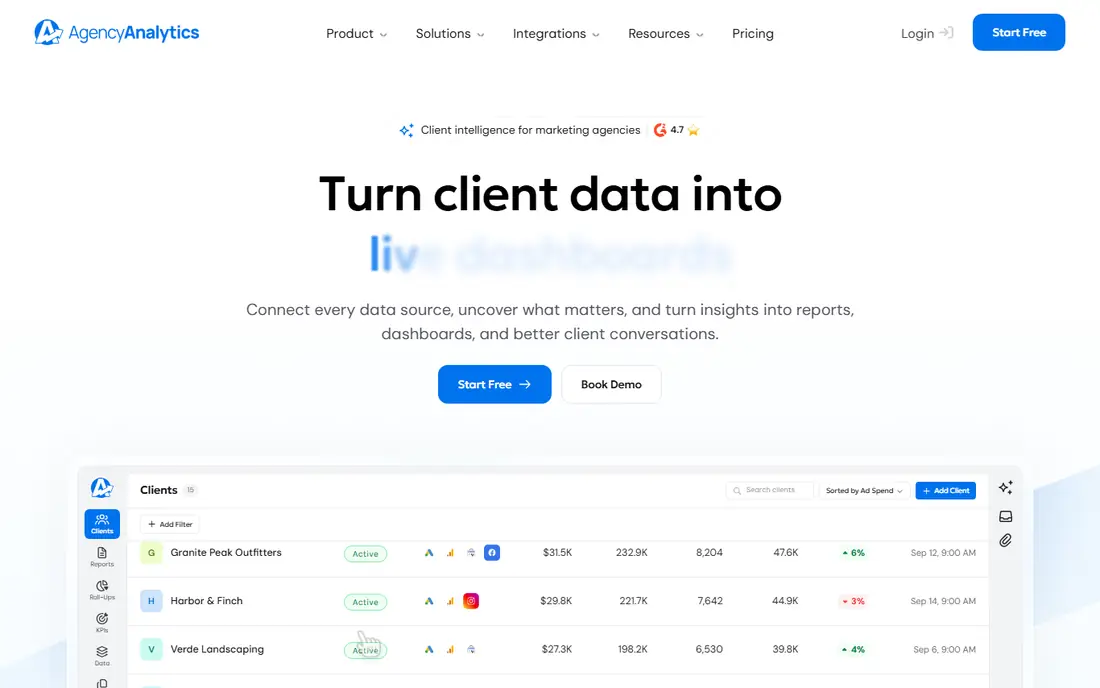
AgencyAnalytics is the closest like-for-like replacement for many Databox agency users, because it is built around client dashboards, white-label reporting and marketing integrations. Its per-client price is easy to explain to clients and to pass on, and built-in SEO rank tracking and site audits reduce the need for a separate SEO tool. That combination suits SEO and marketing agencies in particular.
Per-client pricing is also its limit. A roster of 25 clients costs far more than a roster of 5, even if each client only needs a simple dashboard. An agency with many small clients should model the full roster cost, not only the starting price. For agencies that charge per client, that model can still work well, because revenue grows with the same roster.
- White-label included
- SEO rank tracking and site audits built in
- Many marketing integrations
- Per-client pricing grows with roster size
- Less suited to non-agency internal BI work
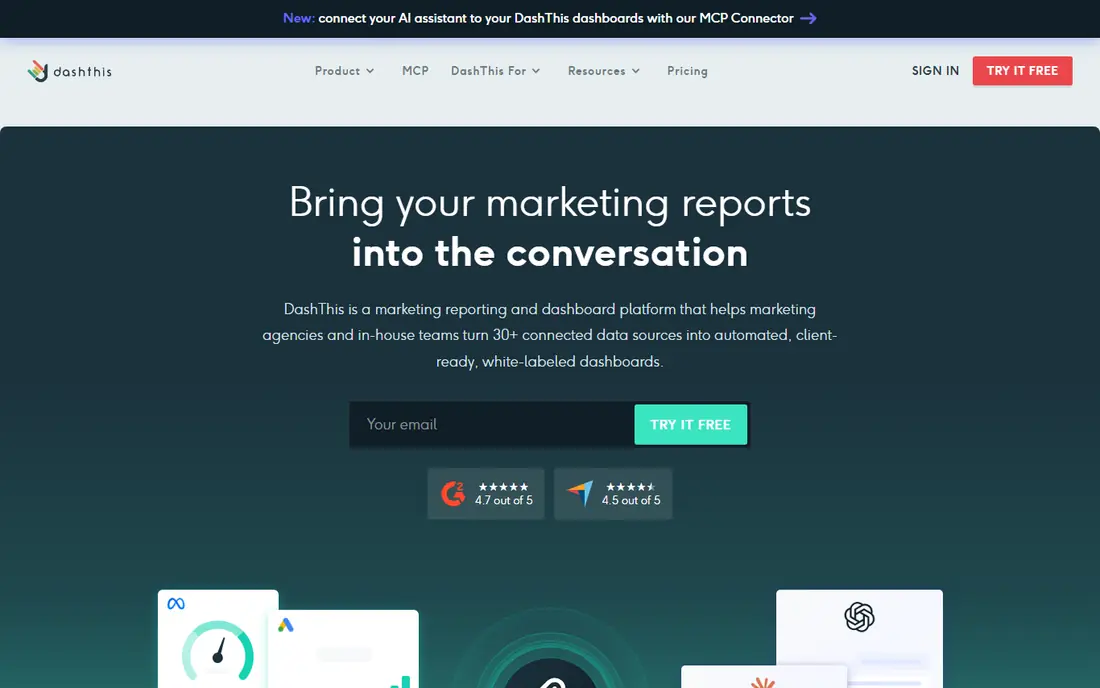
DashThis is built for speed. Templates and preset widgets let a team create a client-ready report quickly, without building every chart from scratch. Scheduled delivery by email or link, plus white-label options, makes it practical for recurring monthly reports that must look professional with little manual work each month.
The limit is depth. DashThis is not the tool for complex custom modeling or deep exploratory analysis, and larger agencies will need higher plans as dashboard and source counts grow. For freelancers, small agencies and in-house teams that send regular marketing reports, that speed is the main reason to choose it over a more complex BI tool.
- Fast template-led report setup
- White-label on all plans in many cases
- Scheduled email and link sharing
- Less deep custom analysis than Klipfolio or Tableau
- Dashboard counts limit larger rosters
Google Looker Studio, formerly Data Studio, is the best free alternative for teams whose data lives mainly in Google products. It connects natively to Google Analytics, Google Ads and Google Sheets, and reports can be shared with a link at no cost. For a small business or freelancer reporting on Google channels, that free start is hard to beat.
The catch is non-Google data. Many social, email and CRM sources need a paid third-party connector, and those connector costs can add up. Building a polished, branded report also takes more manual work than a template-led tool such as DashThis. Choose Looker Studio when Google data dominates and budget is tight, and price connectors before you commit to it for other channels.
- Free to build and view reports
- Strong Google Analytics, Ads and Sheets integration
- Easy sharing
- Non-Google sources often need paid connectors
- Building polished reports takes more manual work
Microsoft Power BI suits teams already using Microsoft 365, Excel and Azure, because it fits naturally into that stack. Its data modeling tools, including DAX and Power Query, give analysts real power to clean, combine and analyze data, far beyond a simple dashboard widget. The free desktop app lets a user build reports before paying for sharing.
Sharing is where cost appears. Publishing and collaborating on reports in the Power BI service need paid per-user plans, and advanced modeling takes training. A small team that only needs a simple marketing dashboard may find DashThis or Looker Studio faster. A Microsoft-centered team that needs serious analysis will get more from Power BI.
- Strong data modeling with DAX and Power Query
- Deep Microsoft 365 integration
- Free desktop app for building
- Sharing and collaboration need paid plans
- Learning curve for advanced modeling
Tableau is the choice for analysts who need to explore data visually, ask follow-up questions and build rich interactive dashboards. Its calculated fields, data blending and visualization options go far beyond preset marketing widgets, which helps teams that need to understand why a number moved, not only what the number is. A large community and training library also help new analysts learn it.
The price and learning curve are the limits. Tableau costs more per user than most marketing dashboard tools, and simple monthly client reports do not need its full power. An agency that only sends preset reports will waste money and time on Tableau. A data team that analyzes deeply will find it worth the cost.
- Best-in-class visual exploration
- Strong calculated fields and data blending
- Large community and learning resources
- Higher price and training need
- Overkill for simple monthly client reports
Geckoboard is designed for a different job from most tools here: putting live KPIs on a screen where a whole team can see them. Its TV mode, simple widgets and live updates suit offices, support teams and sales floors that need at-a-glance numbers. Setup is fast, and the focus on visibility means dashboards stay readable from a distance.
That focus is also its limit. Geckoboard is not built for detailed, multi-page client reports or deep analysis, so an agency that needs those should pair it with a reporting tool or choose a different alternative. For internal team visibility, however, it is one of the simplest and most effective options in this list.
- Built for TV and wall displays
- Live KPI updates
- Simple setup for team visibility
- Less suited to detailed client reports
- Fewer deep analysis features than BI tools
Whatagraph suits larger agencies that treat client reports as a product, with branded dashboards, automated delivery and many marketing integrations. Its reporting workflow is built for scale, so an agency with many clients can produce consistent, professional reports without rebuilding each one. White-label options are central, not an afterthought.
The price reflects that scale. Whatagraph costs more than DashThis or Swydo at entry level, and small agencies may not need its full feature set. A large agency that bills for reporting and needs consistent branding across many clients will find the cost easier to justify. A freelancer with five clients should start with a cheaper alternative.
- White-label client reports
- Many marketing integrations
- Automated report delivery at scale
- Higher starting price than small-agency tools
- Best value at larger agency scale
Swydo is a low-cost agency reporting tool that covers the core job: pulling marketing data into client dashboards and scheduled reports, with white-label branding included. Its starting price is attractive for small agencies, and its paid-media focus suits teams reporting on ads, search and social performance. For a small roster, Swydo can replace a more expensive dashboard without losing the client-facing basics.
The limits are integration breadth and analysis depth. Swydo has fewer connectors than Klipfolio or AgencyAnalytics, and it is not a general BI tool for custom modeling. An agency with unusual data sources should check connector coverage before switching. For standard marketing reporting at a low price, Swydo is a strong alternative.
- Low starting price for agency reporting
- White-label included
- Focus on paid media and marketing reports
- Fewer integrations than larger rivals
- Less deep custom BI than Klipfolio or Tableau
How we picked these
We compared official pricing pages, feature pages and public documentation for dashboard and reporting tools that can replace Databox for KPI tracking, client reporting or marketing dashboards, and we kept only tools still offered in October 2026. We favored clear pricing models, white-label options, integration coverage and reporting speed, and we mixed free, low-cost and enterprise options. We did not claim hands-on testing, and we did not list Databox itself. Prices change often, so check the vendor pricing page at your real client and source counts.
What to check before you buy
First, model your real volume. Count clients, dashboards, data sources and users, then price each tool at that volume, not at the headline starting price. Per-client pricing punishes a large roster, per-dashboard pricing punishes many reports, and per-user pricing punishes large teams. The cheapest tool at five clients can be the most expensive at 25.
Next, check the integrations you actually use. A dashboard tool is only as good as its connectors for your ad platforms, analytics, CRM and SEO tools. Confirm each source, check refresh frequency, and test whether metrics match your definitions. A missing connector can force manual exports that defeat the purpose of a dashboard.
Finally, test white-label and delivery before you commit. Create a branded report, schedule it, and send it to a test client address. Check how it looks on mobile, whether the branding is complete, and whether the client can view it without a login hassle. A tool that looks good in a demo can look generic in a real client inbox, and that detail matters for agency trust.
Frequently asked questions
What is the best Databox alternative for a small agency?
AgencyAnalytics and DashThis are the strongest small-agency picks, because both are built for client reporting with white-label options. AgencyAnalytics adds SEO tracking, while DashThis is faster for template-led reports. Swydo is worth checking if budget is the main constraint and its integrations cover your channels.
Is there a free Databox alternative?
Google Looker Studio is the closest free alternative, especially for Google Analytics, Ads and Sheets data. It is free to build and share reports, but non-Google sources often need paid connectors. Power BI also offers a free desktop app for building, though sharing needs a paid plan.
Why do Databox alternative prices vary so much?
Because pricing models differ. Some tools charge per client, others per dashboard, per user or per data source. A tool that looks cheap at a small scale can become expensive as clients, dashboards or sources grow. Always model the price at your full roster, not only at the starting tier.
Can these tools replace Databox for KPI dashboards and goals?
Yes, for most marketing KPI work, though goal and alert features vary. Klipfolio, Geckoboard and Power BI all support KPI displays and targets in different ways, while DashThis and AgencyAnalytics focus more on scheduled client reports. Check goal tracking and alerts on a trial if those features are central to your workflow.
Do I need a BI tool such as Tableau or Power BI instead of a marketing dashboard?
Only if you need deep analysis, custom modeling or data blending across many sources. Marketing dashboard tools are faster for standard client reports. BI tools are better when analysts need to explore data, build custom models and answer new questions each week.
How hard is it to switch from Databox to an alternative?
Switching is usually straightforward for standard marketing sources, but it takes time to rebuild dashboards, check metric definitions and rebrand reports. Allow a trial period where old and new dashboards run side by side, and confirm numbers match before you cancel the old tool. That overlap avoids a reporting gap for clients.
Sources
See where you really rank - block by block
ProMapRanker scans Google Maps across a grid of your service area. Simple monthly plans from $19, white-label on every plan.
Start freeKeep reading
 leg extension alternatives
Leg Extension Alternatives in 2026
Leg extension alternatives that build quad strength without a machine, from goblet squats to step-ups, with form tips for home and gym training in our guide.
Read → kemono alternatives
Kemono Alternatives in 2026
Find legal kemono alternatives for creators in 2026, from Patreon and Ko-fi to Substack and Ghost, with fees, features, safety notes, and honest limits.
Read → kafka alternatives
Kafka Alternatives in 2026
Compare the best Kafka alternative platform options for event streaming, queues and messaging, with trade-offs on scale, ops and cost for developers now.
Read →