 ProMapRanker
Database Software With the Best Development Tools in 2026

Key takeaways
- DBeaver Community gives the widest free engine coverage, while DataGrip leads on SQL editing depth for JetBrains users.
- Native clients such as TablePlus start faster, while Java-based clients offer broader engine support.
- Visual design, schema compare, and data sync often sit on paid tiers, so check the edition, not only the product name.
- Free editions suit solo work, but team features, support, and security controls usually need a paid plan.
Quick comparison
| Pick | Great for | Pricing starts at | Free tier | |
|---|---|---|---|---|
 DBeaver | Widest free engine coverage | Free | Yes | Visit |
 DataGrip | SQL editing depth | $10.90 per month | Free trial | Visit |
 TablePlus | Native speed and simplicity | $99 one-time | Yes | Visit |
 Beekeeper Studio | Clean cross-platform client | Free | Yes | Visit |
 Navicat Premium | Visual modeling and sync | See website | Free trial | Visit |
 DbVisualizer | JDBC-based universal client | See website | Yes | Visit |
 pgAdmin | PostgreSQL administration | Free | Yes | Visit |
 MySQL Workbench | MySQL design and admin | Free | Yes | Visit |
 Azure Data Studio | SQL Server and Azure work | Free | Yes | Visit |
The best database development tools
We compared database tools on engine coverage, SQL editing, visual design, data editing, and pricing, with a focus on daily developer work.
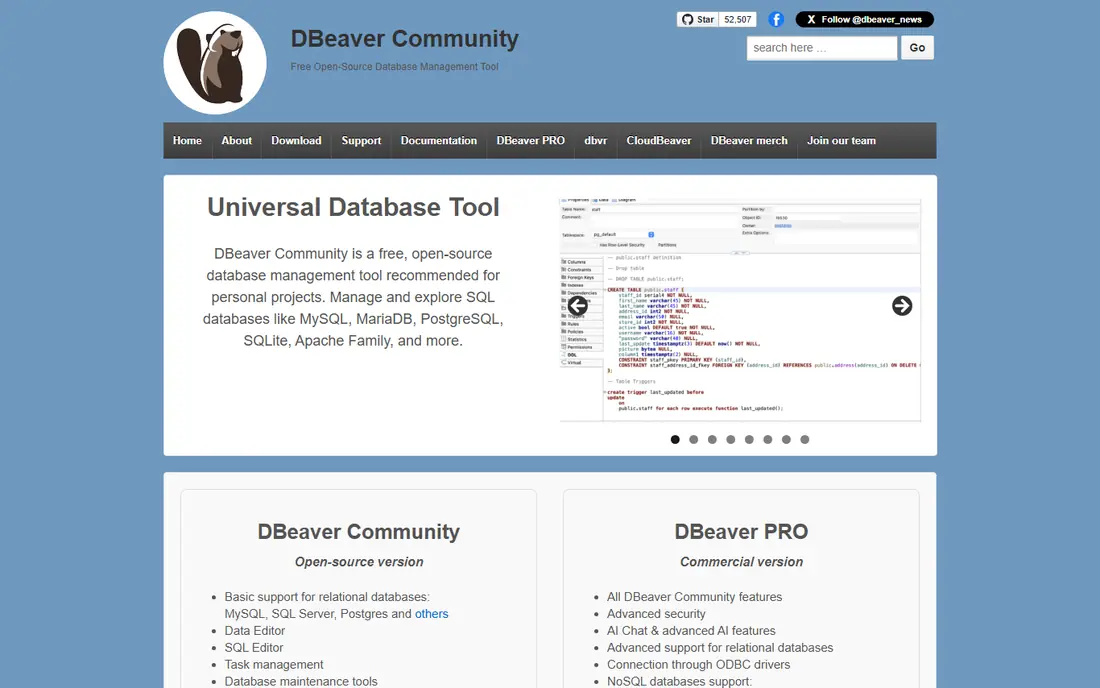
DBeaver Community is the default free choice for developers who work across PostgreSQL, MySQL, SQLite, Oracle, SQL Server, and many other engines in one app. It covers browsing, editing, ER diagrams, and data transfer, and its driver-based model means a new engine often needs only a driver, not a new tool. For polyglot teams, that breadth is hard to beat.
The catch is feel and edition limits. As a Java-based app, it can start slower and use more memory than a native client, and full schema compare and sync sit in paid editions. If you mainly use one engine and want speed, test TablePlus or a specialist client alongside DBeaver before you standardize.
- Free Community Edition
- Supports many databases
- ER diagrams and data transfer
- Java-based interface can feel heavy
- Advanced compare and sync need paid editions
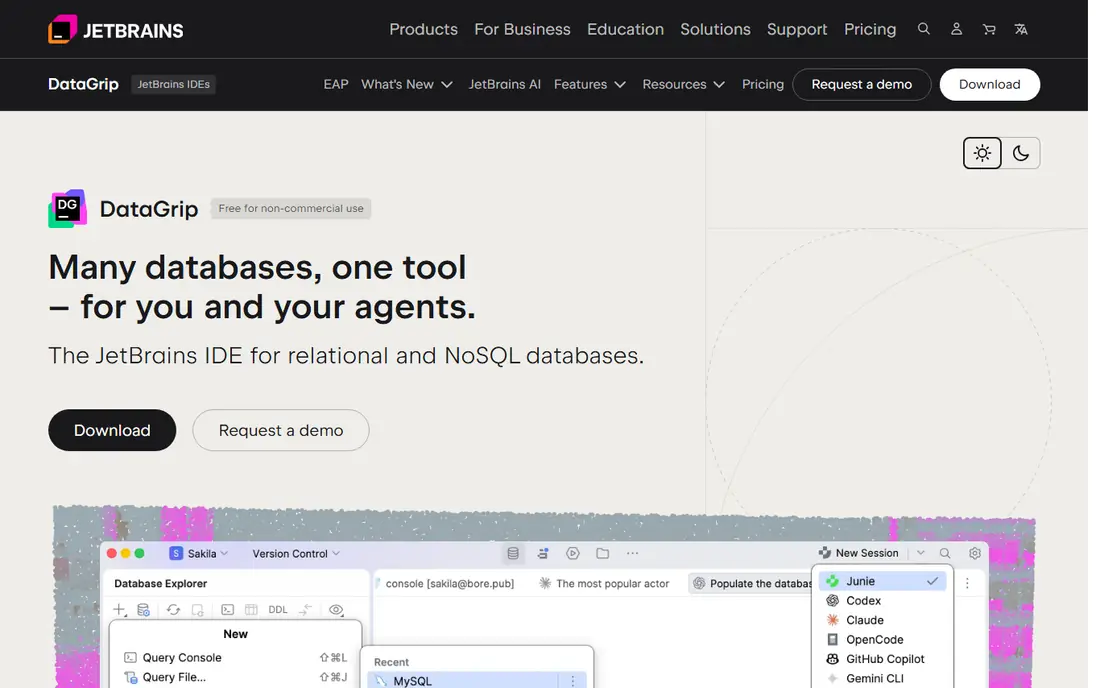
DataGrip is the power-user pick for SQL editing, with completion, refactoring, and schema tools that feel closer to a full IDE than a simple client. JetBrains users benefit most, since DataGrip shares IDE patterns and can sit alongside other JetBrains tools. For developers who write complex queries daily, the editing quality often justifies the price.
The catch is cost and startup time. It is a paid tool, and organizations pay a higher per-user rate than individual pricing in published comparisons. AI features may also need an add-on. If your team writes simple queries and browses data more than it refactors SQL, a free client may cover the same work.
- Smart SQL completion and refactoring
- Schema diff tools
- JetBrains IDE integration
- Paid tool
- Java-based startup can be slow
- AI features may need an add-on
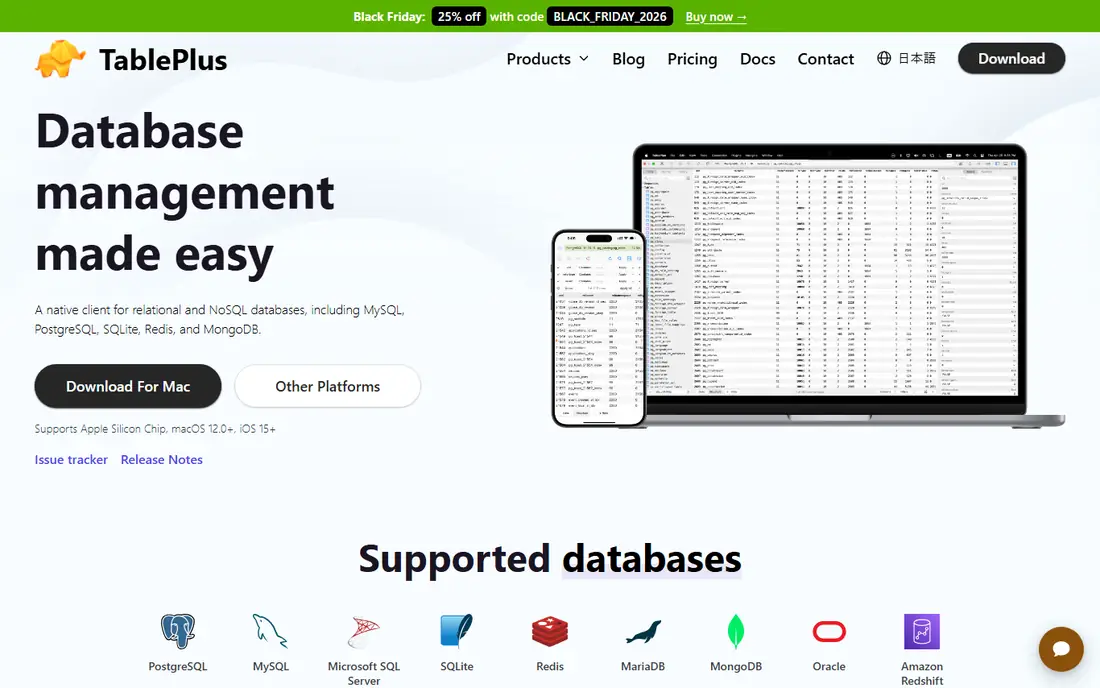
TablePlus appeals to developers who value speed and a clean interface over a long feature list. It launches fast, browses data clearly, and covers MySQL, PostgreSQL, SQL Server, SQLite, Redis, and other common engines. For daily query and data work on one machine, it stays out of the way in a way heavier clients do not.
The catch is depth and licensing. It lacks the ER modeling and schema sync depth of DBeaver or Navicat, and published comparisons note per-OS licensing for the one-time purchase. If your team needs visual modeling or cross-engine sync, pair TablePlus with a modeling tool or choose a broader client.
- Fast native interface
- Clean data browsing
- Supports many common engines
- No ER modeling in the same depth as DBeaver
- Per-OS licensing in published comparisons
Beekeeper Studio suits developers who want a modern, clean SQL client without a dense interface. The Community Edition is free and covers common SQL databases on Windows, macOS, and Linux, with tabs, query history, and data editing that suit daily work. It is a good middle ground between a specialist client and a heavy universal tool.
The catch is range and paid features. Its engine list is narrower than DBeaver, and some AI and team features need the paid Ultimate tier. If you work with many exotic engines or need deep modeling, DBeaver or Navicat may fit better. For standard SQL work, Beekeeper is an easy trial.
- Free Community Edition
- Clean interface
- Supports SQL databases across platforms
- Paid Ultimate tier needed for some AI and team features
- Engine range is narrower than DBeaver
Navicat Premium is the choice for teams that need visual modeling, data sync, and structure sync alongside daily querying. It covers MySQL, PostgreSQL, SQL Server, MongoDB, and other engines in one Premium edition, with tools for designing schemas and moving data between databases. That combination suits teams that design and maintain schemas, not only query them.
The catch is price and complexity. Navicat costs more than simpler clients, and subscription versus perpetual terms vary by edition, so confirm the total for your team size. Smaller teams that only browse and query may find DBeaver Community or Beekeeper enough. Trial the sync and modeling tools on a real schema before buying.
- Visual modeling
- Data and structure sync
- Wide engine coverage in Premium
- Higher price than simpler clients
- Subscription and perpetual terms vary
DbVisualizer suits teams that need a JDBC-based client across many databases, including less common engines that other clients skip. The free edition covers browsing and querying, while Pro adds deeper editing, visual query building, and admin tools. Its JDBC model helps in mixed enterprise environments with several database types.
The catch is polish and price. The interface is functional rather than polished, and Pro pricing starts with a first-year fee that then drops to a lower renewal rate in published comparisons. If you only use common SQL engines, a cleaner client may feel better day to day. Test DbVisualizer on your least common engine first.
- Free edition
- Supports many databases through JDBC
- Visual query builder
- Pro features need a paid license
- Interface is functional rather than polished
pgAdmin is the official free tool for PostgreSQL administration, and it remains the best choice for full PostgreSQL management. It covers server monitoring, backup and restore, role management, and schema tools that general clients may only partly support. PostgreSQL-only teams get depth here that a universal client may not match.
The catch is scope and feel. It supports PostgreSQL only, so polyglot teams need another client for other engines. Its web-based interface can also feel slower than a native client for quick data browsing. Use pgAdmin for PostgreSQL admin work, and pair it with a fast client for daily queries if needed.
- Free and open source
- Full PostgreSQL management
- Backup and monitoring tools
- PostgreSQL only
- Web-based interface can feel slower than native clients
MySQL Workbench is the official free tool for MySQL and MariaDB work, with visual EER modeling, schema design, and admin tools in one app. Teams that design MySQL schemas benefit from the modeling view, and migration tools help move data from other databases. For MySQL-only shops, it is a natural default.
The catch is scope and polish. It covers the MySQL family only, so teams with PostgreSQL or SQL Server need another tool. The interface can also feel dated, and some admin tasks need manual steps. If your team is MySQL-only and values modeling, Workbench is worth keeping alongside a faster daily client.
- Free official MySQL tool
- Visual EER modeling
- Admin and migration tools
- MySQL family only
- Interface can feel dated
- Some tasks need manual steps
Azure Data Studio suits developers and data teams working with SQL Server and Azure data services. It offers notebooks, dashboards, and query tools in a modern editor-style interface, which helps teams that combine SQL work with documentation and charts. Extensions add more engines and features over time.
The catch is focus. It is strongest for SQL Server and Azure, and less universal than DBeaver or DataGrip for teams with many engine types. If your stack is SQL Server first, Azure Data Studio is a strong free pick. If your stack spans many engines, use it alongside a universal client.
- Free Microsoft tool
- Notebooks and dashboards
- SQL Server and Azure focus
- SQL Server and Azure focus
- Less universal than DBeaver or DataGrip
How we picked these
Our method was to compare official product pages, documentation, and published October 2026 database tool comparisons. We checked engine coverage, SQL editing, visual design, data editing, and pricing by edition, not only by product name. We favored tools that remain actively maintained and that handle daily query, browsing, and schema work without invented performance figures.
Pick a database tool for your real stack
Start with engines, not features. List every database your team touches in production, staging, and local work, including NoSQL and cloud engines. A beautiful client that lacks one production engine forces a second tool and breaks the workflow you were trying to simplify. DBeaver and Navicat cover the widest lists, while specialist tools win on one engine.
Separate daily querying from schema design. Daily work needs fast startup, clear data browsing, and good query history. Schema work needs modeling, diff, and sync tools, which often sit on paid tiers. A team may reasonably use TablePlus or Beekeeper daily and DBeaver or Navicat for design reviews, rather than forcing one tool to do both jobs.
Check team needs before you buy seats. Shared connections, saved queries, access controls, and support matter more at team scale than at solo scale. Trial the paid edition with real credentials, real query sizes, and real schema changes, and confirm how connection details and secrets are stored.
Frequently asked questions
What is the best free database development tool?
DBeaver Community is the best free universal choice for many engines, while pgAdmin suits PostgreSQL-only work and MySQL Workbench suits MySQL-only work. Beekeeper Community is a clean free option for common SQL databases. Choose by engine coverage first.
Is DataGrip worth paying for?
DataGrip is worth paying for if you write complex SQL daily and value completion, refactoring, and schema tools. If your work is mostly browsing and simple queries, a free client such as DBeaver Community or Beekeeper may cover the same tasks.
What is the difference between a database client and a database engine?
A database engine stores and processes data, such as PostgreSQL or MySQL. A database client is the app you use to connect, query, browse, and design schemas in that engine. This guide compares clients and development tools, not engines themselves.
Do I need a visual modeling tool?
Visual modeling helps when you design new schemas, review relationships, or document a database for a team. For daily querying and data fixes, modeling is less important than fast browsing and good SQL editing. Choose a tool with modeling only if schema design is part of your regular work.
Can one tool cover SQL and NoSQL databases?
Some universal clients, such as DBeaver and Navicat, cover both SQL and some NoSQL engines, but depth varies by engine. Check your exact NoSQL engine and features, such as document editing and query support, before you assume full coverage.
Sources
See where you really rank - block by block
ProMapRanker scans Google Maps across a grid of your service area. Simple monthly plans from $19, white-label on every plan.
Start freeKeep reading
 worlds best local seo company
8 Worlds Best Local SEO Companies for Map Pack Growth in 2026
Compare the worlds best local seo company options for Google Business Profile work, citations, reviews, and multi-location rankings and reporting in 2026.
Read → world's best web hosting company
World's Best Web Hosting Company in 2026
Searching for the world's best web hosting company? We compared 10 hosts on price, renewal rates, speed, and support to help you choose well today in 2026.
Read → who's got the best nanny tax services
Who's Got the Best Nanny Tax Services in 2026
We answer who's got the best nanny tax services, comparing full filing, back taxes, software, and pricing so families can handle nanny taxes correctly.
Read →