 ProMapRanker
Database Platforms With Best User Interface in 2026

Key takeaways
- The best interface depends on the user: spreadsheet-style grids suit most teams, while docs with tables suit teams that write and track work together.
- Views matter more than raw power, since grid, kanban, calendar, and gallery views turn the same data into different working screens.
- Free plans are generous for small teams, but record limits, storage, and permission controls are the usual reasons to upgrade.
- Open-source and self-hosted options give control over data and cost, but they need someone to run updates and backups.
- A clean trial with real data beats a feature list: import a messy sheet, build two views, and ask a non-technical teammate to edit a record.
Quick comparison
| Pick | Great for | Pricing starts at | Free tier | |
|---|---|---|---|---|
 Airtable | Spreadsheet-style team databases | Free | Yes | Visit |
 Notion | Docs plus databases in one workspace | Free | Yes | Visit |
 Coda | Docs that act like apps | Free | Yes | Visit |
 Baserow | Open-source grid databases | Free | Yes | Visit |
 NocoDB | A grid front end for existing databases | Free | Yes | Visit |
 Knack | No-code apps on a database | See website | No | Visit |
 Zoho Creator | Low-code business apps | See website | No | Visit |
 Grist | Spreadsheet power with database structure | Free | Yes | Visit |
 SeaTable | Team tables with app-style views | Free | Yes | Visit |
The best database platforms with best user interface
A good database interface hides complexity without hiding the data. The tools below let a team add records, link tables, filter views, and build forms without writing code, and they differ mainly in how much structure, writing, or app-building they add on top.
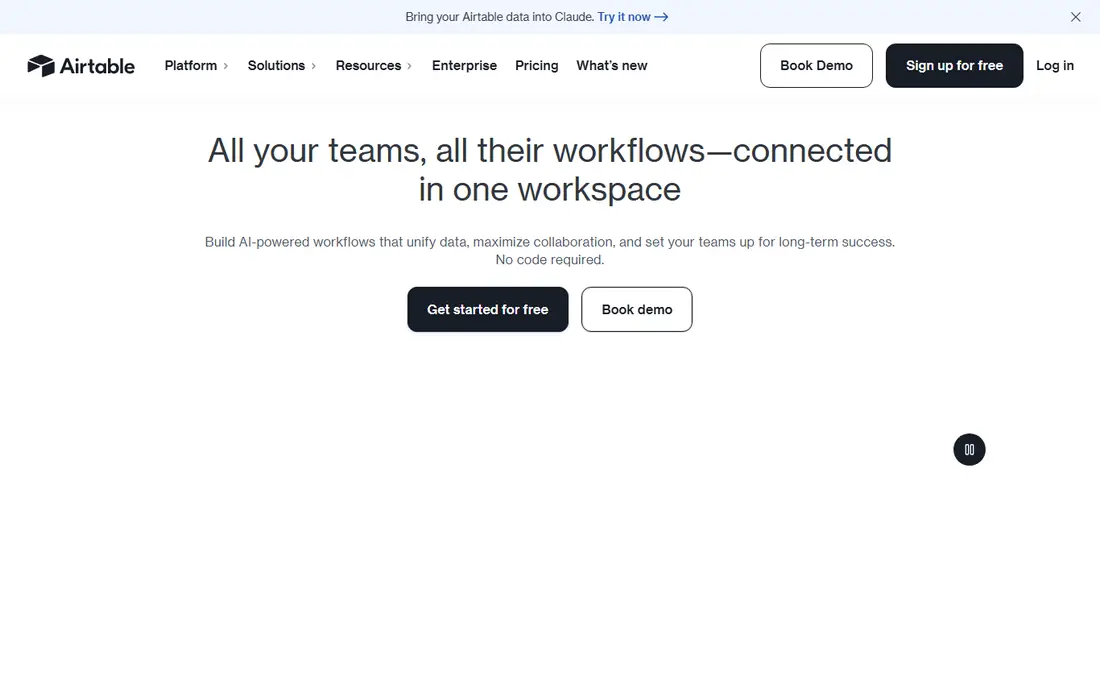
Airtable remains the benchmark for a database that feels like a spreadsheet but acts like a real database. Teams build bases with linked records, then switch the same data between grid, gallery, kanban, calendar, and timeline views. That flexibility is why one base can serve marketing, operations, and product teams at once, each seeing a view shaped for their work.
The cost side needs attention. The free plan covers small bases, while the Team plan is listed at $20 per user per month billed annually in recent comparisons, with record limits per base. Automations and interface building add power, but large teams should model seat count and record growth before committing. For most non-technical teams, Airtable is still the easiest place to start.
- Familiar grid with linked records
- Many views including kanban, calendar, and timeline
- Strong automations and interfaces
- Per-seat pricing grows fast for large teams
- Record limits on lower plans can bite as data grows
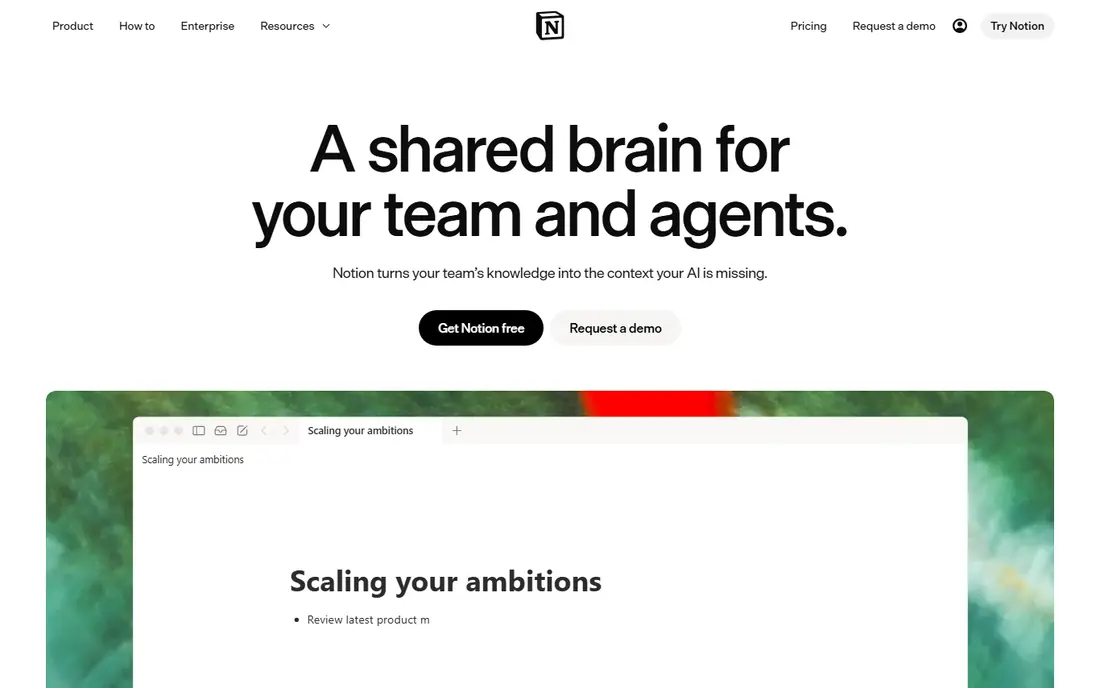
Notion suits teams that write documents and track work in the same place. A database can sit inside a project page, a meeting note, or a team wiki, with linked entries, filters, and views for tasks, content, or leads. That closeness to writing is a real advantage for small teams that do not want a separate database tool.
Its limits show at scale. Very large tables, complex permissions, and heavy automation are weaker than in Airtable or Baserow, and the interface rewards teams that already organize in Notion. The Plus plan is listed at $10 per user per month billed annually in recent comparisons. For docs-first teams, Notion is a natural database home.
- Databases live inside pages and docs
- Many view types
- Free plan covers personal and small team use
- Less strong for large structured datasets
- Permissions and automation are simpler than dedicated databases
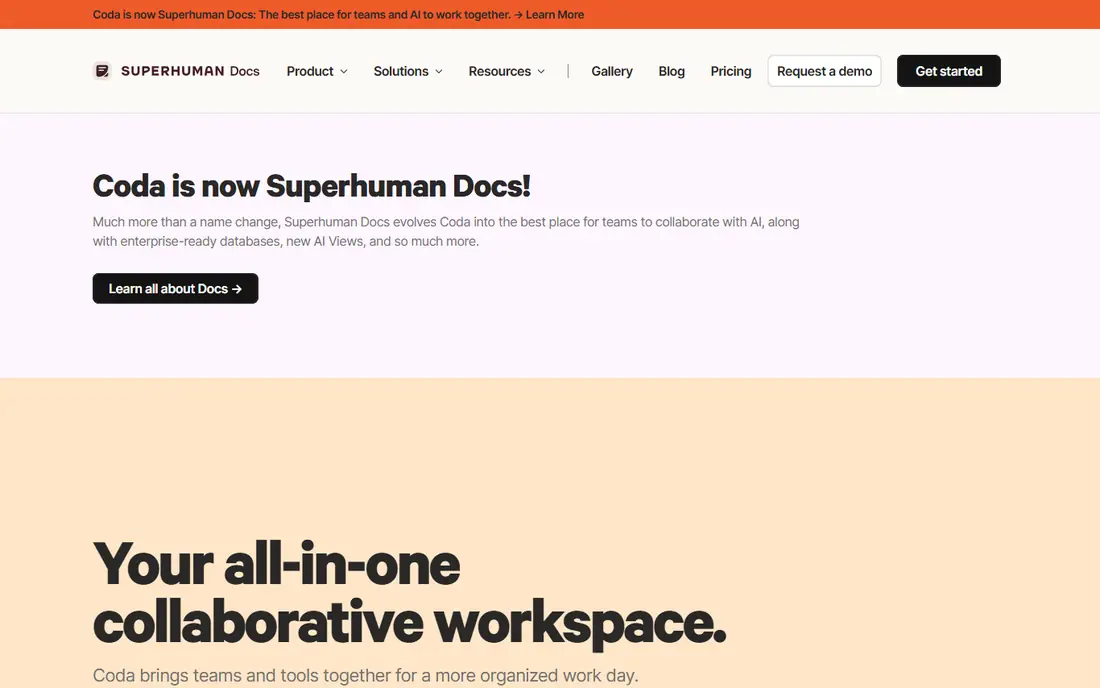
Coda turns a document into a working tool, with tables that can hold formulas, buttons that run actions, and pages that act like app screens. A team can build a tracker, a brief, and a simple workflow in one doc, rather than splitting work across a doc tool and a database tool. That blend suits operations teams that like to build their own systems.
The trade-off is complexity. New users can find Coda docs busy, and teams need time to learn formulas and layouts. Pricing from $10 per month in recent comparisons is tied to makers, so viewers cost less, but teams should check the current vendor page. For doc-led teams that want app-like behavior, Coda is a strong pick.
- Tables, buttons, and automations inside docs
- Flexible layouts
- Good for turning a doc into a small app
- Learning curve is higher than a plain grid
- Pricing is based on doc makers, which needs care in larger teams
Baserow is the most polished open-source rival to Airtable for teams that want a familiar grid without vendor lock-in. The cloud free plan covers small workspaces, while self-hosting removes record and storage limits for the core product, apart from server costs. An application builder lets teams turn tables into portals and forms for people outside the team.
Cloud pricing is listed at $10 per user per month billed annually for Premium in recent comparisons, with 50,000 records per workspace, while role-based permissions sit on a higher plan. Teams that self-host need someone to handle updates and backups. For teams that value control and a clean grid, Baserow is an excellent balance.
- Clean spreadsheet-style interface
- Open source with self-hosting
- App builder for portals and forms
- Cloud free plan caps records
- Advanced permissions need higher plans
- Smaller integration ecosystem than Airtable
NocoDB takes a different path: it puts a spreadsheet interface on a database a team already runs, such as Postgres or MySQL, instead of asking the team to move data into a new store. That approach suits technical teams that already own a database and only need a friendly editing screen and API access for it. The self-hosted core is free and open source.
The hosted cloud free plan is limited, with 1,000 records in recent comparisons, and paid cloud plans start near $8 to $12 per user per month depending on billing and source. The interface is functional rather than beautiful, and automation is thinner than in Airtable or Baserow. For teams with an existing database, NocoDB saves the work of building an admin screen from scratch.
- Turns Postgres or MySQL into a spreadsheet interface
- Self-hosted core is free
- Automatic APIs for records
- Cloud free plan is small
- Interface is less polished than Airtable
- Workflows are thinner than rivals
Knack is aimed at teams that need more than a table: a working app with logins, roles, and forms for customers or staff. A team can build a portal where clients see only their own records, submit forms, and track status, without hiring a developer. That app focus sets Knack apart from grid-first tools.
The design is less sleek than Airtable or Notion, and teams that only need a shared table may find Knack heavier than needed. Pricing is shown on the vendor site, with trial access for testing. For portals, internal tools, and client-facing databases, Knack remains a practical no-code choice.
- Builds web apps, portals, and forms on a database
- Good permissions and user roles
- No code needed for most apps
- Interface feels more functional than modern rivals
- Pricing needs a vendor check for current plans
Zoho Creator suits businesses that want to turn a process into an app, from approvals and field data collection to customer tracking. Forms, workflows, dashboards, and reports can be built with low code, and the app can run on web and mobile. Links to Zoho CRM, Books, and other Zoho apps help teams that already use that suite.
New users should expect a learning curve, since Creator is a full app builder, not a simple grid. Pricing is shown on the vendor site and varies by user type and volume, so teams should get a current quote. For Zoho-centered businesses that need process apps, Creator is a logical database and app platform in one.
- Low-code app building with forms, workflows, and reports
- Links to the wider Zoho suite
- Good for business processes
- Interface and setup take learning time
- Best value for teams already using Zoho tools
Grist blends a spreadsheet feel with real relational structure, so teams that live in formulas will feel at home. Tables can link, summarize, and filter, while formulas work much like those in a spreadsheet. That mix suits finance, operations, and research teams that need calculations beside structured records.
The interface is less guided than Airtable, and new users may need time to learn its layout and widget system. A free plan covers basic use, with paid plans on the vendor site for larger teams, and self-hosting is available. For data-heavy teams that want spreadsheet power without losing database structure, Grist is a strong specialist pick.
- Spreadsheet formulas in a relational database
- Good for data-heavy teams
- Self-hosting option for control
- Interface is more technical than Airtable
- Smaller template and integration library
SeaTable offers team tables with grid, kanban, calendar, gallery, and form views, plus automation and app-style screens for shared work. It suits teams that want an Airtable-like experience with a focus on collaboration and data entry, from project tracking to inventory and content planning. The interface stays calm even when a base holds several linked tables.
Its ecosystem is smaller than Airtable, so teams that rely on many third-party links should check integrations first. Free use covers small teams, with paid plans on the vendor site for higher limits and controls. For teams that want a clean, collaborative table tool at a modest cost, SeaTable deserves a trial.
- Clean tables with many view types
- Forms and app-like screens
- Team collaboration built in
- Smaller ecosystem than Airtable
- Some advanced features need paid plans
- Self-hosting needs technical setup
How we picked these
We compared official feature pages, pricing pages, app store listings, privacy policies, and public reviews for database tools with a strong visual interface. We kept only tools that are live, that let non-technical users add and edit records, and that offer more than one view of the same data. We favored clear grids, linked records, forms, and permissions, and we noted where pricing is per seat, per maker, or quote-based. We did not claim hands-on testing with production data.
Choosing a database interface your team will use
Start with a real dataset, not a demo table. Import a messy sheet with missing values and duplicate names, then see how each tool handles cleanup, linking, and filtering.
Check views, forms, and permissions together
A good interface needs all three: views for daily work, forms for clean data entry, and permissions so the right people see the right records. Test a form with an outside user, build a filtered view for one role, and confirm that private fields stay private. If any of those steps needs a workaround, the tool will create extra work later.
Plan for growth and exit
Check record limits, storage, and export options before the data grows. A tool that is cheap at 1,000 records can become costly at 50,000, and a tool with weak export will trap your data. Confirm that you can export tables in a usable format and that API access is available on a plan you can afford.
Keep the interface simple for editors
The best database is the one teammates actually update. Limit fields on entry forms, hide admin fields from daily views, and use clear field names. A short trial with the people who will edit records daily will reveal friction faster than any feature comparison.
Frequently asked questions
What is the database platform with the best user interface?
Airtable is the safest general answer, since its grid, views, and automations suit most teams. Notion suits docs-first teams, Coda suits doc-led app builders, and Baserow suits teams that want open-source control with a similar grid.
Is there a free database platform with a good interface?
Yes. Airtable, Notion, Coda, Baserow, NocoDB, Grist, and SeaTable all offer free plans or free self-hosted cores. Free plans usually limit records, storage, or permissions, so check those caps against your real data size.
Which database is best for non-technical teams?
Airtable and SeaTable are the easiest starting points for non-technical teams, since the grid feels familiar and views are easy to build. Notion is also easy if the team already writes and plans inside it.
Can I self-host a database with a good interface?
Yes. Baserow, NocoDB, and Grist offer self-hosting, which gives control over data location and ongoing licence costs. Self-hosting needs someone to manage updates, backups, and security, so weigh that time against cloud pricing.
What should I check before moving data into a new database?
Check import quality, linked records, view types, permissions, automation limits, record caps, and export options. Run a trial with real data and the people who will edit it daily, and confirm the price at your expected team size and record count.
Sources
See where you really rank - block by block
ProMapRanker scans Google Maps across a grid of your service area. Simple monthly plans from $19, white-label on every plan.
Start freeKeep reading
 worlds best local seo company
8 Worlds Best Local SEO Companies for Map Pack Growth in 2026
Compare the worlds best local seo company options for Google Business Profile work, citations, reviews, and multi-location rankings and reporting in 2026.
Read → world's best web hosting company
World's Best Web Hosting Company in 2026
Searching for the world's best web hosting company? We compared 10 hosts on price, renewal rates, speed, and support to help you choose well today in 2026.
Read → who's got the best nanny tax services
Who's Got the Best Nanny Tax Services in 2026
We answer who's got the best nanny tax services, comparing full filing, back taxes, software, and pricing so families can handle nanny taxes correctly.
Read →