 ProMapRanker
Data Integration Platforms With Best Customer Reviews in 2026

Key takeaways
- Fivetran suits teams that want managed connectors with little maintenance, while Airbyte suits teams that want open source control.
- Hevo and Stitch are simpler starting points for small teams, but their connector depth is narrower than the larger platforms.
- Usage based pricing can rise fast with row volume, so check monthly active rows, events, or credits before you commit.
- Customer reviews most often praise clear setup and steady syncs, and most often complain about pricing surprises and slow support on complex jobs.
Quick comparison
| Pick | Great for | Pricing starts at | Free tier | |
|---|---|---|---|---|
 Fivetran | Managed ELT with little maintenance | See website | Yes | Visit |
 Airbyte | Open source pipelines and custom connectors | $20 per month | Yes | Visit |
 Hevo Data | No code ELT for small and mid size teams | See website | Yes | Visit |
 Stitch | Simple extract and load jobs | $100 per month | No | Visit |
 Matillion | Warehouse native transformation | See website | No | Visit |
 Qlik Talend | Enterprise integration with data quality | See website | No | Visit |
 Informatica | Governed enterprise data management | See website | No | Visit |
 AWS Glue | Serverless ETL inside AWS | See website | No | Visit |
 Azure Data Factory | Microsoft centered data integration | See website | No | Visit |
The best data integration platforms with best customer reviews
We looked at official feature pages, pricing pages, and public customer reviews to compare these platforms on connectors, setup effort, and total cost. The picks below cover managed services, open source options, and cloud native tools.
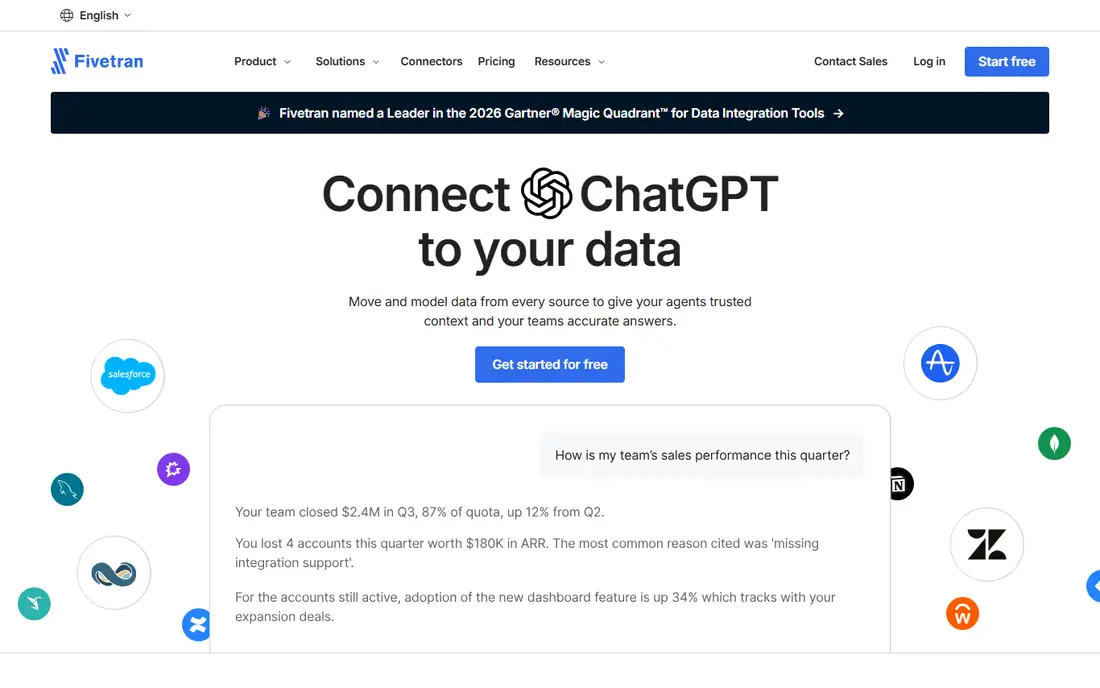
Fivetran is a strong pick for teams that want data in a warehouse without building and watching pipelines by hand. Its managed connectors handle schema changes and retries, which is why many reviewers mention steady, low effort syncs. The catalog covers common SaaS tools, databases, and files, so most standard reporting stacks can be connected in days rather than weeks.
The main catch is cost control. Pricing follows monthly active rows and connections, so a wide set of sources or a fast growing table can push the bill up. Teams should start with the sources they truly need for reporting, set a usage alert, and review row counts each month before adding more connectors.
- Broad connector catalog
- Automatic schema handling
- Strong documentation
- Usage based costs can grow fast
- Limited control over individual sync logic
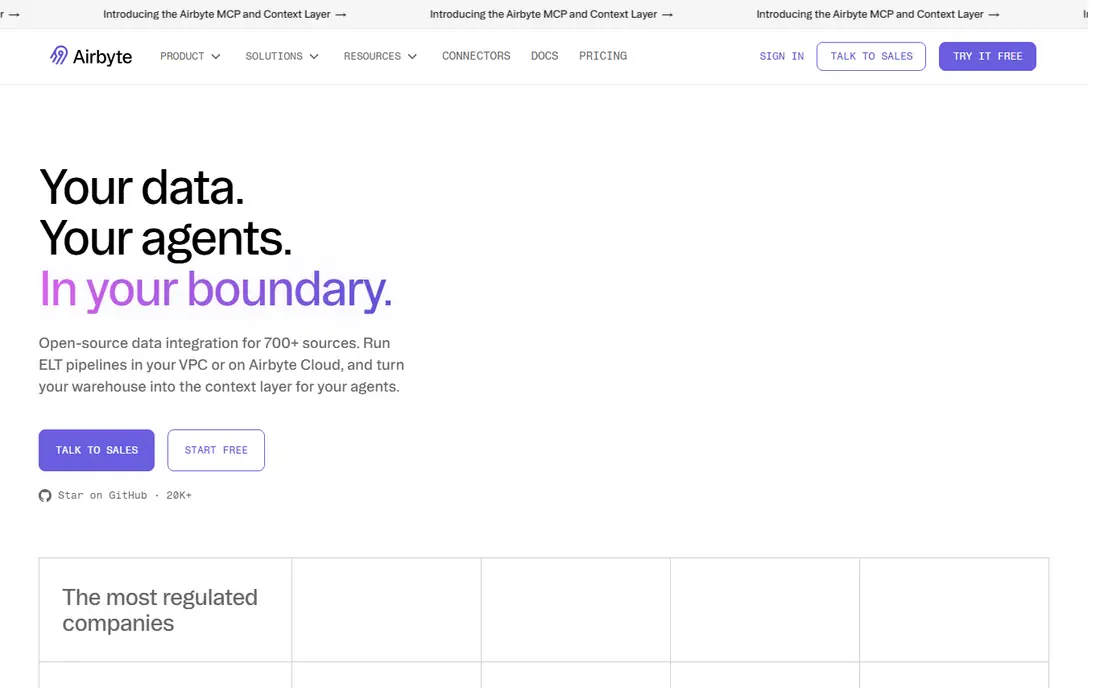
Airbyte gives teams a choice that most managed tools do not offer. You can run it yourself at no license cost, use the managed cloud, or mix both. That flexibility appeals to reviewers who want to avoid lock in and who have unusual sources that need a custom connector. The community catalog is broad, and the connector builder lowers the effort for simple API sources.
The trade off is responsibility. A self hosted setup needs monitoring, upgrades, and capacity planning, which small teams may not want. On the cloud version, check how credits map to your sync frequency and data volume, and test a full sync before you move a whole reporting stack onto it.
- Large open source connector catalog
- Self hosting option
- Connector builder for custom sources
- Self hosting needs engineering time
- Cloud pricing needs careful credit tracking
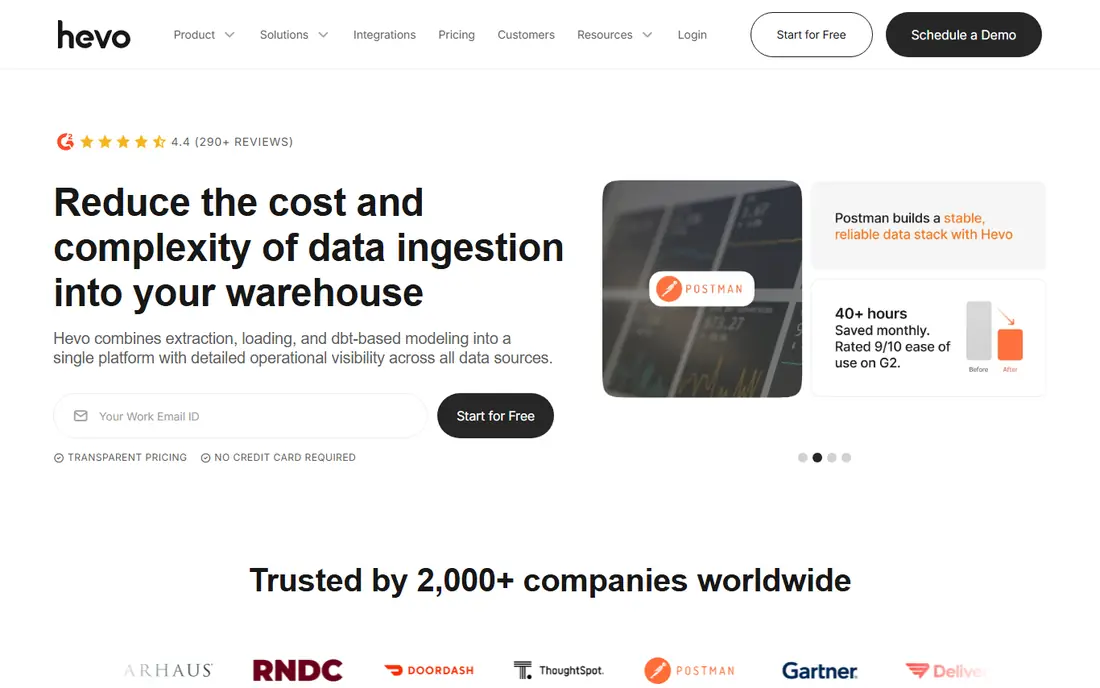
Hevo is built for teams that want pipelines running quickly without writing code. Reviewers often praise the setup flow, which walks you through source, destination, and mapping in a clear order. For common SaaS and database sources, that speed matters more than having every advanced transformation option in the same tool.
Hevo is less suited to very complex enterprise work that needs strict governance controls across many teams. Event based pricing also means you should estimate monthly events before you sign, and keep an eye on sources that send noisy, high volume event streams.
- Fast no code setup
- Automatic schema mapping
- Real time options on paid plans
- Fewer deep enterprise controls
- Costs rise with event volume
Stitch keeps things simple on purpose. It moves data from SaaS tools and databases into a warehouse, with little configuration beyond choosing tables and a sync schedule. That focus is why small teams and early stage companies often rate it well for getting a first warehouse running without a data engineering hire.
The limit appears when you need heavy transformation or very fresh data. Stitch is best paired with a warehouse transformation tool, and teams with complex logic should check connector support and replication methods for their key sources before they commit to a tier.
- Quick to set up
- Clear row based pricing tiers
- Stable for standard SaaS sources
- Limited transformation options
- Limited change data capture for some sources
Matillion runs transformations inside your cloud warehouse rather than moving data through a separate engine. That design can keep large jobs fast and keeps transformed data close to where analysts query it. Reviewers who already use Snowflake, BigQuery, or Redshift often like the visual builder combined with SQL and Python when a job needs custom logic.
Pricing is quote based, so budget planning takes a sales conversation and a clear estimate of task hours. Teams without warehouse experience may also face a learning curve, so plan time for training and for setting naming and testing standards early.
- Push down processing in the warehouse
- Visual job builder
- Python and SQL support
- Quote based pricing
- Needs warehouse knowledge to get full value
Qlik Talend suits larger teams that need integration, transformation, and data quality in one place. Its Studio tooling supports complex jobs, profiling, and cleansing, which helps when source data arrives messy or inconsistent. Governance and lineage features also help regulated teams show where data came from and how it changed.
That power comes with cost and complexity. Implementation often takes longer than a simple ELT setup, and training matters for the team that will own the jobs. Smaller teams should only choose it when they truly need the quality and governance depth, not just basic replication.
- Broad integration and quality tools
- Strong governance features
- Hybrid deployment options
- Higher total cost
- Steeper learning curve than simpler ELT tools
Informatica is a long standing enterprise choice, and reviewers in large companies value its governance, lineage, and data quality controls. When many teams share one data platform, those controls help keep definitions consistent and reduce the risk of different reports using different logic. The Intelligent Data Management Cloud brings integration, quality, and governance together under one vendor.
For a small team, Informatica is usually more than needed. Setup and administration take real effort, and pricing is usage based and quote driven. It fits best when compliance, scale, and shared governance are core requirements, not nice extras.
- Deep governance and compliance features
- Broad enterprise connectors
- Strong data quality tooling
- Complex implementation
- High total cost for smaller teams
AWS Glue is a natural pick for teams already running on AWS. It can crawl sources, infer schemas, and run serverless ETL jobs without managing servers. The visual builder helps with standard jobs, while Spark and Python support covers custom work. Integration with S3, Redshift, and other AWS services keeps data movement inside one cloud account.
The main limits are scope and cost visibility. Glue is strongest inside AWS, so multi cloud teams may prefer a neutral platform. DPU hour pricing also needs care on large jobs, so test job sizes and set billing alerts before you scale a daily pipeline.
- Serverless Spark and Python jobs
- Visual ETL builder
- Deep AWS service integration
- AWS centered
- Pricing by DPU hour needs monitoring
Azure Data Factory fits teams that already use Azure, Microsoft 365, or SQL Server. It offers a visual designer for pipelines, connectors for many Azure and on premises sources, and scheduling and monitoring in one place. Reviewers in Microsoft shops often praise how cleanly it connects to Azure storage, Synapse, and Fabric destinations.
As with other cloud native tools, its strength is also its limit. Teams outside Azure get less value, and consumption pricing means you should estimate activity runs, data movement, and integration runtime use. A short proof of concept on your two or three most important pipelines is the best way to judge fit.
- Broad Azure integration
- Visual pipeline designer
- Hybrid data movement options
- Azure centered
- Consumption pricing needs monitoring
How we picked these
We compared official feature and pricing pages, public documentation, and customer review themes from review sites, focusing on platforms that are live in October 2026 and that clearly support data integration work. We favored tools with a real connector catalog, current pricing or a clear quote model, and a record of steady syncs. We did not claim hands on testing, and we left out tools that had ended support or that only handled one narrow source type.
What to check before you buy
Start with your destination and your two most important sources, then work outward. A platform that handles those well will usually handle the rest, while a platform that struggles on a key source will cause pain every week. Ask for a trial or proof of concept that uses your real tables, not demo data, and check how schema changes, failed syncs, and backfills are handled.
Pricing and volume
Row, event, and credit models look different on paper but behave alike in practice. Estimate your monthly volume, add a buffer for growth, and ask what happens when you cross a tier. Free tiers help for testing, but they rarely cover production volume for long.
Support and maintenance
Check response times, documentation quality, and how connector updates are announced. Managed connectors save time only when the vendor fixes breaks quickly. For self hosted tools, confirm who on your team owns upgrades and monitoring.
Frequently asked questions
What is a data integration platform?
A data integration platform moves data from sources such as SaaS tools and databases into a warehouse or another system, and often transforms it along the way. It handles connections, scheduling, schema changes, and error handling so analysts do not have to build each pipeline by hand.
Which data integration platform is best for a small team?
Hevo and Stitch are good starting points for small teams because setup is fast and pricing is easier to follow. Airbyte also works when a team has some engineering time and wants open source control. Start with one or two sources and grow from there.
Are customer reviews a good guide for data integration tools?
Reviews help, but they reflect different team sizes and use cases. A tool praised by a startup may feel thin to an enterprise team, and a tool praised for governance may feel heavy to a small team. Read reviews from teams close to your size and stack, and run a trial on your own data.
How much do data integration platforms cost?
Costs range from free self hosted options and low monthly cloud tiers to quote based enterprise contracts. Usage models based on rows, events, or credits can rise with volume, so always estimate monthly use before you choose a plan.
What is ELT, and how does it differ from ETL?
In ELT, data is loaded into a warehouse first and then transformed there, which suits cloud warehouses. In ETL, data is transformed before loading, which suits older systems and strict pre processing rules. Many modern platforms support ELT first, with transformation in the warehouse.
Sources
- https://www.integrate.io/blog/what-is-the-best-fivetran-alternative/
- https://airbyte.com/compare/fivetran-vs-talend-vs-airbyte
- https://hevodata.com/learn/etl-tools-for-enterprise-data-integration/
- https://www.fivetran.com
- https://airbyte.com
- https://hevodata.com
- https://stitchdata.com
- https://matillion.com
- https://www.qlik.com
- https://www.informatica.com
- https://aws.amazon.com/glue/
- https://azure.microsoft.com/en-us/products/data-factory
See where you really rank - block by block
ProMapRanker scans Google Maps across a grid of your service area. Simple monthly plans from $19, white-label on every plan.
Start freeKeep reading
 zscaler alternatives
Best Zscaler Alternatives in 2026
Looking for zscaler alternatives? We compare 9 SASE and zero trust platforms on architecture, data protection, pricing, and fit for your network and team.
Read → zapier alternatives free
Best Zapier Alternatives Free in 2026
Nine automation tools for zapier alternatives free in 2026, all with genuinely free tiers, plus free plan limits, starting prices and upgrade paths explained.
Read → which platform is best for online reputation
Which Platform Is Best for Online Reputation in 2026
Wondering which platform is best for online reputation? We compare 8 review, listing, and response tools for small and multi-location businesses and agencies.
Read →