 ProMapRanker
Best Customer Service Software With AI Support in 2026

Key takeaways
- Intercom Fin is our pick for teams that want an AI agent measured by resolved conversations, with a clear per-outcome price.
- Zendesk suits large teams already on Zendesk, where AI sits inside a deep ticketing and routing system.
- Freshdesk offers the lowest entry cost for small teams that want AI help without an enterprise contract.
- AI pricing is not one number: seats, resolutions, sessions, and credits measure different things, so compare total cost on your own ticket volume.
- The best AI support tool is the one that fits your help desk, channels, and knowledge base, not the one with the longest feature list.
Quick comparison
| Pick | Great for | Pricing starts at | Free tier | |
|---|---|---|---|---|
 Zendesk | Large Zendesk teams | $55 per agent per month | No | Visit |
 Intercom | AI agent by outcome | $29 per seat per month | No | Visit |
 Freshdesk | Budget AI support | $19 per agent per month | Yes | Visit |
 Salesforce Service Cloud | Salesforce CRM teams | $25 per user per month | No | Visit |
 HubSpot Service Hub | HubSpot CRM teams | Free | Yes | Visit |
 Zoho Desk | Low-cost suite teams | Free | Yes | Visit |
 Help Scout | Simple shared inbox AI | $25 per user per month | No | Visit |
 Kustomer | Timeline-based CRM support | See website | No | Visit |
The best customer service software with AI support
AI support now means several different things: an agent that answers customers directly, a copilot that helps human agents, automatic ticket triage, and suggested replies. We compared tools on those jobs, on pricing clarity, and on how well the AI fits into a real support queue.
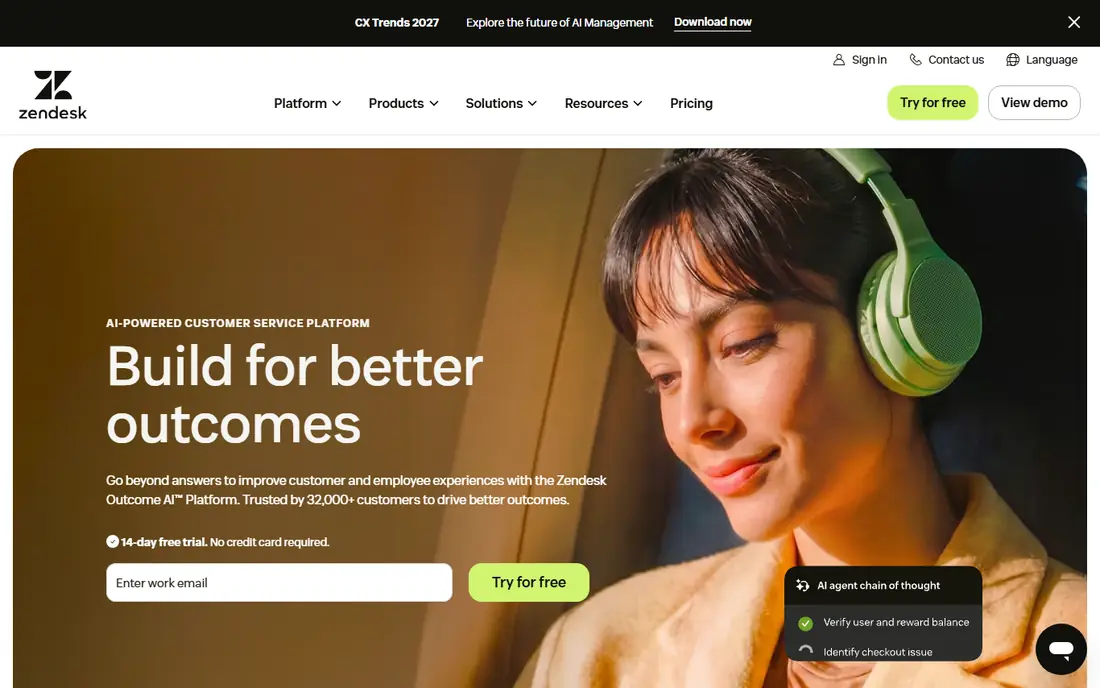
Zendesk is the safe enterprise choice in this list, and its AI is built into a ticketing system that many large teams already run. AI agents can answer common questions, route complex cases, and hand off to a human with context intact. The copilot tools help agents by suggesting replies, summarising tickets, and searching knowledge content. That combination matters when ticket volume is high and consistency matters more than novelty.
The catch is cost structure. Seat prices are only part of the bill, because AI resolutions are priced separately, and the rate varies between committed and pay-as-you-go terms. Small teams should therefore test Zendesk on a pilot volume before signing a large contract. For a large team that already uses Zendesk, however, adding AI inside the same system is simpler than bolting a separate agent on top of another help desk.
- Deep ticketing and routing
- AI agents plus agent copilot
- Large integration list
- AI resolution pricing adds cost on top of seats
- Setup can be heavy
- Smaller teams may pay for depth they do not use
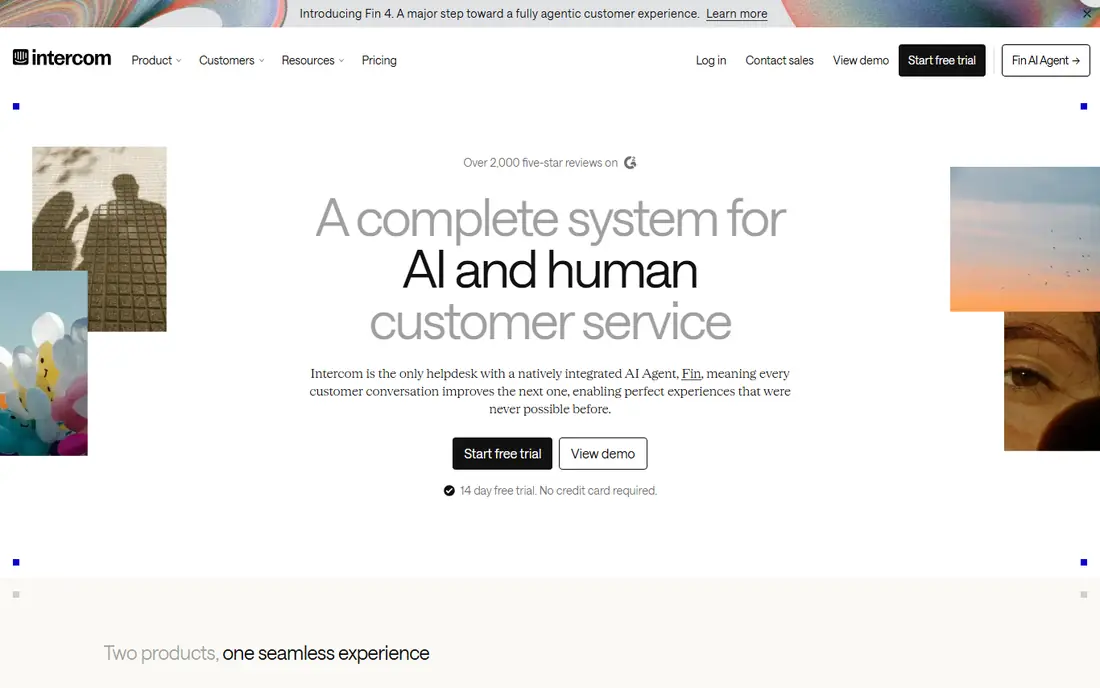
Intercom Fin is the clearest AI agent pricing model in this group: you pay per successful outcome, not per conversation that merely touched the bot. That makes it easier to link AI spend to work actually completed. Fin can also work on top of other help desks, which is useful if you do not want to move your whole support system to get a good AI agent. Its chat and messaging tools are mature, and its knowledge tools help Fin answer from your own help content.
The limit is total cost at scale. Seats plus outcome fees can grow quickly for a busy team, and some advanced controls sit on higher tiers. Fin is also strongest in chat and messaging, so a team whose customers mainly use phone or email should check channel coverage carefully. For chat-first teams that want outcome-based pricing, Fin is our first pick.
- Fin AI agent priced per outcome
- Works with several help desks
- Strong chat and messaging tools
- Seat plus outcome costs add up at scale
- Voice is newer than chat
- Enterprise features need higher tiers
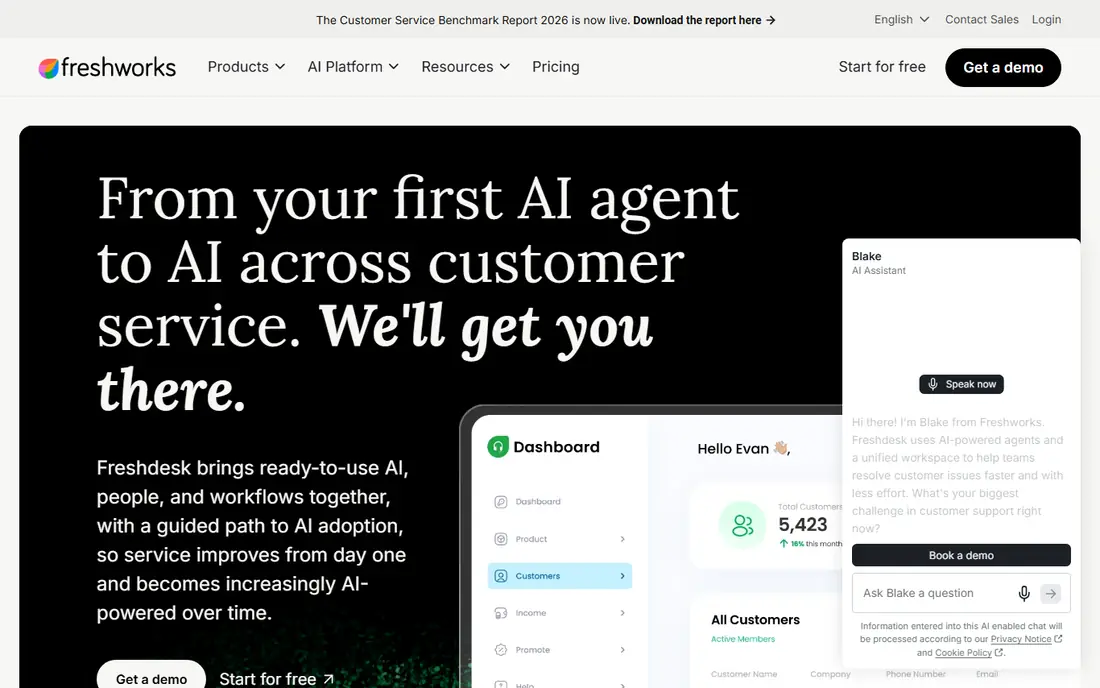
Freshdesk, from Freshworks, is the budget route into AI-assisted support. There is a free tier for very small teams, and paid tiers add Freddy AI features such as suggested replies, ticket summarising, and an AI agent for common questions. The core ticketing system covers email, chat, phone, and social channels, so a small team can run most of its support in one place without an enterprise budget.
The catch is that AI is not fully included in the base price. Freddy AI sessions are billed in packs on top of seat prices, and some features sit on higher tiers. That is still often cheaper than Zendesk or Intercom at small scale, but you should model your expected AI session volume before you choose a tier. For a team of a few agents that wants solid AI help at a low entry price, Freshdesk is hard to beat.
- Free tier for small teams
- Freddy AI on paid tiers
- Omnichannel ticketing
- AI sessions are billed separately
- Some AI features need higher tiers
- Integration depth varies
Salesforce Service Cloud makes most sense if your customer data already lives in Salesforce. Cases, accounts, and service history sit in the same system as sales data, so agents can see the full customer story without switching tools. Agentforce agents can handle service conversations, take actions in Salesforce, and hand off to humans with context. For a large Salesforce shop, that integration is worth a great deal.
The downside is complexity and cost. Agentforce pricing uses conversations and credits, and higher service tiers add further cost, so the total bill depends on how much agent work you run. Implementation also needs Salesforce expertise, which small teams may not have in house. If you are not already on Salesforce, a standalone help desk will usually be simpler and cheaper.
- Deep CRM integration
- Agentforce agents for service
- Strong case and knowledge tools
- Cost rises with add-ons and credits
- Setup needs Salesforce skill
- Overkill outside Salesforce
HubSpot Service Hub is the natural choice for teams already using HubSpot for marketing or sales. Tickets, customer records, and conversation history share one CRM, so support agents do not need to chase data across systems. The free tier covers basic ticketing for small teams, and paid tiers add automation, knowledge base tools, and a customer agent that answers from your help content.
The limit is that the best AI features are not free. Customer agent work uses credits, and advanced routing and reporting sit on higher tiers. A team that only needs basic ticketing may find the free tier enough, while a team that wants heavy AI automation should budget for credits and a paid tier. For HubSpot users, though, the fit is strong and the learning curve is low.
- Free tier for small teams
- CRM and marketing data in one place
- Customer agent on higher tiers
- AI credits add cost
- Advanced service features need paid tiers
- Reporting depth grows with tier
Zoho Desk is the value pick for teams that already use Zoho apps or that want the lowest paid price in this list. The free tier covers a small team, and paid tiers stay below most rivals. Zia, the Zoho AI assistant, helps with ticket classification, suggested replies, and anomaly alerts, which covers the most common AI support jobs without a large bill.
The trade-off is depth. Zia is helpful, but it does not match the agent quality or the automation range of Fin or Zendesk AI, and some useful features sit on higher tiers. The interface is also more functional than polished. If budget is the main constraint and your ticket volume is moderate, Zoho Desk gives you a capable system for far less money. If AI quality is the main goal, spend more and look higher up this list.
- Free tier for small teams
- Low paid prices
- Zia AI for ticket help
- AI depth is thinner than leaders
- Interface feels dated in places
- Some features need higher tiers
Help Scout suits email-first teams that want a shared inbox without the weight of a large contact centre platform. Agents work from a clean inbox, customers get a help centre, and AI Answers can resolve common questions before a human is needed. AI Answers is priced per resolution, which makes its cost easier to compare with Fin and Zendesk AI, and at a lower per-resolution figure than several rivals.
The limit is scale. Help Scout is not built for the most complex enterprise routing, workforce management, or voice-heavy contact centres. AI Answers also adds cost on top of seat prices, so a team with high AI volume should model that total. For a small or mid-size team that lives in email and wants simple, honest AI support, Help Scout is a strong choice.
- Simple shared inbox
- AI Answers priced per resolution
- Good for email-first teams
- Less suited to very large contact centres
- AI Answers is an add-on cost
- Fewer enterprise routing tools
Kustomer takes a different view of support: every customer gets a timeline that pulls together conversations, orders, and history, so agents do not need to piece together a story from separate tickets. That view helps consumer brands with repeat customers, where context across channels matters. Its automation and AI tools can route, suggest, and resolve routine work inside that timeline.
The main drawback is pricing transparency. Kustomer does not publish a starting price, so you must go through sales to get a quote, which makes comparison harder. Implementation also takes more effort than a simple shared inbox. For a mid-size or large consumer brand that wants a CRM-style support system, Kustomer is worth a demo. For a small team that wants a quick start, a simpler tool will be faster.
- Full customer timeline in one view
- Omnichannel conversations
- Automation and AI tools
- Pricing is not published
- Implementation takes effort
- Smaller teams may find it heavy
How we picked these
We compared official pricing and product pages, AI billing models, and channel coverage for tools that are live in October 2026. We gave weight to tools that answer customers directly as well as tools that help human agents, because both count as AI support. We did not claim hands-on testing, and where pricing was unpublished we wrote See website rather than repeating third-party estimates as vendor facts. Tools that had closed, that offered only a chatbot builder without a support queue, or that lacked a current product page were left out.
How to compare AI support costs fairly
Do not compare headline seat prices alone. Write down your monthly ticket volume, the share you expect AI to resolve, and the unit each vendor charges for: a resolution, an outcome, a session, a conversation, or a credit. Then add seat prices, AI unit costs, and any platform fees to get a total monthly cost for the same volume. A tool with a cheap seat price can become expensive if its AI unit is billed often, and a tool with a higher seat price can be cheaper if its AI resolves more work without human help.
Pilot with real tickets, not demo questions. Load your help centre content, connect the channels your customers actually use, and run the AI on a slice of live traffic with human review. Measure resolution rate, escalation quality, and customer satisfaction, not only the vendor's headline automation figure. Check the handoff too: a good AI agent passes full context to a human, so the customer does not have to repeat the problem.
Questions to ask before you sign
Ask how the vendor defines a billable resolution, what happens when the AI gives a wrong answer, and how you can correct the knowledge it uses. Ask which languages it supports, how it handles account-specific questions that need live data, and what guardrails stop it from making promises or refunds it should not make. Ask about data use as well: whether your customer conversations are used to train models, and how long transcripts are kept. Those answers matter more than a demo that answers five easy questions well.
Frequently asked questions
What is the best AI customer service software for a small team?
Freshdesk or HubSpot Service Hub are good starting points, because both offer a free tier and low paid tiers. Intercom Fin is also worth testing if most of your customers use chat and you want outcome-based AI pricing.
How is AI support priced?
It varies. Some tools charge per seat plus a fee per AI resolution, outcome, session, or conversation. Others use credits. Always model total cost on your own ticket volume, because the same tool can be cheap at low volume and costly at high volume.
Will an AI agent replace human agents?
For routine questions, it can reduce workload a great deal. For complex, sensitive, or account-specific cases, human agents remain important. The best setups use AI for the first pass and for drafting, with humans handling exceptions and high-stakes cases.
Do I need to move my help desk to use an AI agent?
Not always. Intercom Fin, for example, can work on top of several help desks. Other AI agents, such as Zendesk AI and Agentforce, work best inside their own platforms, so check integration before you commit.
What data does an AI support tool need?
It needs your help centre articles, product documentation, and common answers to work well. Account-specific answers also need safe access to order or account data, with clear limits on what the agent can change.
How do I stop an AI agent from giving wrong answers?
Keep its knowledge base current, limit it to topics it can answer safely, require human review for refunds, account changes, and medical or legal topics, and track escalations and corrections each week. A small, well-maintained knowledge base beats a large, out-of-date one.
Sources
See where you really rank - block by block
ProMapRanker scans Google Maps across a grid of your service area. Simple monthly plans from $19, white-label on every plan.
Start freeKeep reading
 zoro.to alternatives
Best Zoro.to Alternatives in 2026
We compare the best zoro.to alternatives in 2026, listing only legal licensed anime streaming services, from Crunchyroll to free options for fans today.
Read → zip alternatives
Best Zip Alternatives in 2026
We compare the best zip alternatives for buy now, pay later in 2026, covering pay-in-4 plans, fees, spending limits, and credit reporting options today.
Read → yesware alternatives
Best Yesware Alternatives in 2026
Compare the best yesware alternatives for sales email tracking, templates, and sequences, with current pricing and honest tradeoffs for small sales teams.
Read →