 ProMapRanker
Best Cursor Alternatives for Managing GitHub in 2026

Key takeaways
- GitHub Copilot is the lowest-friction pick for developers already working in GitHub and VS Code.
- Windsurf, now Devin Desktop, is the closest all-in-one IDE alternative to Cursor.
- Zed suits developers who want speed and a lighter editor, while open-source tools suit those who want model choice.
- Terminal agents such as Claude Code and Aider fit Git-first workflows, but they need more setup.
- Check GitHub integration, model costs, and privacy rules before you move a team.
Quick comparison
| Pick | Great for | Pricing starts at | Free tier | |
|---|---|---|---|---|
 GitHub Copilot | GitHub and VS Code workflows | $10 per month | Yes | Visit |
 Windsurf | Closest Cursor-style IDE | $20 per month | Yes | Visit |
 Zed | Fast native editor | $10 per month | Yes | Visit |
 JetBrains AI | JetBrains IDE users | $10 per month | Yes | Visit |
 Tabnine | Private and regulated teams | $39 per user per month | No | Visit |
 Sourcegraph Cody | Large codebase search | See website | Yes | Visit |
 Amazon Q Developer | AWS-focused teams | $19 per user per month | Yes | Visit |
 Continue | Open-source model choice | Free | Yes | Visit |
 Aider | Terminal Git pair programming | Free | Yes | Visit |
The best Cursor alternatives for managing GitHub
These tools help you work with GitHub repositories, whether through an editor, a terminal agent, or a review tool, without relying on Cursor itself.
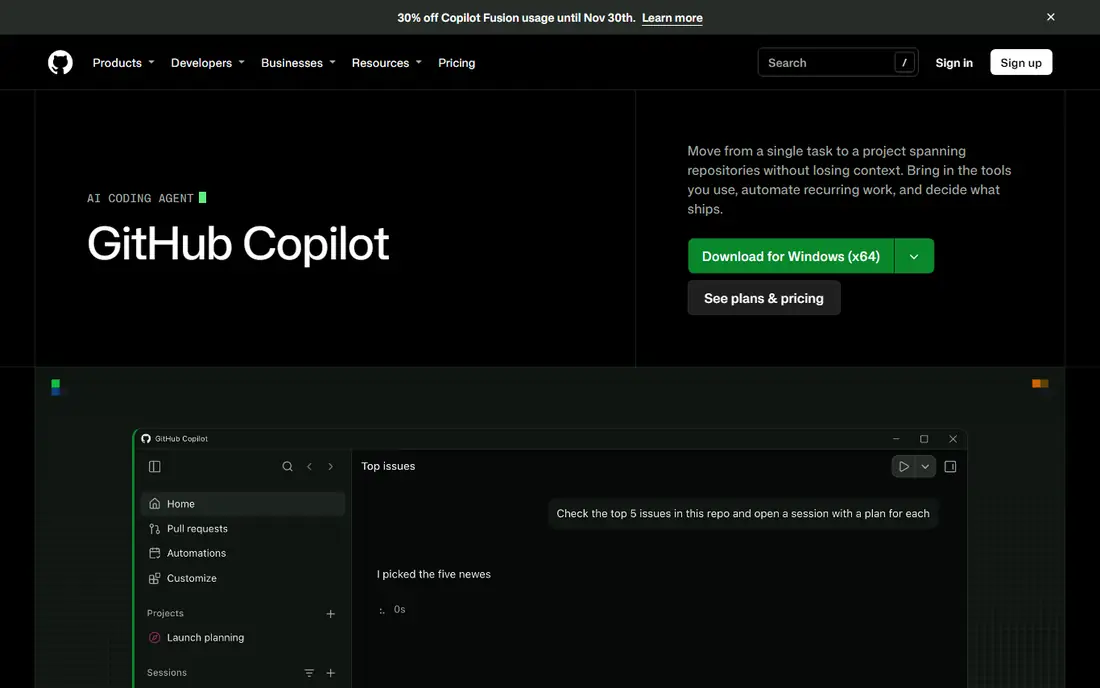
GitHub Copilot is the obvious starting point, because it lives where GitHub work already happens. It offers completions, chat, agent mode, and pull request reviews inside VS Code, JetBrains IDEs, and GitHub itself. For teams that use GitHub Actions, issues, and pull requests daily, that integration removes friction.
The free plan is limited, and paid plans use credits for some agent work, so heavy users should check usage limits. Copilot also favours its own model setup over bringing any model you like. If your work centres on GitHub, though, no other tool matches its fit for the same price.
- Deep GitHub integration
- Works in VS Code and JetBrains
- Agent mode and code review features
- Usage credits apply on paid plans
- Model choice is more limited than open tools
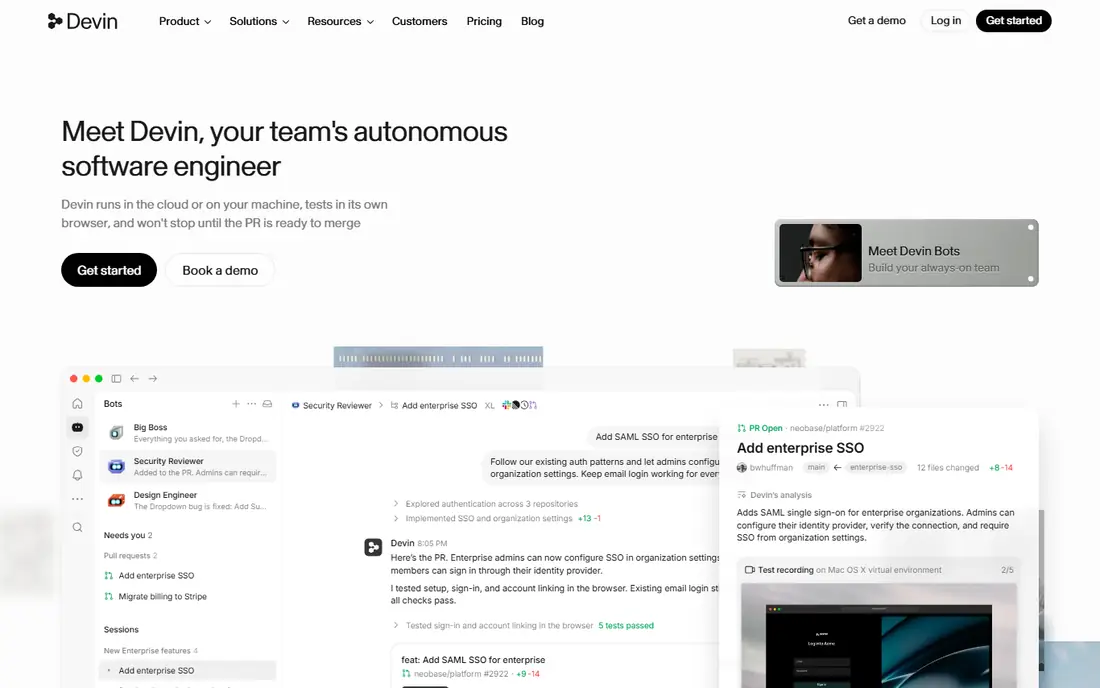
Windsurf, now sold as Devin Desktop, is the closest direct replacement for Cursor. It offers an agentic editor that can edit across files, run commands, and work with a repository as a whole, rather than one file at a time. Developers who liked Cursor agent mode will find the workflow familiar.
The move to Devin has changed pricing pages and plan names, so confirm the current plan before you buy. It is also a full IDE, not a light extension, so it uses more resources than Zed or a terminal tool. For teams that want an all-in-one Cursor-style experience, it is still the first tool to test.
- Agentic multi-file editing
- Full IDE experience
- Cloud agents on higher plans
- Pricing and quotas have changed with the Devin move
- Heavier than a light editor
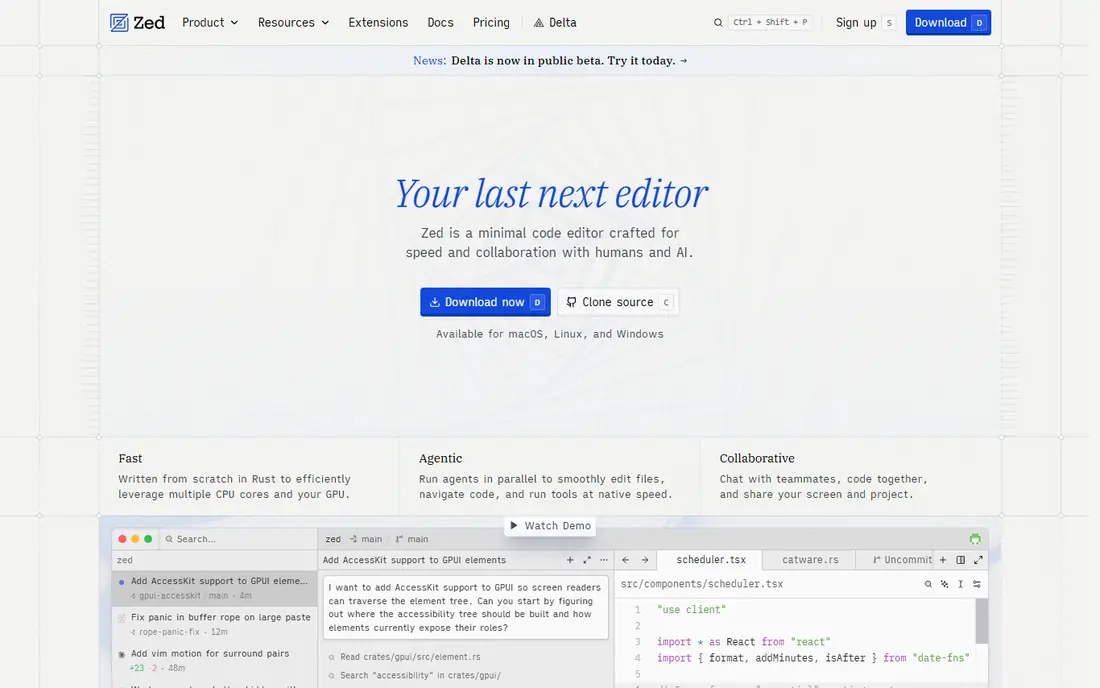
Zed is a native editor built for speed. It opens fast, handles large files well, and feels lighter than Electron-based editors. Collaboration features let developers share a session, and AI edit predictions and chat are available on paid plans, with the option to use your own keys in some setups.
The extension ecosystem is smaller than VS Code, so check that your languages and tools are supported. Zed also suits developers who value editor performance over the deepest agent features. If Cursor ever felt heavy, Zed is a refreshing change.
- Very fast startup and editing
- Built-in collaboration
- Clean interface
- Fewer extensions than VS Code
- AI features need a paid plan for heavy use
JetBrains AI adds chat, completions, and agent-style help inside JetBrains IDEs, which many Java, Python, Kotlin, and web developers already use. It fits naturally with JetBrains Git tools, including branch management, diff views, and pull request workflows. Refactoring support is a particular strength, since JetBrains IDEs understand code structure well.
If you do not use JetBrains IDEs, this is not a reason to switch. The value comes from staying in an IDE you already know, rather than learning a new editor. For JetBrains teams, it is a low-friction Cursor alternative.
- Works inside IntelliJ, PyCharm, and other JetBrains IDEs
- Strong refactoring support
- Git integration
- Only useful if you already use JetBrains tools
- AI features vary by IDE
Tabnine suits organisations that cannot send code to public AI services without controls. It offers private and self-hosted deployment options, along with agent and code review features for teams. That makes it a fit for regulated industries, large enterprises, and teams with strict data rules.
Individual developers will likely find it expensive, and there is no free plan to test casually. The value is in privacy, governance, and team controls, not in being the cheapest option. If your security team sets the rules, Tabnine deserves a place on the shortlist.
- Private deployment options
- Code review and agent features
- Enterprise controls
- Higher price
- No free plan for individuals
Sourcegraph Cody is built around understanding large codebases. It uses Sourcegraph search to give AI answers grounded in your repository, which helps when you join a large project or track down how a feature works across many files. That context is useful for GitHub teams working in monorepos or long-lived codebases.
Smaller projects may not need that depth, and pricing depends on the plan you choose. Cody also works best when your codebase is indexed well, so setup matters. For large-team GitHub work, its search-first approach is a real advantage.
- Strong codebase search and context
- Works across large repos
- Enterprise options
- Pricing varies by plan
- Best value shows in larger codebases
Amazon Q Developer helps teams that build on AWS, with knowledge of AWS services, code transformation, and documentation. It works in common IDEs and supports Git-based workflows, so developers can use it alongside GitHub repositories. Agent features can help with upgrades, tests, and code changes.
Teams that do not use AWS will get less value from its specialisation. The entry price is also higher than Copilot Pro. If your stack is AWS-heavy, though, Q Developer can save time on service-specific work that general tools handle less well.
- AWS service knowledge
- Agent features for code and docs
- GitHub and IDE support
- Less general appeal outside AWS work
- Higher entry price than Copilot
Continue is an open-source extension for VS Code and JetBrains that lets you choose your own models and providers. That freedom matters if you want to control costs, switch models, or avoid lock-in to one vendor. It supports chat, edits, and agent-style workflows inside editors you already use.
The trade-off is setup. You need API keys, you pay model providers separately, and you manage your own usage. That suits developers who like control and are comfortable configuring tools. If you want a single bill and zero setup, a bundled tool will feel easier.
- Open source
- Bring your own model keys
- Works in VS Code and JetBrains
- You pay model providers separately
- Setup takes more effort than a bundled tool
Aider is a terminal tool that pairs with you on Git repositories. It edits files, commits changes, and works with your existing Git workflow, which makes it a strong fit for developers who live in the terminal. It is open source and supports many models through your own API keys.
It is not an IDE, so there is no visual editor, preview, or extension ecosystem. You also pay model providers separately. For Git-first developers who want a focused, scriptable agent, Aider is a powerful and low-cost alternative.
- Git-native workflow
- Open source
- Works with many models
- Terminal only
- You pay model costs separately
- Needs comfort with command line
How we picked these
We compared official pricing, GitHub and Git integration, editor support, model choice, and privacy options in October 2026, along with public reviews. We favoured tools that are actively maintained, work with GitHub repositories, and offer a clear alternative to Cursor, whether as an IDE, an extension, or a terminal agent.
How to choose for GitHub work
Start with where you already work. If you live in VS Code and GitHub, Copilot or Continue will feel most natural. If you want a full agent IDE, test Windsurf first. If you use JetBrains or AWS daily, pick the tool built for that stack, since integration will save more time than a slightly better model.
Next, check how each tool handles pull requests and reviews. Some tools review code inside GitHub, others help mainly in the editor. If your team reviews a lot of pull requests, that difference matters. Also check privacy rules, especially for private repositories, and confirm whether code leaves your environment.
Finally, model your real cost. Bundled plans look simple, but credits and quotas can add up for heavy agent use. Open tools look free, but model bills are separate. Run a trial on a real repository, with real pull requests, before you move a whole team.
Frequently asked questions
What is the best Cursor alternative for GitHub?
GitHub Copilot is the best fit for most GitHub users, thanks to its integration with VS Code, JetBrains, and GitHub pull requests. Windsurf is better if you want a full Cursor-style IDE experience.
Can these tools work with private GitHub repositories?
Yes, most support private repositories, but privacy terms vary. Check whether code is used for training, where it is processed, and whether private deployment is available for regulated teams.
Are open-source alternatives really free?
The tools themselves are free, but you still pay model providers for API use unless you run a local model. Heavy agent use can cost more than a bundled plan, so track usage during a trial.
Do I need to leave VS Code to use these tools?
No. Copilot, Continue, Cody, and several others work inside VS Code, so you can keep your editor and extensions. Windsurf and Zed are separate editors, so they suit developers willing to switch.
Which tool is best for large codebases?
Sourcegraph Cody stands out for large codebases, thanks to its search and context features. Copilot agent mode and Windsurf also handle multi-file work, but Cody is built specifically for navigating large repositories.
Sources
See where you really rank - block by block
ProMapRanker scans Google Maps across a grid of your service area. Simple monthly plans from $19, white-label on every plan.
Start freeKeep reading
 zscaler alternatives
Best Zscaler Alternatives in 2026
Looking for zscaler alternatives? We compare 9 SASE and zero trust platforms on architecture, data protection, pricing, and fit for your network and team.
Read → zapier alternatives free
Best Zapier Alternatives Free in 2026
Nine automation tools for zapier alternatives free in 2026, all with genuinely free tiers, plus free plan limits, starting prices and upgrade paths explained.
Read → which platform is best for online reputation
Which Platform Is Best for Online Reputation in 2026
Wondering which platform is best for online reputation? We compare 8 review, listing, and response tools for small and multi-location businesses and agencies.
Read →