 ProMapRanker
Current Best AI Video Generation Tools in 2026

Key takeaways
- Google Veo, via Flow and Gemini, leads on realism and native audio, but costs rise fast at scale.
- Kling AI offers strong motion quality at a lower entry price, making it a good value pick.
- Runway suits professional editing and control, while Luma suits cinematic image-to-video work.
- Pika and Hailuo suit fast social clips, while Synthesia and HeyGen suit avatar and training videos.
- Only animate images you own or have permission to use, and never animate a real person without consent.
Quick comparison
| Pick | Great for | Pricing starts at | Free tier | |
|---|---|---|---|---|
 Google Veo | Realism and native audio | See website | Yes | Visit |
 Kling AI | Value and realistic motion | $6.99 per month | Yes | Visit |
 Runway | Professional control and editing | $12 per month | Yes | Visit |
 Luma Dream Machine | Cinematic image-to-video | $30 per month | Yes | Visit |
 Pika | Fast social clips | $8 per month | Yes | Visit |
 Hailuo AI | Budget creative motion | $9.99 per month | Yes | Visit |
 Adobe Firefly | Brand-safe Adobe work | $9.99 per month | Yes | Visit |
 Synthesia | Avatar training videos | See website | Free trial | Visit |
 HeyGen | Multilingual avatar marketing | $24 per month | Yes | Visit |
The best ai video generation tools
We compared official model pages, pricing pages and public creator reviews for these tools. The list covers text-to-video, image-to-video and avatar video, so match the tool to the video type you actually need. We did not list Sora as a live consumer product, since its standalone consumer app closed in April 2026.
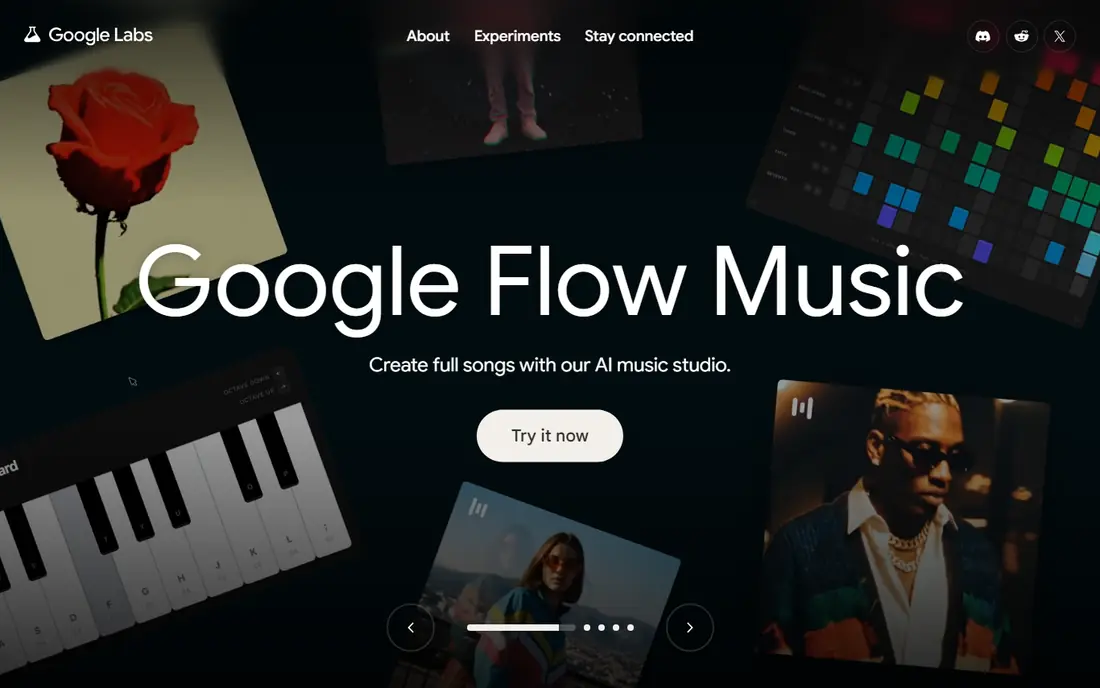
Google Veo 3.1 is the strongest all-round video model in 2026 for many creators, because it pairs realistic motion with synchronized audio in the same generation. You can reach Veo through Google Flow, the Gemini app and other Google products, with text-to-video, image-to-video and reference-image options. That combination suits ads, concept videos and short cinematic scenes.
The catch is cost and access. Free options are limited, paid Google AI plans vary, and high-resolution or audio generations use credits quickly. Veo clips also carry an invisible watermark system from Google, which matters for some brand workflows. If quality and sound matter most, Veo is the default starting point.
- Strong realism and prompt following
- Native dialogue, sound and ambience
- Text and image inputs
- Costs rise fast at scale
- Access and limits vary by Google plan
- Credits burn fast on long clips
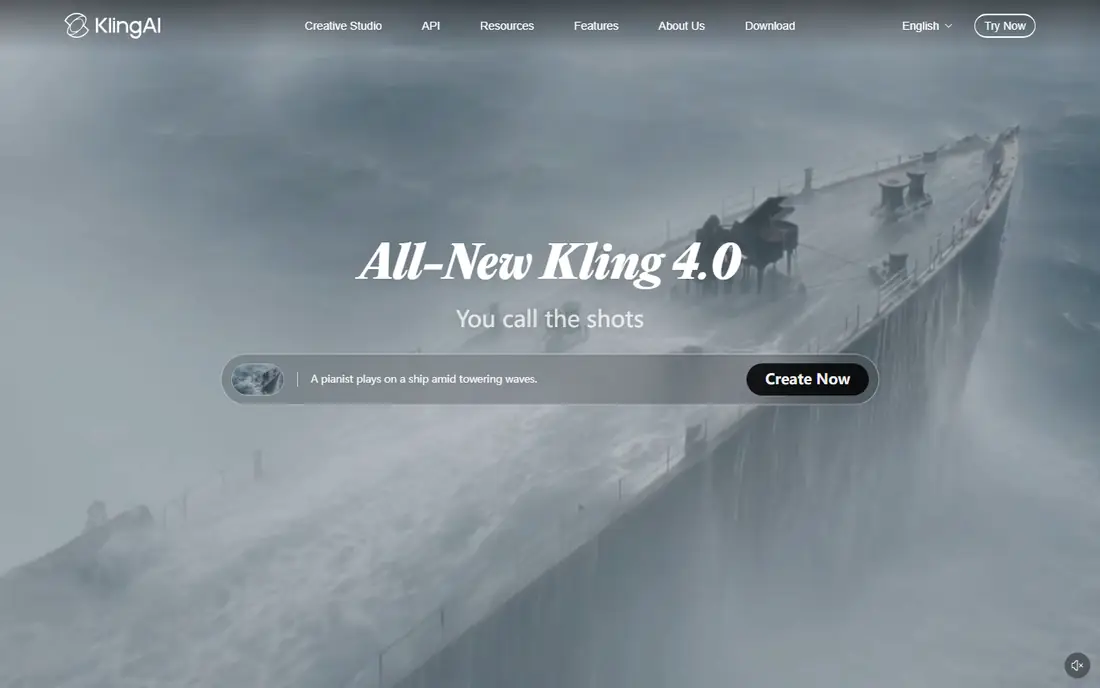
Kling AI, including Kling 3.0 models in 2026 listings, wins on value for realistic motion. It handles people, camera moves and multi-shot scenes well, and its entry price is lower than Veo or Luma for many creators. That makes it a practical daily tool for marketers, creators and small teams.
Free credits let you test motion quality, but they do not cover heavy production work. Paid plans add credits and higher models, and complex scenes still need review before publishing. For creators who generate often and watch costs, Kling is our value pick.
- Strong human motion
- Good value entry price
- Text, image and multi-shot options
- Free credits have limits
- Complex scenes can still need cleanup
- Higher models need higher plans
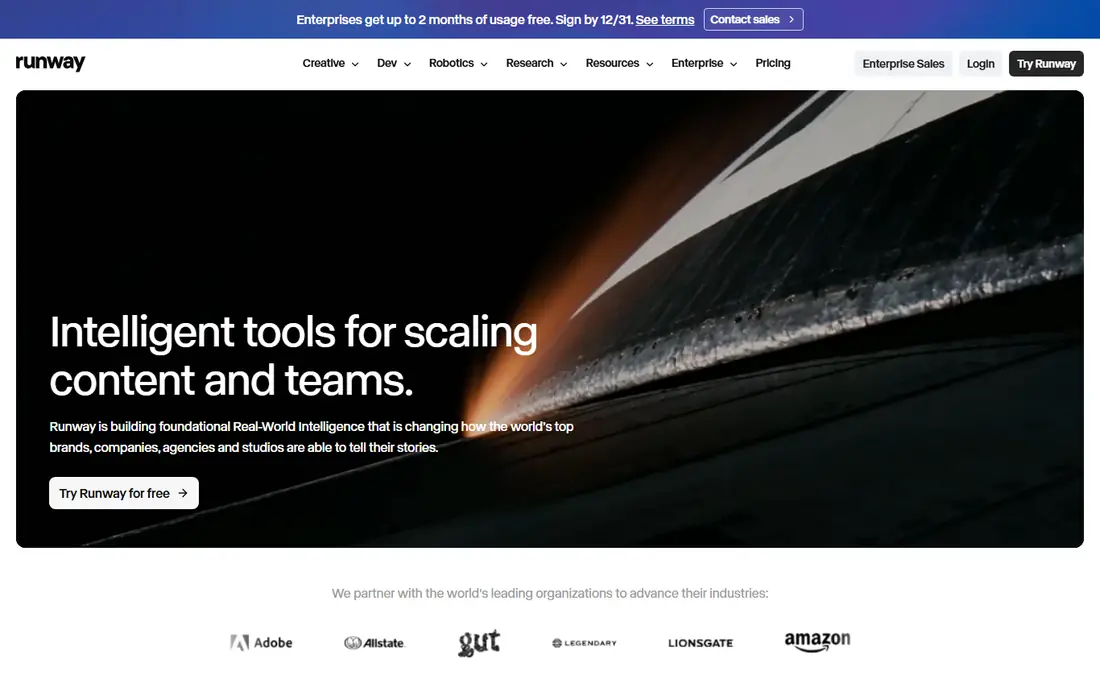
Runway Gen-4.5 suits professionals who want control, not just a single generation. Motion brushes, camera control, reference-based work and editing tools help shape a clip toward a brief. That workflow matters for ads and brand work where a close result is not good enough.
Free credits are one-time rather than monthly, so testing needs a plan. Paid plans start at a moderate monthly price, but heavy use needs a higher tier. If you edit video for clients, Runway is one of the most complete tools on this list.
- Deep editing and control tools
- Motion brushes and references
- Strong production workflow
- Free credits are one-time
- Steeper learning curve
- Shorter clips than some rivals
Luma Dream Machine, with Ray models in 2026, is a strong choice for turning stills into cinematic clips. It holds scene continuity well, handles camera moves with care, and produces a polished look that suits concept videos, pitches and ads. Creators who start from a photo often get cleaner results here than with text-only tools.
The starting price is higher than Kling or Pika, and high-resolution generations use more credits. Free use has limits, so budget for a paid plan for regular work. For image-first cinematic work, Luma is hard to beat.
- Cinematic camera and HDR look
- Strong image-to-video continuity
- Good for concept work
- Higher starting price
- Credit costs rise on high resolution
- Free exports have limits
Pika suits short-form creators who need many fast clips and effects. Its effects library and quick generation help with trends, product teasers and social variations. A creator can test several ideas in one session without a long render wait.
Pika is not the best choice for long, serious cinematic work, and free exports carry watermarks. Check commercial terms before using clips in paid ads. For social speed and experimentation, Pika earns its place.
- Fast generation
- Playful effects for social
- Easy for short-form creators
- Free exports carry watermarks
- Less suited to long cinematic work
- Commercial rights need care
Hailuo AI, from MiniMax, offers expressive motion at a budget-friendly price, with daily free credits for testing. It handles unusual prompts and everyday scenes with a lively feel, which suits creators who experiment often. Short social and marketing clips are its sweet spot.
Consistency can vary on complex scenes, so plan for a few tries per shot. Paid plans add credits and quality options. For creators who want a low-cost second tool alongside Kling or Runway, Hailuo is a practical pick.
- Expressive motion
- Daily free credits
- Fast short-clip generation
- Consistency varies on complex prompts
- Free volume is limited
- Commercial rights need a plan check
Adobe Firefly Video suits brand teams and creators already inside Adobe apps. Its training and licensing approach is aimed at commercial use, which helps when clients ask about rights and safety. Integration with Premiere, Photoshop and Express keeps video work in one workflow.
Clips are short, and free generations have limits, so Firefly is not a long-form video tool. Paid plans add credits, and Adobe plan bundles can change the value. For brand-safe work inside Adobe, Firefly is the natural choice.
- Adobe integration
- Commercially safer approach
- Good for brand teams
- Short clips
- Credit limits apply
- Best value inside Adobe plans
Synthesia turns text into avatar-led videos for training, onboarding and internal updates. Teams can update a script without re-shooting, translate into many languages, and keep a consistent presenter style. That workflow saves time for corporate learning teams.
Avatar videos still look synthetic compared with live presenters, and pricing varies by plan, so confirm the plan that includes the languages and avatars you need. For training at scale, Synthesia is a proven option. For cinematic storytelling, choose Veo, Kling or Runway instead.
- Avatar presenters in many languages
- Brand kits and templates
- Good for training and internal videos
- Avatar video looks less natural than live video
- Pricing varies by plan
- Less suited to cinematic work
HeyGen suits marketers who need talking-head videos in several languages without a studio shoot. Upload a script, pick an avatar, and generate a localized video for ads, product explainers or social posts. Translation and lip-sync tools make it faster than re-recording for each market.
Lower plans have limits on video length and avatar use, and lip-sync can still slip on tricky lines. Review every export before publishing, especially for client work. For multilingual avatar marketing, HeyGen is a strong pick.
- Lip-synced avatars in many languages
- Fast marketing video creation
- Translation tools
- Avatar limits on lower plans
- Output needs review for lip-sync errors
- Not for cinematic scenes
How we picked these
We compared official pricing pages, model documentation and public creator reviews, and we kept only tools that are live and clearly useful in October 2026. We excluded Sora as a live consumer product, since its consumer app closed in April 2026, and we favored a mix of cinematic, social, brand-safe and avatar tools. Where pricing varies by Google plan, Adobe bundle or enterprise tier, we wrote See website.
Choosing the right video tool
Match the tool to the video type. Veo suits cinematic clips with sound. Kling suits realistic motion at a lower price. Runway suits edited, professional work. Luma suits image-to-video concepts. Pika and Hailuo suit fast social clips. Synthesia and HeyGen suit avatar and training videos, not cinematic scenes.
Budget for credits, not just the monthly price
Most tools use credits, and high resolution, audio and longer clips use more credits. Test your real clip length and resolution on a paid plan before you promise a delivery date to a client. A low monthly price can still lead to high credit costs on a large project.
Keep consent and rights in view
Only animate images you own or have permission to use, and never animate a real person without consent. Check commercial rights on your plan before using generated video in ads or client work. For brand projects, prefer tools with clear commercial terms, such as Adobe Firefly, and keep plan terms on file.
Frequently asked questions
What is the current best ai video generation tool overall?
Google Veo leads on realism and native audio for many creators, while Kling AI leads on value. Runway leads on professional control. The best overall pick depends on whether you prioritize quality, price or editing control.
Which AI video tool is best for beginners?
Kling AI and Pika are good beginner options, because both offer free credits and simple prompt flows. Start with short clips, compare results, and move to Runway or Veo when you need more control or sound.
Can AI video tools make long videos?
Most tools generate short clips, often five to fifteen seconds, and longer videos need several clips edited together. Avatar tools like Synthesia and HeyGen can make longer talking-head videos from scripts. Check clip limits on your plan before planning a long project.
Are AI video tools free?
Most offer free credits or a free trial, but free exports often have watermarks, lower resolution or tight limits. Regular production work usually needs a paid plan, plus extra credits for high resolution or audio.
Do I need permission to animate a photo?
Yes, only animate images you own or have permission to use, and never animate a real person without consent. Do not use video tools to create misleading or non-consensual imagery. For client work, confirm rights and keep permission records.
Sources
See where you really rank - block by block
ProMapRanker scans Google Maps across a grid of your service area. Simple monthly plans from $19, white-label on every plan.
Start freeKeep reading
 zoho inventory alternatives
6 Alternatives to Zoho Inventory, Compared on Price and Fit
Zoho Inventory alternatives: 6 tools compared on price, free plans and fit. Katana leads the list for manufacturers. Fit and flaws are laid out for each entry.
Read → zoho crm alternatives
Best Zoho CRM Alternatives (2026)
Need Zoho CRM alternatives? We compare 7 tools on cost, free access and who each suits. Every pick gets a straight assessment. Built for quick decisions.
Read → zelle alternatives
Best Zelle Alternatives in 2026
Compare the best Zelle alternatives for sending money to friends, paying sellers and moving funds abroad, with honest notes on fees, speed and safety in 2026.
Read →