 ProMapRanker
Best Cove Data Protection Alternatives in 2026


Broad virtual and cloud backup · Pricing starts at: See website
Key takeaways
- Veeam and Acronis suit MSPs that want broad workload coverage plus disaster recovery in one platform.
- Datto and Axcient suit MSPs that sell business continuity, with instant virtualisation and cloud recovery options.
- Druva and NinjaOne suit teams that want cloud-native backup with less hardware to manage.
- MSP360 and NAKIVO suit cost-sensitive MSPs that want flexible storage and multi-tenant management.
Quick comparison
| Pick | Great for | Pricing starts at | Free tier | |
|---|---|---|---|---|
| Veeam Data Platform | Broad virtual and cloud backup | See website | Free trial | Visit |
 Acronis Cyber Protect Cloud | Backup plus cyber protection | See website | Free trial | Visit |
 Datto SIRIS | MSP business continuity | See website | No | Visit |
 Druva Data Security Cloud | Cloud-native backup | See website | Free trial | Visit |
 MSP360 Backup | Flexible bring-your-own-storage backup | See website | Free trial | Visit |
 NAKIVO Backup and Replication | VM backup and replication | See website | Free trial | Visit |
 NinjaOne Backup | Backup inside IT operations | See website | Free trial | Visit |
 Axcient x360Recover | Flexible MSP disaster recovery | See website | No | Visit |
The best backup tools for Cove Data Protection users
Cove Data Protection, by N-able, is a cloud-first backup service for MSPs covering servers, workstations and Microsoft 365. We compared official feature pages, pricing pages, documentation and public reviews to find alternatives that also offer multi-tenant MSP management, not just single-business backup. Use these tools only on systems you own or have clear permission to back up, and remember that backup software alone does not make an organisation compliant.
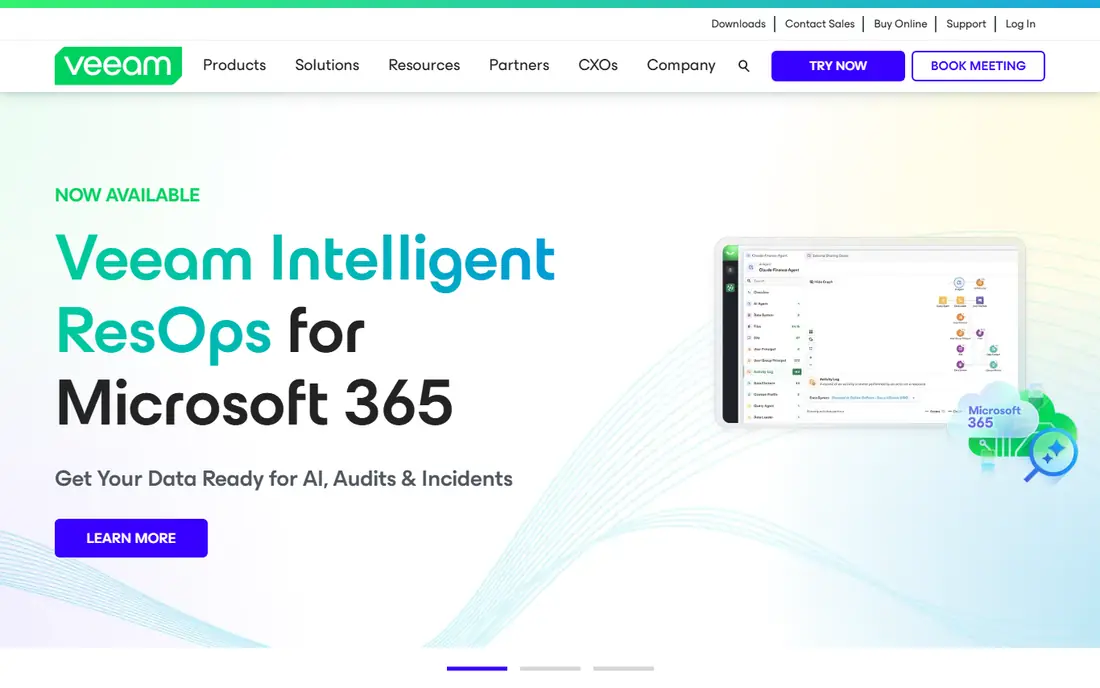
Veeam is the broadest enterprise backup choice in this list. It covers virtual machines, physical servers, cloud workloads and Microsoft 365, with replication, immutable storage options and granular recovery. For MSPs with mixed client estates, that breadth reduces the need for separate tools per workload type.
The downside is complexity. Licensing, repository sizing and retention planning take time, and costs can grow with features and storage. Veeam fits best when an MSP already has backup expertise or is ready to build it, rather than when it wants the simplest possible setup.
- Broad virtual, physical and cloud coverage
- Immutable storage options
- Fast recovery and replication features
- Pricing and licensing can be complex
- Full value needs backup infrastructure planning
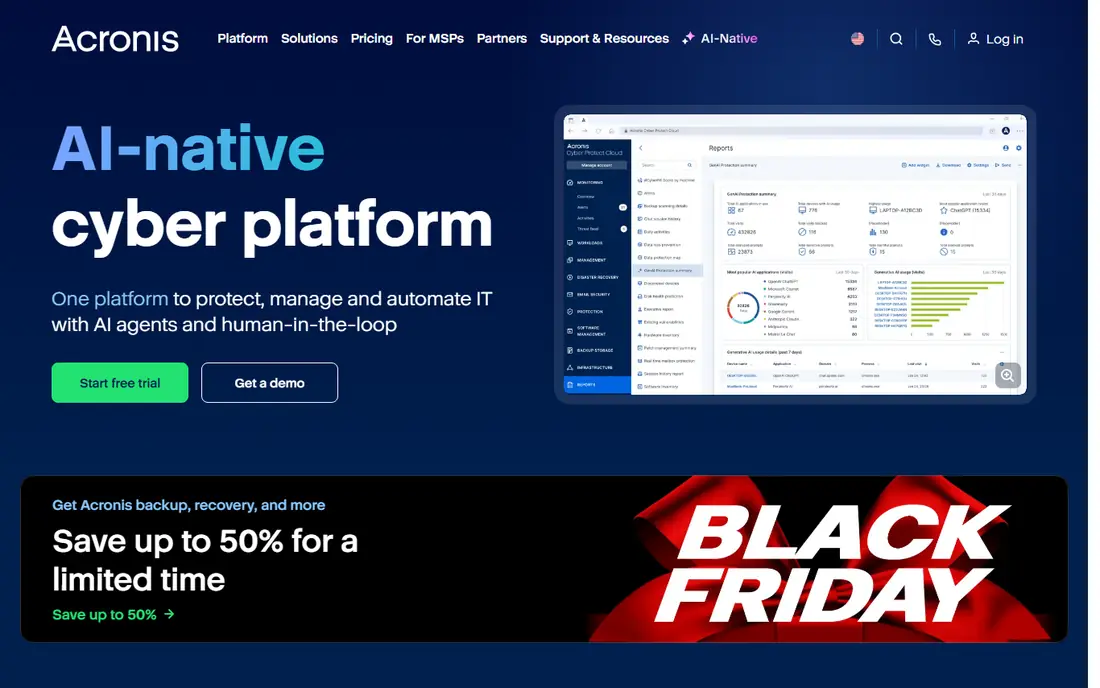
Acronis Cyber Protect Cloud combines backup, disaster recovery, anti-malware and endpoint management for service providers. That bundle appeals to MSPs that want to sell protection as a single service, with one console for many clients and flexible storage choices. It also supports servers, workstations, virtual machines and Microsoft 365.
The trade-off is scope. Clients that only want simple backup may find the wider security features unnecessary, and pricing needs careful mapping to the services you actually sell. For MSPs building a managed protection offer, however, the integration is a real advantage.
- Backup, disaster recovery and security in one console
- Multi-tenant MSP management
- Flexible cloud and local storage
- Feature breadth can complicate pricing
- Some clients need only backup, not the full security stack
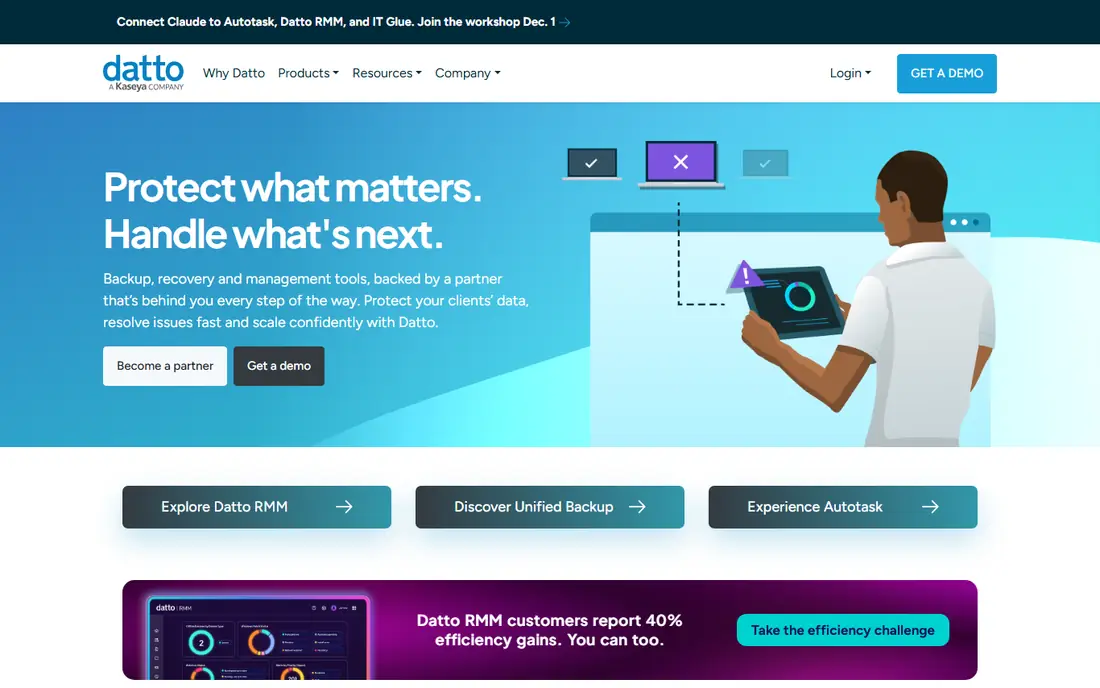
Datto SIRIS is built for business continuity, not just file restore. Image-based backups can be virtualised instantly, locally or in the cloud, which helps clients keep working during an outage. Automated verification also gives MSPs evidence that backups are actually recoverable, not just completed.
The limit is channel and cost modelling. Datto is sold through MSP partners, so direct pricing is not a simple online purchase, and appliance plus cloud costs must be modelled per client. For MSPs that sell continuity as a service, that model fits well. For a single business, a direct backup vendor may be simpler.
- Image-based backup with instant virtualisation
- Automated backup verification
- Cloud replication for business continuity
- Sold through MSP partners, not direct small-business pricing
- Appliance and cloud costs need careful modelling
Druva removes backup hardware from the equation. As a cloud-native platform, it covers endpoints, servers, cloud workloads and SaaS data without appliances to patch or replace. Immutable backups and security controls also help with ransomware recovery, which is a growing reason MSPs review backup vendors.
The downside is fit for offline or highly isolated environments, where a cloud-only model may not meet every requirement. Pricing is also sales-led at scale, so MSPs should model cost per client and per workload before committing a large estate.
- Fully cloud-native, no backup hardware to manage
- Immutable backups and security features
- Multi-tenant MSP management
- Cloud-only model may not suit air-gapped needs
- Pricing is sales-led for larger estates
MSP360 suits MSPs that want control over storage costs. You can use your own cloud storage accounts, which lets you choose region, provider and pricing to match client needs. The multi-tenant console and white-labelling options also help smaller MSPs present backup as their own service.
The trade-off is planning. Choosing storage, retention and transfer settings is your job, and that flexibility can feel technical compared with a fixed cloud service. For MSPs comfortable with storage design, the cost control is worth it. For teams that want a fixed, managed cloud, a cloud-native vendor may be easier.
- Bring-your-own-storage flexibility
- Multi-tenant MSP console
- Servers, workstations, VMs and Microsoft 365 coverage
- Storage choice adds planning work
- Interface is more technical than some rivals
NAKIVO focuses on virtual, physical and cloud backup with a reputation for speed and a straightforward interface. Instant recovery and replication help MSPs meet tighter recovery targets for virtualised clients, and the multi-tenant console supports service provider use. It is a practical choice for VMware, Hyper-V and Nutanix estates.
The limit is breadth. SaaS and endpoint coverage is less central than VM protection, so MSPs with heavy Microsoft 365 or endpoint estates should check coverage carefully. Pricing is also tiered, so confirm which recovery and replication features sit in your chosen tier.
- Fast VM backup and replication
- Instant recovery options
- Multi-tenant MSP management
- Less broad SaaS coverage than some rivals
- Enterprise features need higher tiers
NinjaOne Backup appeals to MSPs that already use NinjaOne for endpoint management. Backup sits inside the same console as device management, patching and monitoring, which reduces tool switching for technicians. Cloud and local storage options, automated policies and SaaS backup for Microsoft 365 and Google Workspace add useful breadth.
The catch is platform fit. If you only want backup and already use a different RMM tool, adding NinjaOne for backup alone may duplicate effort. If you already run NinjaOne, or plan to consolidate IT operations, the integrated backup is a strong reason to shortlist it.
- Backup inside a wider IT management platform
- Cloud and local storage options
- Automated policies and ransomware protection features
- Best value if you use NinjaOne for IT management
- Standalone backup buyers may prefer a specialist
Axcient x360Recover gives MSPs flexible recovery choices, from local virtualisation to cloud recovery, without forcing a single appliance model on every client. That flexibility helps when clients have different recovery time targets, budgets and compliance needs. MSP-focused management also supports multi-client operations.
The downside is transparency. Pricing is partner-led, so MSPs must work through the channel to get a clear per-client cost. Check recovery options for your exact workloads, and test a restore under time pressure, because recovery flexibility only matters if it works when you need it.
- Flexible backup and disaster recovery options
- Cloud and local recovery choices
- MSP-focused management
- Pricing is partner-led
- Feature fit varies by recovery model
How we picked these
We compared official feature pages, pricing pages, documentation and public reviews, and kept only backup vendors that are live in October 2026 and offer MSP or multi-tenant management. We mixed cloud-native, hybrid and appliance-based options, because Cove buyers have different infrastructure preferences. Where pricing was not published, we wrote See website. Remember that backup software alone does not guarantee compliance, and restore testing is part of any sound backup plan.
How to choose the right MSP backup tool
Start with recovery targets, not backup speed alone. Define recovery point and recovery time targets per client type, then check whether each vendor can meet them for servers, endpoints and Microsoft 365. A backup that completes quickly but restores slowly will fail when it matters.
Next, test restores on real client-like data. Restore a server, a mailbox and a set of endpoint files, and time each one. Check granular restore options, such as single files, single mail items and single VMs, because full restores are rare compared with small, urgent restores.
Finally, model MSP economics clearly. Compare per-device, per-workload and per-storage pricing, and include any appliance, cloud egress or support costs. A tool that is cheap per device can become expensive once storage, retention and recovery compute are included.
Frequently asked questions
What is the closest alternative to Cove Data Protection?
Veeam, Acronis and Datto are often the closest broad matches, with MSP360 and NAKIVO as strong cost-conscious options. The closest fit depends on whether you prioritise cloud-native simplicity, business continuity or storage flexibility.
Do these tools back up Microsoft 365?
Most tools in this list cover Microsoft 365, but coverage for mail, calendars, OneDrive, SharePoint and Teams varies by vendor and plan. Check the exact workloads and retention options for your clients before you switch.
How often should MSPs test restores?
Restores should be tested regularly, not just when a client has an incident. Many MSPs test restores monthly or quarterly, and automated verification, as offered by Datto and others, helps prove that backups are recoverable between manual tests.
Is cloud backup enough, or do I need local backup too?
Cloud backup suits many clients, but local backup or local virtualisation can speed recovery when internet access is limited or downtime costs are high. A hybrid model, with local copies for fast recovery and cloud copies for disaster recovery, suits many MSPs.
Can I manage many clients from one console?
Yes, all tools in this list offer multi-tenant or MSP management in some form. Check role permissions, client isolation, reporting and billing features, because multi-tenant depth varies more than marketing pages suggest.
Does backup software make us compliant with data rules?
No. Backup supports compliance by helping you retain and recover data, but compliance also needs retention policies, access controls, encryption, location controls and incident processes. Review your clients regulatory duties separately from the tool choice.
Sources
See where you really rank - block by block
ProMapRanker scans Google Maps across a grid of your service area. Simple monthly plans from $19, white-label on every plan.
Start freeKeep reading
 zyte alternatives
Best Zyte Alternatives in 2026
These zyte alternatives cover managed scraping APIs, proxy networks and no code tools for lawful collection from your own or consented sources only in 2026.
Read → zerto alternatives
Best Zerto Alternatives in 2026
Compare the best zerto alternatives for disaster recovery and replication, with recovery targets, cloud options and honest trade-offs for teams in 2026.
Read → zerofox alternatives
Best ZeroFox Alternatives in 2026
We compared 9 zerofox alternatives for brand protection, phishing takedowns, dark web monitoring, and social impersonation, with clear coverage notes.
Read →