 ProMapRanker
Couchtuner Alternatives in 2026

Key takeaways
- This list includes only legal, licensed streaming services, and it does not include Couchtuner or any unofficial streaming site.
- Netflix, Hulu, Disney+, and Max cover the widest range of popular shows and films, but their combined cost adds up fast.
- Tubi and Pluto TV are fully free and legal, with ads, and they suit viewers who want movies and live channels without a bill.
- Paramount+, Peacock, Prime Video, and Apple TV each win on a specific catalog, from sports and network shows to prestige originals.
- Rotating catalogs mean a show can leave a service, so check the title on the service itself before subscribing for one show.
Quick comparison
| Pick | Great for | Pricing starts at | Free tier | |
|---|---|---|---|---|
 Netflix | Widest popular catalog | $8.99 per month | No | Visit |
 Hulu | Next-day network TV | $12.49 per month | No | Visit |
 Disney+ | Family, Marvel, and Star Wars | $12.49 per month | No | Visit |
 Max | Prestige series and films | $10.99 per month | No | Visit |
 Paramount+ | CBS, sports, and Showtime | $8.99 per month | No | Visit |
 Peacock | NBC, Bravo, and live sports | $8.99 per month | No | Visit |
 Prime Video | Included with Prime value | $8.99 per month | No | Visit |
 Apple TV | High-quality originals | $14.99 per month | No | Visit |
 Tubi | Free on-demand movies | Free | Yes | Visit |
 Pluto TV | Free live channels | Free | Yes | Visit |
The best legal Couchtuner alternatives
This article covers legal licensed TV and movie streaming services only. Couchtuner itself is not listed, and no piracy or unofficial streaming site is listed, because those sites carry legal risk, malware risk, and unreliable quality. The services below all license their catalogs, offer official apps, and can be used without workarounds, whether you want a paid subscription or a free ad-supported option.
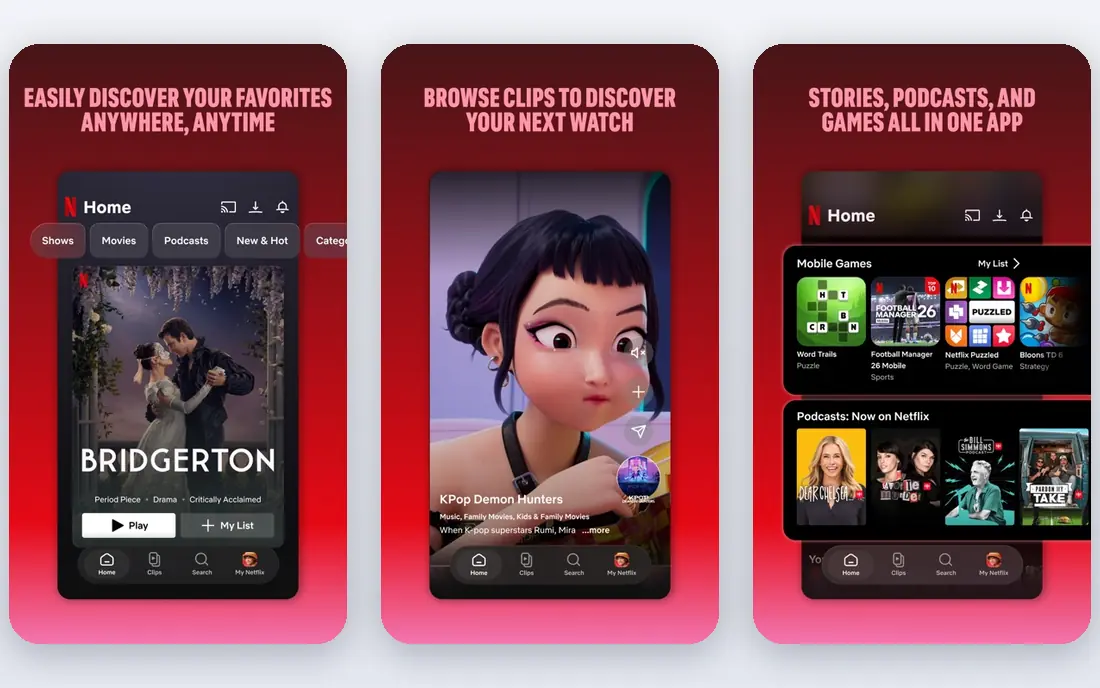
Netflix remains the default paid streamer for most households, because its catalog covers drama, comedy, documentaries, reality, and a large slate of originals. Profiles, downloads on mobile plans, and recommendations make it easy for a household to share one account with separate tastes. Its Standard with Ads plan starts at $8.99 per month, with Standard at $19.99 and Premium at $26.99 in recent US pricing roundups.
The downsides are cost and rotation. There is no free tier, and a show you love can leave when a license ends. Premium is needed for 4K and four screens. If you watch a wide mix and want one service that usually has something for everyone, Netflix is still the safest first subscription.
- Largest range of popular originals and licensed titles
- Strong recommendation and profiles
- Wide device support
- No free plan
- Prices have risen
- Catalog rotates by region and license
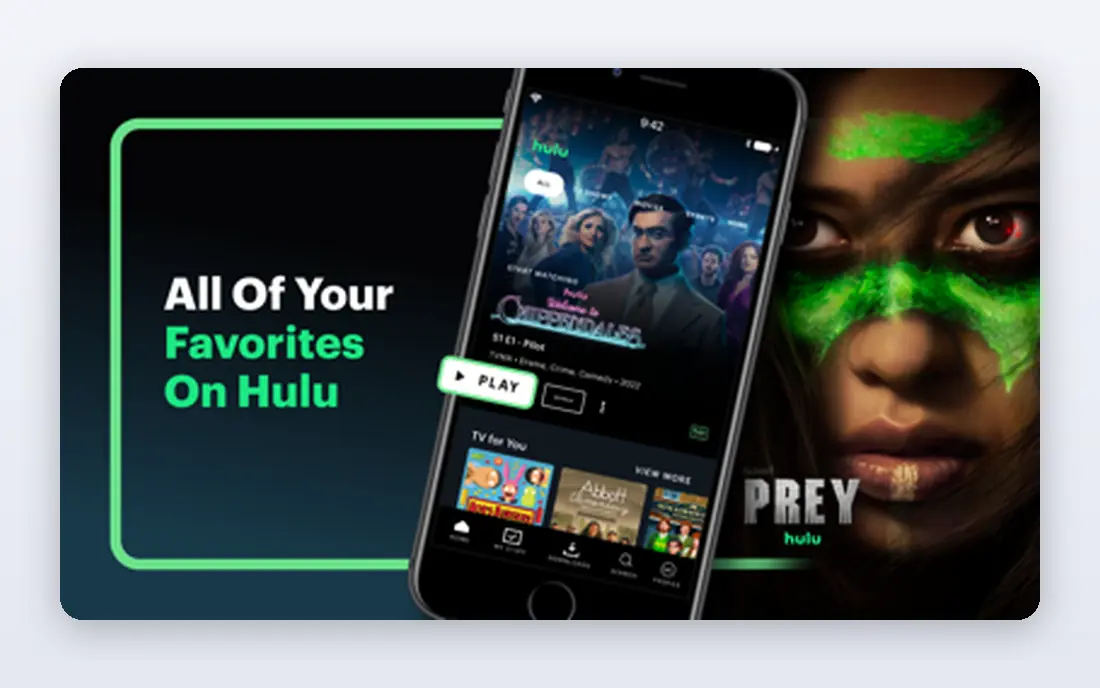
Hulu is the best paid pick for TV-first viewers. Many network shows arrive the next day, and its FX originals and back catalog cover long-running series that other services lack. The With Ads plan starts at $12.49 per month, with a no-ads Premium plan at $21.49 in recent US pricing.
Hulu is changing as Disney folds its app experience into Disney+, so check how the bundle and app work for your account before you subscribe. Ad-free pricing is also a jump from the ad tier. If you follow current network TV and want episodes quickly, Hulu still earns its place, especially in a Disney+ bundle.
- Next-day episodes from major networks
- FX originals
- Strong TV back catalog
- No free plan
- Ad-free costs much more
- Some content is moving into Disney+
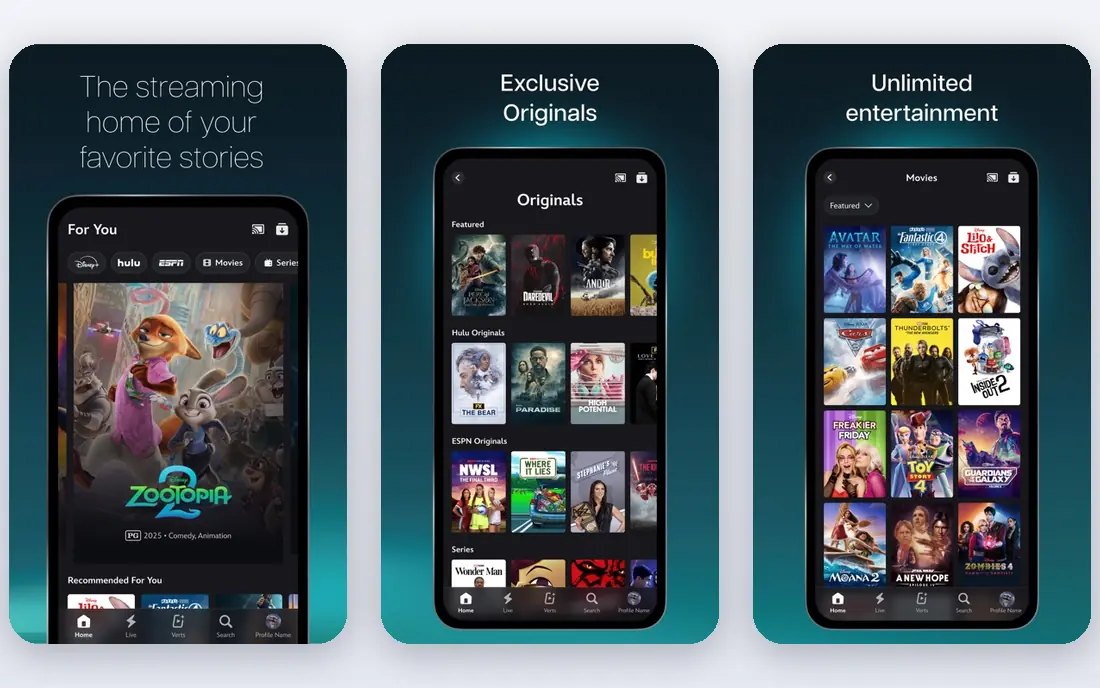
Disney+ is the family and franchise streamer, with Disney and Pixar animation, Marvel and Star Wars series and films, and National Geographic documentaries. Its With Ads plan starts at $12.49 per month, with Premium at $21.49, and both plans support up to 4K in recent pricing roundups. Family profiles and parental controls make it easy to share with children.
Viewers who want mainly adult drama or general entertainment may find the standalone catalog narrower than Netflix or Hulu, which is why bundles matter. The Disney+ and Hulu bundle is often better value than either service alone. For households with children or franchise fans, Disney+ is an easy keeper.
- Disney, Pixar, Marvel, Star Wars, and National Geographic in one place
- Family profiles and controls
- 4K on both plans
- No free plan
- Adult and general entertainment varies by bundle
- Catalog is franchise-heavy
Max, the home of HBO programming, is the prestige pick. Its series, documentaries, and film rotation set a high bar for writing and production, and it remains the first place many viewers look for a major new drama. Basic with Ads starts at $10.99 per month, with Standard at $18.49 and Premium at $22.99 in recent US pricing.
There is no free tier, and 4K sits on Premium, while Standard is limited to 1080p. Some titles also rotate in and out with licensing windows. If you value a smaller number of high-quality series over sheer volume, Max is worth keeping, even if you rotate other services in and out.
- HBO series and films
- Strong movie rotation
- High-quality originals
- No free plan
- 4K needs Premium
- Catalog changes with licensing deals
Paramount+ covers CBS network shows, Paramount films, and a useful sports lineup, with Showtime programming on its Premium tier. Essential starts at $8.99 per month, with Premium at $13.99 in recent US pricing. That makes it one of the cheaper paid options, especially for sports and network TV fans.
It is not the strongest choice for 4K, and some content is plan-dependent, so check whether the show or game you want sits on Essential or Premium. For viewers who follow CBS, the NFL on CBS, or Showtime series, it is good value. For general film browsing, Netflix or Max offer broader catalogs.
- CBS shows and live sports
- Paramount films
- Showtime content on Premium
- No free plan
- No true 4K on many titles
- Interface and catalog vary by plan
Peacock is the NBCUniversal streamer, with current NBC and Bravo seasons, a rotating film library, and live sports that make it useful during a season you follow. Select starts at $8.99 per month, with Premium at $12.99 and Premium Plus at $19.99 in recent US pricing. Premium Plus removes most ads and adds offline viewing on mobile.
There is no permanent free tier, and ad-free viewing costs a clear step up. Sports coverage also varies by event and tier, so check the specific league or event before subscribing for it. If you watch NBC, Bravo, or Peacock sports regularly, it is a solid mid-priced keeper.
- NBC and Bravo shows
- Live sports and news
- Rotating film library
- No free plan
- Premium Plus needed for ad-free
- Some sports need higher tiers
Prime Video is best judged as part of Prime, where it comes with shipping and other Prime benefits for $14.99 per month, or as a standalone plan at $8.99 per month with ads. Its library mixes originals, licensed films and series, and rentals, and the Ultra add-on at $4.99 per month removes ads and adds 4K where available.
The base experience includes ads, and the mix of included, rental, and purchase titles can confuse browsing. If you already pay for Prime, Prime Video is effectively a bonus streamer and should be used before adding another paid service. If you do not use Prime shipping, compare its standalone price against Peacock or Paramount+ for your tastes.
- Included with Prime membership
- Standalone plan available
- Large licensed library plus originals
- Ads on the base plan
- Ad-free Ultra add-on costs extra
- Catalog browsing can feel cluttered
Apple TV focuses on originals rather than volume, with a smaller but consistently high-quality slate of series and films. It costs $14.99 per month, with no ad tier, and 4K is included. That simplicity is appealing: one price, no ads, and no tier confusion.
The catalog is the limit. If you want a deep back catalog of licensed shows, Apple TV alone will run dry faster than Netflix or Hulu. It works best as a second service for originals, or as a rotating subscription you join for a specific series and pause after. For picture quality and ad-free viewing, it is excellent value at its price.
- Ad-free by default
- 4K included
- Strong original series and films
- Smaller catalog than Netflix
- No ad-supported cheaper tier
- Best inside Apple devices
Tubi is the best free legal option for on-demand browsing. Owned by Fox, it offers a large library of films and full series across genres, funded by ads, with no subscription or card required. An account is optional for a watchlist, and it works on most TVs, phones, and streaming sticks.
Ads are the trade: breaks run through films and shows and cannot be skipped. New releases are limited, and the catalog leans toward older and catalog titles rather than current hits. For viewers who want to watch without a bill, or who want a second service to browse when paid services feel thin, Tubi is the first free app to install.
- Fully free with ads
- Large on-demand movie and TV library
- No card needed
- Ads cannot be skipped
- Newer releases are limited
- Library skews to older titles
Pluto TV is the free legal option for viewers who miss channel surfing. Owned by Paramount, it offers hundreds of always-on channels organized by genre, with a cable-style guide, plus an on-demand section. It is free, needs no account to start watching, and runs on most major devices.
It suits background viewing and discovery better than hunting for one specific title, since live channels follow a schedule. Its on-demand library is smaller than Tubi, and ads are part of the experience. Pair Pluto TV with Tubi and you cover both ways of watching for free: pick a film on Tubi, or flip channels on Pluto TV when you do not know what you want.
- Fully free with ads
- Hundreds of live channels with a guide
- On-demand titles included
- Channel surfing suits casual viewing better than specific shows
- Ads included
- On-demand library is smaller than Tubi
How we picked these
We compared official service pages and October 2026 US pricing roundups, and we kept only licensed services with official apps and clear ownership. We excluded Couchtuner and all unofficial streaming sites, because they do not license the content they show. We favored a mix of paid services for current shows and free services for cost-free viewing, and we did not claim hands-on testing. Prices change often, so confirm the current plan on each service signup page before you pay.
How to build a legal streaming setup without overspending
Start with the free services. Tubi and Pluto TV cover a surprising amount of casual viewing, and they cost nothing to keep. Then add one paid service that matches your main habit: Netflix for breadth, Hulu for network TV, Disney+ for family, Max for prestige series, or a sports-led pick such as Paramount+ or Peacock.
Rotate the rest. Most paid services are monthly, so you can join for a series, watch it, and pause until the next season. Bundles can also help: the Disney+ and Hulu bundle is often cheaper than both services separately. Avoid paying for four paid services year-round unless you genuinely watch all four every week, since that is where streaming bills quietly pass the old cable bill.
Frequently asked questions
Is Couchtuner legal?
Couchtuner is not listed here, and unofficial streaming sites that show content without a license carry legal and security risks. Use the licensed services in this list instead, including free options such as Tubi and Pluto TV.
What is the best free legal Couchtuner alternative?
Tubi is the best free option for on-demand movies and shows, while Pluto TV is the best free option for live channels. Both are ad-supported, legal, and free to use without a subscription.
Which paid service has the most shows?
Netflix has the widest popular catalog overall, while Hulu is strongest for next-day network TV and Disney+ is strongest for family and franchise content. The best pick depends on what you watch most.
Can I watch new releases for free legally?
New theatrical releases rarely appear free at launch, but free services such as Tubi and Pluto TV rotate in older films and series over time. For new releases, a paid service or a rental is the legal route.
Do these services work on a smart TV?
Yes. All services in this list offer official apps for major smart TVs, streaming sticks, phones, and web browsers, though exact device support varies by service and model.
How can I lower my streaming bill?
Keep the free services, keep one or two paid services you watch weekly, and rotate others by month. Bundles such as Disney+ and Hulu can also lower the per-service cost.
Sources
- https://www.netflix.com
- https://www.hulu.com
- https://www.disneyplus.com
- https://www.max.com
- https://www.paramountplus.com
- https://www.peacocktv.com
- https://www.primevideo.com
- https://tv.apple.com
- https://tubitv.com
- https://pluto.tv
- https://smarttvs.org/streaming-service-prices-2026/
- https://freesubscriptiontracker.org/blog/streaming-prices-2026
See where you really rank - block by block
ProMapRanker scans Google Maps across a grid of your service area. Simple monthly plans from $19, white-label on every plan.
Start freeKeep reading
 zoro.to alternatives
Best Zoro.to Alternatives in 2026
We compare the best zoro.to alternatives in 2026, listing only legal licensed anime streaming services, from Crunchyroll to free options for fans today.
Read → zip alternatives
Best Zip Alternatives in 2026
We compare the best zip alternatives for buy now, pay later in 2026, covering pay-in-4 plans, fees, spending limits, and credit reporting options today.
Read → yesware alternatives
Best Yesware Alternatives in 2026
Compare the best yesware alternatives for sales email tracking, templates, and sequences, with current pricing and honest tradeoffs for small sales teams.
Read →