 ProMapRanker
Best Copilot Alternatives in 2026

Key takeaways
- This list covers AI coding assistant alternatives, meaning tools that suggest, edit or generate code in an editor or terminal.
- Cursor is the strongest all-round editor pick, while Windsurf offers a lower entry price for agent-style editing.
- Tabnine and Continue suit teams with strict data rules, since they offer private deployment or open source self-hosting.
- Watch usage caps closely, since agent requests and premium model use can cost more than the headline monthly price.
Quick comparison
| Pick | Great for | Pricing starts at | Free tier | |
|---|---|---|---|---|
 Cursor | AI-first editor for daily coding | $20 per month | Yes | Visit |
 Windsurf | Agent editing on a budget | $15 per month | Yes | Visit |
 Tabnine | Privacy-first enterprise coding | $12 per user per month | Yes | Visit |
 Amazon Q Developer | AWS-focused development | $19 per user per month | Yes | Visit |
 JetBrains AI | JetBrains IDE users | See website | Yes | Visit |
 Cody | Large codebase search and chat | See website | No | Visit |
 Continue | Open source local model coding | Free | Yes | Visit |
 Claude Code | Terminal agent for hard refactors | $20 per month | No | Visit |
The best copilot alternatives
AI coding assistants now range from inline completion to agents that plan and apply multi-file changes. The tools below are alternatives in that AI coding assistant category, and this article frames the angle plainly as AI coding assistant alternatives throughout. Neither GitHub Copilot nor Microsoft Copilot appears as a listed product here, since the point is to compare what else you can use.
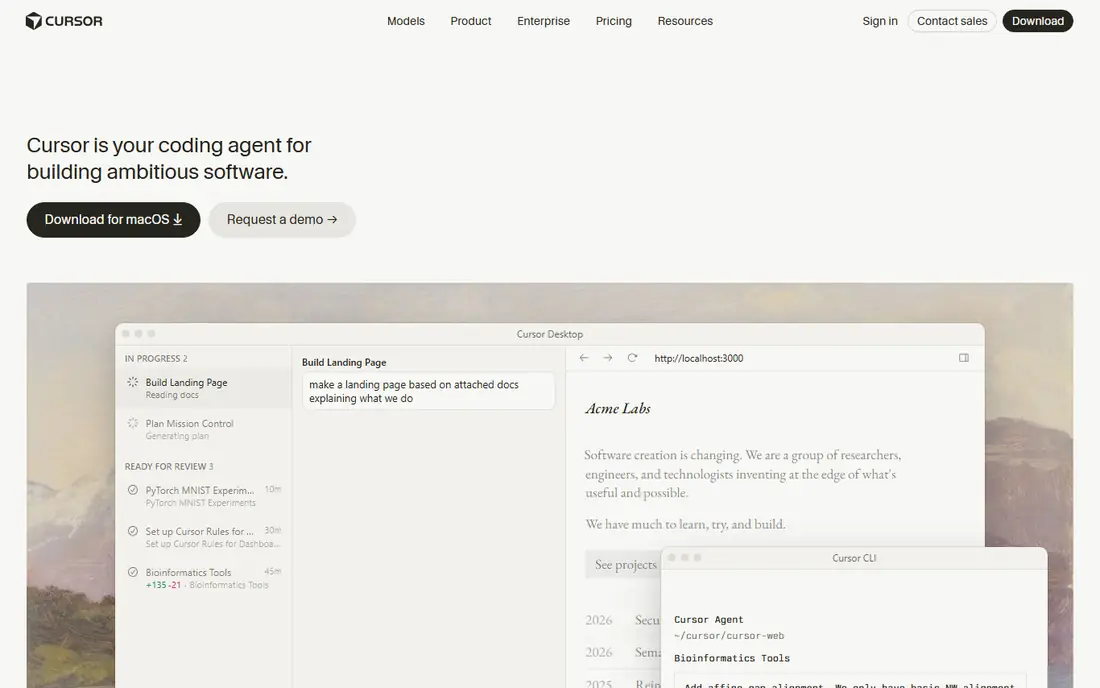
Cursor is our pick for developers who code all day and want AI built into the editor itself. It offers inline edits, chat with codebase context, and an agent mode that can apply changes across several files at once. Because it is based on VS Code, extensions and keyboard habits carry over, which keeps the learning curve short for many developers.
The cost to watch is usage. The monthly price includes an allowance, and heavy agent use or premium models can add charges beyond that allowance. For a solo developer or a small team, the editor experience usually justifies the price. For a large team with strict budgets, test agent usage on a real sprint before rolling it out to everyone.
- Inline editing and multi-file agent mode
- Model choice across providers
- Familiar VS Code workflow
- Heavy users can hit usage caps
- Team features are less mature than some enterprise rivals
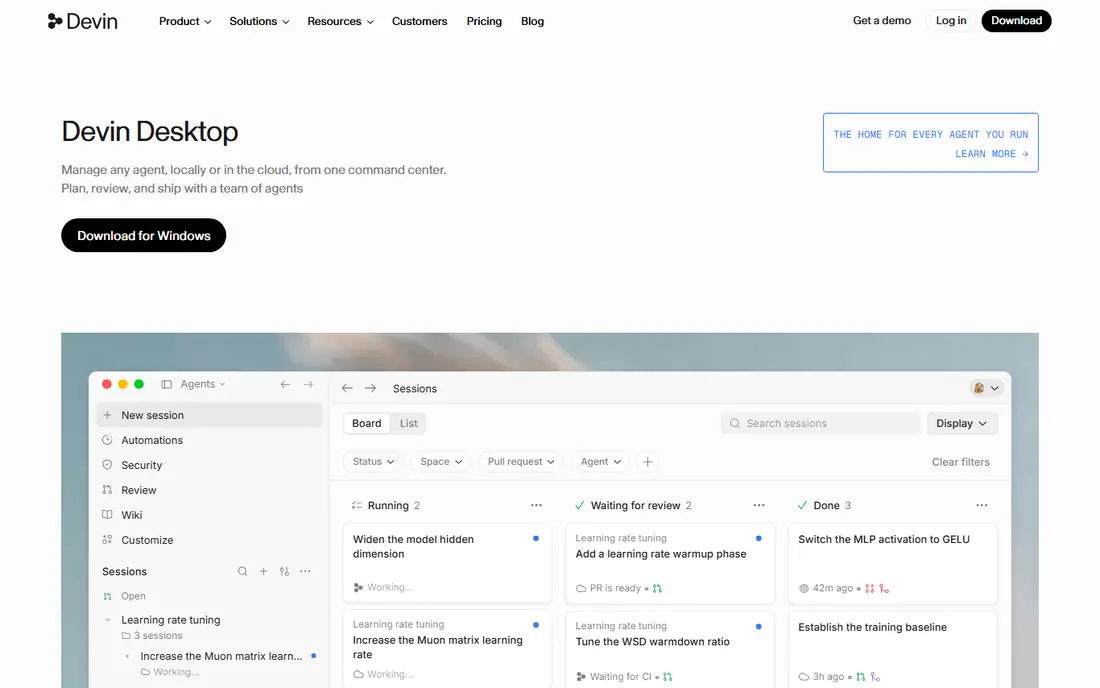
Windsurf, formerly Codeium, offers a VS Code-style editor with an agent called Cascade that can plan and apply changes across files. It suits developers who want agent-style help without paying the highest editor price, and its free tier gives enough room to test the agent on real code before committing. Session memory that recalls project conventions is a useful touch for longer projects.
The main caution is change. Windsurf was acquired by Cognition in 2026, and a roadmap that merges IDE assistance with autonomous execution could shift priorities. If you value stability above all, Cursor may feel safer. If you value price and can tolerate roadmap movement, Windsurf is a strong, cheaper agent editor.
- Cascade agent for multi-file work
- Generous free tier for testing
- Lower entry price than Cursor
- Ownership changes have raised roadmap questions
- Agent quality varies by task size
Tabnine is the pick for regulated teams. It offers private deployment, including air-gapped options on enterprise plans, and a clear stance on data retention that matters for banks, health care and defence work. It still covers the core jobs: completions, chat and code review assistance across common editors, without sending code to a public model by default.
The trade-off is agent depth. Tabnine is strong on completions and privacy, but for long autonomous refactors, an agent-first editor such as Cursor or Claude Code may go further. Choose Tabnine when compliance decides the purchase, and pair it with a code review process that checks AI suggestions as carefully as human code.
- Private and air-gapped deployment options
- Zero data retention options
- Broad IDE support
- Enterprise pricing is higher for air-gapped use
- Agent features lag some rivals on complex tasks
Amazon Q Developer is the natural pick for teams that build mainly on AWS. It offers inline suggestions, chat, security scanning and agents for code review and transformation, with strong help for AWS services, Terraform and CloudFormation. The free tier for individuals makes it easy to test, and the Pro plan adds a larger agent request allowance.
Outside AWS, the advantage narrows. A team that builds across several clouds may get more general value from Cursor or Windsurf, which are not tied to one cloud provider. For an AWS-native team, though, the integration depth, from IAM-aware suggestions to infrastructure agents, is hard to match with a general tool.
- Deep AWS and infrastructure help
- Free tier for individuals
- Agents for review and transformation
- Best value only inside AWS workflows
- Pro price adds up for large teams
JetBrains AI suits developers who already live in IntelliJ, PyCharm, WebStorm or another JetBrains IDE. It adds completion, chat and refactoring help inside the IDE you already use, so there is no need to switch editors or relearn shortcuts. For a team standardised on JetBrains tools, that native fit is a real productivity gain.
Pricing needs a fresh check, since JetBrains has changed AI plan names and free tier terms across IDE releases. Some reports list a low monthly AI Pro price, while others describe a free tier in newer IDE versions. Confirm the current plan for your IDE version before budgeting, and test whether the free tier covers your daily completion volume.
- Native in JetBrains IDEs
- No editor switch needed
- Code completion, chat and refactoring help
- Pricing has changed across plan names
- Less suited to VS Code-only teams
Cody, from Sourcegraph, is built for large codebases. It uses Sourcegraph search to give an AI assistant context across repositories, which helps when a change touches several services or when a developer needs to understand unfamiliar code quickly. Chat, auto-edit and custom prompts sit on top of that search layer, rather than on a single open file.
The catch in 2026 is price and access. Cody moved to enterprise-only purchasing, with a high minimum that only makes sense at scale. A small team will find it far more costly per developer than Cursor or Windsurf. A large organisation with many repos, though, may find the cross-repo context worth the enterprise conversation.
- Repository-wide context across many repos
- Strong code search foundation
- Chat, auto-edit and prompts
- Enterprise-only pricing in 2026
- Costly for small teams
- No individual paid tier on the public page
Continue is the open source pick, and it suits developers who want control over models and data. It runs in VS Code and JetBrains IDEs, connects to local models through tools such as Ollama as well as to cloud models, and lets a team keep code inside its own infrastructure. That control matters for privacy, for offline work and for teams that already run their own models.
Setup is the price of that control. You choose the model, tune the configuration and manage updates yourself, which takes more time than signing up for a hosted editor. Model quality also varies widely, so a weak local model will give weak suggestions no matter how good the extension is. For a capable team that values control, Continue is a flexible, low-cost route.
- Free and open source
- Works with local and cloud models
- Broad editor support
- Setup takes more work than a hosted tool
- Model quality depends on the model you choose
Claude Code is a terminal agent rather than a quiet completion plugin, and that distinction matters. You drive it deliberately: describe a task, let it read the repo, plan changes, edit files and run tests, then review the result. For tangled bugs, API migrations and large refactors, that deliberate agent loop often beats inline suggestions.
It is less suited to developers who only want completions while they type. Claude Code asks for more attention per task, and its cost sits inside a Claude subscription or API use, so heavy agent runs can add up. Pair it with a completion tool for day-to-day typing, and use Claude Code for the hard jobs where reasoning matters more than speed.
- Strong reasoning on complex refactors
- Terminal-native multi-file edits
- Reads whole repos
- Agent, not a passive completion tool
- Usage is tied to a Claude subscription or API billing
How we picked these
We compared official pricing pages, feature pages and public roundups from October 2026, and we kept only AI coding assistants that exist and work today. We excluded GitHub Copilot and Microsoft Copilot as listed products, since this is an alternatives list, and we excluded tools that have shut down or stopped selling paid plans to new buyers. Prices are entry paid plans where published, and we used See website where pricing has changed or is enterprise-only.
How to choose the right assistant
Start with your editor and your data rules, since those two choices narrow the field fast. A JetBrains team should test JetBrains AI first, a VS Code team should test Cursor, Windsurf or Continue, and a regulated team should test Tabnine before any tool that sends code to a public model by default. If your code cannot leave your network, that rule alone may decide the purchase.
Then measure usage on a real sprint. Track how many agent requests, premium model calls and review fixes each tool creates, and check whether AI code passes your tests and review bar without extra rework. A tool that looks cheap on a monthly price but needs heavy review time is not cheap. A tool that costs more but produces code your team accepts quickly may be the better buy.
Frequently asked questions
What is the best AI coding assistant alternative?
Cursor is the best all-round pick for daily editor work, while Windsurf is the best budget agent editor. For terminal-first refactors, Claude Code is stronger, and for strict privacy rules, Tabnine is the safer enterprise choice.
Can I use these tools without sending code to the cloud?
Yes, with the right setup. Tabnine offers private and air-gapped deployment, and Continue can run with local models. Most hosted tools send code to their servers by default, so check the data terms for the exact plan you buy.
Do AI coding assistants replace code review?
No. AI suggestions still need human review, tests and security checks, just like human code. Use an assistant to speed up drafting and refactoring, and keep review, testing and ownership with your engineers.
Which alternative is best for AWS projects?
Amazon Q Developer is the best pick for AWS-focused work, thanks to its AWS service knowledge and infrastructure agents. For multi-cloud work, a general editor such as Cursor or Windsurf may be a better fit.
Are free tiers enough for daily work?
Free tiers are enough to test a tool, but most daily developers will hit caps on completions, agent requests or premium models. Budget for a paid plan if you code full-time, and track usage in the first month to avoid surprise overages.
Sources
See where you really rank - block by block
ProMapRanker scans Google Maps across a grid of your service area. Simple monthly plans from $19, white-label on every plan.
Start freeKeep reading
 zscaler alternatives
Best Zscaler Alternatives in 2026
Looking for zscaler alternatives? We compare 9 SASE and zero trust platforms on architecture, data protection, pricing, and fit for your network and team.
Read → zapier alternatives free
Best Zapier Alternatives Free in 2026
Nine automation tools for zapier alternatives free in 2026, all with genuinely free tiers, plus free plan limits, starting prices and upgrade paths explained.
Read → which platform is best for online reputation
Which Platform Is Best for Online Reputation in 2026
Wondering which platform is best for online reputation? We compare 8 review, listing, and response tools for small and multi-location businesses and agencies.
Read →