 ProMapRanker
Best Coolify Alternatives in 2026

Key takeaways
- Dokploy, CapRover and Dokku are the closest self-hosted replacements, all free to run on your own server.
- EasyPanel and Kamal suit teams that want simpler deploys with less dashboard overhead.
- Railway, Render and Fly.io suit teams that prefer managed hosting over running their own servers.
- Self-hosted tools cost little in software but need your time for updates, backups and security.
- Managed tools cost more per month but remove server maintenance from your workload.
Quick comparison
| Pick | Great for | Pricing starts at | Free tier | |
|---|---|---|---|---|
 Dokploy | Modern self-hosted PaaS | Free | Yes | Visit |
 CapRover | Mature self-hosted PaaS | Free | Yes | Visit |
 Dokku | Lightweight Docker deploys | Free | Yes | Visit |
 Railway | Managed app hosting | See website | Free trial | Visit |
 Render | Managed web services | See website | Free trial | Visit |
 Fly.io | Global app hosting | See website | Free trial | Visit |
 EasyPanel | Simple Docker server panel | Free | Yes | Visit |
 Kamal | Deploy from your own machine | Free | Yes | Visit |
The best coolify alternatives
Coolify gives developers a self-hosted way to deploy apps and databases with Git pushes and Docker. The tools below cover the same job from two directions: free panels you run on your own server, and managed platforms that run the servers for you. We compared official docs, pricing pages and public reviews.
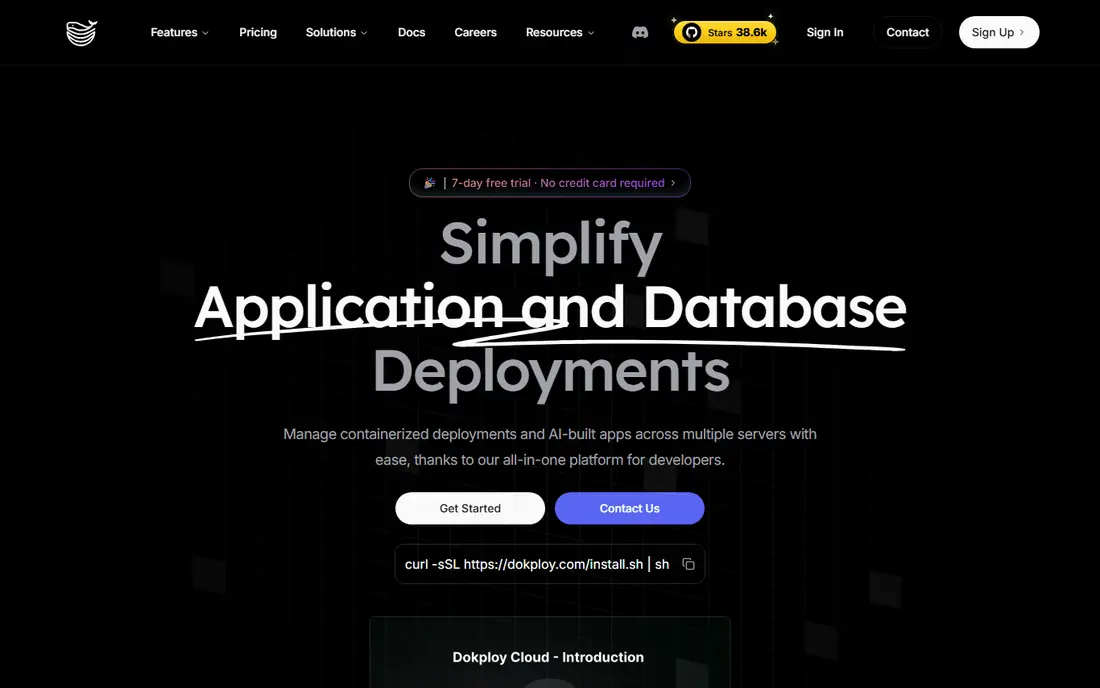
Dokploy is the closest modern rival to Coolify, with a clean dashboard for apps, databases and Docker Compose stacks. You deploy from Git, get automatic HTTPS, and can back up databases and volumes to external storage. A managed cloud tier exists if you want the dashboard hosted for you.
Self-hosting still means you own updates, security and backups. Dokploy reduces the work, but it does not remove it. Teams comfortable with a virtual server will find it a fast, capable replacement.
- Docker Compose and Git deploys
- Database provisioning and backups
- Managed cloud option available
- Needs a server you maintain
- Newer than CapRover, so long-term history is shorter

CapRover has been around longer than most tools here, and that maturity shows in stability and documentation. One-click apps, automatic HTTPS and a simple web interface make it easy to get a first app live on a single server. Docker Swarm support helps when you outgrow one machine.
The main limit is deployment style. CapRover uses its own app format and CLI rather than native Docker Compose, which can frustrate teams already standardized on Compose files. If you can adapt to its model, it remains a dependable choice.
- Long track record
- One-click apps
- Free HTTPS and Docker Swarm scaling
- No native Docker Compose support
- Interface feels older than newer panels

Dokku is the minimalist of this list. It turns a small server into a Heroku-style platform where a Git push deploys your app, with plugins adding databases, HTTPS and other features. It uses very little overhead, which suits small servers and side projects.
That lightness comes with a trade. There is no full dashboard experience out of the box, and you will spend more time in the terminal than with Dokploy or CapRover. Developers who like that control will enjoy it; teams that want a visual panel should look elsewhere.
- Minimal and fast
- Git-push deploys like Heroku
- Plugin system for databases and extras
- Command-line heavy
- No polished dashboard by default
Railway removes the server entirely. You connect a Git repo, add databases and services, and deploy with automatic HTTPS and previews. For small teams and startups, that speed from code to live app is the whole appeal.
Usage-based pricing means costs rise as traffic and resource use grow, so check the current pricing page and set spending expectations early. If you specifically want to own your server, Railway is the wrong direction, but as a managed escape from server work it is strong.
- Fast Git deploys
- Databases and services in one project
- Good developer experience
- Costs scale with usage
- Not a self-hosted tool, so you rent the platform
Render covers web services, static sites, databases, background workers and cron jobs in one managed platform. Deploy from Git, connect a database, and let Render handle HTTPS, health checks and restarts. It suits teams that want Heroku-style simplicity without running servers.
The free tier works for experiments, but production apps on always-on services will need paid plans. Check the current pricing for your service types before you migrate, since web, worker and database costs add up separately.
- Web services, databases and background jobs together
- Automatic HTTPS
- Clear dashboard
- Free tiers are limited
- Costs grow with always-on services
Fly.io runs your Docker apps on machines in many regions, which suits APIs and apps with a global audience. You deploy with a command-line tool, define machines and volumes, and scale by region as needed. For latency-sensitive work, that global reach is a real advantage.
It is less beginner-friendly than Railway or Render. Networking, persistent volumes and scaling need more understanding, and pricing depends on machine sizes and regions. Experienced teams get a lot of power here; newcomers should budget learning time.
- Runs apps close to users worldwide
- Docker-based deploys
- Good for APIs and edge workloads
- Learning curve for networking and volumes
- Pricing depends on machines and regions
EasyPanel focuses on getting Docker apps live with little fuss. Templates cover common apps and databases, and the dashboard keeps deploys, domains and HTTPS in one place. For a single server running a handful of services, it is refreshingly direct.
Multi-server use and team features sit behind a paid business license, so larger setups should check that pricing first. The community is also smaller than Dokploy or CapRover, which can mean fewer guides when something unusual breaks.
- Simple Docker and template deploys
- Free self-hosted tier
- Quick setup on a server
- Multi-server features need a paid business license
- Smaller community than Dokploy
Kamal takes a different path: instead of a dashboard on your server, you run deploys from your own machine using configuration files. It builds Docker images, ships them to your servers and handles HTTPS through its proxy. There is no panel to update or secure, which some teams prefer.
That file-based approach is also its limit. Non-developers will find it less approachable than a visual panel, and you manage configuration in code. For Rails and Docker teams that already live in config files, Kamal is clean and capable.
- Open source deploy tool from the Rails team
- Docker-based
- No dashboard server to maintain
- No hosted dashboard
- Configuration lives in files, so it suits developers more than non-technical teams
How we picked these
We compared official documentation, pricing pages and public reviews for tools that deploy apps from Git or Docker, manage domains and HTTPS, and provision databases. We kept both self-hosted panels and managed platforms, since Coolify users split between those two paths. Tools that only host static sites or only manage servers without app deploys were left out.
How to choose a deploy platform
First decide who owns the server. Self-hosted panels save money but add maintenance, updates and backup duties to your week. Managed platforms cost more but handle that work for you. There is no wrong answer, only a trade between time and money.
Test with a real app, not a demo
Deploy your actual app, including its database, background jobs and environment variables, before you commit. Check HTTPS setup, log access, backup restores and how deploys behave when they fail. A tool that handles a hello-world app well can still struggle with your real stack.
Plan for backups and updates
Whichever path you choose, confirm how database backups work and how you restore them. For self-hosted tools, also confirm how you update the panel itself without breaking running apps. A deploy tool is only as good as its recovery story when something goes wrong.
Keep a rollback plan for every deploy
Before you switch DNS or decommission an old panel, keep the previous setup running for a short overlap period. Note down database credentials, backup locations and domain settings in a private runbook, and test a restore on a spare server if you can. That small amount of preparation turns a failed deploy from a crisis into a routine rollback, and it costs far less than rebuilding a lost database from memory.
Check log access before you need it
When a deploy fails at night, fast log access matters more than a pretty dashboard. Confirm how you view app logs, database logs and build logs, and how long they are kept, before you move a production app. A panel that hides logs behind extra steps will slow every incident, while clear logs turn most failures into quick fixes.
Frequently asked questions
Is there a free Coolify alternative?
Yes, Dokploy, CapRover, Dokku, EasyPanel and Kamal are all free to self-host on your own server. You still pay for the server itself, plus your time for maintenance and backups.
Do I need Docker knowledge to use these tools?
Basic Docker knowledge helps with all of them, especially Dokku and Kamal. Dokploy, CapRover and EasyPanel hide more of Docker behind a dashboard, but understanding containers still helps when deploys fail.
Which alternative is easiest for beginners?
Dokploy and CapRover offer the friendliest dashboards for self-hosting, while Railway and Render are easiest overall because they manage the servers for you. Pick based on whether you want to own a server at all.
Can I migrate apps from Coolify easily?
Most apps can move by redeploying the same Git repo or Docker Compose files, but panel-specific settings, domains and databases need manual migration. Export databases first and test the new deploy before switching DNS.
What does a self-hosted PaaS cost in practice?
The software is free, but you pay for a virtual server, domains and possibly managed backups or a paid panel tier. A small server often costs only a few dollars per month, while your maintenance time is the larger cost.
Sources
See where you really rank - block by block
ProMapRanker scans Google Maps across a grid of your service area. Simple monthly plans from $19, white-label on every plan.
Start freeKeep reading
 zyte alternatives
Best Zyte Alternatives in 2026
These zyte alternatives cover managed scraping APIs, proxy networks and no code tools for lawful collection from your own or consented sources only in 2026.
Read → zerto alternatives
Best Zerto Alternatives in 2026
Compare the best zerto alternatives for disaster recovery and replication, with recovery targets, cloud options and honest trade-offs for teams in 2026.
Read → zerofox alternatives
Best ZeroFox Alternatives in 2026
We compared 9 zerofox alternatives for brand protection, phishing takedowns, dark web monitoring, and social impersonation, with clear coverage notes.
Read →