 ProMapRanker
10 Contentsquare Alternatives in 2026


Free heatmaps and recordings · Pricing starts at: Free
Key takeaways
- Microsoft Clarity is the strongest free starting point, with heatmaps and session recordings at no cost.
- Fullstory, Quantum Metric, and Glassbox suit larger teams that need deeper analysis and enterprise controls.
- PostHog, Amplitude, and Mixpanel fit product teams that want behavior data tied to events and funnels.
- Mouseflow, Lucky Orange, Crazy Egg, and Smartlook are easier fits for smaller sites and conversion work.
- Pricing varies widely, so check session limits and included features before you commit to a paid plan.
Quick comparison
| Pick | Great for | Pricing starts at | Free tier | |
|---|---|---|---|---|
| Microsoft Clarity | Free heatmaps and recordings | Free | Yes | Visit |
 Fullstory | Enterprise digital experience analytics | See website | Yes | Visit |
 PostHog | Product teams and developers | Free | Yes | Visit |
 Mouseflow | Funnels, forms, and friction scoring | $25 per month | Yes | Visit |
 Lucky Orange | Small business websites | $32 per month | Free trial | Visit |
 Crazy Egg | Heatmaps and A/B testing | $29 per month | Yes | Visit |
 Smartlook | Web and mobile replay | See website | Yes | Visit |
 Amplitude | Product analytics with replay | Free | Yes | Visit |
 Mixpanel | Event analytics with replay | Free | Yes | Visit |
 Quantum Metric | Large enterprise teams | See website | No | Visit |
The best contentsquare alternatives
If Contentsquare feels too large, too costly, or too complex for your site, these ten options cover the same core jobs in different ways. We compared official feature pages, pricing pages, and public documentation to build this list.
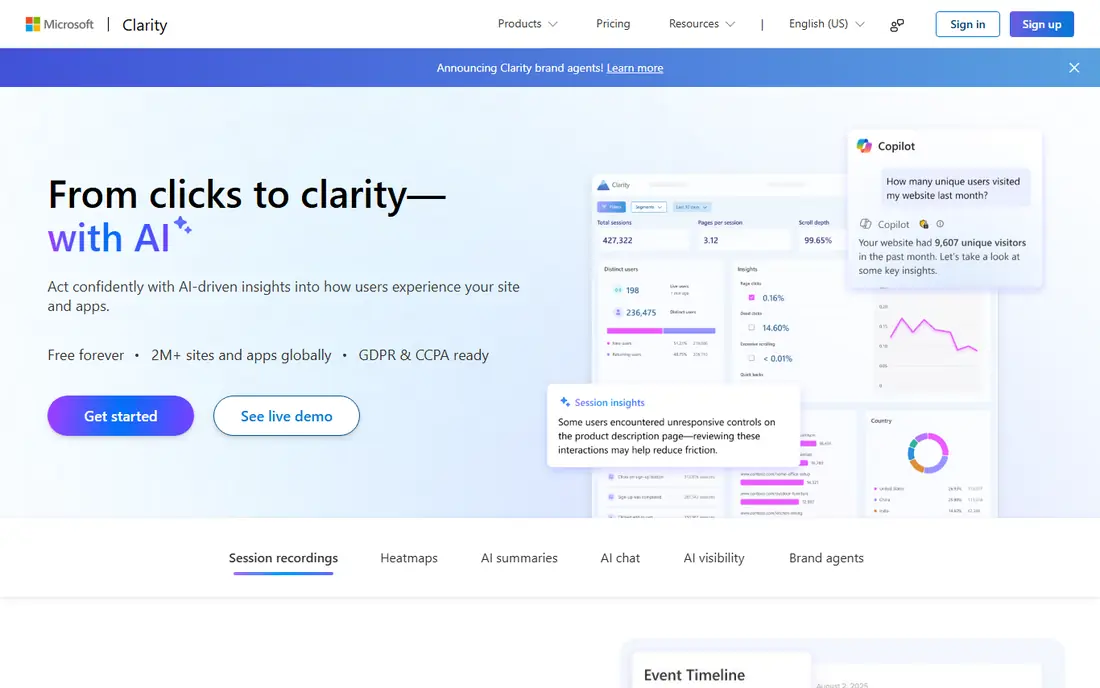
Microsoft Clarity is the obvious first stop when budget is the main constraint. It gives you heatmaps, session recordings, and click and scroll data without a monthly fee, which makes it easy to test behavior analytics on a live site before paying for anything. Setup is a small script added to your pages, and dashboards focus on the patterns that matter most, such as rage clicks, dead clicks, and quick backs.
The trade-off is depth. Clarity does not try to replace a full product analytics platform, and teams that need advanced segmentation, revenue attribution, or complex funnel analysis will likely outgrow it. For a small business, a blog, or a first conversion project, that simplicity is a strength rather than a flaw. Start here, learn what visitors actually do, and move to a paid tool only when you have a clear question Clarity cannot answer.
- No cost for the core product
- Heatmaps and session recordings included
- No stated traffic limit in its free model
- Fewer enterprise analytics features than paid rivals
- Survey tools are limited
- Reporting is simpler than full product analytics suites
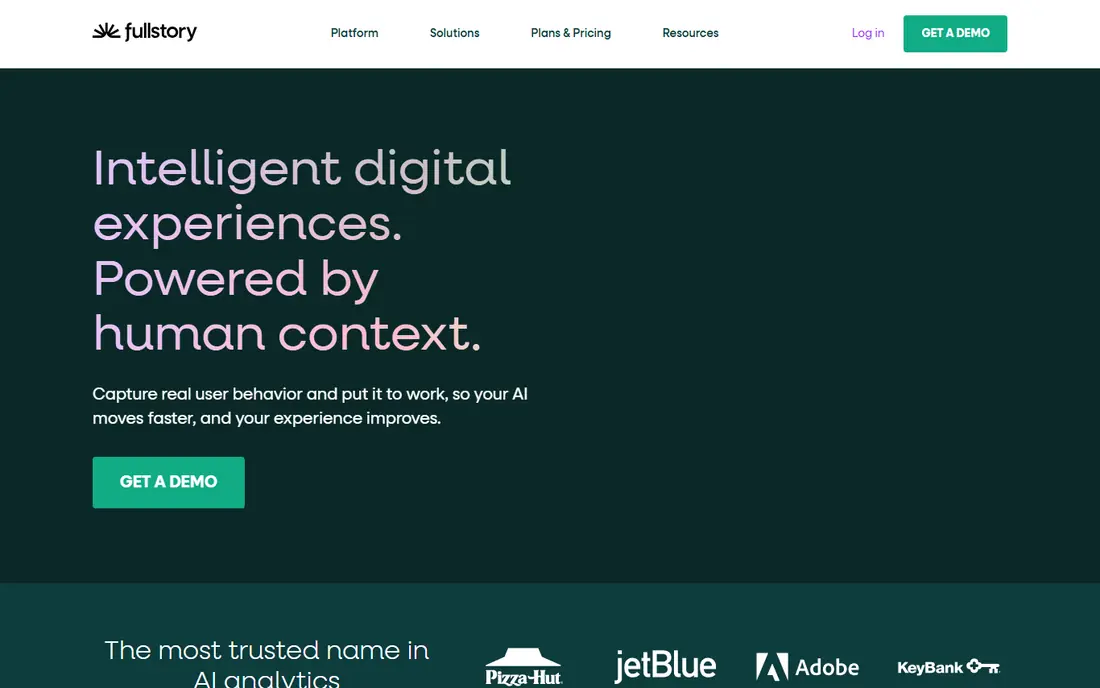
Fullstory is one of the closest enterprise replacements for Contentsquare. It captures sessions automatically, lets teams search for specific behaviors, and connects those behaviors to funnels and journeys. Support teams can watch a session linked to a complaint, while product teams can see where users stall in a flow. That combination explains why larger SaaS and ecommerce companies choose it.
The main drawback is cost transparency. Fullstory offers a free plan with a session allowance, but paid plans are priced by quote, so a small team cannot budget from the website alone. It is also a larger platform than a simple heatmap tool, so expect time spent on tagging, privacy settings, and team training. If your site has meaningful traffic and a team that will act on session data weekly, Fullstory earns its place on the shortlist.
- Detailed session replay with strong search
- Funnel and journey analysis
- Useful for product and support teams
- Paid pricing is quoted rather than listed plainly
- Can be more than a small site needs
- Setup and governance take time
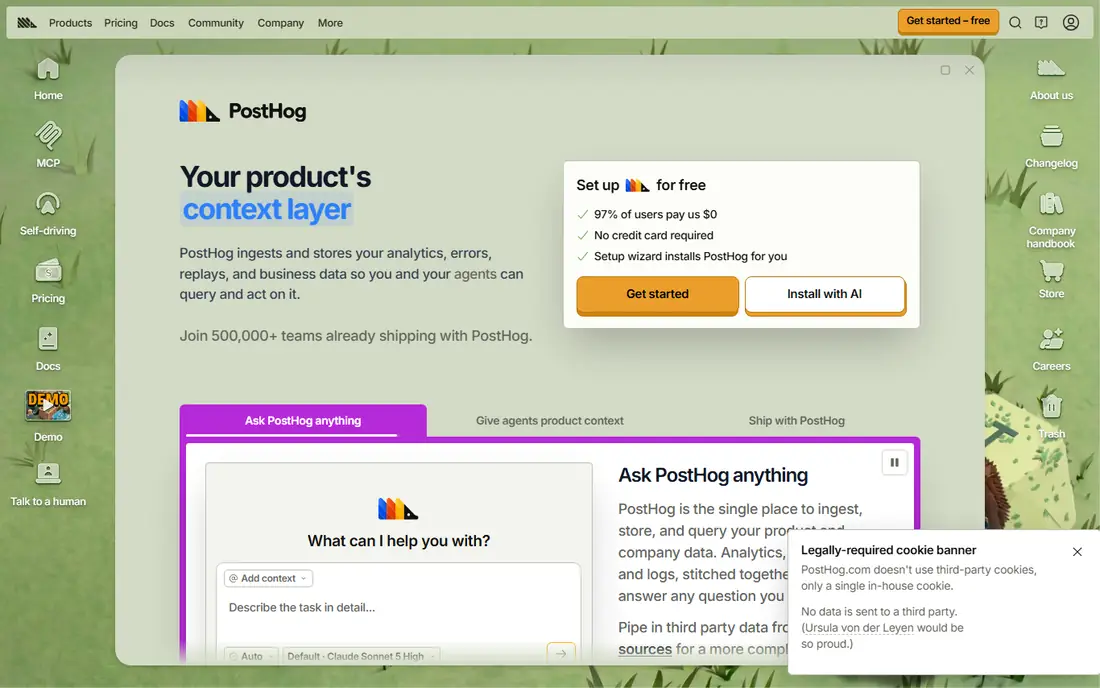
PostHog started as product analytics and has grown into a broad behavior platform. That matters because you can watch a recording, then check the same user journey in funnels, feature flags, and event trends without exporting data between tools. Developers tend to like its documentation and its open approach, while product managers like having experiments and surveys in the same place.
The catch is complexity. PostHog gives you many tools at once, and a marketing team that only wants heatmaps may find the extra menus distracting. Usage-based billing also means a traffic spike can raise costs, so set alerts and review usage monthly. For a product-led team that wants one platform for analytics, replay, and testing, PostHog is a strong and flexible pick.
- Heatmaps, recordings, funnels, and product analytics in one platform
- Generous free tier
- Self-hosting option for some features
- Interface can feel technical for non-developers
- Usage-based pricing needs monitoring
- Some advanced features sit on higher tiers
Mouseflow focuses on friction. Its form analytics show which fields cause hesitation or abandonment, and its friction scores flag sessions that look frustrated. That focus makes it especially useful for checkout pages, lead forms, and signup flows, where a single field can cost real revenue. Heatmaps and recordings support the same job by showing what happened around the problem.
Pricing starts at a level that small businesses can test, but session limits matter. A busy site will need a larger plan, so check your monthly sessions before choosing a tier. Mouseflow is less of a general product analytics suite and more of a conversion diagnostic tool. If your main goal is fixing forms and funnels, that focus works in your favor.
- Form analytics and friction scores help find checkout problems
- Heatmaps and recordings included
- Free plan for small sites
- Free plan covers only a small number of sessions
- Higher plans rise with traffic
- Mobile app analysis is less central
Lucky Orange is built for owners who want to see visitors in real time and act quickly. You can watch live sessions, open a chat with a visitor who looks stuck, and review recordings later to find repeat problems. For a store or service site with a small team, that direct view can be more useful than a complex analytics report that nobody reads.
The limitation is scale and depth. Lucky Orange is not designed to replace enterprise analytics, and its paid plans are tied to session volume. A trial lets you test the fit, but plan for a paid subscription if you keep it. If you want a friendly, practical tool for a small site, and you like the idea of live chat alongside recordings, Lucky Orange is a solid choice.
- Live visitor view and chat tools
- Heatmaps and recordings in one dashboard
- Easy setup for smaller sites
- No permanent free plan, only a trial
- Session limits vary by plan
- Advanced analytics are lighter than enterprise tools
Crazy Egg has been a heatmap staple for years, and its strength remains visual clarity. Click maps, scrollmaps, and confetti reports show where attention goes on a page, which helps teams decide what to move, shorten, or remove. Built-in A/B testing means you can test a change without adding another tool, and that keeps small conversion projects simple.
Recordings are not the headline here, and they require a paid plan, so teams that want replay as the main feature should look at Clarity, Mouseflow, or Fullstory first. Pageview-based pricing also means a high-traffic blog can pay more than expected. For page-level optimization and testing, Crazy Egg remains a dependable and easy-to-read option.
- Clear heatmaps and scrollmaps
- Built-in A/B testing
- Surveys and feedback tools on some plans
- Session recordings are on paid plans
- Pricing rises with pageviews
- Less suited to mobile app analytics
Smartlook is a good fit when your product lives in two places. Many heatmap tools focus on websites only, while Smartlook also supports mobile app recordings and analysis. That matters for teams that need to compare a web signup flow with an in-app flow, or debug a mobile screen that behaves differently from its web version.
The free plan gives smaller teams a way to test recordings and heatmaps, but paid pricing should be confirmed on the vendor site, since plans and limits change. Smartlook is not the deepest enterprise analytics platform, but it is a practical middle ground. If mobile matters as much as web, put it near the top of your list.
- Covers websites and mobile apps
- Funnels and heatmaps included
- Useful for teams that ship both web and app experiences
- Pricing details require checking the current pricing page
- Advanced features vary by plan
- Smaller teams may not need mobile depth
Amplitude is best understood as a product analytics platform first, with replay added for context. Its strength is answering questions like which features retain users, where cohorts drop off, and which paths lead to conversion. Session replay then shows the human side of those numbers, which helps teams decide what to fix first.
That structure has a trade-off. If you only want heatmaps, Amplitude may feel heavy, and replay availability depends on your plan. Event-based pricing also needs care, since high-volume products can generate large bills. For product teams that already need funnel and retention analysis, Amplitude is a strong Contentsquare alternative with replay as a useful extra.
- Strong event, funnel, and retention analytics
- Session replay on paid plans
- Free tier for getting started
- Heatmaps and replay are not included on every plan
- Learning curve for new analysts
- Costs rise with event volume
Mixpanel is similar to Amplitude in approach, with a focus on events, funnels, and user journeys. Teams use it to track specific actions, compare segments, and test changes, then use replay to understand confusing sessions. Its free tier makes it accessible for startups, and its reporting is clear once events are set up well.
The weakness is heatmap depth. Mixpanel can show behavior, but it is not a dedicated heatmap product in the way Clarity or Crazy Egg are. You also need to plan events before you get clean reports, which takes discipline. If your team thinks in events and conversions, Mixpanel is a capable alternative, especially when paired with a simple heatmap tool for page design questions.
- Detailed event and funnel analysis
- Session replay available
- Free tier for early-stage products
- Heatmaps are limited compared with dedicated heatmap tools
- Setup needs careful event planning
- Paid costs scale with usage
Quantum Metric is the enterprise end of this list. It is built for large websites and apps where small friction problems affect thousands of sessions and significant revenue. Its pitch is quantification: it tries to show how much a problem costs, not just that it exists. That helps large teams prioritize fixes and justify engineering time.
For most small businesses, Quantum Metric will be too large and too costly, and the lack of a free plan makes casual testing hard. It belongs here because it is a genuine Contentsquare rival for enterprises, especially in retail, travel, and financial services. If you run a high-traffic site with a dedicated analytics team, ask for a demo and a quote. Otherwise, start with a smaller tool on this list.
- Real-time experience analytics for large sites
- Strong quantification of friction and revenue impact
- Enterprise security and support
- Quote-only pricing
- No free plan
- Far more than most small sites need
How we picked these
We compared official feature pages, pricing pages, and public documentation for tools that cover heatmaps, session replay, funnels, or product analytics. We favored tools that are live in October 2026, that clearly state what they do, and that cover different budgets and team sizes. We excluded tools that no longer exist as live products and tools that only offer one narrow feature without a clear fit for Contentsquare users.
What to check before you switch
Start with your session volume, because most paid plans scale with traffic or events. A tool that looks cheap at 5,000 sessions can cost far more at 100,000 sessions, so count your monthly sessions first and compare plans at that level. Next, check privacy controls. You need masking for sensitive fields, consent handling that fits your region, and a clear data retention policy, especially if you record checkout or account pages.
Also decide whether you need heatmaps, replay, product analytics, or all three. A free heatmap tool plus a product analytics tool can cost less than one enterprise platform, but it adds work to keep data consistent. Finally, run a short trial on your highest-traffic pages, not just your homepage. Checkout, signup, and pricing pages reveal friction faster than a quiet blog post, and they give you a fair test of search, filtering, and reporting.
Frequently asked questions
What is the best free Contentsquare alternative?
Microsoft Clarity is the best free option for most sites, because it includes heatmaps and session recordings at no cost. PostHog, Fullstory, and Amplitude also offer free tiers, but their free limits and included features differ, so check session and event caps before you choose.
Is Hotjar a Contentsquare alternative?
Hotjar is now part of Contentsquare, so it is not a separate alternative in the same way as the tools on this list. If you used Hotjar before the move, compare its current Contentsquare plans with independent tools like Clarity, Mouseflow, or Fullstory to see whether a switch saves money or adds features you need.
Which Contentsquare alternative is best for small businesses?
Mouseflow and Lucky Orange suit small businesses that want clear funnels, forms, and recordings without enterprise complexity. Crazy Egg is also a good fit when page design and testing are the main goals, and Clarity works well as a free starting point.
Which alternative is best for product teams?
PostHog, Amplitude, and Mixpanel are the strongest picks for product teams, because they tie recordings and heatmaps to events, funnels, and retention. Choose PostHog for a broad all-in-one platform, Amplitude for deep cohort and retention work, and Mixpanel for detailed event analysis.
Do I need session replay, heatmaps, or both?
Heatmaps show aggregate patterns, such as where people click and how far they scroll, while replay shows individual sessions in sequence. Use heatmaps to spot page problems quickly, and use replay to understand why a specific flow fails. Most teams benefit from both, but a free heatmap tool can be enough for simple page fixes.
How much do Contentsquare alternatives cost?
Costs range from free for Clarity to quote-only enterprise pricing for Fullstory and Quantum Metric. Mid-range tools often start around $25 to $32 per month for small session volumes, and prices rise with traffic, events, or added features. Always confirm the current pricing page, because limits and plan names change.
Sources
See where you really rank - block by block
ProMapRanker scans Google Maps across a grid of your service area. Simple monthly plans from $19, white-label on every plan.
Start freeKeep reading
 zoro.to alternatives
Best Zoro.to Alternatives in 2026
We compare the best zoro.to alternatives in 2026, listing only legal licensed anime streaming services, from Crunchyroll to free options for fans today.
Read → zip alternatives
Best Zip Alternatives in 2026
We compare the best zip alternatives for buy now, pay later in 2026, covering pay-in-4 plans, fees, spending limits, and credit reporting options today.
Read → yesware alternatives
Best Yesware Alternatives in 2026
Compare the best yesware alternatives for sales email tracking, templates, and sequences, with current pricing and honest tradeoffs for small sales teams.
Read →