 ProMapRanker
Best Conga CPQ Alternatives in 2026


Salesforce-native teams · Pricing starts at: $150 per user per month
Key takeaways
- Salesforce Revenue Cloud is the closest match for teams already running Salesforce, with Growth priced at $150 per user per month.
- PandaDoc and QuoteWerks cover simpler quoting at much lower entry prices, but they are not full enterprise CPQ platforms.
- Oracle CPQ, SAP CPQ, and Experlogix make most sense when the buyer already runs that vendor's ERP or CRM.
- DealHub and HubSpot CPQ suit mid-market teams that want faster setup than a large enterprise rollout.
- Always test a real quote with bundles, discounts, and approvals before signing, because list prices rarely show the full implementation cost.
Quick comparison
| Pick | Great for | Pricing starts at | Free tier | |
|---|---|---|---|---|
| Salesforce Revenue Cloud | Salesforce-native teams | $150 per user per month | Free trial | Visit |
 Oracle CPQ | Oracle ERP enterprises | See website | No | Visit |
 SAP CPQ | SAP-centric companies | See website | No | Visit |
 DealHub | Mid-market guided selling | See website | Free trial | Visit |
 PandaDoc | Proposal-led small teams | $19 per user per month | Free trial | Visit |
 HubSpot CPQ | Teams quoting inside HubSpot | See website | Free trial | Visit |
 QuoteWerks | Small businesses and MSPs | $15 per user per month | Free trial | Visit |
 Experlogix | Microsoft Dynamics 365 shops | See website | No | Visit |
 Zuora CPQ | Subscription businesses | See website | No | Visit |
The best Conga CPQ alternatives
Configure, price, quote software should stop reps from building prices in spreadsheets and stop finance from finding errors after a deal is signed. Conga CPQ is strong for complex catalogs, so a good replacement needs matching configuration rules, pricing control, and approval routing. The nine options below cover enterprise platforms, mid-market tools, and lighter quoting products, and none of them is Conga itself.
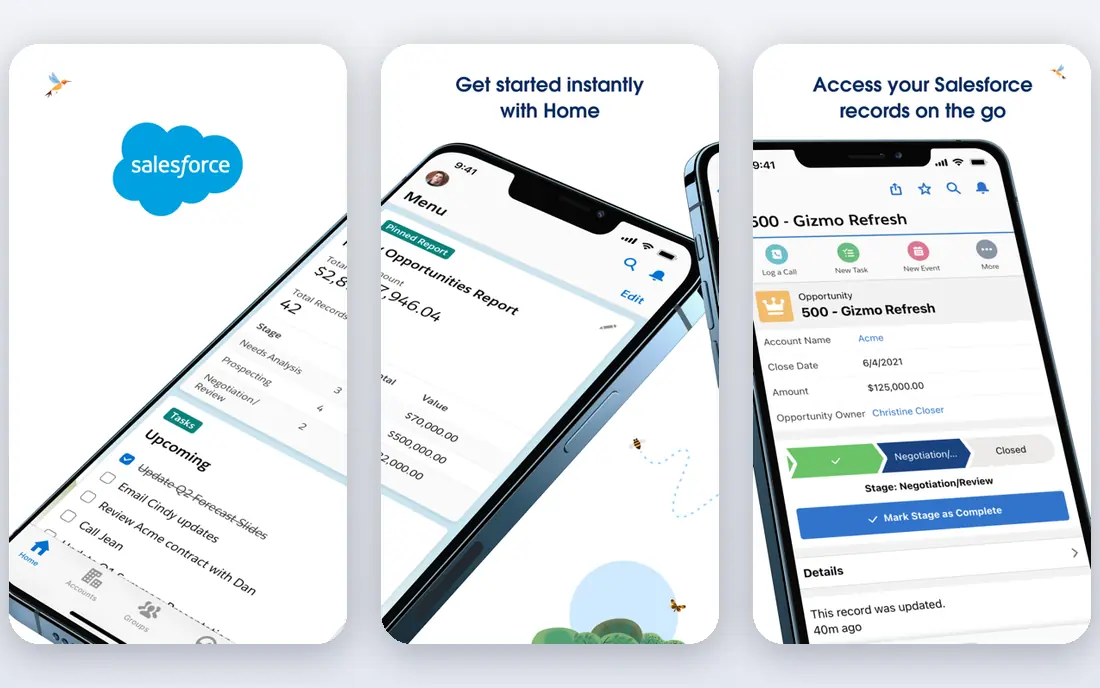
Salesforce Revenue Cloud is the natural first shortlist entry for any team that already lives in Salesforce. Growth, at $150 per user per month billed annually, covers streamlined CPQ and subscription management, while Advanced at $200 adds contracts, orders, consumption billing, and analytics. That native position means quotes, products, and customer records stay in one system instead of syncing between tools.
The main drawback is total cost and effort. The licence sits on top of required Sales Cloud seats, and a careful rollout still needs product modeling, price rules, and approval design. Teams with simple quotes may find this platform heavier than they need. For Salesforce shops with recurring revenue and multi-year deals, though, it is the most direct enterprise alternative.
- Deep Salesforce integration
- Native subscription and usage support
- Growth and Advanced editions for different deal sizes
- Requires a Salesforce CRM licence on top
- Implementation can take months
- Legacy Salesforce CPQ users face a migration
Oracle CPQ fits companies where orders, inventory, and finance already run through Oracle systems. Its configuration engine can handle thousands of SKUs and complex product rules, and quotes connect more cleanly to downstream order processing. That matters when a wrong configuration creates a fulfillment problem, not just a paperwork problem.
The trade-off is effort. This is not a tool most small teams can set up in a week, and buyers should budget for specialist help. If your company is not already committed to Oracle, the learning curve and cost are hard to justify. Inside an Oracle estate, the integration value is the point.
- Handles large and complex catalogs
- Strong ERP integration
- Reusable configuration models
- Heavy implementation
- Pricing is not published in a simple entry plan
- Needs skilled administrators
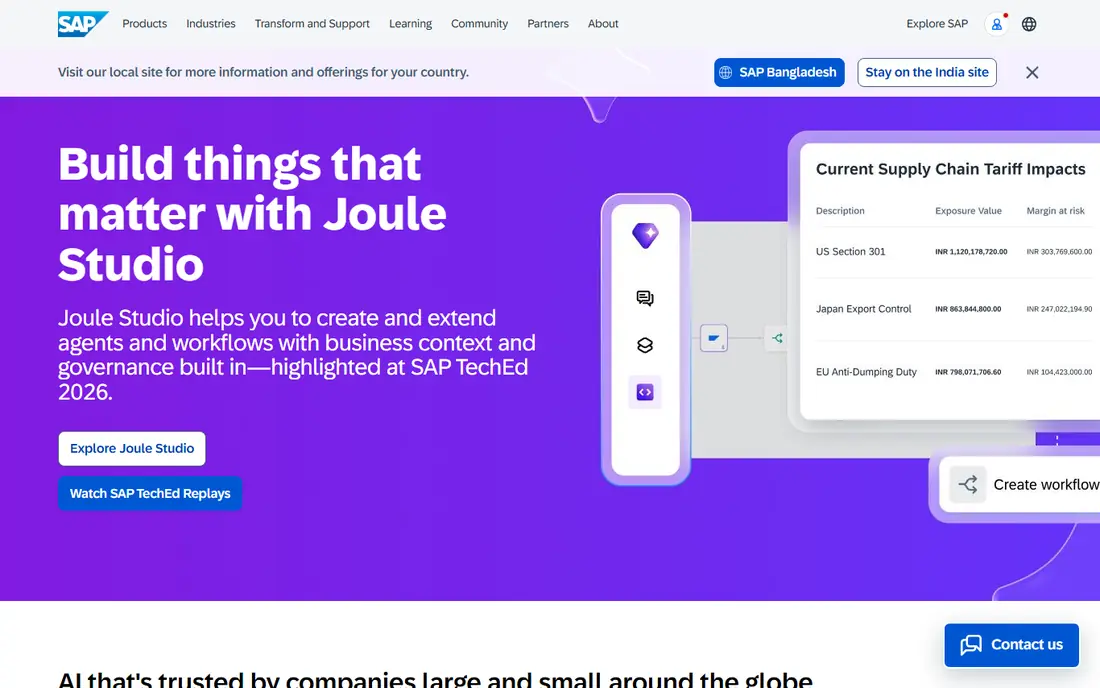
SAP CPQ is built for sellers whose products have many variants, options, and dependencies. A manufactured product with size, material, and accessory combinations needs rules that stop invalid quotes before they reach a customer. SAP CPQ handles that configuration work inside the SAP environment many of these sellers already use.
Buyers outside SAP should look elsewhere first, because the value depends on that surrounding system. Inside SAP, the benefit is fewer handoffs between sales, production, and finance. Ask for a demo using your own hardest product family, not a generic example, before judging speed.
- Works with SAP Sales Cloud and S/4HANA
- Variant configuration for manufactured products
- Embedded AI features
- Pricing is quote-based
- SAP expertise is usually required
- Smaller teams may find it oversized
DealHub appeals to mid-market teams that want CPQ without a year-long enterprise project. Guided selling walks reps through valid choices, and the platform covers subscription, usage-based, and hybrid models in one quote flow. It also works with more than one CRM, which helps teams that do not want to be locked to a single vendor.
The honest catch is pricing transparency. Entry pricing is not published as a simple public plan, so buyers need a quote based on users and deal volume. That is normal for this category, but it makes early comparison slower. Run a timed test with your messiest discount and approval case to see whether the speed claim holds.
- Guided selling for reps
- Supports subscription, usage, and hybrid pricing
- CRM-agnostic design
- Published pricing is limited
- Very complex quotes can still need careful setup
- Document tracking depends on the plan chosen
PandaDoc is the pick when the quote is really a proposal that needs to look good, get signed, and get paid. Essentials starts at $19 per user per month, and the setup is far lighter than an enterprise CPQ rollout. Small teams can build templates, add pricing tables, and send a polished document in days rather than months.
It is not the right tool for deep product configuration with hundreds of interdependent options. Teams that need bill-of-materials logic or strict engineering rules will hit limits sooner. For service businesses, agencies, and simpler product sales, that lighter scope is a feature, not a flaw.
- Fast setup
- Documents, e-signature, and payments in one flow
- Clear entry price
- Limited configuration logic for highly complex products
- Full CPQ depth sits on higher plans
- Not a replacement for heavy ERP quoting
HubSpot CPQ suits teams that already manage contacts, deals, and pipelines in HubSpot. Keeping quotes in the same CRM avoids duplicate records and gives managers a clearer view of what was quoted, approved, and closed. For small and mid-sized teams, that simplicity often matters more than advanced configuration features.
The limitation is scope. If your products need detailed engineering configuration or deep ERP integration, HubSpot CPQ will feel light. Price it as part of the full HubSpot subscription, not as a standalone add-on, because the tier you need changes the total cost.
- Quotes stay inside HubSpot CRM
- Tier pricing and AI-assisted drafting
- Familiar interface for HubSpot users
- Best value only for existing HubSpot customers
- Complex manufacturing configuration is limited
- Higher HubSpot tiers raise the total bill
QuoteWerks is a practical budget choice for small businesses, resellers, and managed service providers. Standard starts at $15 per user per month, and it connects with many CRM and accounting systems. IT sellers in particular benefit from distributor pricing, which reduces manual price checks on hardware quotes.
The product will not impress buyers who want a modern, guided selling experience out of the box. It rewards teams that invest a little time in templates and integrations. For straightforward quoting at low cost, it remains hard to beat.
- Low entry price
- Broad CRM and accounting integrations
- Real-time distributor pricing for IT sellers
- Interface feels dated next to newer tools
- Enterprise approval depth is limited
- Setup help matters for larger catalogs
Experlogix is the Dynamics 365 answer to complex quoting. Because it sits inside Dynamics, reps quote from the same records they already use, and approved quotes can move toward sales orders with less retyping. Auto-generated bills of materials help manufacturers whose quotes must match what production can actually build.
Outside Dynamics, there is little reason to shortlist it. Buyers should also confirm which Dynamics version and modules their quote covers, since that affects setup. For Dynamics shops with manufacturing complexity, it deserves a serious demo.
- Native Dynamics 365 embedding
- Auto-generated bills of materials
- Sales order automation
- Quote-based pricing
- Value drops sharply outside Dynamics
- Implementation still needs planning
Zuora CPQ fits companies whose main problem is subscription complexity, not one-time product configuration. Multi-year ramps, renewals, amendments, and usage charges all need to agree between the quote and the invoice. Zuora keeps that quote-to-billing path tighter than a generic document tool can.
For businesses selling mostly one-time products, this focus is wasted. For subscription teams already using Zuora billing, it removes a common source of revenue leakage. Ask how amendments and mid-term changes are quoted, because that is where subscription CPQ tools prove themselves.
- Built for recurring revenue
- Multi-year ramp deals
- Native billing connection
- Quote-based pricing
- Overkill for one-time product sales
- Works best inside a Zuora billing setup
How we picked these
We compared official product pages, pricing pages, and public documentation for CPQ tools that cover configuration, pricing, and quoting as a core job, not just document signing. We excluded Conga CPQ itself, since this is an alternatives list, and we excluded generic proposal tools that cannot handle pricing rules at all. Prices shown are entry or published figures where vendors list them, and we wrote See website where pricing is quote-based, so no figure here is guessed.
What to check before you switch
Start with your hardest quote, not your easiest one. Build a test that includes bundles, volume discounts, a multi-year term, and at least one approval step. If a tool handles that cleanly, simple quotes will take care of themselves. If it needs workarounds on the hard case, those workarounds will become daily friction for your reps.
Next, map the systems a quote must touch. CRM records, ERP inventory, contract terms, billing schedules, and e-signature all create failure points when they are connected by manual steps. Ask each vendor who owns each integration, what happens when a price changes mid-deal, and how amendments are handled after signature. A clear answer here saves more money than a small discount on licences.
Finally, price the first year honestly. Add implementation, training, integration work, and the CRM or ERP licences the CPQ tool requires. A low per-user price can still be expensive if setup takes six months, while a higher licence price can be cheaper if reps adopt it quickly and errors fall. Pilot with one team, measure quote time and error rate, and only then roll out company wide.
Frequently asked questions
What is Conga CPQ used for?
Conga CPQ helps sales teams configure complex products, apply pricing rules, and produce accurate quotes with approvals. It is used most often by larger companies with many products, bundles, and discount rules that spreadsheets cannot control safely.
Is Salesforce Revenue Cloud the same as Salesforce CPQ?
No, Revenue Cloud is Salesforce's newer native platform for quoting and revenue management, while legacy Salesforce CPQ is an older product for existing customers. New Salesforce buyers are generally directed to Revenue Cloud, so ask Salesforce which product your account would actually receive.
Which Conga CPQ alternative is cheapest to start?
QuoteWerks and PandaDoc have the lowest published entry prices in this list, at $15 and $19 per user per month. They suit simpler quoting, while enterprise platforms are quote-based and usually cost far more once implementation is included.
Do I need CPQ if I already use a CRM?
A CRM tracks deals, but it does not always enforce product rules, discount limits, or approval chains. You need CPQ when reps regularly quote bundles, options, or tiered pricing and errors keep reaching customers or finance.
How long does CPQ implementation take?
Small tools can go live in days or weeks, while enterprise CPQ projects often take three to nine months. The time depends on catalog size, pricing complexity, integrations, and how much cleanup your product data needs before migration.
Can I migrate quotes and products from Conga CPQ?
Most vendors support importing product catalogs and price books, but configuration rules and approval workflows usually need rebuilding. Plan a data cleanup step first, and keep old quotes accessible for reference during the transition.
Sources
- https://www.salesforce.com/sales/revenue-lifecycle-management/pricing/
- https://www.oracle.com/cx/sales/cpq/
- https://www.sap.com/products/sales-cloud/cpq.html
- https://www.dealhub.io
- https://www.pandadoc.com/pricing/
- https://www.hubspot.com/products/sales/cpq
- https://www.quotewerks.com
- https://www.experlogix.com
- https://www.zuora.com
See where you really rank - block by block
ProMapRanker scans Google Maps across a grid of your service area. Simple monthly plans from $19, white-label on every plan.
Start freeKeep reading
 zyte alternatives
Best Zyte Alternatives in 2026
These zyte alternatives cover managed scraping APIs, proxy networks and no code tools for lawful collection from your own or consented sources only in 2026.
Read → zerto alternatives
Best Zerto Alternatives in 2026
Compare the best zerto alternatives for disaster recovery and replication, with recovery targets, cloud options and honest trade-offs for teams in 2026.
Read → zerofox alternatives
Best ZeroFox Alternatives in 2026
We compared 9 zerofox alternatives for brand protection, phishing takedowns, dark web monitoring, and social impersonation, with clear coverage notes.
Read →