 ProMapRanker
Company Name Normalization Best Practices in 2026

Key takeaways
- This article covers tools and services that put company name normalization practices into practice, not only theory.
- Start with a written standard for case, punctuation, legal suffixes, and abbreviations, then enforce it with a tool.
- Keep the original name alongside the normalized name, so you can audit changes and recover from bad matches.
- Fuzzy matching finds variants that exact matching misses, but it needs human review for close calls.
- Test any tool on a sample of your own messy data before you run it across a full customer or vendor list.
Quick comparison
| Pick | Great for | Pricing starts at | Free tier | |
|---|---|---|---|---|
 OpenRefine | Free hands on cleanup | Free | Yes | Visit |
 Talend Data Quality | Enterprise data quality rules | See website | No | Visit |
 Informatica Data Quality | Enterprise cleansing and matching | See website | No | Visit |
 Precisely Trillium | Large scale standardization | See website | No | Visit |
 Ataccama | Data quality with governance | See website | No | Visit |
 Melissa Data | Name and contact verification | See website | No | Visit |
 Experian Data Quality | Reference data and enrichment | See website | No | Visit |
 Alteryx | Analyst led data preparation | See website | No | Visit |
 Tamr | Entity resolution at scale | See website | No | Visit |
The best company name normalization tools
We compared tools that help teams standardize company names in real datasets, looking at matching methods, rule control, reference data, and fit for different team sizes. Each profile explains how the tool supports the core practices: a written standard, consistent parsing, careful matching, and human review.
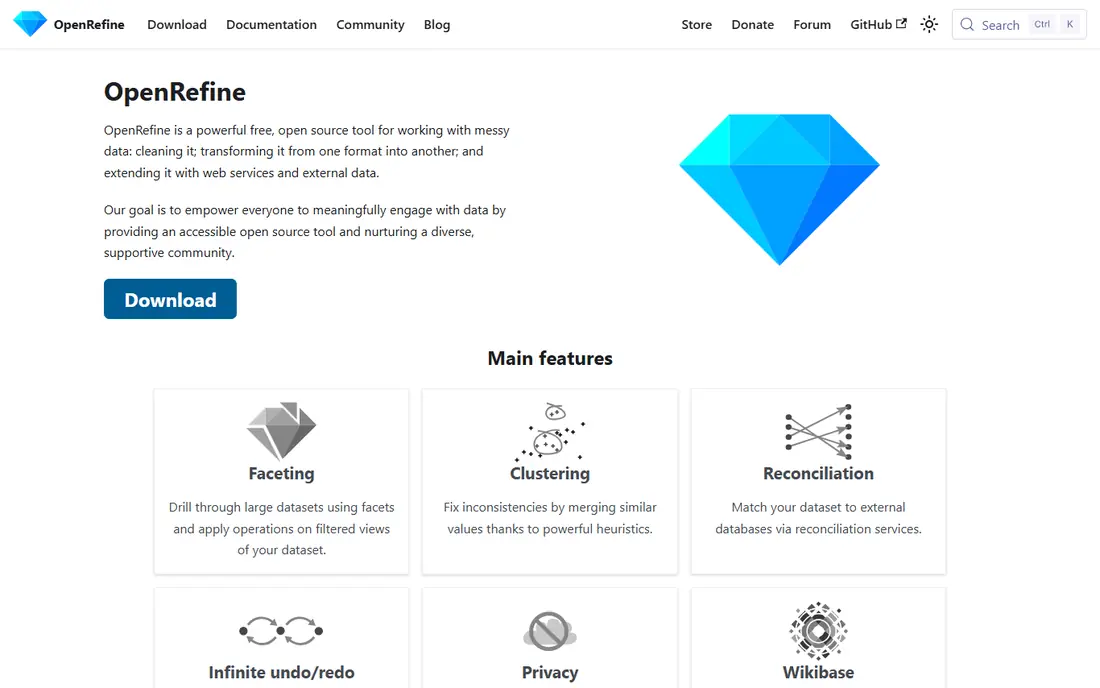
OpenRefine is the best starting point for most teams, because it is free and it makes messy names visible. Its clustering features group variants such as different punctuation, case, and word order, so you can merge them with a clear record of each change. You can also use reconciliation services to match names against external lists, which helps with well known companies.
The limits are scale and automation. OpenRefine runs on your computer, so it suits one off cleanups and samples better than nightly production pipelines. Use it to learn your data problems, prove a standard, and build the rules you will later automate in a larger platform.
- Free and open source
- Clustering finds name variants fast
- Full history lets you undo any step
- Desktop tool for one user at a time
- No built in company reference database
- Large datasets need care and memory
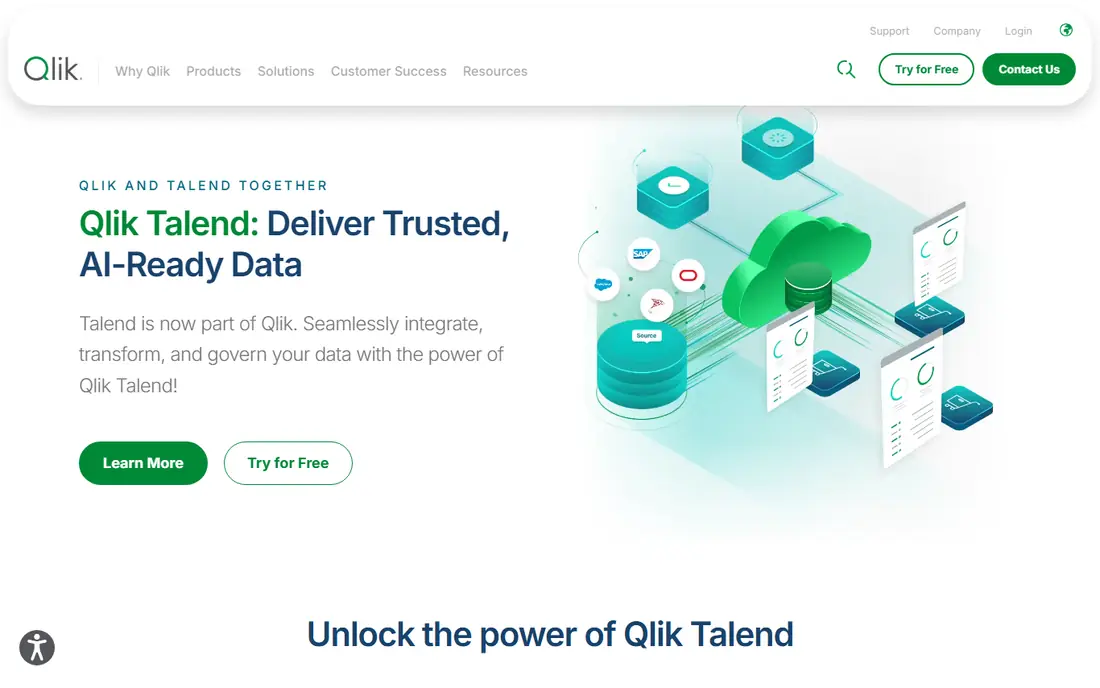
Talend Data Quality, now part of Qlik, helps teams profile data, define cleansing rules, and apply matching across customer and vendor records. You can build rules for case, punctuation, legal suffixes, and common abbreviations, then reuse those rules across datasets. Fuzzy matching and deduplication support the harder cases where names differ by more than formatting.
This is an enterprise platform, so expect implementation effort and quote based pricing. It suits organizations that already use Talend or Qlik for integration and want data quality inside the same pipeline. Smaller teams should start with OpenRefine and move here when cleanup becomes a recurring production job.
- Profiling, cleansing, and matching in one platform
- Reusable rules for standardization
- Broad data source support
- Enterprise pricing is quote based
- Setup needs data engineering time
- Smaller teams may use only part of the platform
Informatica Data Quality is a long established enterprise tool for cleansing, standardizing, and matching business data. It handles parsing of company names into components, standardization against rules, and matching with scores that help reviewers decide close cases. Integration with the wider Informatica cloud platform lets teams run quality checks inside data pipelines rather than as a separate chore.
The trade off is cost and skill. Informatica suits large firms that already run Informatica and need governed, repeatable quality processes. A small business with one messy CRM list will find it too heavy. Ask for a proof of concept on your own data, and check how match scores and review queues work in practice.
- Advanced matching and standardization
- Strong enterprise integration
- Governance and observability features
- Enterprise cost and complexity
- Needs skilled administrators
- Overkill for a single spreadsheet cleanup
Precisely Trillium Quality focuses on parsing, standardizing, and matching customer and business data at scale, including global names with different languages and formats. Its standardization uses trained models and rules to understand name structure and variants, which helps with international company names that simple rules miss. Reference data can enrich records with verified details.
Precisely suits enterprises with large, global customer or vendor masters. Implementation requires a governance owner who can approve standards and review match thresholds. Smaller teams may find the platform more than they need, but large teams with millions of records will value its depth and audit trails.
- Strong parsing and standardization for global names
- Reference data for enrichment
- Proven at enterprise scale
- Enterprise pricing is quote based
- Implementation takes time
- Needs a clear data governance owner
Ataccama combines data quality with catalog and governance tools, which helps teams that need to prove how names were standardized and who approved the rules. You can define quality rules, monitor them over time, and trace issues back to source systems. That audit trail matters in regulated industries and in large companies where many teams share the same customer data.
For a narrow cleanup project, the full platform may feel large. Its value grows when normalization is part of a wider data trust program, with owners, rules, and monitoring. Start with one domain, such as vendors, prove the rules, then extend to customers and partners.
- Combines data quality, catalog, and governance
- Rule based cleansing with monitoring
- Good for regulated teams
- Enterprise pricing
- Full platform may exceed a narrow cleanup need
- Setup needs governance planning
Melissa Data specializes in contact data quality, including name parsing, verification, and enrichment through APIs and tools. Teams use it to standardize company and person names at entry or in batch, and to verify related contact details such as addresses and emails. That entry point focus helps prevent new messy names from entering the system, which is half of normalization practice.
Melissa is a good fit when you need an API inside a form, CRM, or pipeline rather than a standalone cleanup project. Pricing depends on volume and the products you choose, so get a quote for your record count. Test the API on your messiest real names, not only on clean examples, before you commit.
- Name parsing and verification APIs
- Address and contact data services
- Free trial and demo options on product pages
- Pricing depends on volume and product
- Integration needs developer time
- Matching depth varies by product
Experian Data Quality offers cleansing, standardization, and enrichment services backed by reference data. Teams can standardize company names, match records, and enrich them with verified business details. Managed options let larger firms hand hosting and management to Experian, while other buyers run the tools themselves.
The product range is wide, so be specific about your job: batch cleanup, real time verification, or ongoing monitoring. Each has different pricing and integration needs. Ask which reference sources are used for your countries and industries, since coverage quality varies by region.
- Reference data for matching and enrichment
- Cleansing and standardization services
- Managed options for large firms
- Enterprise pricing
- Product range can confuse buyers
- Trial terms vary by region
Alteryx lets analysts build visual workflows that clean, parse, and match company names without writing full production code. Its data preparation tools support fuzzy matching, standardization, and deduplication, and workflows can be reused across datasets. That analyst friendly model suits teams where business analysts, not only engineers, own data quality.
Training still matters. A visual tool does not remove the need for a written standard and a review process for close matches. Alteryx suits mid sized and large teams that already use it for analytics and want cleanup inside the same workflows. Compare its matching controls against a dedicated quality platform if matching is your main job.
- Visual workflows for cleansing and matching
- Strong analyst community
- Connects to many data sources
- Pricing is quote based
- Needs analyst training
- Enterprise governance features sit on higher tiers
Tamr focuses on entity resolution: deciding which records refer to the same company, even when names, addresses, and identifiers differ. Its machine learning models learn from human feedback, so matching improves as reviewers confirm or reject suggested merges. That feedback loop is valuable for large customer and vendor masters where simple rules miss too many variants.
Tamr is an enterprise product, and it needs a team to review matches and maintain the process. It suits organizations with millions of records and a real cost from duplicates, such as double billing or fragmented customer views. Smaller teams should prove the problem with OpenRefine first, then consider Tamr when volume and value justify it.
- Machine learning based entity resolution
- Human feedback improves matching over time
- Built for large record volumes
- Enterprise pricing
- Needs data engineering and review capacity
- Smaller datasets may not need its scale
How we picked these
We compared data quality roundups and vendor pages, and we favored tools with a documented, current offering for name standardization, parsing, or matching. We included free, mid market, and enterprise options, since normalization needs differ by data volume and team skill. We did not run each tool on a test dataset ourselves, so we focused on documented features, matching methods, and deployment models rather than accuracy claims.
Company name normalization best practices
Start with a written standard before you touch a tool. Decide how to handle case, punctuation, spacing, legal suffixes such as Inc and LLC, and common abbreviations such as Co and Corp. Record the standard where the team can find it, and apply it the same way in every system that creates company names.
Next, parse names into parts, then standardize each part. Separate the core name from the legal suffix and any location or division tag, so matching compares like with like. Keep the original name in a separate field, and store the normalized name alongside it. That pair lets you audit changes, explain merges to customers, and roll back a bad rule.
Then match in stages. Exact matching catches formatting variants, fuzzy matching catches spelling and word order variants, and reference data helps with well known companies. Send close matches to human review instead of auto merging them, and track false merges as a quality metric. Finally, prevent new mess at entry with dropdowns, validation, and verification APIs, and monitor quality over time so standards do not drift.
Frequently asked questions
What is company name normalization?
It is the practice of turning different written forms of the same company name into one consistent form. For example, different punctuation, case, abbreviations, and legal suffixes can make one company look like several records. Normalization reduces duplicates and makes reporting, billing, and customer views more reliable.
Should I keep the original company name?
Yes. Always keep the original name as entered, alongside the normalized name. The original supports audits, legal checks, and recovery if a rule or match turns out to be wrong. Deleting originals removes the evidence you need to fix mistakes.
Is fuzzy matching safe to run automatically?
Only for high confidence matches. Fuzzy matching finds variants that exact matching misses, but it can also merge different companies with similar names. Auto merge only the highest scores, and route the rest to human review with enough context to decide correctly.
How do I handle legal suffixes such as Inc and LLC?
Strip or standardize suffixes for matching, but keep them in the display name where legally needed. Decide one form for each suffix in your standard, and apply it consistently. Note that two companies can share a core name with different suffixes, so do not merge on core name alone.
What is the best first step for a messy CRM list?
Profile a sample first. Count duplicates, list the most common variants, and write a short standard for the top problems. Clean the sample with a free tool such as OpenRefine, measure how many duplicates you removed, and use that result to justify a larger tool or process.
Sources
See where you really rank - block by block
ProMapRanker scans Google Maps across a grid of your service area. Simple monthly plans from $19, white-label on every plan.
Start freeKeep reading
 zoro.to alternatives
Best Zoro.to Alternatives in 2026
We compare the best zoro.to alternatives in 2026, listing only legal licensed anime streaming services, from Crunchyroll to free options for fans today.
Read → zip alternatives
Best Zip Alternatives in 2026
We compare the best zip alternatives for buy now, pay later in 2026, covering pay-in-4 plans, fees, spending limits, and credit reporting options today.
Read → yesware alternatives
Best Yesware Alternatives in 2026
Compare the best yesware alternatives for sales email tracking, templates, and sequences, with current pricing and honest tradeoffs for small sales teams.
Read →