 ProMapRanker
ComfyUI Alternatives in 2026

Key takeaways
- InvokeAI, Fooocus, AUTOMATIC1111, and SwarmUI offer free local generation, but they need a capable GPU and your own maintenance.
- Krea offers a browser node canvas with no install, at the cost of cloud limits and its own workflow format.
- Midjourney, Adobe Firefly, and Leonardo suit concept art and commercial work, not precise local pipelines.
- Only tools that run ComfyUI itself import ComfyUI JSON graphs directly, so other canvases need rebuilding.
- Use only images you have rights to, with consent from any identifiable person, and avoid non-consensual imagery.
Quick comparison
| Pick | Great for | Pricing starts at | Free tier | |
|---|---|---|---|---|
 InvokeAI | open-source canvas and node workflows | Free | Yes | Visit |
 Fooocus | simple local image generation | Free | Yes | Visit |
 AUTOMATIC1111 | Stable Diffusion power users | Free | Yes | Visit |
 SwarmUI | managing local generation with a clean UI | Free | Yes | Visit |
 Krea | browser canvas with generation and enhancement | See website | Free trial | Visit |
 Midjourney | aesthetic concept art and exploration | See website | No | Visit |
 Adobe Firefly | commercial creative work in Adobe apps | See website | Free trial | Visit |
 Leonardo AI | creator-friendly image and video platform | See website | Yes | Visit |
The best comfyui alternatives
ComfyUI gives advanced users deep node control, custom nodes, and local checkpoints, but setup, hardware, and maintenance push many creators to simpler tools. The alternatives below split into local open-source tools, browser canvases, and design platforms, each with a different balance of control and convenience.
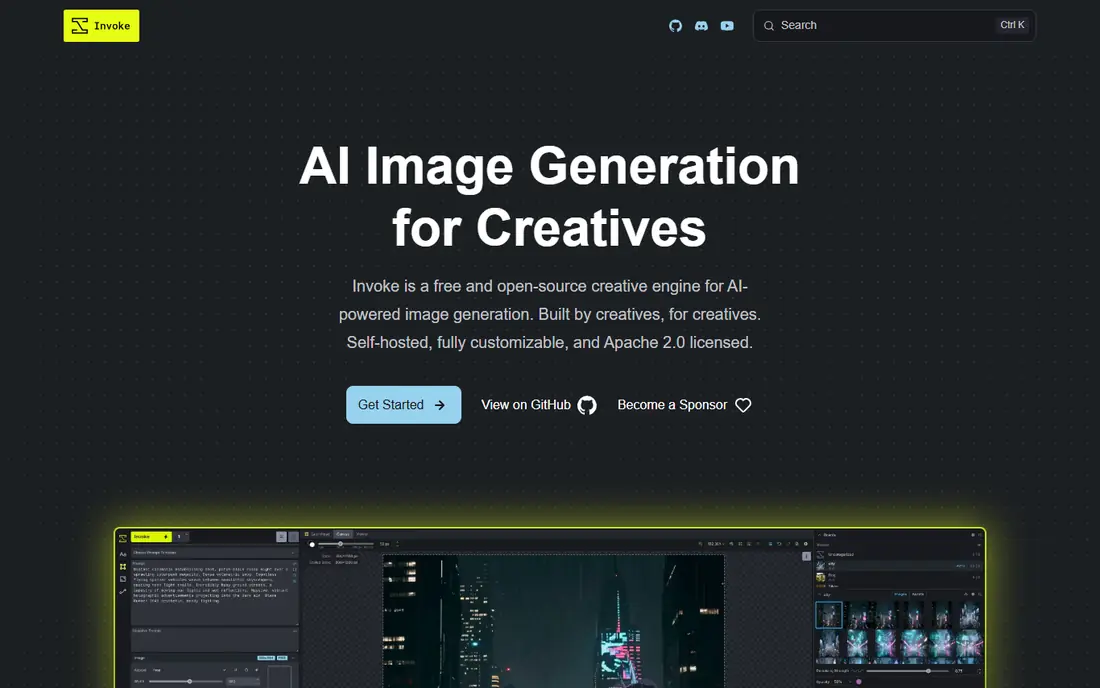
For many readers, this is the first option worth a close look. InvokeAI is the closest open-source alternative for creators who want a canvas plus node workflows without ComfyUI setup. You can paint, inpaint, outpaint, and chain generation steps in a visual workspace, and you keep full control of models and outputs on your own machine. That local control suits artists who value privacy and custom models.
The hosted platform shut down, so you now run and maintain InvokeAI yourself, which means handling installation, updates, and GPU needs. It is less hackable than ComfyUI at the node level, though its canvas workflow is more approachable for editing. For local creative work with consent and rights in place, InvokeAI is a strong pick.
- Open-source and self-hosted
- Canvas for inpainting and outpainting
- Node workflows
- Hosted platform shut down, so you run and maintain it
- Needs a capable GPU

A different kind of fit shows up here. Fooocus is for people who want good images fast with almost no learning curve. You type a prompt, pick a style, and generate, without building a node graph or tuning dozens of settings. It runs locally, so you control the machine and the models, and the interface stays focused on the prompt rather than the pipeline.
The trade-off is control. Fooocus does not offer the deep node editing that ComfyUI users rely on, and it still needs a local GPU for smooth use. If you want a simple local generator for creative work, Fooocus is an easy start. If you need complex multi-step workflows, InvokeAI or a hosted canvas fits better.
- Prompt-first flow with little setup
- Low learning curve
- Runs locally
- Less control than node tools
- Needs a local GPU
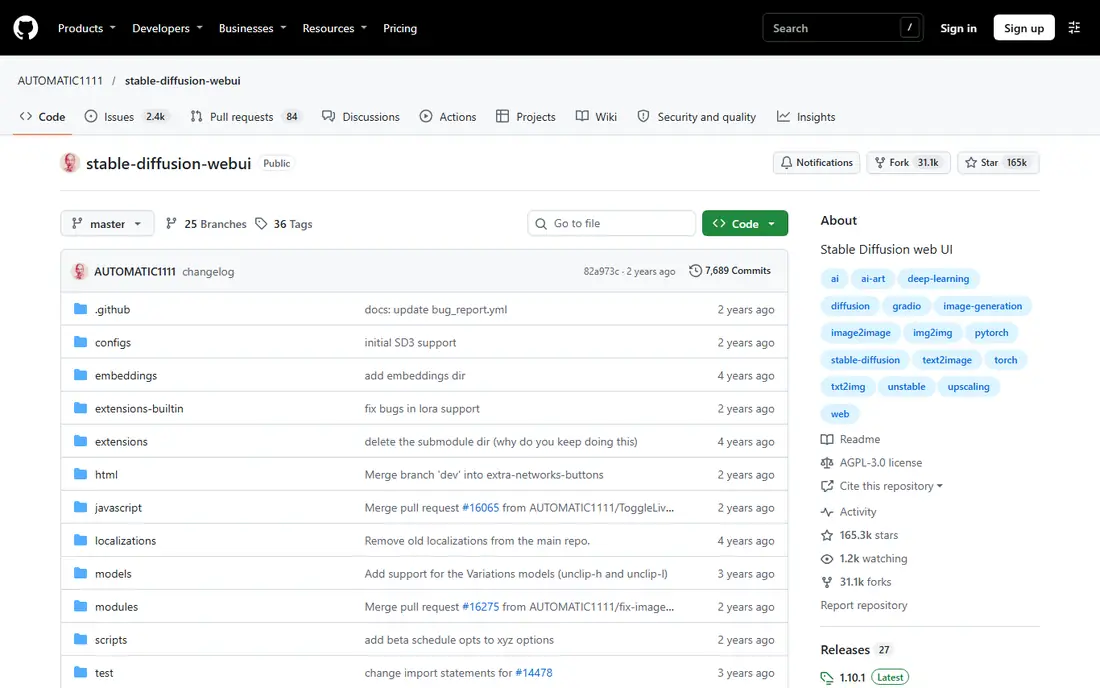
This one earns its place for a clear reason. AUTOMATIC1111, often called A1111, is the long-running Stable Diffusion web interface with a huge extension ecosystem. It offers familiar controls for sampling, styles, ControlNet, and extensions, and it runs locally so you keep models and outputs on your own machine. Power users who know Stable Diffusion will feel at home quickly.
The interface pattern is older than newer canvas tools, and keeping extensions updated takes care. It is also less visual than a node canvas for chaining steps. For Stable Diffusion work where extensions matter more than a node graph, A1111 remains a practical alternative.
- Huge extension ecosystem
- Familiar Stable Diffusion controls
- Local and private
- Older interface pattern
- Setup and extension care take time
If the options above feel too narrow, consider this one. SwarmUI is a local interface that aims to make Stable Diffusion generation cleaner and easier to manage. It supports multiple back ends, keeps generation on your own machine, and offers a more modern interface than older web UIs. That suits creators who want local control without the rough edges of an older tool.
Local setup and GPU requirements remain, and the community is smaller than the biggest tools, so help for edge cases can be thinner. SwarmUI is best for local creators who want a tidy interface and are comfortable running their own machine. Hosted tools suit those who do not want local setup at all.
- Clean interface for local models
- Supports multiple back ends
- Open-source
- Local setup and GPU needs remain
- Smaller community than larger tools
Here is a pick that suits a smaller, specific audience. Krea offers node-style workflows in the browser, plus generation and enhancement tools, without installing anything. You can build a workflow around Krea models, enhance an image, and iterate quickly from a laptop. That browser-first approach suits teams and solo creators who do not want to manage a GPU.
Cloud pricing and usage limits apply, and advanced team controls such as custom roles sit on higher tiers. Krea also uses its own node system, so ComfyUI graphs do not import directly. For fast, browser-based creative work with consent and rights in place, Krea is a strong alternative.
- Node-style workflows in the browser
- Generation plus enhancement tools
- No install
- Cloud pricing and limits apply
- Advanced team controls need higher tiers
This entry stands out for how it handles the basics. Midjourney is not a node tool, but it is a common alternative for people who used ComfyUI mainly to explore images. Its default visual taste is strong for concept art, mood boards, and style exploration, and the community offers many examples and prompts. You can iterate quickly without managing models or hardware.
The trade-offs are clear: Midjourney is cloud only, needs a subscription, and offers far less workflow control than ComfyUI. It suits concept exploration and creative direction. It does not suit teams that need local models, custom nodes, or precise pipeline control.
- Strong default visual taste
- Fast exploration of ideas
- Active community
- Cloud only, no local control
- Subscription needed
- Less workflow control
Another strong choice, with a trade-off worth naming. Adobe Firefly suits creative professionals who already work in Adobe apps. It integrates with Creative Cloud workflows, offers generation and editing tools, and is positioned for commercial use with attention to training data and rights. That positioning matters for agencies and brands that need to explain where an image came from.
The subscription ecosystem is the cost, and local model control is far less than ComfyUI. Firefly is best for commercial creative work inside Adobe tools, not for local pipeline experiments. If your team already pays for Creative Cloud, Firefly is an easy addition.
- Creative Cloud integration
- Commercial safety positioning
- Editing and generation tools
- Subscription ecosystem
- Less local model control than ComfyUI
For readers who want a simpler route, this one helps. Leonardo AI is a creator-friendly cloud platform with presets for styles, characters, and video, plus fast iteration. It suits creators who want to try many looks quickly without setting up models, and it covers image and video work in one place. The interface is more approachable than a node graph for many users.
Cloud dependency is the trade-off, and free tier limits apply to generation volume. Leonardo does not give the local pipeline control ComfyUI users value, but it does give speed and variety. For creative exploration with consent and rights in place, Leonardo is a practical hosted alternative.
- Broad creative presets
- Fast iteration
- Image and video tools
- Cloud platform dependency
- Free tier limits apply
How we picked these
We compared official product pages, documentation, and pricing pages for each tool, and we checked whether each tool is local, hosted, or both. We favored legitimate creative tools that exist and work in October 2026, that support image generation or workflow building, and that fit a clear audience. We did not claim hands-on testing we did not do, and we excluded undressing or non-consensual tools entirely. We added a plain consent warning because image generation can be misused, and readers should check platform rules before generating.
How to pick a ComfyUI alternative that matches your workflow
Start with hardware. If you own a capable GPU and want local control, pick InvokeAI, Fooocus, AUTOMATIC1111, or SwarmUI. If you have no GPU, pick a browser canvas such as Krea or Astorie, or a design platform such as Leonardo. Next, check workflow import. If you must keep existing ComfyUI JSON graphs, use a hosted ComfyUI service rather than a native canvas, since native canvases use their own node systems. Then check rights and consent. Use only models and images you have rights to, get consent from identifiable people, and avoid tools or prompts aimed at non-consensual imagery. Finally, trial one real project end to end, from prompt to final export, and compare how long setup, generation, and editing take.
Frequently asked questions
What are the best comfyui alternatives?
InvokeAI, Fooocus, AUTOMATIC1111, SwarmUI, Krea, Midjourney, Adobe Firefly, and Leonardo are strong options, with InvokeAI best for local canvas work, Krea best for browser nodes, and Firefly best for commercial Adobe work.
Is there a free ComfyUI alternative?
Yes. InvokeAI, Fooocus, AUTOMATIC1111, and SwarmUI are free to run locally, though you need your own GPU and time for setup. Astorie and Leonardo offer free tiers for cloud use, with limits on generation volume.
Can I import ComfyUI workflows into these alternatives?
Only tools that run ComfyUI itself import ComfyUI JSON graphs directly. Native canvases such as Krea and Astorie use their own node systems, so you rebuild the workflow there, even though the node idea carries over.
Which ComfyUI alternative is easiest for beginners?
Fooocus is the easiest local start, with a prompt-first flow. Krea is also approachable in the browser, while InvokeAI and A1111 need more setup.
Sources
See where you really rank - block by block
ProMapRanker scans Google Maps across a grid of your service area. Simple monthly plans from $19, white-label on every plan.
Start freeKeep reading
 zscaler alternatives
Best Zscaler Alternatives in 2026
Looking for zscaler alternatives? We compare 9 SASE and zero trust platforms on architecture, data protection, pricing, and fit for your network and team.
Read → zapier alternatives free
Best Zapier Alternatives Free in 2026
Nine automation tools for zapier alternatives free in 2026, all with genuinely free tiers, plus free plan limits, starting prices and upgrade paths explained.
Read → which platform is best for online reputation
Which Platform Is Best for Online Reputation in 2026
Wondering which platform is best for online reputation? We compare 8 review, listing, and response tools for small and multi-location businesses and agencies.
Read →