 ProMapRanker
Best CodeRabbit Alternatives in 2026

Key takeaways
- GitHub Copilot code review is the lowest-friction pick for GitHub teams, starting at $10 per user per month for Copilot Pro.
- Qodo Merge and Greptile lead on repository context, which matters most for large codebases and monorepos.
- CodeAnt AI bundles review, security scanning and quality checks in one platform at $24 per user per month.
- Codacy and Bito are the budget-friendly options, with team pricing from $18 and $12 per developer per month.
- No AI reviewer replaces human review: tune noise settings early, keep pull requests small, and require a human approval before merging.
Quick comparison
| Pick | Great for | Pricing starts at | Free tier | |
|---|---|---|---|---|
 GitHub Copilot | GitHub-native review | $10 per user per month | No | Visit |
 Qodo Merge | Deep repo context and test generation | $30 per month | Free trial | Visit |
 Greptile | Large codebase context | $30 per developer per month | Yes | Visit |
 CodeAnt AI | Review plus security in one pass | $24 per user per month | Free trial | Visit |
 Codacy | Standards enforcement on a budget | $18 per developer per month | Yes | Visit |
 SonarQube | Quality gates at scale | See website | Yes | Visit |
 Snyk Code | Security-first review | $25 per developer per month | Yes | Visit |
 Graphite | Stacked pull request workflow | $20 per user per month | Yes | Visit |
 Bito | Budget AI review | $12 per seat per month | Yes | Visit |
The best alternatives to coderabbit
AI code review tools comment on pull requests, catch bugs, suggest fixes and summarize changes before a human reviewer opens the diff. The nine tools below cover that job in different ways, from GitHub-native review to security scanning and stacked pull request workflows. We compared official pricing and feature pages, and we did not claim hands-on testing.
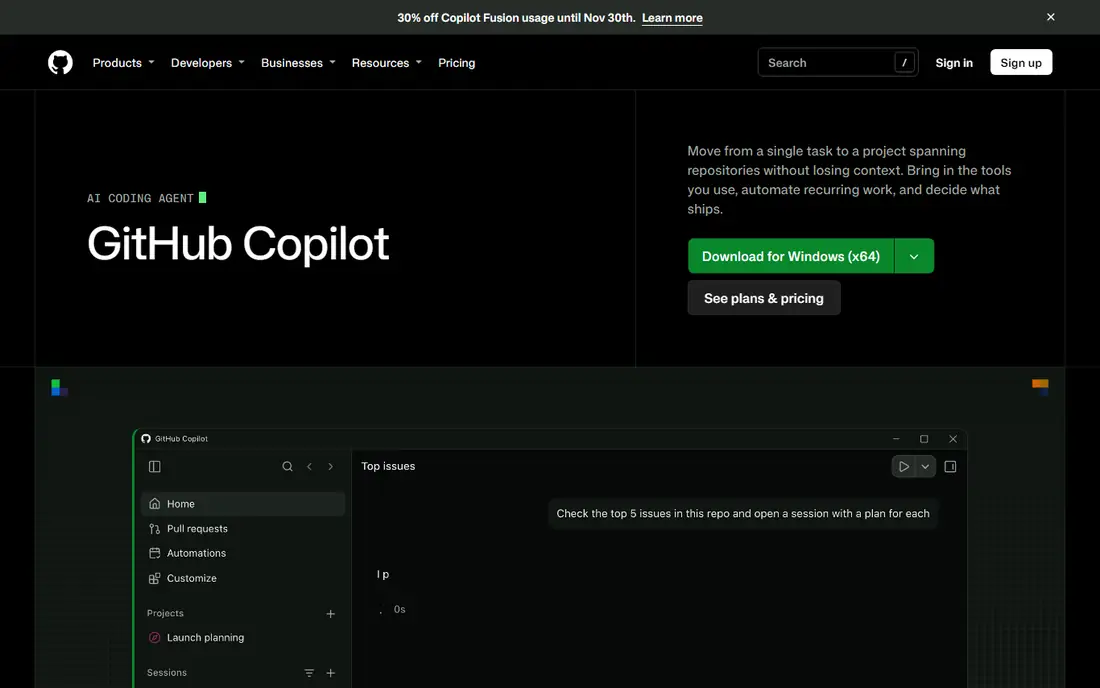
GitHub Copilot code review is the simplest switch for teams already on GitHub. It reviews pull requests where developers already work, suggests inline comments, and pairs with Copilot in the editor, so the path from comment to fix is short. Pro starts at $10 per user per month, with Business at $19 and Enterprise at $39 per seat, and review is billed through AI credits on some plans.
The limits are scope and context. Copilot review works on GitHub, not GitLab or Bitbucket, and diff-only context can miss issues that span many files. Teams with a single Git host and a Copilot subscription will find this the easiest option to adopt. Teams on several hosts should look at Qodo, CodeAnt or Greptile instead.
- Review inside pull requests and VS Code
- No new platform to learn for GitHub teams
- Rulesets can auto-request review
- GitHub only
- Review quality depends on diff context
- Advanced plans cost more per seat
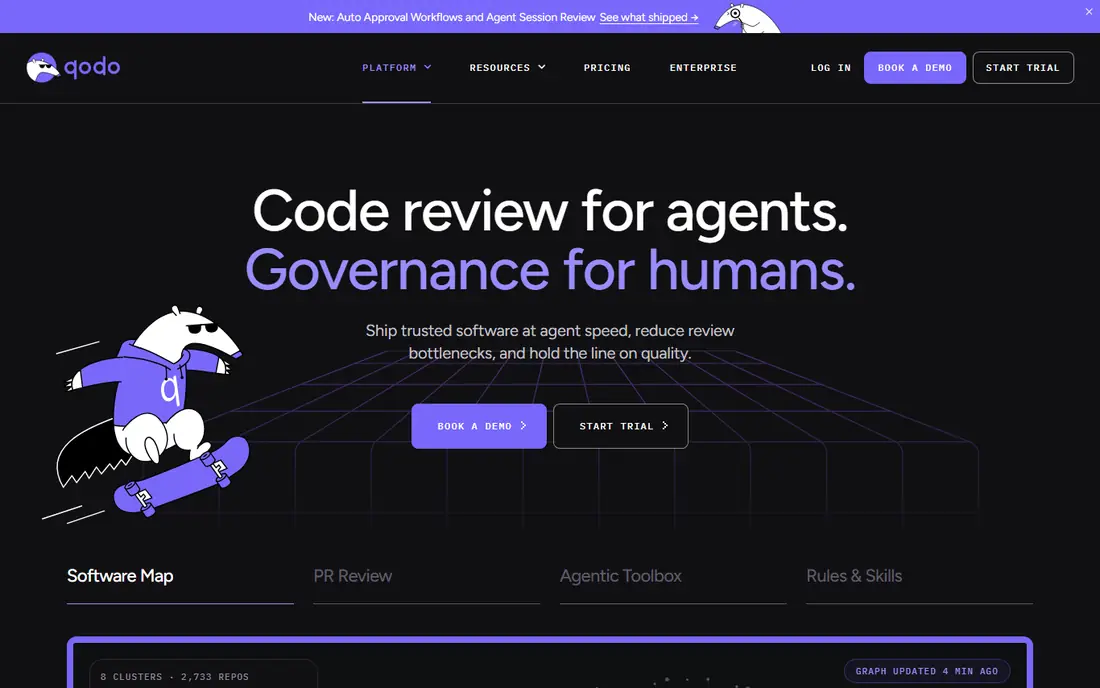
Qodo Merge, formerly Codium, focuses on review depth. It indexes repository context, applies team standards, and can generate tests alongside review comments, which helps teams that want review to improve coverage as well as catch bugs. The Pro Team plan is listed at $30 per month as a base plus credits, with a 14-day trial and free use for open-source projects in some cases.
Credit-based pricing is the watch point. Heavy review volume can push costs above the base price, so estimate pull request counts before committing. Cross-repository context and enterprise deployment options also sit on higher tiers. For teams that value thorough, standards-aware review across several Git hosts, Qodo is a strong specialist pick.
- Multi-agent review with repository context
- Works on GitHub, GitLab and Bitbucket
- Open-source core for self-hosting
- Base price plus usage credits
- Cross-repo features need higher tiers
- Setup and tuning take time
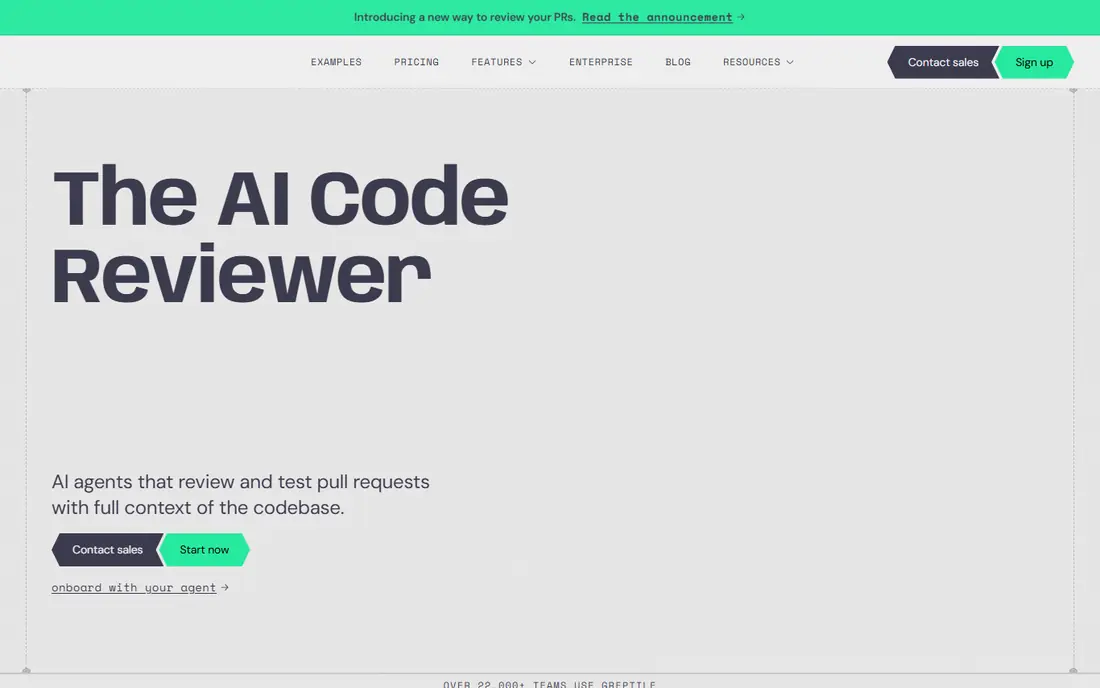
Greptile builds a knowledge graph of the whole codebase, so its reviews can reference code far from the changed files. That matters in large repositories and monorepos, where a small change can break a distant module. Pro is listed at $30 per seat per month, with a free Starter tier offering a limited credit allowance for one developer.
The trade-offs are price and platform coverage. Greptile lists GitHub and GitLab support, but not Bitbucket or Azure DevOps, so teams on those hosts should check current support first. Review quality also depends on tuning, since a context-rich reviewer can comment more than a team wants. For complex codebases where context is the bottleneck, Greptile is worth its premium.
- Full-codebase knowledge graph
- Strong on monorepos
- Free Starter with credits
- Higher price per seat
- No Bitbucket or Azure support in recent listings
- Noise tuning takes effort
CodeAnt AI aims to replace three tools with one: AI pull request review, static security scanning and code quality checks. A single pass can flag a logic issue, a leaked secret and an infrastructure misconfiguration, which reduces the number of checks a team must maintain. Premium is listed at $24 per user per month, with a 14-day trial that includes a set number of pull request reviews.
Small teams may find the bundle more than they need if they already pay for a separate security scanner. The lack of a permanent free plan also means a trial is the only free test. For teams that want review, quality and security governed together, especially in regulated work, CodeAnt offers clear consolidation value.
- AI review plus SAST, secrets and infrastructure checks
- Supports major Git platforms
- Auto-fix options
- No permanent free plan
- Premium price for small teams
- Bundled scope can be more than some teams need
Codacy combines AI review comments with established quality, coverage and duplication checks. Teams can enforce coding standards, track technical debt and gate pull requests on quality metrics, which suits organizations that need consistent rules across many repositories. Team pricing is listed at $18 per developer per month on annual billing, with a free developer tier.
Codacy is better at standards than at deep, context-rich review. Teams that want the most thorough AI reasoning per pull request may prefer Qodo or Greptile, while teams that want affordable governance will like Codacy. Its history in quality tooling also means reporting and trend tracking are stronger than in newer review-only tools.
- Long track record in quality checks
- AI reviewer plus deterministic rules
- Free tier for developers
- Review depth is less than specialists
- Dashboards suit compliance more than deep review
- Some features need Team plan
SonarQube is the governance pick for large engineering organizations. It analyzes code quality, security hotspots and duplication, and it can block merges that fail quality gates, which keeps standards consistent across teams. Team pricing has been listed from $34 per month for a set lines-of-code allowance, with an AI reviewer product priced separately in recent listings.
The complexity is the catch. SonarQube needs configuration, rule tuning and ownership to pay off, and its AI review features are not simply bundled into the base quality product. For enterprises that already use Sonar for quality, adding its review capabilities is natural. For a small team that only wants pull request comments, a lighter tool will be faster to adopt.
- Mature quality gates and code health metrics
- IDE and pull request integration
- Strong language coverage
- AI reviewer is a separate product line
- Setup and tuning for large orgs takes work
- Pricing varies by lines of code
Snyk Code is a security scanner first and a reviewer second. It finds vulnerabilities in code, dependencies and containers, explains fixes, and checks pull requests before merge. Team pricing starts at $25 per month per contributing developer in recent listings, with a free tier for individual developers. For security-conscious teams, that focus is the point.
General review depth is thinner than in Qodo or Greptile, so Snyk Code works best alongside a reviewer or as the security layer in a broader review workflow. Teams that already use Snyk for dependencies gain the most, since findings share one dashboard. If your main worry is shipping a vulnerability, Snyk Code belongs on the shortlist.
- Dedicated code and dependency security scanning
- IDE and pull request checks
- Free tier for individual use
- Not a general-purpose reviewer
- Best value when paired with other Snyk products
- Team pricing adds up
Graphite helps GitHub teams work with stacked pull requests, where a large change is split into small, reviewable pieces that merge in order. Its AI review sits inside that workflow, so reviewers see smaller diffs with clearer context, which often improves review quality more than a smarter commenter on a huge diff. Starter is listed at $20 per user per month on annual billing, with a free hobby tier and a Team tier at $40.
The workflow change is the real cost. Teams must adopt stacking and merge queues to gain the full benefit, and Graphite's GitHub focus limits teams on other hosts. For GitHub teams drowning in large pull requests, Graphite can improve review speed and quality in a way a comment-only tool cannot. For teams happy with single pull requests, a simpler reviewer may fit better.
- Stacked PRs and merge queue
- AI review inside a GitHub workflow
- Free hobby tier
- GitHub-centric
- Higher team tiers cost more
- Workflow change needed to gain full value
Bito offers AI code review at a lower price than most specialists, with Team listed at $12 per seat per month on annual billing and $15 month to month. It supports review across repositories, IDEs and the command line, and it claims full-repository context for its comments. A free tier for pull request summaries lets small teams test the product before paying.
Maturity is the honest limit. Bito is newer than Codacy or SonarQube, and some IDE features have been described as beta, so teams should trial it on real pull requests before rolling it out widely. For growing teams that want AI review without a $24 to $30 per-seat bill, Bito is the budget pick worth testing.
- Low team price
- Full-repo context claims
- IDE and Git review support
- Newer product with less track record
- Seat management is manual in some listings
- Beta features in IDE tools
How we picked these
We compared official pricing and feature pages for AI review tools that work in October 2026 and support pull request review on at least one major Git platform. We favored tools with published pricing, repository context, security or quality features, and a clear workflow fit, and we included budget, mid-range and enterprise options. We did not claim hands-on testing, and we treated vendor pricing claims as starting points, since several tools changed models during 2026.
How to roll out an AI reviewer
Start with a small pilot on one repository and measure accepted findings, noise and review time, rather than comment volume. Tune the tool to comment only on issues your team would block a merge for, and keep pull requests small, since a 600-line diff will overwhelm any reviewer. Require human approval before merging, and review the tool's own settings monthly as models and pricing change.
Check data handling before a wide rollout. Confirm where code is stored, whether it trains models, and whether self-hosting or a virtual private cloud option is needed for your compliance rules. A tool that fits your security policy and your Git host will outperform a cleverer tool that your security team cannot approve.
Frequently asked questions
What are the best alternatives to CodeRabbit?
GitHub Copilot, Qodo Merge, Greptile and CodeAnt AI are the closest matches. Copilot suits GitHub teams, Qodo and Greptile suit deep context needs, and CodeAnt suits teams that want review plus security in one platform.
Which CodeRabbit alternative is cheapest?
Bito at $12 per seat per month and Codacy at $18 per developer per month are the lowest team prices here, with free tiers from Greptile, Codacy, SonarQube, Snyk, Graphite and Bito for testing. Compare credit limits and seat rules, not just the headline price.
Do these tools work with GitLab or Bitbucket?
Qodo Merge and CodeAnt AI support GitHub, GitLab and Bitbucket, while GitHub Copilot and Graphite are GitHub-focused. Greptile lists GitHub and GitLab. Check current platform support for your host before buying.
Can AI code review replace human reviewers?
No. AI reviewers catch many issues and summarize changes well, but they also produce false positives and can miss business logic errors. Use them to speed human review, not to approve merges on their own.
How do I reduce noisy AI review comments?
Limit comments to high-severity issues, set team rules and standards in the tool, keep pull requests small, and review accepted versus ignored comments weekly. Tuning in the first month matters more than picking the most advanced model.
Is my code used to train AI models?
It depends on the vendor and plan. Check each tool's data policy for code storage, retention and training, and ask about self-hosting or private deployment if your code cannot leave your network.
Sources
See where you really rank - block by block
ProMapRanker scans Google Maps across a grid of your service area. Simple monthly plans from $19, white-label on every plan.
Start freeKeep reading
 zscaler alternatives
Best Zscaler Alternatives in 2026
Looking for zscaler alternatives? We compare 9 SASE and zero trust platforms on architecture, data protection, pricing, and fit for your network and team.
Read → zapier alternatives free
Best Zapier Alternatives Free in 2026
Nine automation tools for zapier alternatives free in 2026, all with genuinely free tiers, plus free plan limits, starting prices and upgrade paths explained.
Read → which platform is best for online reputation
Which Platform Is Best for Online Reputation in 2026
Wondering which platform is best for online reputation? We compare 8 review, listing, and response tools for small and multi-location businesses and agencies.
Read →