 ProMapRanker
Best Cluely Alternatives in 2026


Searchable live transcripts · Pricing starts at: $8.33 per user per month
Key takeaways
- The strongest free starting point is Fathom, which offers unlimited recording and transcription with a cap on advanced summaries each month.
- Otter.ai and Fireflies suit searchable meeting records, while Granola suits people who prefer to shape their own notes during a call.
- Fellow and Avoma are the better fits for teams that need agendas, CRM links, and stronger admin controls.
- Tell participants when a meeting is being recorded, and check consent rules for your state and workplace before you press record.
- None of the tools on this list are cheating tools, and none are presented as a way to deceive an interviewer, examiner, or employer.
Quick comparison
| Pick | Great for | Pricing starts at | Free tier | |
|---|---|---|---|---|
| Otter.ai | Searchable live transcripts | $8.33 per user per month | Yes | Visit |
 Fireflies | Sales call libraries | $10 per user per month | Yes | Visit |
 Fathom | Free meeting notes | Free | Yes | Visit |
 Granola | Notes without a visible bot | Free | Yes | Visit |
 tl;dv | Clips and call libraries | $18 per user per month | Yes | Visit |
 Notta | Multilingual transcription | $8.17 per user per month | Yes | Visit |
 Fellow | Agendas and follow-up | $7 per user per month | Yes | Visit |
 Avoma | Revenue team meeting intelligence | $19 per recorder per month | Free trial | Visit |
The best cluely alternatives
We looked for legitimate AI meeting and work assistants that help you capture, organize, and review your own meetings and study notes openly. Each tool below records with consent, produces a record you can check, and works as a normal productivity aid.
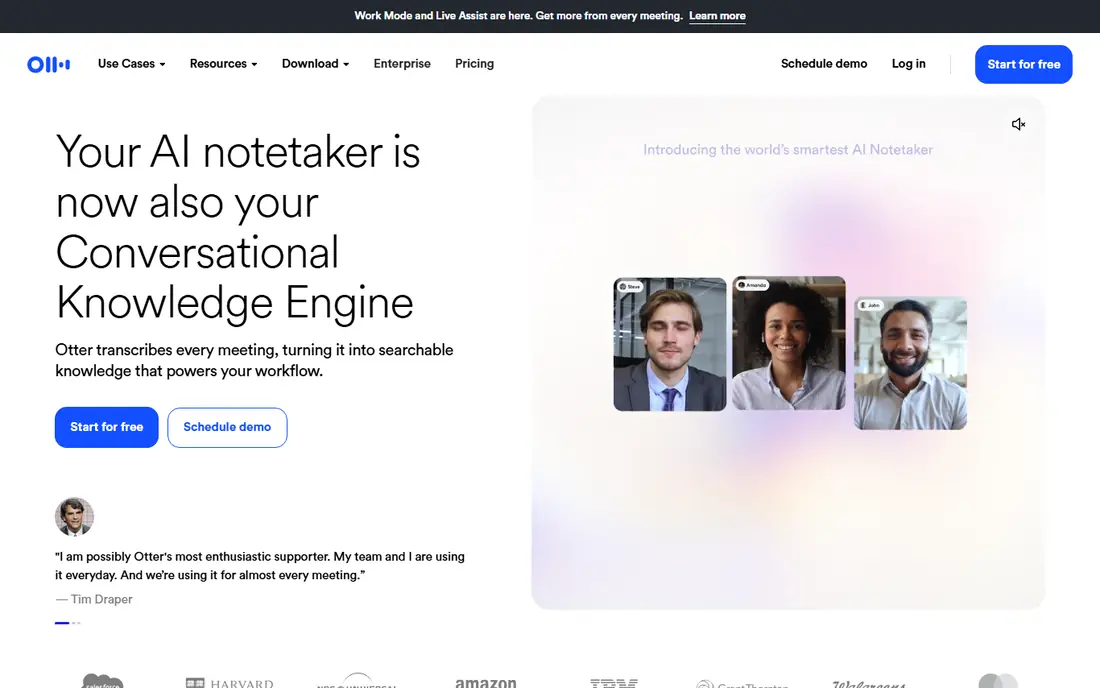
Otter.ai is the most familiar name on this list for a reason. Its assistant can join a scheduled call, transcribe as people speak, and leave a summary with action items that you can search later. For a student reviewing a lecture or a small team reviewing a client call, that searchable record is the main value.
The catch is the free plan. It gives 300 transcription minutes a month and caps each conversation at 30 minutes, so a full hour-long class or meeting will not fit. Pro, at $8.33 per user per month billed annually, raises the limit to 1,200 minutes a month and 90 minutes per conversation. Check names, dates, and figures in the transcript before you act on them, since accuracy drops with poor audio.
- Live transcription during calls
- Searchable transcripts and summaries
- Works with Zoom, Google Meet, and Microsoft Teams
- Free plan caps minutes and meeting length
- Monthly billing costs much more than annual billing
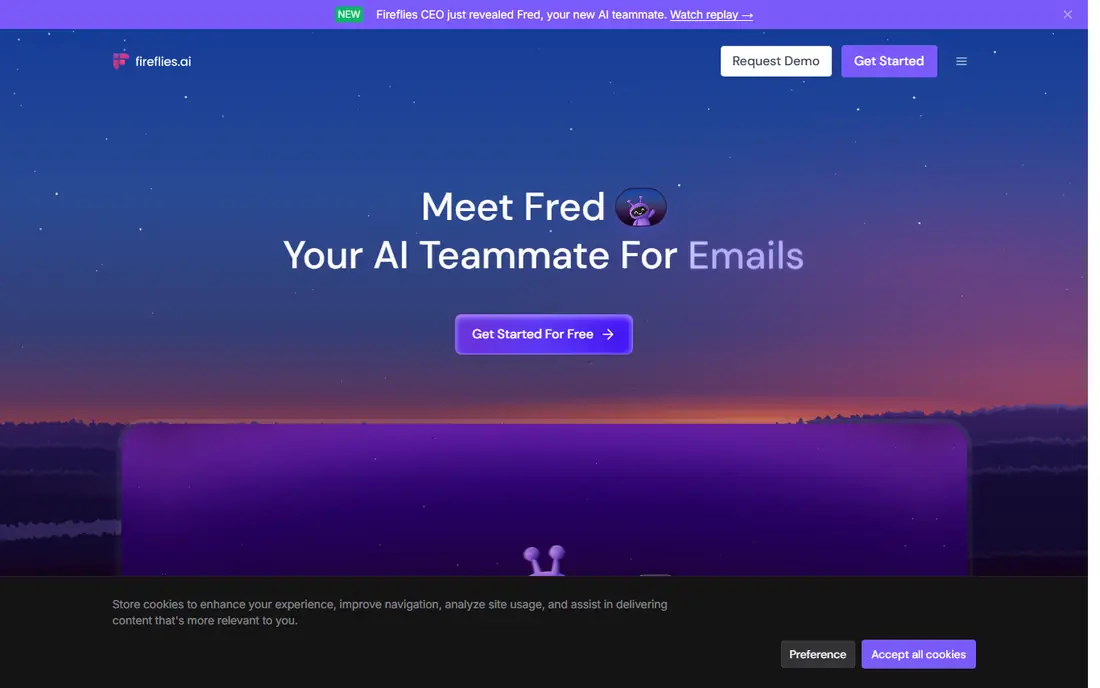
Fireflies treats past meetings as a library you can search, which suits sales teams and anyone who needs to find what a client said weeks later. It records calls, transcribes them, and lets you search by keyword, speaker, or topic. Integrations with common CRMs push notes to contact records, so follow-up work is less manual.
The pricing needs a careful read. Pro starts at $10 per user per month billed annually, but AI features such as summaries and its AskFred assistant draw on a credit pool, and extra credits cost more. Free storage is limited, so a busy team will move to a paid plan quickly. If you only need a few meetings a month, start free and watch the credit balance.
- Large searchable meeting library
- CRM integrations
- Conversation search by keyword and speaker
- AI credits add a second limit on top of the subscription
- Free storage is limited
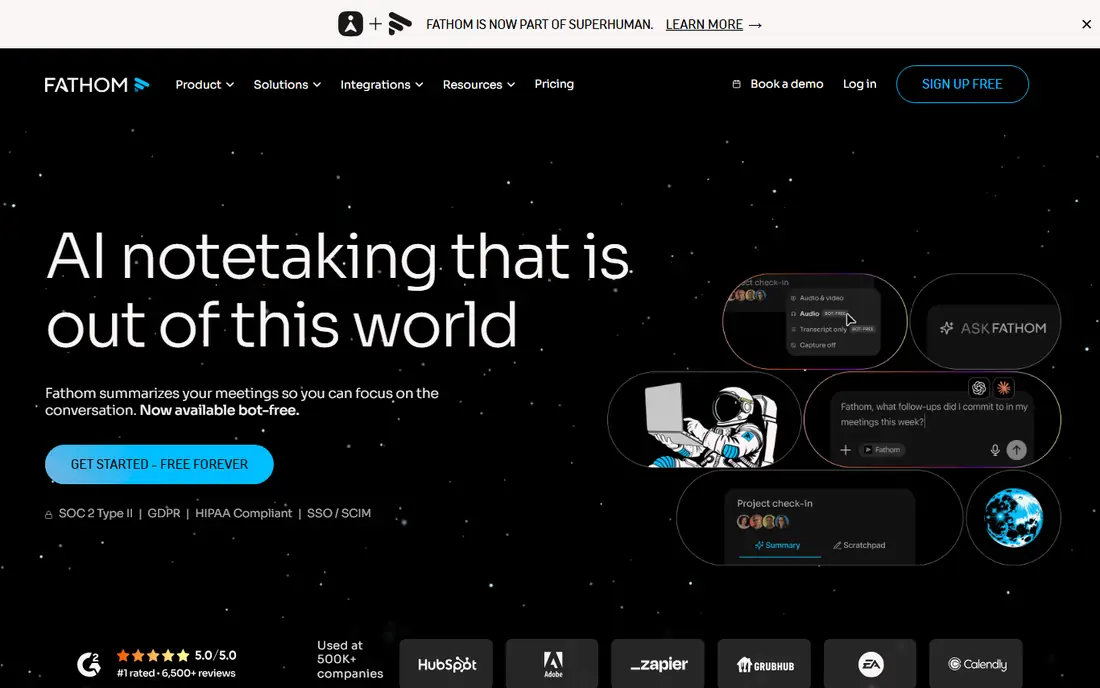
Fathom is our pick for most people who want to try an AI note taker at no cost. The free plan includes unlimited recording and transcription for Zoom, Google Meet, and Microsoft Teams, and summaries arrive quickly after a call ends. Clips and playlists make it easy to share one key moment without sending a whole recording.
The free plan is not unlimited in every sense. Advanced AI summaries are limited to five calls a month, and deeper CRM sync sits on the Business plan. Premium starts at $16 per user per month billed annually if you want unlimited advanced summaries. For solo workers and students, the free tier is a genuine working tool, not just a demo.
- Unlimited recording and transcription on the free plan
- Fast summaries linked to video timestamps
- Simple setup
- Advanced AI summaries are capped at five calls a month on the free plan
- CRM sync needs a higher plan
Granola takes a different approach from most tools here. It captures audio from your own device rather than sending a bot into the meeting, and it turns the rough notes you type during the call into a fuller, structured summary. That suits people who think by writing and who dislike a visible notetaker in a sensitive client meeting.
The trade is history. The free Basic plan limits how far back you can open notes, and Business, at $14 per user per month, adds unlimited history and integrations. Granola also does not keep audio or video in the same way as a recorder, so if you need to replay a call word for word, a different tool fits better. Tell participants you are taking notes, even when no bot is visible.
- No bot joins the call
- Your own notes shape the final summary
- Clean note layout
- Free plan limits access to older history
- No saved audio playback in the same way as bot recorders
For teams that share short clips from calls, tl;dv is a strong option. It records and transcribes Zoom, Google Meet, and Microsoft Teams calls, and its clip tools let you pull out a decision or a quote without sharing an entire meeting. Language support covers more than 30 languages, which helps international teams.
Read the free limits before you rely on it as an archive. AI notes on the free plan are limited, and recordings are kept for up to three months rather than forever. Pro starts at $18 per user per month billed annually and removes the AI note cap. If long-term storage matters, export important notes and clips on a regular schedule.
- Unlimited recording and transcription on the free plan
- Good clip sharing
- Supports more than 30 languages
- Free AI notes are capped
- Free recordings are retained for a limited period
Notta stands out when meetings cross languages. It handles transcription in many languages and offers bilingual transcription for meetings where two languages are used together. You can also upload audio and video files for transcription, which helps with recorded lectures and interviews you already have.
The free plan is very limited for real meetings, since each recording is capped at three minutes and transcripts cannot be downloaded. Pro starts at $8.17 per user per month billed annually and raises transcription time to 1,800 minutes a month. For a team that works in several languages, that upgrade is the realistic starting point, and the translation add-ons are worth checking before you buy.
- Strong multilingual transcription
- File uploads for audio and video
- Speaker identification
- Free plan caps each recording at three minutes
- Transcript downloads need a paid plan
Fellow is built around the whole meeting, not just the transcript. You can set an agenda before the call, take collaborative notes during it, and track action items afterward, with AI summaries sitting inside that workflow. It records through a bot or, with the desktop app, without a visible bot, and it covers Zoom, Google Meet, Microsoft Teams, and Slack huddles.
The free plan is short. It allows five AI notes and five AI recordings per user for the lifetime of the account, so treat it as a trial. Team starts at $7 per user per month billed annually, with a monthly cap on AI notes per user. Business, at $15 per user per month billed annually, adds the CRM integrations most sales teams want. Fellow is a good fit for teams that run recurring meetings and need follow-up to stick.
- Agendas, notes, and action items in one place
- Bot and botless recording options
- Strong security controls
- Free plan is capped at five AI notes and five AI recordings in total
- CRM integrations need the Business plan
Avoma is aimed at revenue teams that want meeting notes, coaching, and deal insight in one place. Its base plans include unlimited transcription, AI summary notes, scheduling, and CRM sync, while add-ons cover conversation intelligence and revenue intelligence. People who only view recordings do not need a paid seat, which can keep costs down for a wider team.
The downside is price structure. There is no permanent free plan, only a 14-day trial, and the full revenue stack needs add-ons on top of the base price. Startup starts at $19 per recorder per month billed annually. If you only need notes and transcripts, a cheaper tool on this list will do the same job with less setup.
- Unlimited transcription on paid plans
- CRM sync and scheduling in one tool
- Free viewer seats for colleagues
- No permanent free plan
- Conversation intelligence and revenue features are paid add-ons
How we picked these
We compared official feature pages, pricing pages, app store listings, privacy policies, and public reviews for each tool. We kept only tools that record meetings openly, with consent, and that produce notes you can check against a transcript. We left out any tool marketed to help a user deceive an interviewer, examiner, or employer, and we left out tools that hide their recording from other participants as a selling point for deception.
We also checked that each product is still offered in October 2026 and that its homepage loads as that product. Prices below are starting prices from vendor pricing pages or recent pricing coverage of those pages, and they can change. Where a plan has a monthly and an annual rate, we show the annual rate and note the difference in the text.
What to check before you choose
Start with consent and visibility. Some workplaces and schools require everyone on a call to agree to recording, and some states require all-party consent. A bot that joins visibly makes consent easier to manage, while a botless tool still needs you to tell people at the start of the call. Check your company or school policy before you record anything sensitive.
Next, match the tool to your real meeting load. Count how many meetings you record each week, how long they run, and how often you need to search old calls. A free plan with a five-call or ten-meeting AI cap will feel fine for a week and then block you, while a plan with a minute cap will block long lectures first. Look at retention too, since some free plans delete recordings after a set period.
Finally, test the output on a real call before you pay for a team. Open the transcript, check names and numbers, and see if the summary matches what was actually agreed. A summary that sounds tidy but invents an owner or a date is worse than no summary at all. Keep the habit of confirming action items in writing with the people involved.
Frequently asked questions
Are cluely alternatives legal to use for meetings?
Yes, when you use them openly and with consent. These tools record meetings you are part of and produce notes you can share. Recording rules vary by state and by workplace or school policy, so tell participants and follow the stricter rule that applies to your call.
Can these tools help with studying?
Yes, for your own lectures, study groups, and revision notes. Use them to review what was said, build summaries, and track questions for later study. Do not use any AI tool to misrepresent your own work, answer a live exam for you, or hide assistance during an assessment.
Which free option is best for most people?
Fathom is the best free starting point for online meetings, since it offers unlimited recording and transcription. Granola is a good free option if you prefer to type your own notes and want no bot in the call. Both have limits, so check the caps in the product sections above.
Do I need a paid plan for a small team?
It depends on volume. A team that records a few short calls a week may manage on free plans, but most teams hit a minute, AI, or storage cap within a month. Start free, track how often you hit a limit, and buy the plan that removes that specific limit first.
What about privacy and data use?
Read each vendor privacy policy before you record sensitive calls. Look for retention controls, redaction options, and whether your data is used to train models. Fellow and Avoma publish stronger admin controls on higher plans, while free plans vary more in what they offer.
Sources
See where you really rank - block by block
ProMapRanker scans Google Maps across a grid of your service area. Simple monthly plans from $19, white-label on every plan.
Start freeKeep reading
 zyte alternatives
Best Zyte Alternatives in 2026
These zyte alternatives cover managed scraping APIs, proxy networks and no code tools for lawful collection from your own or consented sources only in 2026.
Read → zerto alternatives
Best Zerto Alternatives in 2026
Compare the best zerto alternatives for disaster recovery and replication, with recovery targets, cloud options and honest trade-offs for teams in 2026.
Read → zerofox alternatives
Best ZeroFox Alternatives in 2026
We compared 9 zerofox alternatives for brand protection, phishing takedowns, dark web monitoring, and social impersonation, with clear coverage notes.
Read →