 ProMapRanker
Best Clockwise Alternatives in 2026

Key takeaways
- Clockwise shut down on 27 March 2026, so former users need a live replacement, not a comparison with a tool that no longer runs.
- Reclaim.ai is the closest match for Clockwise focus time, since Clockwise itself pointed users to Reclaim.ai when it closed.
- Motion and Morgen suit people who want a full day planned around tasks, while Calendly suits people who mainly need booking links.
- Multi-calendar sync is a separate job, so check OneCal and similar tools if syncing busy time across accounts was your main Clockwise use.
Quick comparison
| Pick | Great for | Pricing starts at | Free tier | |
|---|---|---|---|---|
 Reclaim.ai | Focus time and flexible meetings | See website | Yes | Visit |
 Motion | AI task and calendar planning | See website | Free trial | Visit |
 Morgen | All-in-one calendar planning | See website | Free trial | Visit |
 Calendly | External booking links | See website | Yes | Visit |
 Sunsama | Guided daily planning | See website | Free trial | Visit |
 Akiflow | Keyboard-first time blocking | See website | Free trial | Visit |
 OneCal | Multi-calendar sync | See website | Free trial | Visit |
 SavvyCal | Polished scheduling links | See website | Free trial | Visit |
 TickTick | Budget planning and tasks | See website | Yes | Visit |
The best clockwise alternatives
Clockwise was a calendar tool that protected focus time, moved flexible meetings, and synced calendars for teams. It shut down on 27 March 2026 after its team joined Salesforce, and its managed events and scheduling links stopped working. The tools below replace different parts of that job, so the right pick depends on which Clockwise feature you miss most. We compared official feature and pricing pages, and we did not claim hands-on testing that did not happen. Clockwise itself is not listed, since it no longer runs.
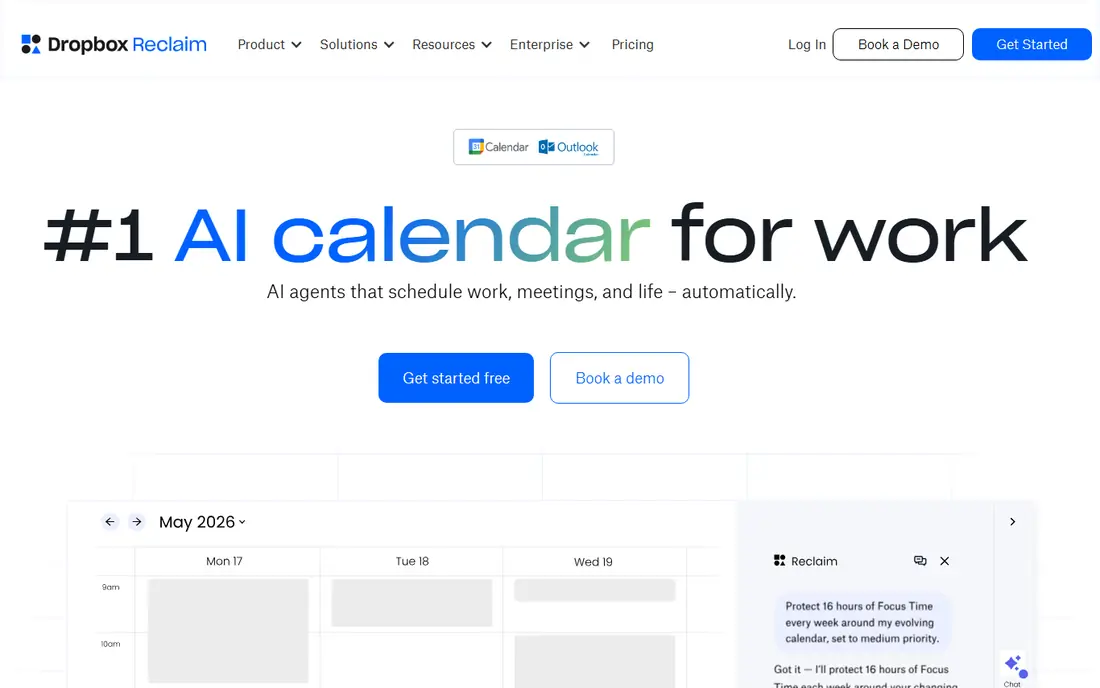
Reclaim.ai is the natural first stop for former Clockwise users, for a simple reason: Clockwise recommended Reclaim.ai as its migration path when it shut down. Reclaim.ai schedules focus time, habits, buffer time and smart meetings around your existing calendar, and it defends that time as new meetings arrive. For a team that lost Clockwise focus blocks overnight, that behaviour is the closest live match, and Reclaim.ai published migration help for Clockwise users at the time of the shutdown.
The limits are worth noting. The free Lite plan covers a small number of calendar syncs and scheduling links, so a team that needs unlimited syncs will need a paid plan. Pricing is per seat, so a large team should model the total before rolling it out to everyone. Our pick for most former Clockwise users is to start with Reclaim.ai, rebuild focus habits first, and only then add scheduling links and team features once the core habit is working again.
- AI-scheduled focus time, habits and buffers
- Google and Outlook support
- Scheduling links
- Team features sit on paid plans
- Free plan limits syncs and links
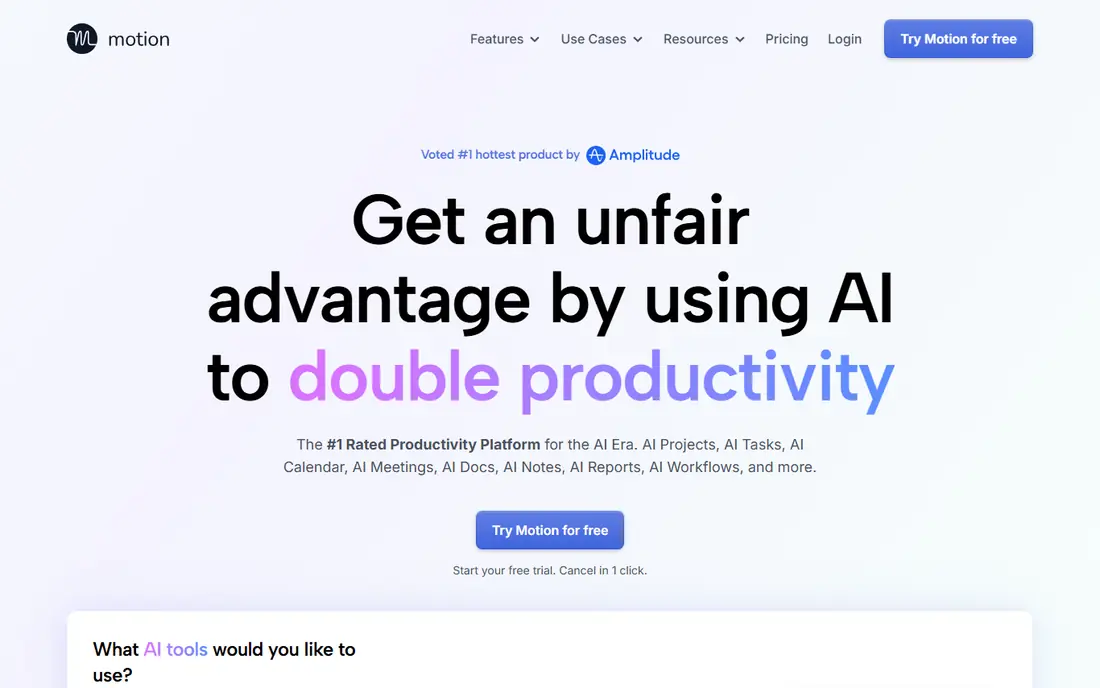
Motion goes further than Clockwise did, because it plans your whole day around tasks, deadlines and meetings, not just focus blocks. You add tasks with priorities and deadlines, and Motion places them on your calendar, moving them when meetings appear. That makes it a strong fit for people whose main problem is that planned work never gets a slot, rather than that meetings eat the day. It also covers projects, docs and meetings in one workspace, which suits small teams that want fewer tools.
The trade-offs are price and scope. Motion has no free plan, only a trial, and it costs more than a simple calendar tool, so it needs to replace more than one app to feel worth it. It also does not document a Clockwise-style personal calendar sync that copies busy blocks across accounts in the same way, so check that point if sync was your main use. If you want software to plan the day for you, Motion is a strong choice. If you only want focus time, Reclaim.ai is cheaper and closer to Clockwise.
- Plans tasks and meetings together
- AI rescheduling
- Project and document tools
- No free plan
- Price is higher than a calendar-only tool
- Busy-time sync is limited

Morgen is an all-in-one calendar and task planner that supports Google, Outlook, iCloud and other calendars, which makes it a good fit for people who juggle several accounts. It brings calendars, tasks and scheduling links into one view, and it can suggest times and help plan the day, so you spend less time switching between apps. For a former Clockwise user with a work calendar, a personal calendar and a side project calendar, that single view is a real benefit.
The catch is that Morgen is a paid tool after its trial, and its AI suggestions still need a human check, especially for shared meetings where a wrong guess costs someone else time. It is also a planner first, not a team focus-time system in the Clockwise sense, so a large team that needs shared focus policies may still prefer Reclaim.ai. For an individual or a small team that wants one calm place to see everything, Morgen is a solid pick.
- Multi-calendar support
- Task and calendar planning
- Scheduling links
- No free plan beyond a trial
- AI suggestions need review before you trust them
Calendly solves a different part of the Clockwise story: letting other people book time with you without a long email thread. You publish a booking page, set your availability, and guests pick a slot that fits. It integrates with common calendars and video tools, and the free plan covers basic booking for one person. If your Clockwise use was mainly scheduling links, Calendly is a clean and well-known replacement.
The limit is clear. Calendly does not defend focus time, does not reschedule flexible meetings, and does not plan your task list. It is a booking tool, not a calendar defence tool, so a team that needs both will need Calendly plus Reclaim.ai or Motion. Do not buy Calendly expecting it to replace Clockwise focus time, and do not buy a focus tool expecting polished external booking pages. Match the tool to the job, and use two tools if you have two jobs.
- Simple booking pages
- Wide integrations
- Free plan for basic use
- Does not protect focus time
- Does not plan tasks or move meetings
Sunsama takes a slower, more deliberate approach than an AI planner. Each day, it guides you through choosing tasks, estimating time, and placing them on your calendar, so your focus blocks contain actual work rather than empty time. That ritual suits people who want control over their day and who find fully automatic planning too opaque. The interface is calm, the calendar view is clear, and the tool works across common task and calendar sources.
The trade-off is effort. Sunsama asks for a few minutes of planning each day, and it has no free plan beyond a trial, so it suits people who will actually do the ritual. It is also stronger for individuals than for large teams that need shared focus policies. If you liked Clockwise focus time but want to choose what fills that time, Sunsama is a thoughtful pick. If you want software to decide for you, Motion or Reclaim.ai will fit better.
- Guided daily planning ritual
- Task and calendar in one view
- Calm interface
- No free plan
- Manual planning takes a few minutes each day
- Team features are limited
Akiflow is built for people who live by the keyboard and want to turn tasks into calendar blocks fast. You capture a task, assign a time with a shortcut, and it appears on your calendar without dragging blocks around with a mouse. That speed matters for power users who plan many small tasks a day, and it makes time blocking feel like a habit rather than a chore. It connects to common calendars and task tools, so it can sit in the middle of an existing setup.
The catch is the learning curve. Akiflow rewards users who learn its shortcuts, and it can feel spare if you prefer a visual, drag-and-drop planner. It also has no free plan, only a trial, and its team features are thinner than Reclaim.ai for shared focus time. For a single power user who wants fast time blocking, Akiflow is a strong choice. For a team that needs shared policies, start elsewhere and let individuals add Akiflow if they want it.
- Fast keyboard workflow
- Time blocking from tasks
- Calendar integrations
- Learning curve for keyboard shortcuts
- No free plan
- Smaller team feature set
OneCal is the pick for the Clockwise feature that many people miss most quietly: syncing busy time across multiple calendars. If your work calendar does not know about your personal appointments, double bookings happen, and OneCal fixes that by copying busy blocks between accounts. It also offers booking links and a clear view of all your calendars, which helps people with two or three accounts keep one true picture of their week.
The limit is that OneCal is a sync and scheduling tool, not a full AI planning system. It will not plan your tasks, defend focus time with the same depth as Reclaim.ai, or reschedule flexible meetings across a team. Use OneCal when sync is the main problem, and pair it with a focus tool if you also need protected time. For a person with several calendars and frequent double bookings, OneCal alone may solve the most painful problem first.
- Syncs busy time across calendars
- Booking links
- Clean multi-calendar view
- Not a full AI planner
- Focus protection is thinner than Reclaim.ai
SavvyCal focuses on scheduling links done well, with clean booking pages, sensible availability rules and a smooth experience for guests. It suits consultants, coaches and small teams who book many external meetings and want the booking page to look professional. Compared with a basic booking tool, SavvyCal gives more control over meeting lengths, buffers and availability, which reduces back-to-back meetings and awkward gaps.
The trade-off is scope. SavvyCal does not protect focus time, plan tasks or sync multiple calendars in the way OneCal does, so it is a booking replacement rather than a Clockwise replacement. It is also paid after a trial, so a person who books rarely may find a free Calendly plan enough. If external booking is your main Clockwise use and the look of the page matters to clients, SavvyCal is worth a trial.
- Clean booking pages
- Sensible availability controls
- Good guest experience
- Booking only, not focus planning
- Paid after trial
- Team features are narrower
TickTick is the budget pick on this list, and it covers tasks, calendar, habits and reminders in one app with a free plan. It suits a person who wants a simple daily plan, a calendar view and habit tracking without paying for AI planning. The paid tier is low cost compared with Motion or Morgen, and the app runs on most platforms, so it is easy to keep a plan in sync across phone and computer.
The honest limit is automation. TickTick does not defend focus time with AI, does not reschedule meetings for a team, and does not sync busy time across accounts in the way OneCal does. Planning is manual, which suits some people and frustrates others. If cost is the main factor and you are happy to plan your own day, TickTick is a practical Clockwise alternative for personal use. If you need team focus policies, Reclaim.ai remains the closer match.
- Tasks, calendar and habits in one app
- Free plan
- Low cost paid tier
- No AI focus-time defence
- Planning is manual
- Team features are basic
How we picked these
We compared official feature and pricing pages for calendar, scheduling and planning tools that are live in October 2026, after Clockwise shut down on 27 March 2026. We kept tools that cover different parts of the Clockwise job, namely focus time, task planning, booking links and multi-calendar sync, rather than listing nine versions of the same booking tool. We did not list Clockwise itself, we did not claim hands-on testing, and we marked pricing as See website where plans vary by seat, billing period or feature tier.
How to rebuild your Clockwise setup
Start by listing which Clockwise features you actually used, since that list decides the replacement. Focus time and flexible meetings point to Reclaim.ai. A full planned day points to Motion or Morgen. Booking links point to Calendly or SavvyCal. Multi-calendar sync points to OneCal. Many former users need two tools, and that is fine, as long as each tool has a clear job.
Move your links and blocks before you rely on a new tool
Recreate scheduling links first, since broken links affect other people, then rebuild focus habits and buffers. Tell regular meeting partners about the change, and check that old Clockwise links are removed from email signatures and web pages, since they stopped working at shutdown. Export or copy any meeting notes and templates before you close an old account, because a shut-down product does not keep that data for you.
Test team features with a small group
Roll a new focus or planning tool out to a small team first, and watch whether focus blocks survive a busy week. Ask the group what broke, whether meetings moved fairly, and whether the tool created extra work. A tool that looks good in a demo can fail when calendars are full, so a two-week pilot with real meetings tells you more than a feature list.
Frequently asked questions
Is Clockwise still available?
No. Clockwise shut down on 27 March 2026 after its team joined Salesforce, and its managed events and scheduling links stopped working. Former users need a live tool from this list, and Reclaim.ai was the migration path Clockwise itself recommended.
What is the closest Clockwise alternative?
Reclaim.ai is the closest match for focus time, habits, buffers and flexible meetings, and it was Clockwise's own recommendation. Motion is closer if you want a full AI-planned day, while OneCal is closer if multi-calendar sync was your main use.
Can I still use my old Clockwise scheduling links?
No, those links stopped working when the product shut down. Recreate them in Reclaim.ai, Calendly, SavvyCal or another booking tool, and update any signatures, web pages or templates that still point to the old links.
Do I need a paid plan to replace Clockwise focus time?
Not always. Reclaim.ai and TickTick offer free plans, and Calendly offers a free booking tier, but team focus features, unlimited syncs and advanced planning usually sit on paid plans. Start free, test the core habit for two weeks, and pay only when the free limits block real work.
Which tool is best for a whole team?
Reclaim.ai is the strongest team pick for shared focus time and flexible meetings, since it was built for that job and was Clockwise's recommended path. Motion suits a team that also wants task planning in one place, but its price and scope make it a bigger change than a focus-only tool.
Sources
See where you really rank - block by block
ProMapRanker scans Google Maps across a grid of your service area. Simple monthly plans from $19, white-label on every plan.
Start freeKeep reading
 zoro.to alternatives
Best Zoro.to Alternatives in 2026
We compare the best zoro.to alternatives in 2026, listing only legal licensed anime streaming services, from Crunchyroll to free options for fans today.
Read → zip alternatives
Best Zip Alternatives in 2026
We compare the best zip alternatives for buy now, pay later in 2026, covering pay-in-4 plans, fees, spending limits, and credit reporting options today.
Read → yesware alternatives
Best Yesware Alternatives in 2026
Compare the best yesware alternatives for sales email tracking, templates, and sequences, with current pricing and honest tradeoffs for small sales teams.
Read →