 ProMapRanker
Clockify Alternatives in 2026


Simple timers for freelancers · Pricing starts at: $9 per user per month
Key takeaways
- Toggl Track and TimeCamp offer the simplest free starts for freelancers and small teams that mainly need timers.
- Harvest stands out when tracked time must turn into client invoices without extra tools.
- Hubstaff and Time Doctor suit remote teams that need screenshots, GPS, or payroll, with a clear privacy trade-off.
- Everhour and QuickBooks Time fit teams that already live inside a project tool or QuickBooks.
Quick comparison
| Pick | Great for | Pricing starts at | Free tier | |
|---|---|---|---|---|
| Toggl Track | Simple timers for freelancers | $9 per user per month | Yes | Visit |
 Harvest | Time tracking with invoicing | $9 per seat per month | Yes | Visit |
 Hubstaff | Remote team monitoring and payroll | $4.99 per seat per month | Free trial | Visit |
 TimeCamp | Free tracking with automatic capture | $3.99 per user per month | Yes | Visit |
 Everhour | Tracking inside project tools | $8.50 per user per month | Yes | Visit |
 Time Doctor | Productivity visibility for remote teams | $6.67 per user per month | Free trial | Visit |
 QuickBooks Time | Teams already on QuickBooks | See website | Free trial | Visit |
 Jibble | Unlimited free users and attendance | $3.99 per user per month | Yes | Visit |
 DeskTime | Automatic tracking without timers | $6.42 per user per month | Free trial | Visit |
The best Clockify alternatives
Clockify is popular because its free plan covers many users, but teams often leave for simpler timers, built-in invoicing, payroll, or automatic tracking. These alternatives cover each of those reasons without forcing a large monthly bill.
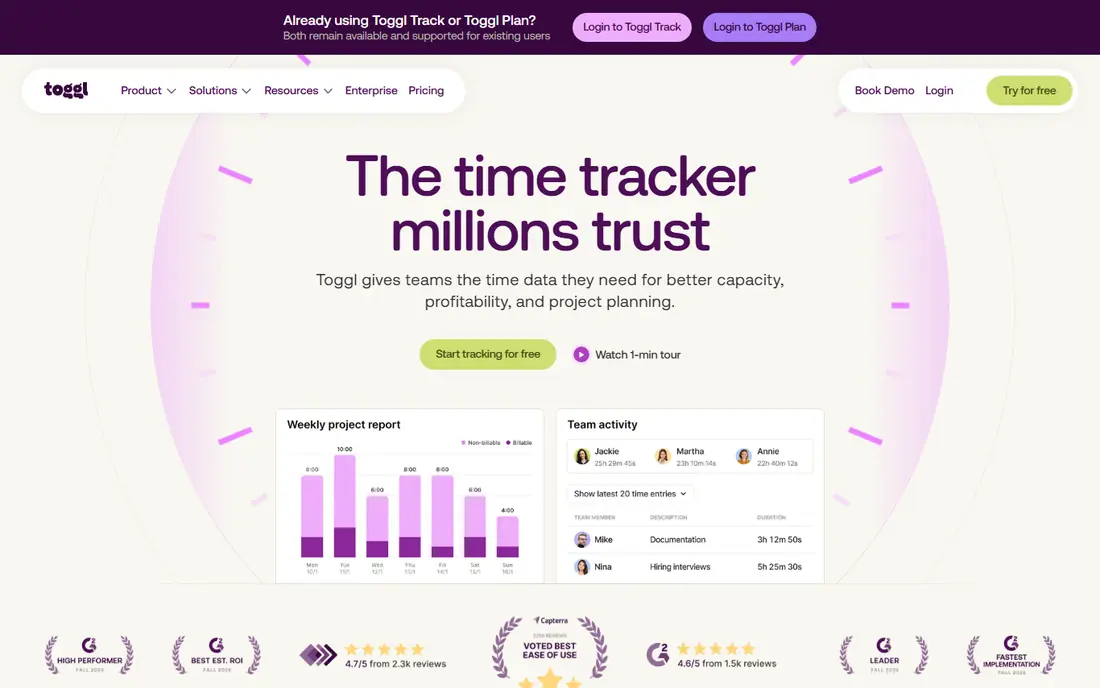
Toggl Track suits people who want tracking to take seconds, not minutes. The timer starts with one click, projects and clients stay organized, and reports show where the week went without a long setup. Freelancers and small knowledge teams often adopt it quickly because there is little to learn.
The limits are clear. Toggl Track does not invoice clients from tracked time, so billing still happens in another tool. Timesheet approvals sit on higher plans, and the free plan caps users. If simple, reliable timers matter more than billing, Toggl Track is the easiest switch from Clockify.
- Fast one-click timer
- Clean reports
- Easy for teams to adopt
- No built-in invoicing
- Approvals need higher plans
- Free plan has a user cap
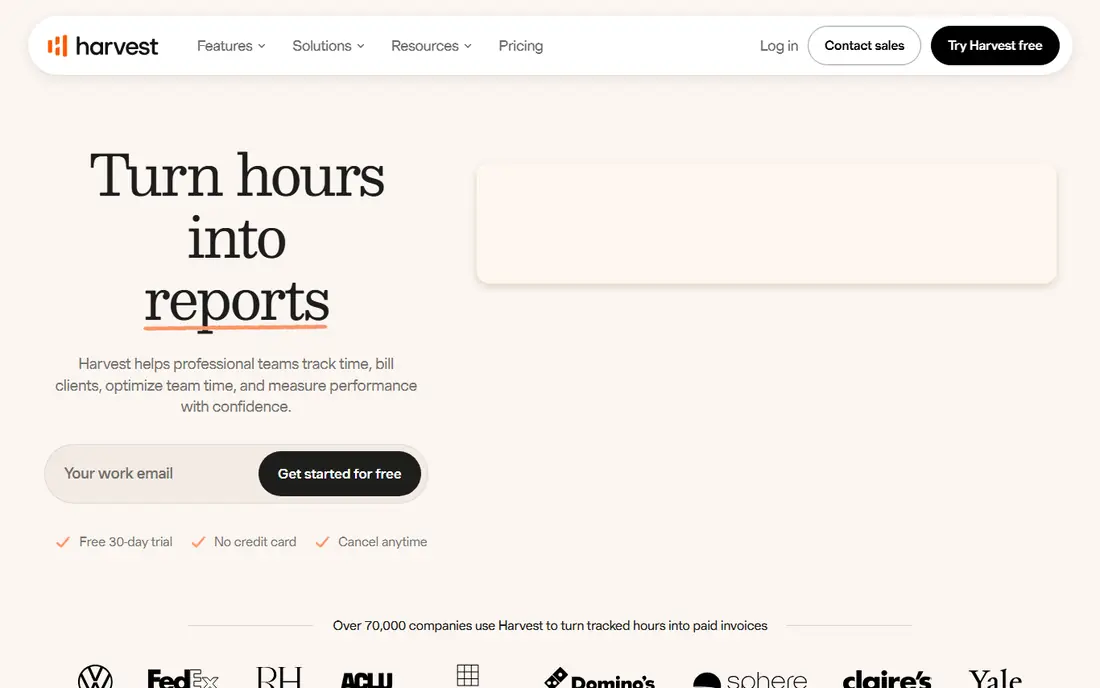
Harvest is the pick when the invoice is the point. Tracked time flows into invoices, expenses attach to projects, and clients can pay from the invoice through Stripe or PayPal. Consultants, agencies, and freelancers who bill by the hour save a step compared with exporting hours to another billing tool.
The free plan is narrow, with 1 seat and 2 projects, so most teams pay from the start. Recent plan changes also added usage fees on top of seat prices, so check the current terms at your project and client count. If billing accuracy matters more than a free tier, Harvest earns its price.
- Built-in invoicing and expenses
- Clean client billing
- Forecast add-on for planning
- Free plan covers only 1 seat and 2 projects
- Usage fees noted on newer plans
- Higher cost at scale
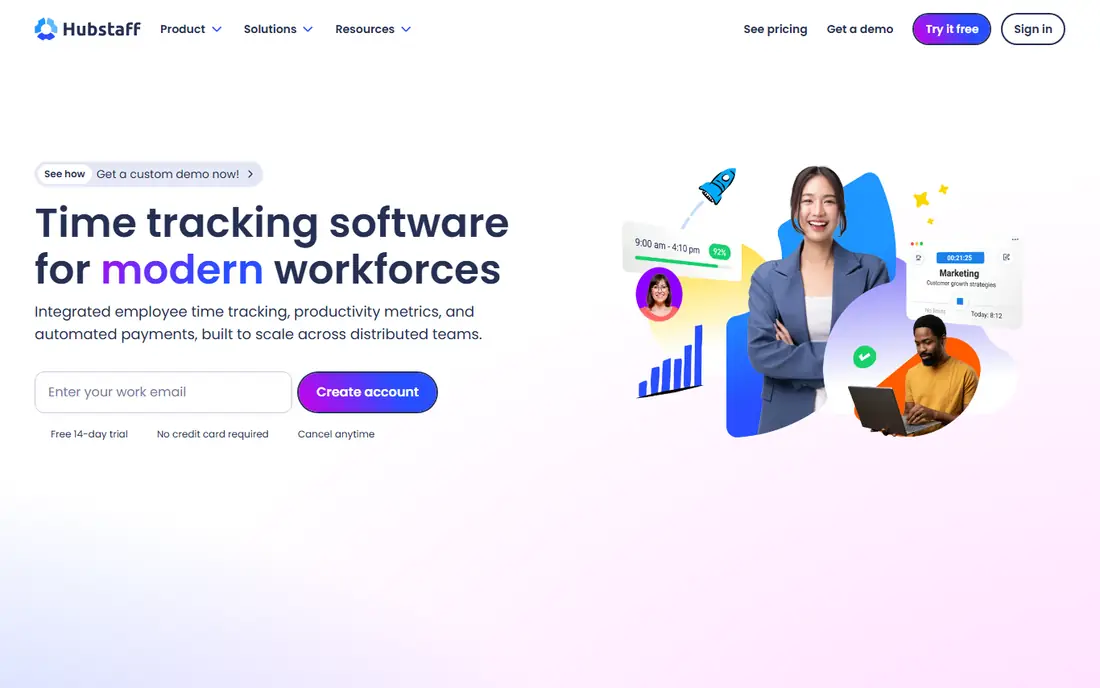
Hubstaff fits remote and field teams that need proof of hours, location, and activity alongside payroll. Screenshots, GPS, scheduling, and automated payroll in one place help managers run distributed teams without stitching tools together. Field teams benefit most from GPS and mobile clock-in.
Monitoring carries a cost beyond money. Screenshots and activity tracking can harm trust if a team does not agree on the rules first, so set clear policies before rolling it out. There is also no permanent free plan, only a trial. Teams that need accountability and payroll together will find Hubstaff practical, while teams that only need timers should pick a simpler tool.
- Screenshots and GPS tracking
- Scheduling and payroll
- Activity monitoring
- No free plan
- Monitoring can harm trust
- Minimum seat rules on some plans
TimeCamp is the closest free-plan match to Clockify, since its free plan covers unlimited users and projects. Automatic capture helps teams that forget to start timers, and invoicing on paid plans closes the billing gap. Small teams that want a generous free start without a user cap should trial it first.
The interface is less polished than Toggl Track, and some advanced reporting and billing features sit on higher plans. Teams that value design and speed may prefer Toggl Track, even with its user cap. Teams that value a free plan with no user limit will find TimeCamp hard to beat.
- Free plan with unlimited users
- Automatic time capture
- Invoicing included
- Interface feels dated to some users
- Advanced features need higher plans
- Reporting depth varies by plan
Everhour suits teams that already live in Asana, ClickUp, Trello, or Jira and want time logged against real tasks. The integration puts timers inside the project tool, so staff do not switch apps to track time. Budgets, estimates, and invoicing help agencies watch project cost as work progresses.
As a standalone tracker, Everhour is less compelling, and the Team plan has a minimum of 5 users. Solo users and tiny teams should check the free plan limits first. For project-tool teams, Everhour removes the friction that kills time tracking adoption.
- Deep Asana, ClickUp, Trello, and Jira integration
- Budgets and invoicing
- Clean task-level tracking
- Minimum 5 users on Team plan
- Weaker as a standalone tracker
- Reporting needs the paid plan for full depth
Time Doctor fits distributed teams that need to validate hours and see how work time is spent. Screenshots, website and app tracking, and payroll integrations give managers a clear view of remote work. Distraction alerts can help staff stay on task during focused blocks.
As with Hubstaff, monitoring needs a clear, agreed policy, or it will damage trust. There is no free plan, only a trial, and setup takes longer than a simple timer. Teams that need productivity visibility and payroll together will find it useful, while teams that only need hours logged should choose a lighter tool.
- Screenshots and activity tracking
- Payroll integrations
- Distraction alerts
- No free plan
- Monitoring features need careful team policies
- Setup takes time
QuickBooks Time, formerly TSheets, fits businesses that already run payroll and accounting on QuickBooks. Hours sync into QuickBooks for payroll and invoicing, scheduling covers shifts, and GPS helps field teams. That native link removes the export and import work other trackers require.
Pricing uses a base monthly fee plus a per-user fee, so small teams should check the total, not just the per-user figure. There is no free plan, only a trial. Outside QuickBooks, the value drops sharply, so non-QuickBooks teams should pick a standalone tracker instead.
- Native QuickBooks sync
- Scheduling and GPS
- Payroll integration
- Base fee plus per-user fee
- No free plan
- Weak fit outside QuickBooks
Jibble suits shift-based and hourly teams that need attendance as well as time tracking. The free plan covers unlimited users, and clock-in options include facial recognition, GPS, and kiosk modes for shared workplaces. Scheduling and leave tools help managers run rosters in the same account.
Payroll and advanced reporting sit on higher plans, so check those limits if payroll is the goal. The feature set can also feel busy for a solo freelancer who only needs a timer. For workplaces with many hourly staff and a tight budget, Jibble offers strong free value.
- Free plan with unlimited users
- Facial recognition clock-in
- Attendance and scheduling
- Advanced payroll features need higher plans
- Interface can feel busy
- Reporting depth varies by plan
DeskTime fits teams that forget timers and want automatic capture of apps, websites, and documents. Productivity categories show productive, unproductive, and neutral time, and absence and shift tools support office teams. Managers get a clear view of the workday without asking staff to start and stop timers all day.
Automatic tracking raises privacy questions, so agree on categories and data rules before rollout. There is no permanent free plan, only a trial, and client invoicing is thinner than Harvest. Teams that want hands-off tracking for internal productivity will like DeskTime, while billing-focused teams should stay with Harvest.
- Automatic app and website tracking
- Productivity categories
- Absence and shift tools
- No free plan
- Automatic tracking needs privacy settings
- Less suited to client billing
How we picked these
We compared official pricing pages, free plan limits, and feature pages for time trackers that replace the core Clockify jobs: timers, reports, invoicing, payroll, and team monitoring. We favored tools with a published free plan or trial, clear per-user pricing, and a distinct fit, from simple timers to automatic tracking and QuickBooks integration. We did not claim hands-on testing, and we left out tools with only custom pricing.
What to check before you switch
Start with the job that made you leave Clockify. If billing is the gap, pick Harvest or TimeCamp and test invoice creation from real tracked hours. If monitoring or payroll is the gap, pick Hubstaff or Time Doctor and agree on screenshot, GPS, and data rules with your team first. If adoption is the gap, pick Toggl Track and test whether staff actually start the timer for a week.
Next, check free plan caps at your real team size, since caps on users, projects, or seats change the cost fast. Confirm integrations with your project tool, accounting software, and payroll provider, and export your Clockify data before you close the old account. A trial with real projects and a real invoice will show gaps faster than a feature list.
Frequently asked questions
What is the best Clockify alternative?
The best Clockify alternative depends on your need. Toggl Track suits simple timers, Harvest suits client invoicing, and TimeCamp suits a free plan with unlimited users. Start with the gap that made you leave Clockify, then pick the tool that closes that gap.
Is there a free Clockify alternative?
Yes. TimeCamp offers a free plan with unlimited users, Jibble offers a free plan with unlimited users, and Toggl Track offers a free plan for small teams. Free plans limit projects, features, or users in different ways, so check the cap that matters to your team.
Which Clockify alternative is best for invoicing?
Harvest is best for invoicing, since tracked time and expenses flow directly into client invoices. TimeCamp also offers invoicing on paid plans, while Toggl Track requires a separate billing tool. Test invoice creation from real hours before you commit.
Do these tools track remote teams?
Yes. Hubstaff and Time Doctor offer screenshots, activity tracking, and GPS for remote and field teams, and QuickBooks Time offers GPS and scheduling. Agree on monitoring rules with your team first, since screenshots and location tracking affect trust.
Can I import data from Clockify?
Most tools offer CSV import or an integration for projects, clients, and time entries, but the exact import path varies by tool. Export your Clockify projects, clients, and time entries as CSV files first, then test the import in the new tool with a small project before moving everything.
Which tool is best for teams inside Asana or Jira?
Everhour is best for teams inside Asana, ClickUp, Trello, or Jira, since timers sit inside those project tools. That setup keeps time against real tasks and reduces app switching. Solo users outside those tools should pick a standalone tracker instead.
Sources
See where you really rank - block by block
ProMapRanker scans Google Maps across a grid of your service area. Simple monthly plans from $19, white-label on every plan.
Start freeKeep reading
 zscaler alternatives
Best Zscaler Alternatives in 2026
Looking for zscaler alternatives? We compare 9 SASE and zero trust platforms on architecture, data protection, pricing, and fit for your network and team.
Read → zapier alternatives free
Best Zapier Alternatives Free in 2026
Nine automation tools for zapier alternatives free in 2026, all with genuinely free tiers, plus free plan limits, starting prices and upgrade paths explained.
Read → which platform is best for online reputation
Which Platform Is Best for Online Reputation in 2026
Wondering which platform is best for online reputation? We compare 8 review, listing, and response tools for small and multi-location businesses and agencies.
Read →