 ProMapRanker
Best Cline Alternatives in 2026

Key takeaways
- Cline is a free open-source AI coding assistant for VS Code that charges through your own model API usage, so alternatives split into subscription tools and open tools.
- GitHub Copilot is the cheapest paid start at 10 dollars per month, while Cursor is the strongest full AI editor at 20 dollars per month.
- Continue and Aider suit developers who want open-source tools and control over models, including local models.
- Tabnine and Amazon Q Developer suit teams with privacy, compliance, or cloud-specific needs, while Claude Code suits agent-led terminal work.
- Review every AI suggestion before merging, because generated code can contain bugs, insecure patterns, or licences that need checking.
Quick comparison
| Pick | Great for | Pricing starts at | Free tier | |
|---|---|---|---|---|
 Cursor | Developers who want a full AI editor | $20 per month | Yes | Visit |
 GitHub Copilot | Developers already living in VS Code and GitHub | $10 per month | Yes | Visit |
 Claude Code | Agent-led work from the terminal | $20 per month | No | Visit |
 Continue | Open-source assistant with model freedom | Free | Yes | Visit |
 Sourcegraph Cody | Developers working in very large codebases | See website | Yes | Visit |
 Tabnine | Privacy-focused teams and enterprises | See website | No | Visit |
 Amazon Q Developer | Developers building on AWS | $19 per month | Yes | Visit |
 JetBrains AI | Developers who live in JetBrains IDEs | $8 per month | Yes | Visit |
 Aider | Terminal pair programming with your own models | Free | Yes | Visit |
The best cline alternatives
Cline is the AI coding assistant built as a VS Code extension, where the extension itself is free and developers pay for model API usage through their own keys. The tools below replace that job in different ways: some are full editors, some are extensions for existing editors, and some are terminal agents. We kept only tools that are live and sold or maintained in October 2026.
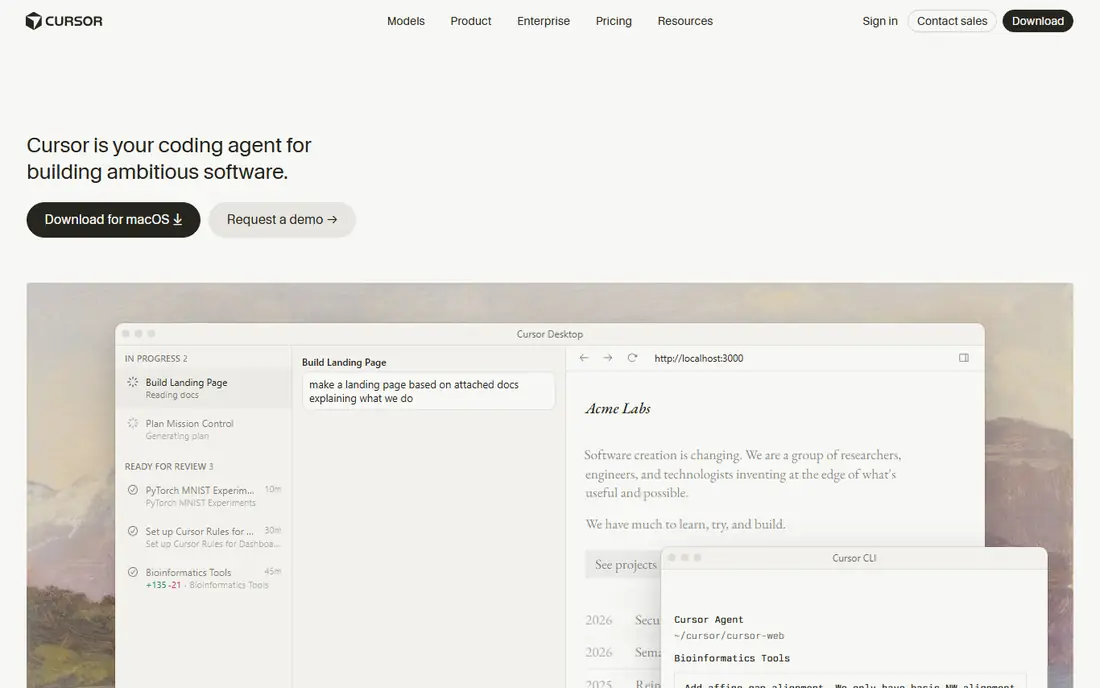
Cursor is the most complete replacement for Cline if you are willing to change editors. It is an AI-native editor with autocomplete, chat, and agent mode that can edit across many files, run commands, and iterate on errors. A limited free Hobby tier lets a developer test the editor before paying 20 dollars per month for Pro.
The catch is cost structure. Pro includes a set amount of model usage, and heavy agent work can add usage charges, so the seat price is a floor rather than a ceiling. Developers who mainly want autocomplete in VS Code may find Copilot cheaper, while developers who want agent-led editing will get the most from Cursor.
- AI-native editor with agent mode across many files
- Model choice including Claude and GPT models
- Limited free Hobby tier
- Pro costs $20 per month with usage-based agent limits on top
- Leaving VS Code habits behind takes adjustment
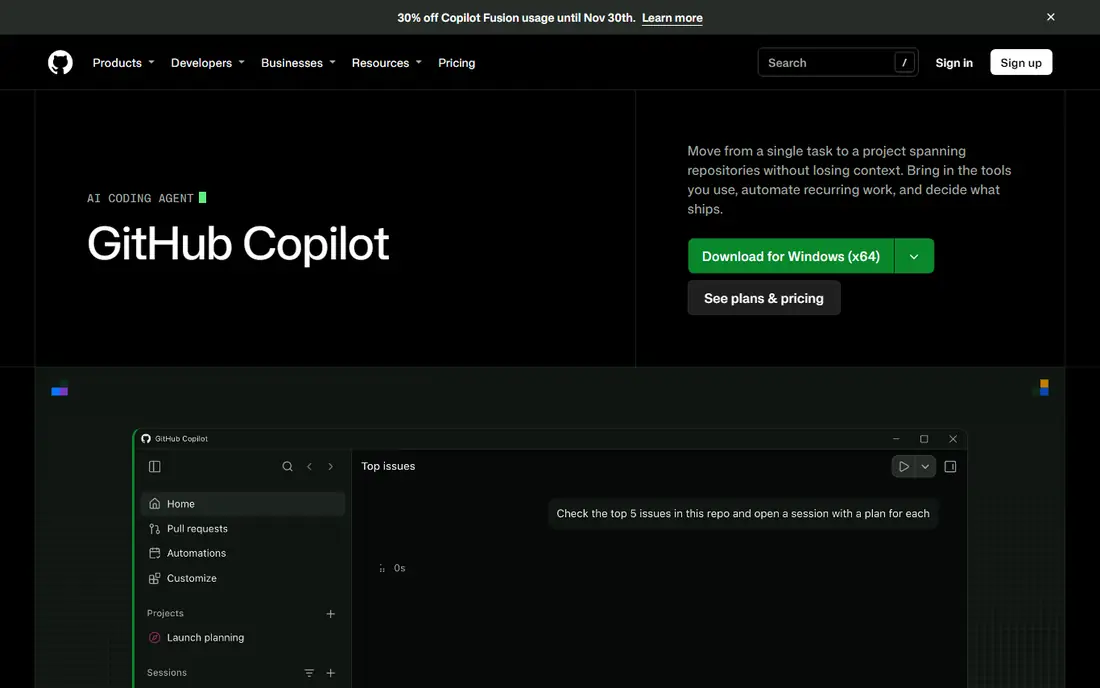
GitHub Copilot is the cheapest paid start in this list and the easiest switch for Cline users, because it works inside VS Code itself. Pro costs 10 dollars per month, with Pro Plus at 39 dollars, and a free tier offers limited completions and credits. Inline completions, next-edit suggestions, chat, agent mode, and pull-request reviews cover most daily coding help.
The honest limit is credit metering. Chat, agent sessions, and pull-request reviews consume AI credits on paid plans, while inline completions do not, so heavy agent users should watch credit use. For a developer who wants reliable help inside the editor they already use, Copilot remains the practical default.
- Pro from $10 per month
- Free tier with limited completions
- Deep GitHub, VS Code, and JetBrains integration
- Agent work uses AI credits on paid plans
- Heavy agent use can push costs above the base price
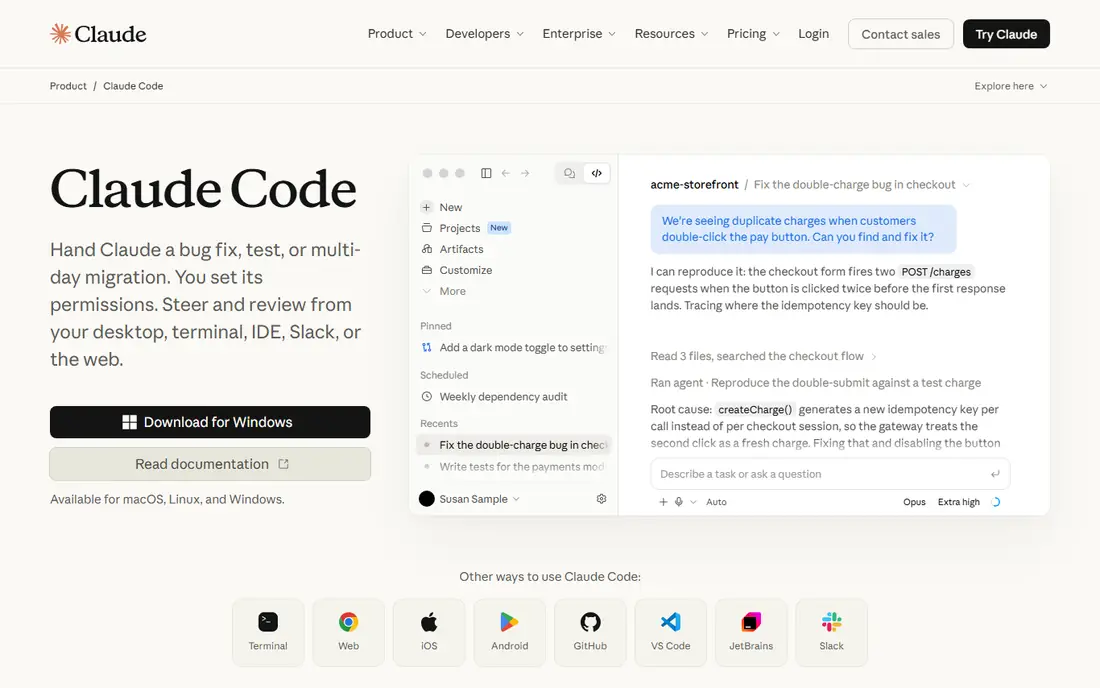
Claude Code suits developers who prefer the terminal to an editor sidebar. It runs as an agent that can read a codebase, plan a change, edit files, run tests, and iterate, which helps with large refactors and multi-file features. Access comes through Claude plans, with Pro at 20 dollars per month, so a developer who already pays for Claude gets coding help on the same bill.
The trade-off is interface and limits. Terminal work feels less visual than Cursor or Copilot, and usage limits reset on five-hour and weekly windows, so sustained heavy use may need a Max tier at 100 dollars or 200 dollars per month. Pair Claude Code with an editor assistant if you want both inline help and agent depth.
- Strong agent reasoning for large refactors
- Included with Claude Pro at $20 per month
- Works across a codebase from the terminal
- Terminal-first design suits fewer beginners
- Usage limits reset on timers, so heavy use needs a higher tier
Continue is the closest open-source cousin to Cline in spirit. It is a free extension for VS Code and JetBrains that supports chat, autocomplete, and agent-style edits, while letting developers bring their own model keys or run local models. That freedom suits developers who want data control, cost control, or a specific model that subscription tools do not offer.
The catch is effort. Choosing a model, tuning prompts, and managing API costs falls on the developer, and a weak model will give weak results no matter how good the extension is. Developers who enjoy that control will love Continue. Developers who want a tool that just works should pick Copilot or Cursor instead.
- Free open-source extension for VS Code and JetBrains
- Bring your own model keys, including local models
- Team Hub plans from about $10 per month
- Setup takes more effort than a subscription tool
- Quality depends heavily on the model you choose
Sourcegraph Cody stands out on context. Built on Sourcegraph code search, it can answer questions across a large codebase, explain unfamiliar code, and suggest edits with awareness of many files at once. That depth matters when a developer joins a huge repo and needs to find how a feature actually works, not just how one file looks.
The limit is fit. Small projects gain less from Cody than large ones, and paid pricing is not always published in a single clear figure. Teams with large monorepos or many services should trial Cody against Copilot on real codebase questions, because context quality is where Cody earns its place.
- Codebase-aware search and chat across large repos
- Free tier available
- Enterprise security and deployment options
- Pricing for paid tiers is not always published clearly
- Best value shows in large, well-indexed codebases
Tabnine suits teams where code privacy is the first question, not an afterthought. It offers private deployment options, including on-prem and VPC setups, and a per-seat subscription that finance teams can budget without tracking API tokens. The agent platform adds autonomous agents and model controls for larger teams.
The honest catch is price clarity. Published figures have varied, with Code Assistant reported at 39 dollars per user per month on annual billing in recent comparisons, so a current vendor quote is essential. Teams that need strict data control will find that effort worthwhile. Teams that only need personal coding help will find cheaper options here.
- Private deployment options including on-prem and VPC
- Predictable per-seat subscription
- Agent platform with model controls
- Pricing has varied across sources, so get a current quote
- Model quality depends on the tier and deployment
Amazon Q Developer is the cloud-specific pick in this list. It offers chat, code suggestions, transformations, and review help with awareness of AWS services, which suits teams building Lambda functions, infrastructure code, and AWS integrations. A free tier covers individual use, and Pro costs 19 dollars per user per month.
The limit is scope. Outside AWS work, Q Developer offers less advantage than Copilot or Cursor, so a general-purpose developer may prefer a broader tool. For an AWS-heavy team, the service awareness and transformation help make Q Developer a strong second tool alongside an editor assistant.
- Free tier for individuals
- Pro at $19 per user per month
- AWS-aware suggestions, transformations, and code review
- Best value is tied to AWS work
- Less compelling for developers outside the AWS stack
JetBrains AI is the native pick for developers who already use IntelliJ IDEA, PyCharm, WebStorm, or another JetBrains IDE. It adds chat, code completion, and in-editor AI help without leaving the IDE, and a free tier in recent IDE versions lets a developer test it before paying. AI Pro has been listed from 8 dollars per month, making it one of the cheapest paid options here.
The catch is ecosystem lock-in. JetBrains AI offers little to a VS Code user, and its agent depth trails Cursor and Claude Code for large multi-file tasks. For a JetBrains developer, it is the obvious first pick. For a VS Code developer, Copilot or Continue will fit better.
- Native AI inside IntelliJ, PyCharm, and other JetBrains IDEs
- Free tier in recent IDE versions
- AI Pro from $8 per month in recent listings
- Limited value outside JetBrains IDEs
- Agent depth trails Cursor and Claude Code for some tasks
Aider is the terminal pair programmer for developers who like working in a shell. It chats about code, edits files, and commits changes through Git, while letting the developer choose a model provider or a local model. The tool itself is free and open source, so cost comes only from model API usage.
The limit is interface and cost control. Aider has no editor UI, so developers who want inline completions should pair it with Copilot or Continue. API costs also need monitoring, because long agent sessions on a premium model can add up. For a developer who already works in a terminal and wants agent help on their own terms, Aider is a strong Cline companion or replacement.
- Free open-source terminal tool
- Pair programming with Git integration
- Works with many model providers and local models
- Terminal-only interface
- You pay model API costs, so heavy use needs budget control
How we picked these
We compared official feature and pricing pages, vendor pricing trackers, and public reviews for AI coding assistants that are live in October 2026. We kept only tools that assist with real code editing, chat, or agent work, not general chatbots. Where pricing varies by tier or has changed recently, we named the figure we could support and wrote See website where a current vendor quote is the safer source.
How to choose a Cline replacement
Start with your editor. If you stay in VS Code, shortlist Copilot, Continue, and Cody. If you will change editors, add Cursor. If you live in a terminal, shortlist Claude Code and Aider. If you live in JetBrains IDEs, start with JetBrains AI. Editor fit matters more than any single feature, because a tool you do not open will not help.
Next, decide how you want to pay. Subscription tools give predictable seats but meter agent work, while open tools are free but charge through model APIs. Track one month of real usage, including agent sessions, before judging which model is cheaper for your habits. Always review generated code for bugs, security issues, and licence concerns before merging.
Privacy questions worth asking
Ask where code is sent, whether it is used for training, and whether on-prem or VPC deployment is available. Tabnine and Continue with local models give the strongest data control, while subscription tools vary by plan. Get the training and retention policy in writing if your code is proprietary or regulated.
Frequently asked questions
What is Cline?
Cline is an AI coding assistant built as a VS Code extension. The extension is free and open source, and developers pay for model usage through their own API keys, which makes cost depend on model choice and session length rather than a fixed seat price.
Which Cline alternative is free?
Continue and Aider are free open-source tools, though you still pay model API costs when you use a paid model. GitHub Copilot, Cursor, Cody, Amazon Q Developer, and JetBrains AI all offer free tiers, but paid plans give fuller agent and model access.
Is GitHub Copilot better than Cursor?
It depends on editor fit and budget. Copilot is cheaper at 10 dollars per month and stays inside VS Code, while Cursor at 20 dollars per month offers a fuller AI editor with agent mode across many files. Developers who want to stay in VS Code should start with Copilot, while developers who want an AI-first editor should trial Cursor.
Can I use local models with a Cline alternative?
Yes. Continue and Aider both support local models, which keeps code on your own machine and avoids API costs. Local model quality varies, so test completion and agent tasks on your own codebase before relying on a small local model for production work.
Do AI coding assistants replace code review?
No. Generated code can contain bugs, insecure patterns, and licence issues, so every suggestion needs human review, tests, and security checks before merging. Treat an AI assistant as a fast junior partner, not as a replacement for review.
Sources
See where you really rank - block by block
ProMapRanker scans Google Maps across a grid of your service area. Simple monthly plans from $19, white-label on every plan.
Start freeKeep reading
 zyte alternatives
Best Zyte Alternatives in 2026
These zyte alternatives cover managed scraping APIs, proxy networks and no code tools for lawful collection from your own or consented sources only in 2026.
Read → zerto alternatives
Best Zerto Alternatives in 2026
Compare the best zerto alternatives for disaster recovery and replication, with recovery targets, cloud options and honest trade-offs for teams in 2026.
Read → zerofox alternatives
Best ZeroFox Alternatives in 2026
We compared 9 zerofox alternatives for brand protection, phishing takedowns, dark web monitoring, and social impersonation, with clear coverage notes.
Read →