 ProMapRanker
Best Cisco Umbrella Alternatives in 2026

Key takeaways
- DNSFilter is the closest like-for-like swap for small teams that want clear per-user pricing.
- Cloudflare Zero Trust is the best free starting point for teams of up to 50 users.
- Zscaler and Netskope suit large firms that want DNS filtering inside a wider security platform.
- Quad9 and NextDNS cover personal and small-team use at very low cost, with different control levels.
Quick comparison
| Pick | Great for | Pricing starts at | Free tier | |
|---|---|---|---|---|
 DNSFilter | Small teams and MSPs | $1 per month | Free trial | Visit |
 Cloudflare Zero Trust | Small teams up to 50 users | Free | Yes | Visit |
 Zscaler Internet Access | Large global firms | See website | No | Visit |
 Netskope One Platform | Data-aware security teams | See website | No | Visit |
 WebTitan | Schools and small firms | See website | Free trial | Visit |
 Control D | Flexible filtering rules | $2 per month | Free trial | Visit |
 NextDNS | Power users and small teams | $1.99 per month | Yes | Visit |
 Quad9 | Free protective DNS | Free | Yes | Visit |
The best cisco umbrella alternatives
We compared official feature pages, pricing pages, and public reviews for DNS-layer security tools that block malicious domains before a connection happens. Use these tools only on networks and devices you own or manage with permission. Prices for enterprise tools are often quote-only, so check with the vendor for your user count.
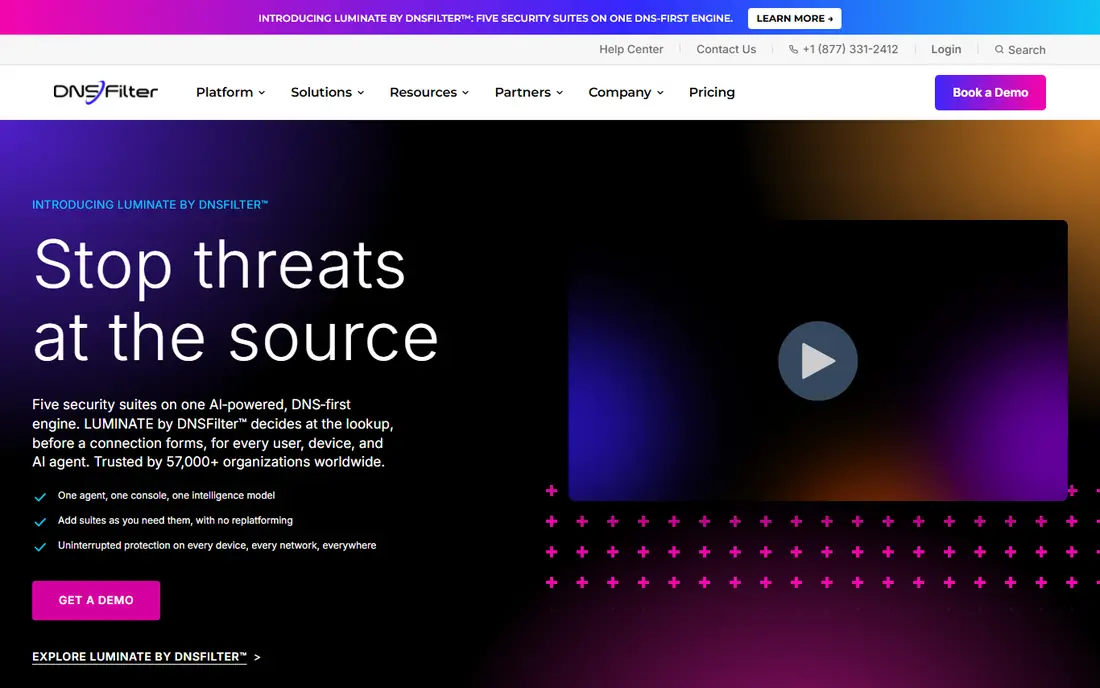
DNSFilter is the most direct swap for teams that liked Umbrella's DNS-first approach. It blocks malicious and unwanted domains, offers roaming protection for laptops off the network, and gives admins category controls without a heavy agent. Managed service providers like its multi-tenant setup for client work.
The honest catch is scope. DNSFilter does not try to be a full secure access platform, so teams that also need deep web gateway inspection or data controls will need another layer. For pure DNS filtering, though, that focus keeps setup fast and pricing clear.
Published pricing starts around $1 per license per month, with a free trial offered. If you want a simple, predictable replacement and you manage many small clients, DNSFilter is our pick for most people.
- Clear per-license pricing
- Roaming clients for remote staff
- Many content categories
- Lacks the wider gateway features of large platforms
- Reporting depth varies by tier
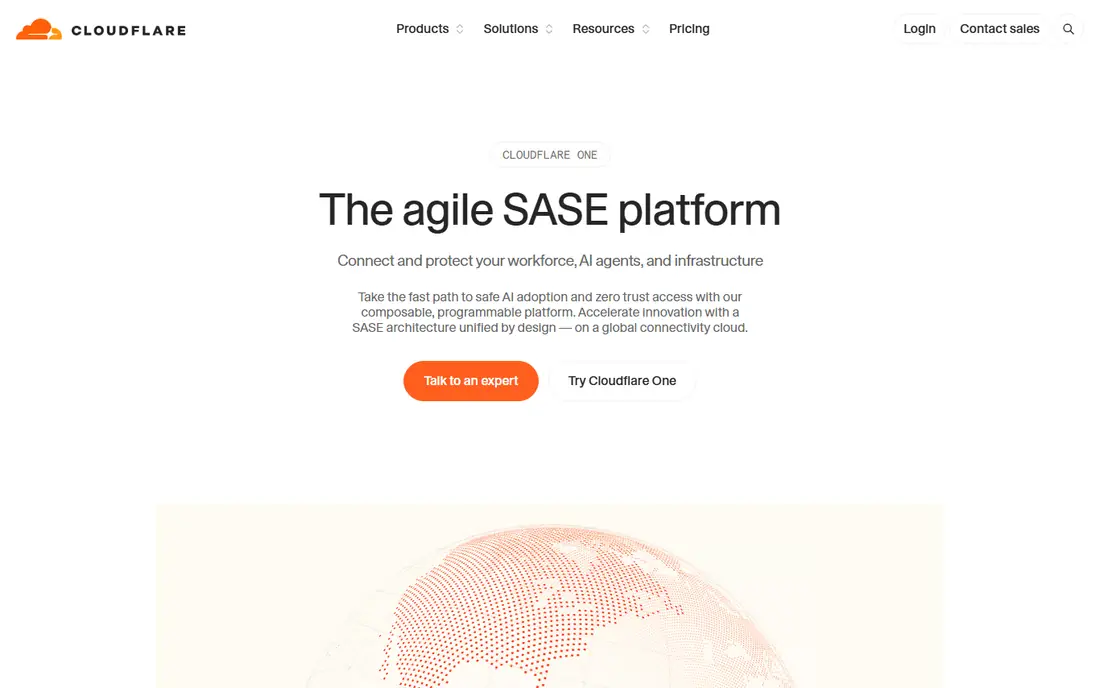
Cloudflare Zero Trust gives small teams a free way to start with DNS filtering. The free tier covers up to 50 users and includes Gateway DNS policies, plus access controls for private apps. That makes it a strong test bed before you pay for a larger rollout.
The catch is limits. Free logs last only 24 hours, support is community-based, and larger teams move to a pay-as-you-go tier at $7 per user per month. Teams that need long log retention or dedicated support should budget for that step from the start.
We like Cloudflare for teams that may later add zero-trust access on the same platform. If you only need DNS filtering and never plan to use access controls, a simpler tool may feel lighter. For growing teams, the upgrade path is a real advantage.
- Free tier for up to 50 users
- DNS filtering plus access controls
- Global network
- Advanced features need paid tiers
- Log retention is short on the free plan
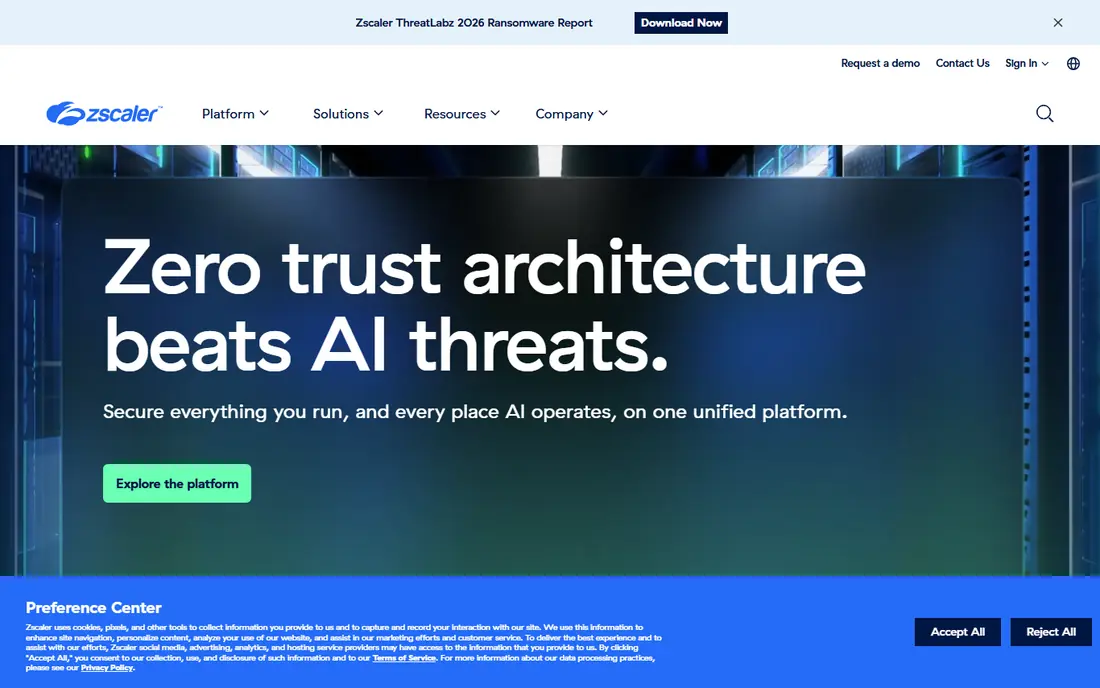
Zscaler Internet Access is built for firms that need more than DNS blocking. It inspects web traffic in the cloud, applies policy by user and location, and scales across global offices without backhauling traffic to a central box. Large teams with remote staff benefit most from that design.
The trade-off is complexity and cost. Pricing is quote-only, and rollout takes planning, policy design, and testing. Small teams will find it more platform than they need, and they will pay for that depth. Enterprises with compliance and inspection needs will see the value more clearly.
Pick Zscaler when DNS filtering is one part of a wider cloud security plan. If your only need is blocking bad domains, start with DNSFilter or Cloudflare instead. For global scale, Zscaler is a leading choice.
- Cloud-native scale for global teams
- Strong threat inspection
- Broad platform depth
- Quote-only pricing
- Heavier setup than DNS-only tools
Netskope combines web security with cloud app and data controls, so teams can see where sensitive data moves. That matters for firms using many cloud apps and worried about uploads, sharing, and shadow IT. DNS and web policy sit inside that wider view, rather than standing alone.
The catch is fit and price. Netskope is enterprise-priced by quote, and its depth suits teams with security staff to run it. Smaller firms may find setup and cost hard to justify for DNS filtering alone. Public reviews also note that pricing can feel high for mid-size buyers.
We recommend Netskope for firms where data movement is the main risk, not just malware domains. If your goal is simple blocking for a small office, pick a DNS-first tool. If cloud data control is the priority, Netskope belongs on the shortlist.
- Strong data and cloud app controls
- Unified policy
- Good visibility
- Quote-only pricing
- Can be more than small teams need
WebTitan focuses on web and DNS filtering with an admin view that is easy to learn. Schools, small firms, and MSPs use it to block malware, phishing, and unwanted categories, with policies by group or location. Reporting helps admins show what was blocked and why.
The honest catch is pricing clarity. Costs depend on product and bundle, so you need a quote to compare fairly. It also lacks the full gateway depth of Zscaler or Netskope, which matters for large firms. For its target size, that focus is fine.
Pick WebTitan when you want a straightforward filter with good support for education and small business use. Test category controls with your real policy needs during the trial. Larger firms with inspection needs should look at the enterprise picks above.
- Simple category filtering
- Flexible policies
- Clear reporting
- Pricing varies by bundle
- Less known than larger rivals
Control D stands out for rule flexibility. Admins can build custom filtering, redirect rules, and analytics views that go beyond simple block lists. Small business pricing starts around $2 per endpoint per month with no minimums, which makes trials cheap and honest.
The catch is vendor scale. Control D is smaller than the enterprise names here, so firms that need global support contracts or deep compliance paperwork should check those details early. For small and mid-size teams, the product depth often outweighs that concern.
We like Control D for teams that want to shape filtering to their own policy, not just accept preset categories. If you need a household name for procurement, a larger vendor may pass review faster. For control per dollar, Control D is strong.
- Granular custom rules
- Good analytics
- No minimums on small plans
- Smaller vendor than Cloudflare or Zscaler
- Enterprise pricing is custom
NextDNS gives individuals and small teams a high level of control for a low price. You can pick threat feeds, block lists, allow lists, and logging options, then point devices at your profile. The free tier covers up to 300,000 queries per month, and the Pro plan costs $1.99 per month.
The catch is scale. Business plans exist, but NextDNS is not a full enterprise gateway with deep inspection and support contracts. Larger firms should treat it as a small-team tool, not a global platform. Query caps on the free tier also mean busy networks will need the paid plan.
Pick NextDNS for homes, freelancers, and small offices that want real control without enterprise cost. It is easy to test, and the price makes it a low-risk trial. For hundreds of managed endpoints, compare DNSFilter first.
- Custom block lists and logs
- Low price
- Easy setup
- Free tier caps queries
- Business features are lighter than enterprise tools
Quad9 is a free public DNS resolver that blocks known malicious domains using threat intelligence. You change DNS settings to Quad9, and bad lookups are stopped before a connection starts. There is no account, no fee, and no software to install for basic use.
The honest catch is control. Quad9 does not offer per-user policies, reporting dashboards, or managed admin tools like paid rivals. That makes it a poor fit for firms that need audit logs or group policies. It is a strong fit for personal use and for small sites that just want a safer default.
We recommend Quad9 as a free baseline, especially for home networks and small offices without a security budget. Teams that need policy control should pair it with, or replace it by, a managed tool above. Free does not mean weak here; it means simpler.
- Free threat blocking
- Privacy-focused
- No account needed
- No per-user policy controls
- No central admin console for teams
How we picked these
We compared official feature pages, pricing pages, and public reviews for tools that block threats at the DNS layer or include DNS filtering in a wider platform. We kept only tools that are actively offered in October 2026 and that a team can deploy on networks it manages. We did not claim hands-on testing that did not happen.
How to choose the right DNS security tool
Start with user count and control needs. A home or tiny office can use Quad9 or NextDNS, while a managed team needs policies, logs, and roaming clients. Ask how long logs are kept, since free tiers often limit retention to a day. That detail matters when you need to investigate an incident later.
Next, test on real devices, including laptops off the network. DNS filtering that only works in the office leaves remote staff exposed. Roaming clients, agentless DNS settings, and VPN behavior all change coverage, so pilot with remote workers included. Check false positives too, since over-blocking breaks work fast.
Finally, decide how much platform you want. DNS-only tools are cheaper and simpler, while Zscaler and Netskope add inspection and data controls at enterprise cost. Pick the smallest tool that covers your compliance and reporting needs. You can add gateway depth later without reworking DNS policy from scratch.
Frequently asked questions
Does DNS filtering replace antivirus software?
No, DNS filtering is one layer that blocks known bad domains before a connection starts. Antivirus and endpoint tools still catch files, direct IP attacks, and threats that do not use domain names. Use both together for stronger coverage.
Can I use these tools on a home network?
Yes, Quad9 and NextDNS are easy home options, and Cloudflare Zero Trust covers small teams for free. Set DNS on your router or devices, then test that known test domains are blocked as expected. Keep a way to bypass filtering for troubleshooting.
Is Cloudflare Zero Trust really free?
Yes, the free tier covers up to 50 users with DNS filtering and basic access controls. Paid tiers add longer logs, support, and unlimited users at $7 per user per month on pay-as-you-go terms. Check the current pricing page before you plan a large rollout.
What is the difference between DNS filtering and a secure web gateway?
DNS filtering blocks at the lookup stage, before a connection to a domain happens. A secure web gateway inspects web traffic itself, including page content and uploads, after the connection starts. Many enterprise tools combine both, while DNS-only tools stay at the lookup stage.
Do I need an agent on every device?
Not always, since network-level DNS settings can cover office devices without an agent. Roaming laptops need an agent or secure DNS settings to stay covered offsite. Check each vendor's roaming method before you buy, since it shapes real coverage.
Sources
See where you really rank - block by block
ProMapRanker scans Google Maps across a grid of your service area. Simple monthly plans from $19, white-label on every plan.
Start freeKeep reading
 zyte alternatives
Best Zyte Alternatives in 2026
These zyte alternatives cover managed scraping APIs, proxy networks and no code tools for lawful collection from your own or consented sources only in 2026.
Read → zerto alternatives
Best Zerto Alternatives in 2026
Compare the best zerto alternatives for disaster recovery and replication, with recovery targets, cloud options and honest trade-offs for teams in 2026.
Read → zerofox alternatives
Best ZeroFox Alternatives in 2026
We compared 9 zerofox alternatives for brand protection, phishing takedowns, dark web monitoring, and social impersonation, with clear coverage notes.
Read →