 ProMapRanker
Best Circle Community SaaS Alternatives in 2026


Social feed communities · Pricing starts at: $79 per month
Key takeaways
- Mighty Networks and Heartbeat suit community-first businesses, while Kajabi and Thinkific suit course-first businesses.
- Skool is the cheapest paid entry point in this list, but it offers fewer marketing and email tools than larger platforms.
- Discourse is the only open source option here, which makes it the most flexible choice for teams with technical help.
- Transaction fees matter as much as the monthly price, so check the fee on your plan before you commit.
- A free trial or a short paid test with real members tells you more than a feature page ever will.
Quick comparison
| Pick | Great for | Pricing starts at | Free tier | |
|---|---|---|---|---|
| Mighty Networks | Social feed communities | $79 per month | Free trial | Visit |
 Discourse | Open forums and support | Free | Yes | Visit |
 Bettermode | Branded customer communities | $399 per month | No | Visit |
 Heartbeat | Budget cohort communities | $40 per month | Free trial | Visit |
 Skool | Simple gamified groups | $9 per month | No | Visit |
 Kajabi | Courses plus marketing | $143 per month | Free trial | Visit |
 Thinkific | Education-first courses | See website | Free trial | Visit |
 Podia | Small creator businesses | $42 per month | Free trial | Visit |
 Hivebrite | Alumni and associations | See website | No | Visit |
The best circle community saas alternatives
These nine platforms cover the main reasons people leave Circle: price, course depth, customization, or a simpler setup. We compared official feature pages, pricing pages, and public reviews, and we did not claim hands-on testing.
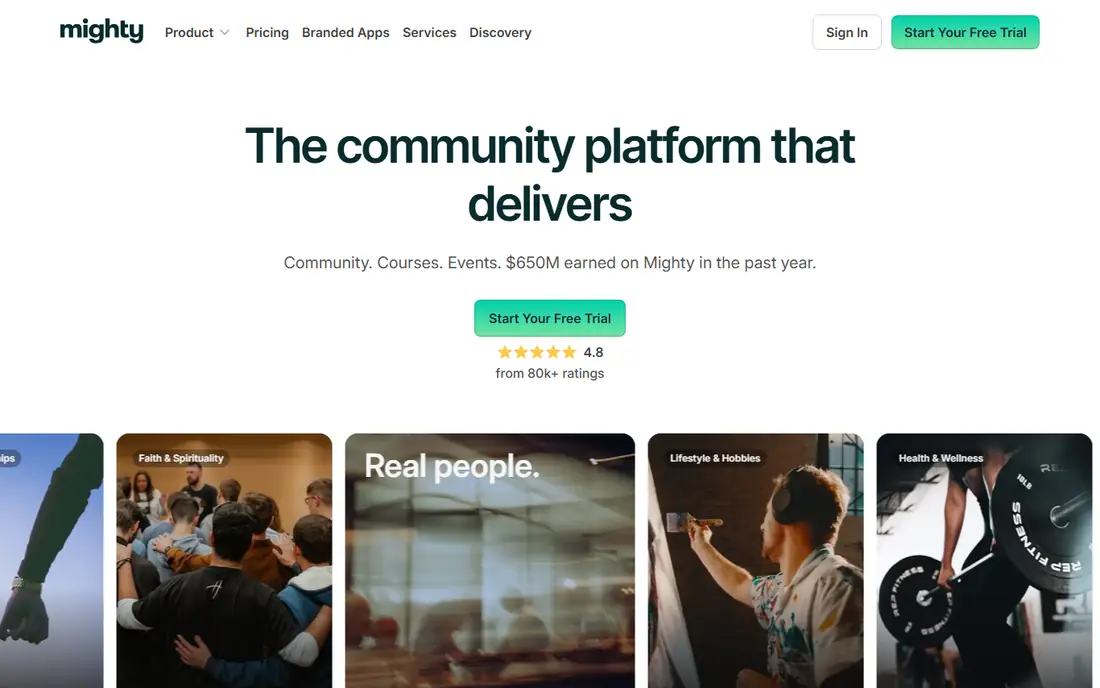
Mighty Networks feels closest to a private social network, which helps if your members check in daily rather than once a week for a lesson. Spaces hold discussion, courses, events, and chat in one place, so a member does not need to jump between tools to take part. Livestreaming and course tools sit inside the same membership, which suits coaches and creators who sell access rather than single courses.
The catch is cost structure. The monthly price is only part of the bill, since transaction fees on member payments can add up on larger memberships. Teams that want deep branding or unusual layouts may also feel boxed in, because the feed format stays fairly consistent across communities. Still, for a community-first business that wants courses as a bonus, this is our pick for most people in this list.
- Feed-first design that members find familiar
- Built-in courses, events, and livestreaming
- Mobile apps included on paid plans
- Transaction fees apply on lower plans
- Customization is more limited than an open source forum
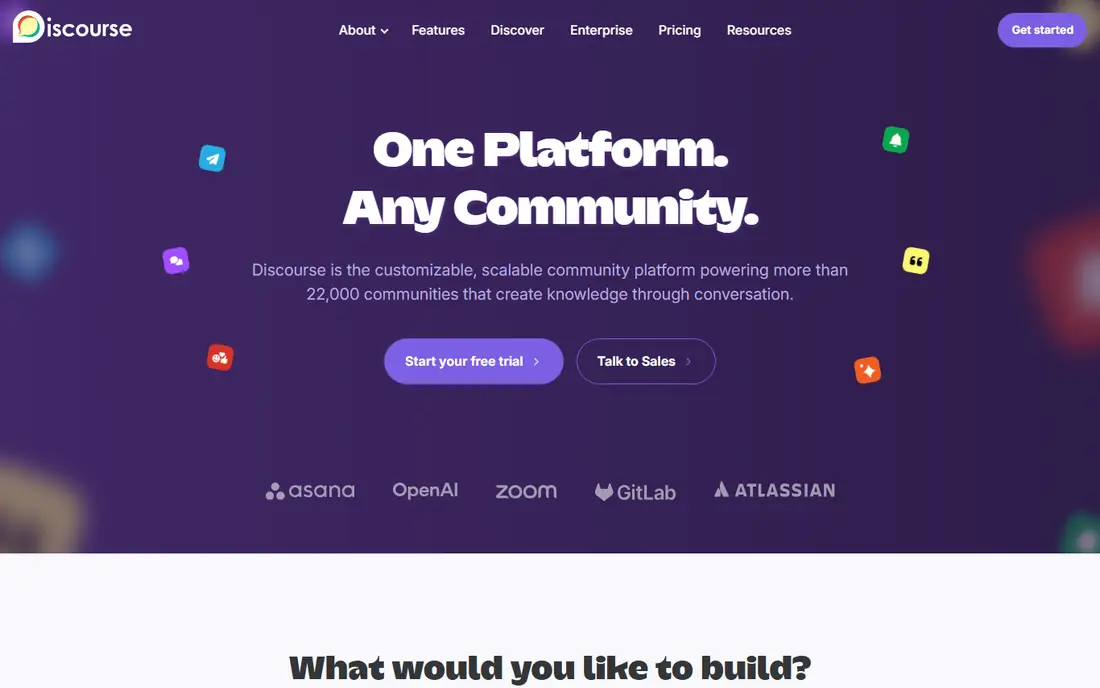
Discourse takes a different path from the rest of this list. It is a forum first, not a course platform with a forum attached, and that focus shows in long discussions that stay easy to find months later. Categories, tags, trust levels, and moderation tools give large public or private groups a clear structure, and the open source code lets a team change almost anything.
The trade is effort. A self-hosted install costs nothing for the software itself, but it needs someone to install, update, and back it up, or a paid hosting plan from Discourse or another host. Selling courses or memberships inside Discourse usually means adding payment and course tools rather than switching them on. If discussion quality and search matter more than polished course pages, that trade is worth making.
- Open source and highly customizable
- Strong threading, search, and moderation tools
- Large plugin and theme library
- Self-hosting needs technical skill
- Course and payment tools need extra setup
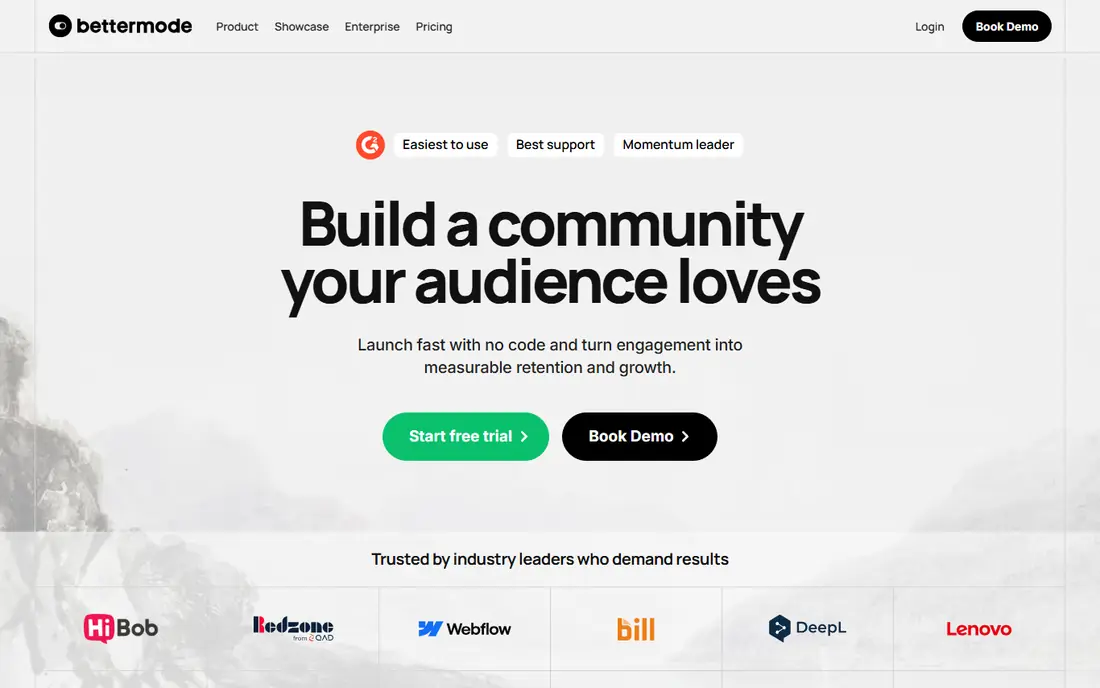
Bettermode, formerly Tribe, suits companies that want a community inside their own website rather than on a separate platform. You can embed spaces, forums, and member profiles where customers already visit, and you can style them to match your brand closely. That makes it a strong fit for software companies, customer support communities, and product feedback groups.
Small creators will likely find the price hard to justify, since entry pricing sits far above Skool or Heartbeat. Course sellers should also look closely, because Bettermode is not built around lesson delivery in the way Kajabi or Thinkific are. For a brand that treats community as part of its product experience, however, the control and embedding options are hard to match in this list.
- Strong customization and embedding on your own site
- Built for customer support and product feedback
- Flexible spaces and widgets
- High entry price for small creators
- Course tools are thinner than course-first rivals
Heartbeat is the budget pick for coaches and course creators who want a modern community without paying for a large all-in-one suite. Threads, chat channels, direct messages, events, and courses cover the daily work of a cohort program, and the interface stays simple enough that new members rarely need a tour. Zoom and calendar connections help with live sessions, which matter a lot for cohort-based teaching.
Watch the limits before you buy. The cheapest plan caps members, so a fast-growing group can be pushed to a higher tier sooner than expected, and transaction fees on lower plans cut into course and membership revenue. If your group stays modest in size, or if you price with those fees in mind, Heartbeat gives you a lot for the money.
- Low entry price for a full community platform
- Threads, chat, events, and courses in one place
- Clean and simple member experience
- Member limits on the cheapest plan
- Transaction fees are higher on lower plans
Skool strips community building down to three ideas: a feed, a classroom, and a calendar. Members earn points and levels for taking part, which gives coaches a simple way to reward activity without setting up a points system from scratch. Unlimited members and courses on paid plans make the price easy to understand, and new groups can be running in an afternoon.
That simplicity has edges. Skool does not include email marketing, advanced workflows, or deep customization, so teams that need funnels or detailed branding will need other tools alongside it. The public discovery side can also bring in curious visitors who are not a good fit for a paid group. For a coach who wants daily check-ins and accountability in one plain space, those limits may not matter at all.
- Very low entry price
- Simple feed, classroom, and calendar layout
- Gamification with points and levels
- No built-in email marketing
- Limited customization and workflow tools
Kajabi is the pick when selling is the main job and community is the support act. Courses, landing pages, email campaigns, and sales pipelines live in one account, so a creator does not need to connect five tools to launch a program. The course player and checkout experience look polished, which helps when the course itself is the product members pay for.
Community depth is the weakness. Discussion and member interaction work, but they do not match the space structure, live rooms, or gamification found in community-first platforms. Paying Kajabi prices for a discussion group alone would waste most of what you buy. Buy it when marketing and course sales drive revenue, and treat the community as a useful extra rather than the core product.
- Email, funnels, and pipelines built in
- Polished course and website tools
- No transaction fee on Kajabi Payments for many plans
- Community features are thinner than Circle or Mighty Networks
- High price for community-only use
Thinkific puts learning first, and that order shapes every decision in the product. The course builder handles structured lessons, quizzes, assignments, and certificates, and instructors can track how students move through material. Community spaces sit alongside courses, which works well when discussion exists to support a lesson rather than to replace it.
If your main product is conversation, Thinkific will feel thin next to Mighty Networks or Discourse, since its community tools cover the basics rather than deep engagement features. Pricing also needs a close read, because the plan that includes the course and community features you need may cost more than the entry tier. For schools, trainers, and experts who sell structured learning, that focus is a strength, not a flaw.
- Strong course builder with quizzes and certificates
- Good student progress tracking
- Community features included with courses
- Community tools are simpler than Circle
- Advanced features sit on higher plans
Podia suits a solo creator who wants to sell a course, run a small community, and send email without hiring help or learning a complex platform. Setup is quick, the dashboard stays plain, and the entry price sits well below Kajabi. Digital downloads and memberships fit the same account, so a creator with several small products can keep them together.
Larger teams will outgrow it. Community tools cover posts and member access, but they lack the depth, live rooms, and gamification of community-first rivals, and marketing automation is lighter than Kajabi. That is a fair trade for a small business that values low cost and low hassle over advanced features. Check the transaction fee on your chosen plan, since it varies by tier.
- Courses, email, and a website in one low-cost plan
- Easy setup for solo creators
- No transaction fee on higher plans
- Community features are basic
- Fewer advanced marketing tools than Kajabi
Hivebrite serves alumni networks, professional associations, and membership organizations rather than solo creators. Member directories, events, groups, and messaging fit organizations that need to manage thousands of members over years, not just run one cohort. Admin tools for member data and engagement help staff see who is active, who has lapsed, and which events draw people in.
The main drawback is price transparency. Hivebrite prices by quote, so a small team cannot compare it to a published monthly figure without a sales conversation, and the cost will usually sit above creator platforms. A small coaching group does not need this level of member management. An association that lives or dies by its directory and events probably does.
- Member directories and event tools built for associations
- CRM-style member management
- Strong branding options
- Quote-based pricing makes budgeting harder
- Overkill for a small creator group
How we picked these
We compared official pricing and feature pages, app store listings, and public reviews for each platform, and we kept only platforms that are live and actively sold in October 2026. We favored a mix of community-first platforms, course-first platforms, one open source forum, and one association platform, so different reasons for leaving Circle are covered. We did not claim hands-on testing, and we treated transaction fees and member limits as part of the price, not as footnotes.
What to check before you switch
Start with the job your community actually does. A daily discussion group needs a feed, search, and moderation, while a cohort course needs lessons, live sessions, and progress tracking, and those two jobs point to different platforms. Write down the three features your members use most today, then test each shortlisted platform with those features only, since a long feature list can hide a weak core.
Next, price the whole year, not the first month. Add the monthly plan, the transaction fee on expected sales, and any paid add-ons such as a branded mobile app or extra admin seats. A cheap plan with a high transaction fee can cost more than a pricier plan with no fee once sales grow. Also check member caps, storage limits, and whether your plan includes the mobile app your members will actually use.
Finally, plan the move itself. Export your member list, course content, and key discussions before you cancel anything, and tell members where the new home is and why it helps them. Run both platforms for a short overlap if you can, so nobody loses access mid-course. A short pilot with your most active members will surface problems early, while they are still easy to fix.
Frequently asked questions
Is there a free Circle alternative?
Discourse is free as open source software if you host it yourself, though hosting, a domain, and maintenance still cost time or money. Most hosted community platforms in this list charge a monthly fee, with free trials rather than permanent free plans. If budget is the main limit, start with Discourse on low-cost hosting or a free trial elsewhere.
Which alternative is closest to Circle?
Mighty Networks is closest for a social feed community with courses and events, while Heartbeat is closest at a lower price. Neither copies Circle exactly, so the closest match depends on which Circle features you use most. Compare spaces, courses, events, and fees side by side before you decide.
Can I move my members and content from Circle?
Most platforms support member imports from a spreadsheet, but course content, discussions, and media usually need manual rebuilding or a migration service. Export everything from Circle first, including member emails and course files. Ask each vendor what its onboarding team will import for you, and get that answer in writing.
Do these platforms charge transaction fees?
Some do, and the fee varies by plan and payment provider. Skool, Mighty Networks, and Heartbeat all apply transaction fees on at least some plans, while Kajabi and Podia remove them on higher tiers. Read the pricing page for your exact plan, since a headline monthly price can hide a meaningful fee.
Is Discourse hard to run for a non-technical team?
Self-hosted Discourse needs someone comfortable with server updates and backups, which is a real commitment for a small team. Managed hosting removes most of that work for a monthly fee. If no one on your team wants server work, a hosted platform will be a better fit.
Which option is best for a paid membership site?
Mighty Networks and Heartbeat suit paid memberships built around daily community life, while Kajabi suits memberships built around course sales and marketing. Podia is a solid low-cost choice for a small paid group. Pick based on whether members pay mainly for conversation, lessons, or both.
Sources
See where you really rank - block by block
ProMapRanker scans Google Maps across a grid of your service area. Simple monthly plans from $19, white-label on every plan.
Start freeKeep reading
 zoro.to alternatives
Best Zoro.to Alternatives in 2026
We compare the best zoro.to alternatives in 2026, listing only legal licensed anime streaming services, from Crunchyroll to free options for fans today.
Read → zip alternatives
Best Zip Alternatives in 2026
We compare the best zip alternatives for buy now, pay later in 2026, covering pay-in-4 plans, fees, spending limits, and credit reporting options today.
Read → yesware alternatives
Best Yesware Alternatives in 2026
Compare the best yesware alternatives for sales email tracking, templates, and sequences, with current pricing and honest tradeoffs for small sales teams.
Read →