 ProMapRanker
Best Cin7 Alternatives in 2026


Businesses that want inventory plus sales, purchasing and manufacturing · Pricing starts at: Free
Key takeaways
- Zoho Inventory and inFlow give small sellers a lower-cost start, while Odoo suits teams that want inventory inside a wider business system.
- Katana and Fishbowl suit makers and QuickBooks-led businesses, with manufacturing depth that general inventory tools often lack.
- NetSuite and Brightpearl suit larger, multi-entity operations, but both need a sales conversation and a longer rollout.
- Linnworks and Unleashed suit marketplace and wholesale sellers that need strong channel and order sync.
- Match the tool to your sales channels first, then check barcode, batch and warehouse features before you compare price.
Quick comparison
| Pick | Great for | Pricing starts at | Free tier | |
|---|---|---|---|---|
| Odoo | Businesses that want inventory plus sales, purchasing and manufacturing | Free | Yes | Visit |
 Zoho Inventory | Small online sellers, especially Zoho users | Free | Yes | Visit |
 Fishbowl | QuickBooks-based businesses with manufacturing needs | See website | Free trial | Visit |
 Katana | Small manufacturers and direct-to-consumer makers | See website | Free trial | Visit |
 inFlow | Wholesalers and distributors that want ease of use | See website | Free trial | Visit |
 NetSuite | Fast-growing companies with complex operations | See website | No | Visit |
 Brightpearl | High-volume retail and omnichannel brands | See website | No | Visit |
 Linnworks | Marketplace sellers managing many channels | See website | Free trial | Visit |
 Unleashed | Wholesale and manufacturing businesses needing lot control | See website | Free trial | Visit |
The best cin7 alternatives
Cin7 combines inventory, orders, warehousing and channel sync for product businesses. The alternatives below cover that same ground in different ways, from low-cost stock tools to full enterprise systems.
Odoo
Great for: Businesses that want inventory plus sales, purchasing and manufacturing
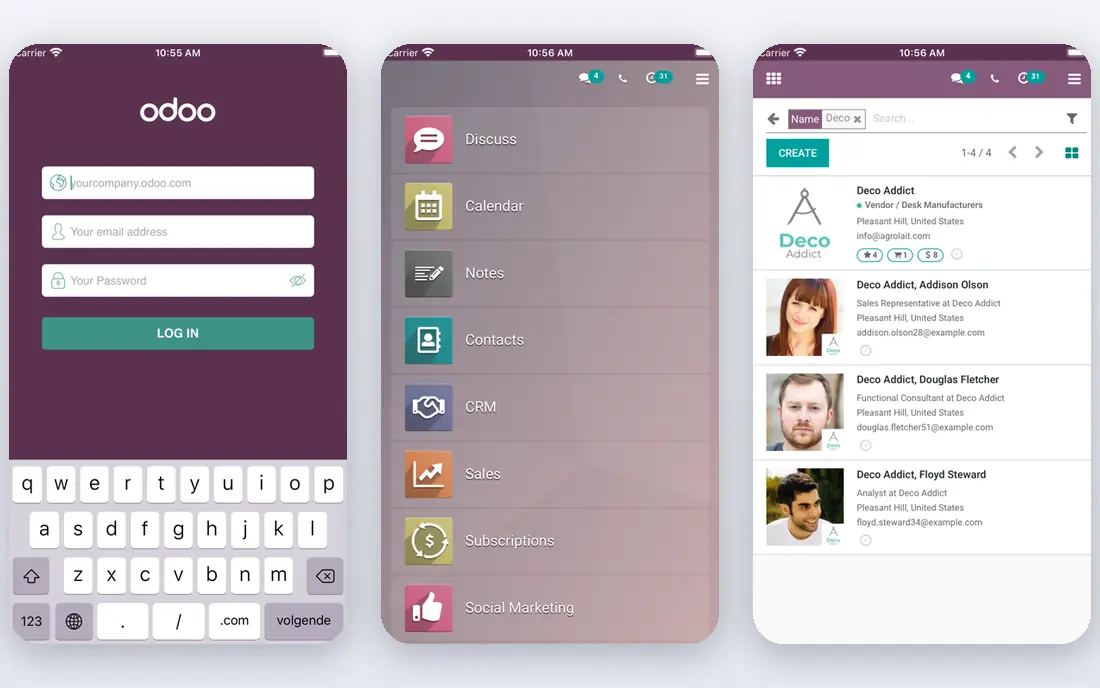
Odoo Inventory handles multi-location stock, barcode flows, drop shipping and cross-docking, and it sits inside a suite that also covers sales, purchasing, accounting and manufacturing. That breadth helps a business that expects to outgrow a single-purpose stock tool. The one-app free tier gives a small team a real starting point without a monthly bill.
The catch is implementation. Odoo is flexible, which means someone must shape workflows, permissions and reports to the business. Custom work can need a developer, and paid apps raise the total once several modules are in use. Odoo fits best when a team wants one system for the long term and can invest time in setup.
- One app free tier
- Double-entry stock moves
- Wide app library for growth
- Setup can be complex
- Deep customization needs technical help
- Paid apps add cost
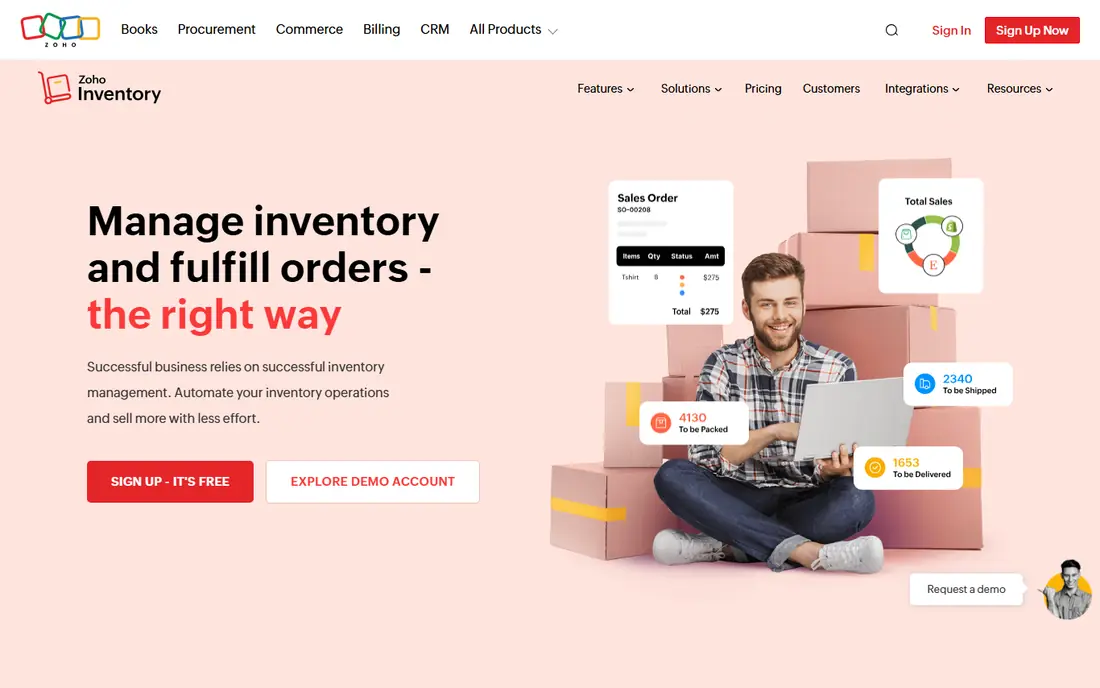
Zoho Inventory syncs stock across online stores and marketplaces, tracks purchase and sales orders, and connects with Zoho Books for accounting. Its free tier covers a small order volume, which suits a new seller testing channels before paying. For teams already using Zoho CRM or Books, the shared data saves duplicate entry.
Limits appear as complexity grows. Manufacturing features are lighter than Katana or Fishbowl, and batch or serial tracking sits on higher plans. Teams with heavy production or lot traceability needs should test those features early. For straightforward multichannel selling on a budget, Zoho Inventory is a strong and practical pick.
- Low-cost entry
- Multichannel order sync
- Works with Zoho Books and other Zoho apps
- Advanced manufacturing is limited
- Higher tiers needed for batch tracking
- Support depth varies
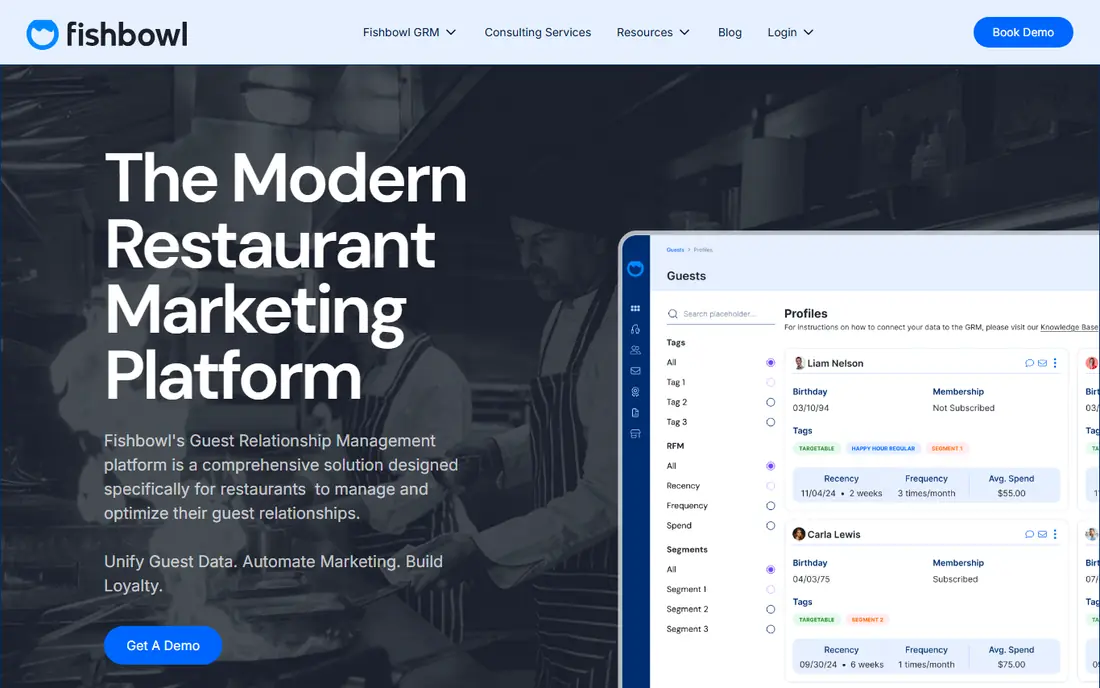
Fishbowl adds inventory, manufacturing and warehouse features on top of QuickBooks, with multi-level bills of materials, work orders, job costing and lot tracking in its manufacturing product. That depth suits shops that already run accounting in QuickBooks and need production control without moving to a full ERP. Barcode picking and multi-location stock help warehouse teams keep counts accurate.
Pricing and deployment need a conversation, and the product history as a desktop-led tool means implementation deserves planning. Teams should confirm current cloud options, user limits and integration scope with sales. For QuickBooks-led makers and distributors, Fishbowl remains a credible and proven option.
- Deep QuickBooks integration
- Bills of materials and work orders
- Barcode picking
- Pricing is not published simply
- On-premise roots add upkeep
- Learning curve for new users
Katana is built for makers who sell online and produce in-house, with live stock, production planning and sales order handling in one view. Its visual planning helps a small team see what to make, what is short and what is already allocated to orders. Integrations with common ecommerce platforms keep online stock in step with production.
Some manufacturing depth, such as routings and traceability, sits in add-ons, so the total price depends on the full configuration. Pure distributors may find parts of the product unnecessary. For a maker-led business that needs planning as much as counting, Katana is a focused and modern choice.
- Real-time production planning
- Clear visual workflows
- Good ecommerce integrations
- Advanced manufacturing features are add-ons
- Pricing rises with add-ons
- Less suited to pure wholesale
inFlow Inventory covers stock, purchase orders, sales orders and customer ordering through a B2B portal, with a separate manufacturing product for production needs. Its interface is easier for a small team to learn than a full ERP, which shortens the move from spreadsheets. Barcode scanning and multi-location support suit distributors with a warehouse and a sales team.
The trade-off is depth. Manufacturing, advanced reporting and some integrations sit outside the base inventory product, so a buyer should price the full setup. For a distributor that values clarity and a quick start, inFlow is a friendly and capable alternative.
- Friendly interface
- B2B ordering portal
- Purchase and sales order handling
- Manufacturing is a separate line
- Advanced features cost more
- Smaller integration list than Odoo
NetSuite, from Oracle, combines inventory, order management, financials, purchasing and CRM in one cloud ERP. It suits companies with several entities, warehouses or countries, where separate tools start to create reconciliation work. Demand planning, advanced inventory and warehouse features support larger and more complex operations.
Cost and rollout are the barriers. Pricing is quoted per contract, implementation often needs a partner, and day-to-day administration suits a larger team. Small sellers will find it heavy. For a business already outgrowing mid-market tools, NetSuite is the step up that keeps finance and operations in one system.
- Full ERP with finance, inventory and orders
- Multi-entity and multi-currency support
- Scalable
- Quote-only pricing
- Long implementation
- Needs specialist help to run well
Brightpearl is built for retail brands selling across stores, marketplaces and their own sites at volume. It handles orders, inventory, purchasing, warehousing and accounting in one retail operating system, with forecasting to help buyers plan stock. That single view helps when order volume makes spreadsheet or app-by-app handling unreliable.
Pricing is quoted, and setup takes work, including channel connections, warehouse rules and accounting mapping. Smaller sellers may not need its depth. For a high-volume retailer that needs reliable omnichannel control, Brightpearl is a serious contender.
- Strong omnichannel order handling
- Demand forecasting
- Accounting and reporting built in
- Quote-only pricing
- Implementation effort
- Best value at higher volume
Linnworks connects marketplaces and ecommerce stores, syncs stock and orders, and automates rules for pricing, shipping and fulfillment. It suits sellers whose main pain is keeping Amazon, eBay and a web store in step, including cross-border listings. Automation rules reduce manual order handling as channel count grows.
Buyers should confirm current plan pricing and which shipping and warehouse features sit on each tier. Channel setup also needs care, since listing and stock rules differ by marketplace. For a marketplace-led business, Linnworks offers focused channel control that general inventory tools often lack.
- Strong Amazon and eBay sync
- Cross-border selling support
- Order and stock automation
- Pricing is not simple to compare
- Setup needs channel mapping
- Shipping tools vary by plan
Unleashed
Great for: Wholesale and manufacturing businesses needing lot control
Unleashed covers inventory, purchasing, sales and warehousing for product businesses, with batch and serial tracking that matters for food, health and regulated goods. Assemblies and a production module support light manufacturing, while B2B pricing and customer portals help wholesale sellers. Its reporting gives managers a clear view of stock value and movement.
The production module adds cost, and the interface prioritizes function over polish. Smaller sellers may prefer Zoho or inFlow on price. For a wholesale or light manufacturing business that needs traceability and control, Unleashed is a dependable pick.
- Batch and serial tracking
- Assembly and production support
- Strong B2B features
- Production module is an extra
- Pricing sits above budget tools
- Interface is functional rather than polished
How we picked these
We compared official feature and pricing pages, plus public comparisons, to confirm each product is live in October 2026 and covers inventory, orders or multichannel selling. We favored tools that handle real stock movement, not just listing or shipping alone, and we marked quote-only pricing as See website rather than guessing. We did not claim hands-on testing, and we kept the list to distinct buyer types.
What to check before you switch
Map your channels, warehouses and order types before you shortlist. A tool that syncs Shopify well may handle Amazon poorly, and a tool built for makers may frustrate a wholesale team. Check barcode scanning, batch and serial tracking, multi-location rules and returns handling against your actual workflows, not a feature list alone.
Test data migration with a sample file. Import products, stock levels, customers and open orders, then run a purchase order, a sale and a stock adjustment end to end. Confirm how accounting sync works, what happens when stock goes negative, and how backorders are shown to customers. A clean trial run saves a painful cutover.
Frequently asked questions
What is the cheapest Cin7 alternative?
Zoho Inventory offers a free tier for a small order volume, and Odoo offers a free one-app tier. Both suit small sellers, but limits on orders, users and features decide which stays cheap as the business grows.
Which Cin7 alternative is best for manufacturing?
Katana suits small makers with production planning, Fishbowl suits QuickBooks-led shops with work orders and bills of materials, and Unleashed suits wholesale makers that need batch tracking. Test bills of materials, routings and lot tracking with your own products before choosing.
Can I keep using QuickBooks with an alternative?
Yes. Fishbowl is built around QuickBooks, and several other tools here sync with QuickBooks or Xero. Confirm the sync direction, timing and which records move, since a one-way sync can leave accounting work to do by hand.
Do these tools handle multiple warehouses?
Most do, including Odoo, Zoho Inventory, Fishbowl, inFlow and Unleashed. Check transfer rules, location-level stock visibility and picking workflows, since multi-warehouse support varies by plan.
How hard is it to move from Cin7?
It depends on data quality and channel count. Export products, stock on hand, customers and open orders, clean duplicates, then test imports in a trial account. Allow time for channel reconnection and staff training, and keep Cin7 running until the new stock counts match.
Sources
See where you really rank - block by block
ProMapRanker scans Google Maps across a grid of your service area. Simple monthly plans from $19, white-label on every plan.
Start freeKeep reading
 zoro.to alternatives
Best Zoro.to Alternatives in 2026
We compare the best zoro.to alternatives in 2026, listing only legal licensed anime streaming services, from Crunchyroll to free options for fans today.
Read → zip alternatives
Best Zip Alternatives in 2026
We compare the best zip alternatives for buy now, pay later in 2026, covering pay-in-4 plans, fees, spending limits, and credit reporting options today.
Read → yesware alternatives
Best Yesware Alternatives in 2026
Compare the best yesware alternatives for sales email tracking, templates, and sequences, with current pricing and honest tradeoffs for small sales teams.
Read →