 ProMapRanker
Best Checkmarx Alternatives in 2026

Key takeaways
- Snyk Code and Semgrep suit teams that want fast feedback in pull requests, while Veracode and Fortify suit larger programs with formal compliance needs.
- SonarQube pairs code quality and security in one place, which can reduce the number of tools a smaller team must maintain.
- GitHub Advanced Security makes the most sense for teams already working in GitHub, since CodeQL scanning sits close to the code and the review flow.
- Enterprise SAST pricing is often quoted rather than published, so ask for a quote based on developer count, languages, and scan volume before you commit.
Quick comparison
| Pick | Great for | Pricing starts at | Free tier | |
|---|---|---|---|---|
 Snyk Code | Developer-first SAST scanning | Free | Yes | Visit |
 SonarQube | Code quality plus security in one tool | Free | Yes | Visit |
 Semgrep | Custom rules and fast scans | Free | Yes | Visit |
 Veracode | Enterprise compliance programs | See website | No | Visit |
 GitHub Advanced Security | Teams already working in GitHub | See website | No | Visit |
 OpenText Fortify | Legacy and mixed language estates | See website | No | Visit |
 Black Duck Coverity | Deep analysis for C, C++, Java and C# | See website | No | Visit |
 Aikido Security | Combined SAST, SCA and cloud checks | Free | Yes | Visit |
 DeepSource | Small teams wanting guided fixes | Free | Yes | Visit |
The best Checkmarx alternatives
We compared these tools on scan speed, language coverage, fit for developers, reporting, and how clear the pricing is. Checkmarx itself does not appear in the list below, since this guide is about replacements.
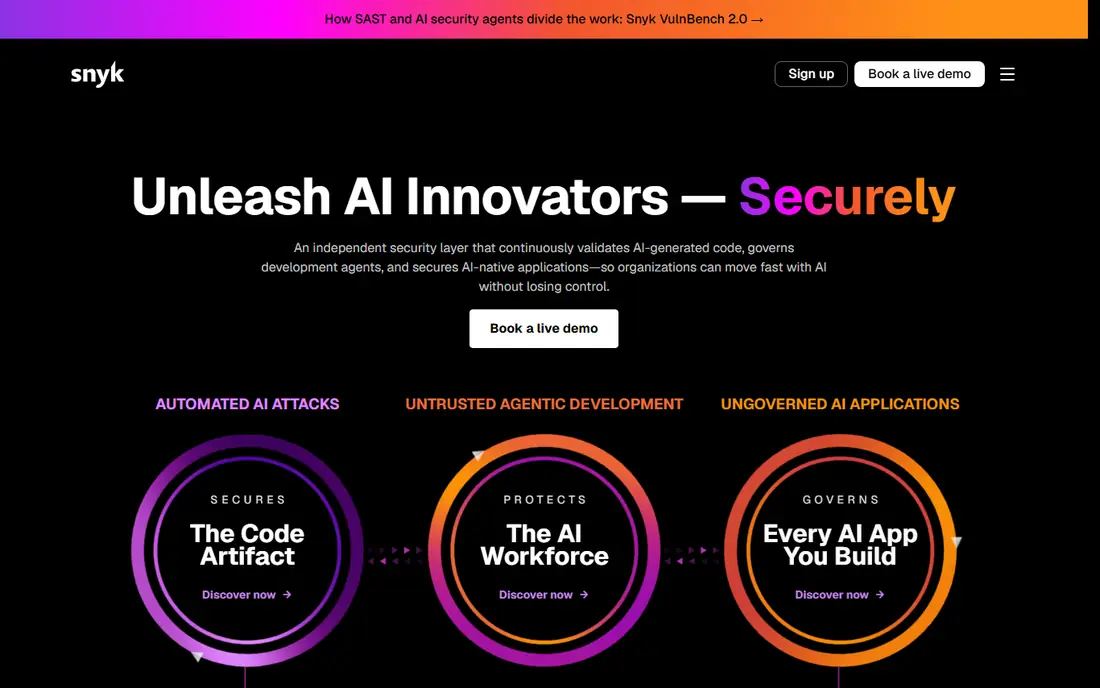
Snyk Code is built around the idea that developers will fix problems they can see early. It plugs into common editors and pull request workflows, so a finding appears while the code is still fresh in the author's mind. That timing matters, because a report that arrives days later is far more likely to be ignored or deferred. For teams moving from Checkmarx, the change in pace is often the first thing they notice.
The wider Snyk platform is a second reason to consider it. The same account can scan dependencies, containers, and infrastructure code, which gives a team one place to review different kinds of risk. The catch is that breadth is not the same as depth in every area. A large regulated program may still need a separate tool for formal audit evidence, and costs can rise as more developers and projects are added.
- Fast in-editor and pull request feedback
- Fix suggestions for many findings
- Covers open source, containers and infrastructure as well as code
- Deep enterprise governance is less extensive than some older platforms
- Pricing for larger teams is quoted rather than fully published
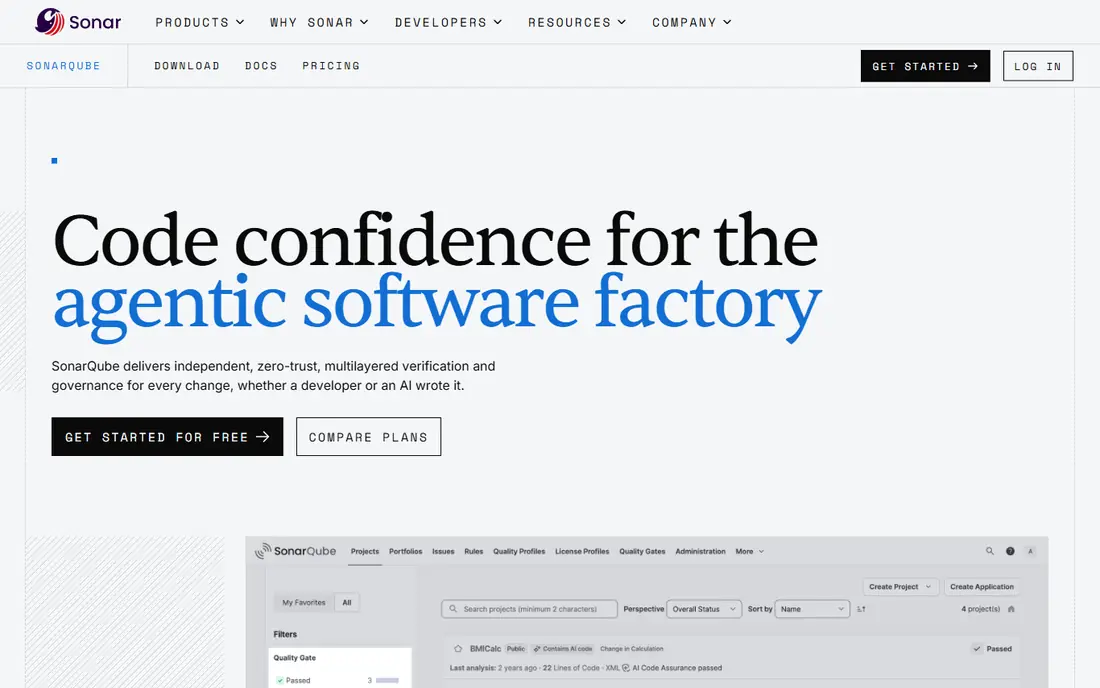
SonarQube has long been a quality tool first, and its security rules have grown steadily alongside that core. Teams that adopt it get code smells, duplication, test coverage, and security hotspots in a single dashboard. That combination helps managers explain why a change should not merge, without opening a second system. The hosted SonarQube Cloud option removes the self-hosting burden for teams that prefer a managed service.
The honest limit is focus. SonarQube is a strong floor for quality and security, but it does not replace every control in a large application security program. Teams with strict compliance reporting, complex custom queries, or unusual languages should run a trial on their own code and compare the findings side by side with their current tool before switching.
- Free Community Build for self-hosting
- Combines maintainability, reliability and security rules
- Clear quality gates for pull requests
- Security depth alone is narrower than a dedicated enterprise SAST tool
- Self-hosting adds maintenance work for small teams

Semgrep appeals to teams that want control over what gets flagged. Its rule format is readable, which means a security engineer can write a rule for an internal pattern, such as a risky internal API, without learning a complex query language. The open source core also makes it easy to try without a purchase process, and the paid tiers add managed rules, supply chain scanning, and secrets scanning.
Speed is the other draw. Scans often finish in seconds or minutes rather than hours, which makes it practical to run checks on every pull request. The trade-off is that out-of-the-box coverage is not as broad as a large enterprise scanner in every language. Expect to spend time tuning rules, reviewing false positives, and deciding which findings should block a merge.
- Open source engine with community rules
- Very fast scans
- Rules can be written and shared in plain patterns
- Coverage varies by language
- Teams must tune rules to avoid noise on large codebases
Veracode is the most direct enterprise peer to Checkmarx in this list. It offers static analysis, dynamic analysis, software composition analysis, and manual penetration testing services under one vendor. The binary scanning approach suits organizations that work with vendors or legacy code where source is not available. That option alone can settle the choice for some procurement teams.
The cost and complexity are the counterweight. Veracode is priced for programs, not for a single developer trying a tool on a side project. Expect a sales process, a trial with support, and time spent setting policies that match your risk tolerance. For regulated teams, that investment can pay off in audit-ready reports, but smaller teams may find it heavier than they need.
- Binary scanning option for teams that cannot share source
- Broad application security testing coverage
- Mature reporting for audits
- Pricing is quoted and can be high for smaller teams
- Setup and policy tuning take time
If your code, reviews, and releases already live in GitHub, GitHub Advanced Security removes a layer of tooling. CodeQL can find data flow problems that simpler pattern tools miss, and the results appear where developers already review code. Secret scanning and Dependabot alerts sit alongside it, so a team can triage several risk types without switching systems.
The limitation is scope. Organizations with large amounts of code outside GitHub, or with complex on-premises requirements, may not get the same return. Pricing is also tied to committers, so count active contributors carefully before estimating cost. Run it on a representative repository first, and check how many findings are actionable rather than counting raw totals.
- CodeQL scanning built into GitHub workflows
- Secret scanning and dependency alerts in the same place
- Code scanning results appear in pull requests
- Value depends on how much work already lives in GitHub
- Pricing is per committer and adds up for large teams
OpenText Fortify, formerly Micro Focus Fortify, is a familiar name in large enterprises with long-lived systems. It covers a wide set of languages, including some older ones that newer tools handle less well. For a team maintaining a mix of modern services and legacy applications, that breadth can matter more than raw scan speed. Deployment options include on-premises installs for teams with strict data controls.
The downside is pace. Fortify scans can take longer, and the workflow feels more like a scheduled audit than a developer assistant. Teams that want instant feedback in every pull request often pair it with a lighter tool, or reserve it for release gates. Budget for tuning time too, since a broad rule set needs careful filtering to keep results useful.
- Broad language coverage including older stacks
- On-premises and hosted options
- Long history in regulated sectors
- Scans can be slower than developer-first tools
- Interface and tuning feel dated compared with newer rivals
Black Duck Coverity, from the former Synopsys software group, is known for deep static analysis rather than quick pattern matching. It is a strong choice for C and C++ code, embedded systems, and other work where a memory error or race condition can cause serious harm. The analysis can surface defects that simpler tools miss, and the triage tools help teams work through large result sets in a structured way.
That depth comes with enterprise pricing and a heavier setup. Coverity is not the first tool we would pick for a small web team that only needs fast pull request checks. It earns its place for teams where correctness matters as much as security, and where the cost of a missed defect justifies a slower, deeper scan.
- Strong defect detection for memory and concurrency problems
- Suited to embedded and safety-related code
- Mature triage workflow
- Enterprise pricing is quoted
- Less suited as a light, developer-only scanner
Aikido Security bundles several checks that teams often buy separately. Code scanning, dependency scanning, container scanning, and cloud posture checks sit in one dashboard, which simplifies life for a small security team. The free tier lets a team test the platform on real code without a sales call, and the setup is designed to be quick.
The main risk is maturity. Aikido is newer than Veracode, Fortify, or Coverity, so its enterprise reporting and large-scale deployment history are thinner. That does not make it a poor choice for startups and mid-size teams, but larger regulated buyers should check references, support terms, and data handling carefully before making it their only scanner.
- One platform for code, dependencies, containers and cloud posture
- Free tier for small teams
- Fast setup
- Newer vendor with a smaller track record than enterprise rivals
- Some advanced enterprise features are still maturing
DeepSource aims to be the tool a small team actually keeps using. It comments on pull requests, suggests fixes for common issues, and tracks code health over time. The interface is less intimidating than an enterprise console, which helps when the person triaging findings is also writing features. Open source projects can use it at no cost, which makes it easy to evaluate.
Coverage is the limit to check. DeepSource supports a solid but not exhaustive set of languages, so teams with unusual stacks should verify support before migrating. It also works best as a quality and security floor, rather than as a full compliance platform. For many startups, that floor is exactly what they need, and it costs far less in time and money than a heavy enterprise suite.
- Free tier for open source and small teams
- Autofix suggestions for common issues
- Combines code quality and security checks
- Language coverage is narrower than larger SAST platforms
- Enterprise features are more limited
How we picked these
We compared official feature pages, pricing pages, language lists, and public documentation for each tool, and we left out tools that are no longer maintained or that do not offer a current SAST product. We favored tools that are available in October 2026, that fit a clear use case, and that can be tried or quoted without guessing at their core function. Where pricing was not published, we wrote See website rather than repeating an unverified estimate from a third party.
What to check before you switch SAST tools
Start with a trial on your own code, not on a demo project. Run the candidate and your current tool on the same repository, then compare actionable findings, false positives, and time to first result. Check language coverage for every service you ship, not just the main one, and confirm how the tool handles private repositories, monorepos, and build steps that need secrets. Ask about data handling too, including where code is processed and how long results are stored.
Next, map the workflow to your team. A tool that blocks every pull request on low-severity findings will be disabled quickly, while a tool that only reports weekly will be ignored. Decide which severities block a merge, who triages new rules, and how fixes are tracked. Finally, price the full program, including developer seats, extra projects, support, and any add-on modules for dependencies or containers. A low entry price can grow quickly once the whole estate is covered.
Questions to ask in a trial
Ask how long a full scan takes on a codebase of your size, and how incremental scans differ from full scans. Ask which findings come with a suggested fix, and whether fixes can be applied as a pull request. Ask how custom rules are written and tested, and how the vendor handles new vulnerability classes. The answers will tell you more about daily life with the tool than a feature list will.
Frequently asked questions
What is the best alternative to Checkmarx?
There is no single best choice, because the right tool depends on team size and risk. Snyk Code and Semgrep suit developer-led teams, SonarQube suits teams that want quality and security together, and Veracode or Fortify suit large regulated programs. Start with a trial on your own code and compare actionable results.
Are there free alternatives to Checkmarx?
Yes. Snyk Code, SonarQube Community Build, Semgrep, Aikido Security, and DeepSource all offer free tiers or open source editions. Free tiers often limit users, projects, or features, so check those limits before relying on them for production use.
How do SAST tools differ from dependency scanners?
SAST scans your own source code for flaws such as injection, weak cryptography, and unsafe data flows. Dependency scanners check third-party libraries for known vulnerabilities. Most teams need both, and several tools in this guide bundle them, but the two checks answer different questions.
Should we replace Checkmarx with one tool or two?
Many teams use two tools in different roles, such as a fast developer tool in pull requests and a deeper enterprise tool at release gates. That approach costs more to maintain, but it can give both speed and audit depth. If your team is small, one well-chosen tool used consistently is usually better than two tools used poorly.
How much do Checkmarx alternatives cost?
Costs range from free for small teams to quoted enterprise contracts for large programs. Developer-first tools often publish per-developer pricing, while Veracode, Fortify, and Coverity usually require a quote based on scope. Always ask for a total price that includes support and add-on modules.
Sources
See where you really rank - block by block
ProMapRanker scans Google Maps across a grid of your service area. Simple monthly plans from $19, white-label on every plan.
Start freeKeep reading
 zscaler alternatives
Best Zscaler Alternatives in 2026
Looking for zscaler alternatives? We compare 9 SASE and zero trust platforms on architecture, data protection, pricing, and fit for your network and team.
Read → zapier alternatives free
Best Zapier Alternatives Free in 2026
Nine automation tools for zapier alternatives free in 2026, all with genuinely free tiers, plus free plan limits, starting prices and upgrade paths explained.
Read → which platform is best for online reputation
Which Platform Is Best for Online Reputation in 2026
Wondering which platform is best for online reputation? We compare 8 review, listing, and response tools for small and multi-location businesses and agencies.
Read →