 ProMapRanker
Cheapest Database Software With Best Features in 2026

Key takeaways
- Open source tools such as PostgreSQL, MySQL, SQLite and MariaDB cost nothing for the software itself, but hosting and support still cost time or money.
- Supabase and Firebase bundle auth, storage and realtime features, which can lower total cost for a small app.
- Neon and PlanetScale suit teams that need branching or serverless scaling, but paid plans and usage charges need close checking.
- Judge total cost, including hosting, backups, egress and support, not just the headline monthly price.
Quick comparison
| Pick | Great for | Pricing starts at | Free tier | |
|---|---|---|---|---|
 PostgreSQL | Free relational database for most apps | Free | Yes | Visit |
 MySQL | Free relational database with wide support | Free | Yes | Visit |
 SQLite | Free embedded database for local apps | Free | Yes | Visit |
 MariaDB | Free MySQL-compatible database | Free | Yes | Visit |
 MongoDB Community | Free document database for flexible data | Free | Yes | Visit |
 Supabase | Postgres plus auth, storage and realtime | Free | Yes | Visit |
 Firebase | Mobile and web apps with realtime sync | Free | Yes | Visit |
 Neon | Serverless Postgres with branching | Free | Yes | Visit |
The best cheapest database software with best features
We compared official product pages and pricing pages for database tools that are free or low cost, judging total cost and genuinely included features rather than headline price alone.
Prices here are snapshots from vendor and comparison pages in October 2026, and usage-based prices vary with storage, traffic and compute. Check the vendor pricing page before committing, since limits and overage rates change.
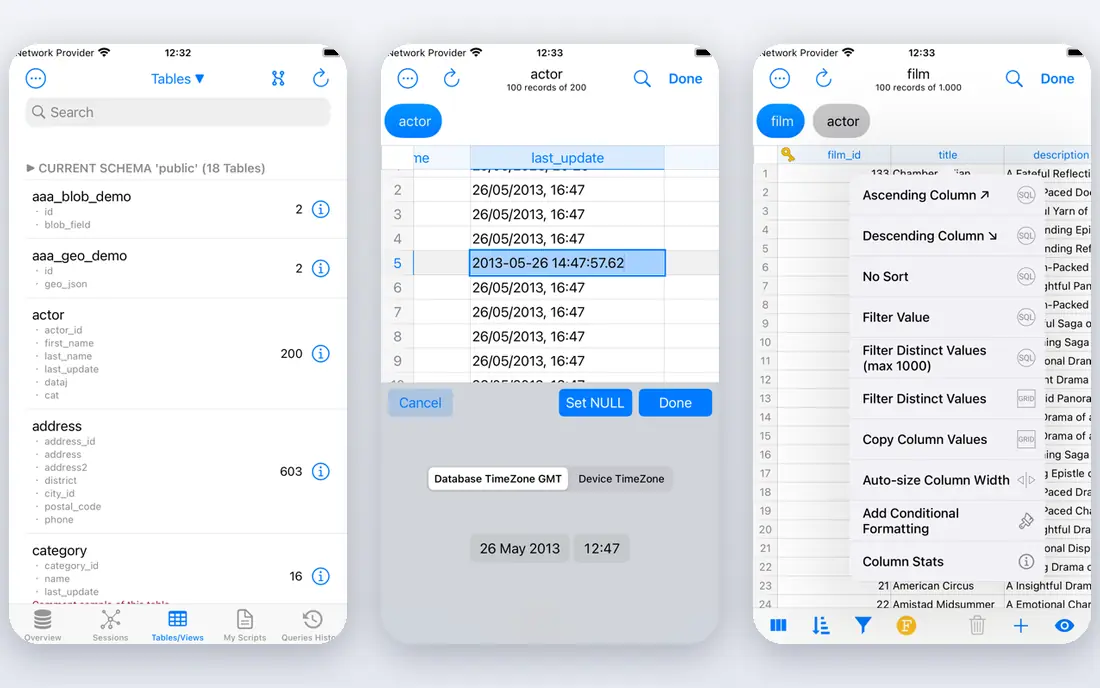
PostgreSQL is the default answer for a team that wants a capable relational database without a licence fee. It handles structured data, transactions, complex queries and extensions well, and it is supported by almost every framework, host and cloud provider. For a typical web app, it rarely becomes the limit, and its open licence means no per-seat or per-core bill for the software itself.
Total cost is where the judgement matters. Self-hosting is free in licence terms but costs server time, backup setup and maintenance, while managed Postgres adds a monthly hosting fee. Even so, for most small and mid-size apps, PostgreSQL gives the best feature set per dollar, because the software cost is zero and the ecosystem is so wide.
- Free and open source
- Strong SQL, reliability and extensions
- Huge community and tooling
- Hosting, backups and tuning are your job on self-hosted setups
- Managed hosting costs extra
MySQL remains a sensible cheap choice, especially for teams already running PHP, WordPress or a classic web stack. The community edition is free, hosting options are everywhere, and most developers have worked with it before, which shortens setup time. For straightforward structured data, it does the job with little fuss.
The catch is edition boundaries. Advanced enterprise features, such as some monitoring and security tools, sit behind paid MySQL editions, so teams should check whether a needed feature is in the free community edition. Managed hosting also adds cost, just as with PostgreSQL, so compare hosted prices rather than licence prices alone.
- Free community edition
- Very widely supported
- Simple to run for common web apps
- Some enterprise features sit behind paid editions
- Self-hosting still needs backup and tuning work
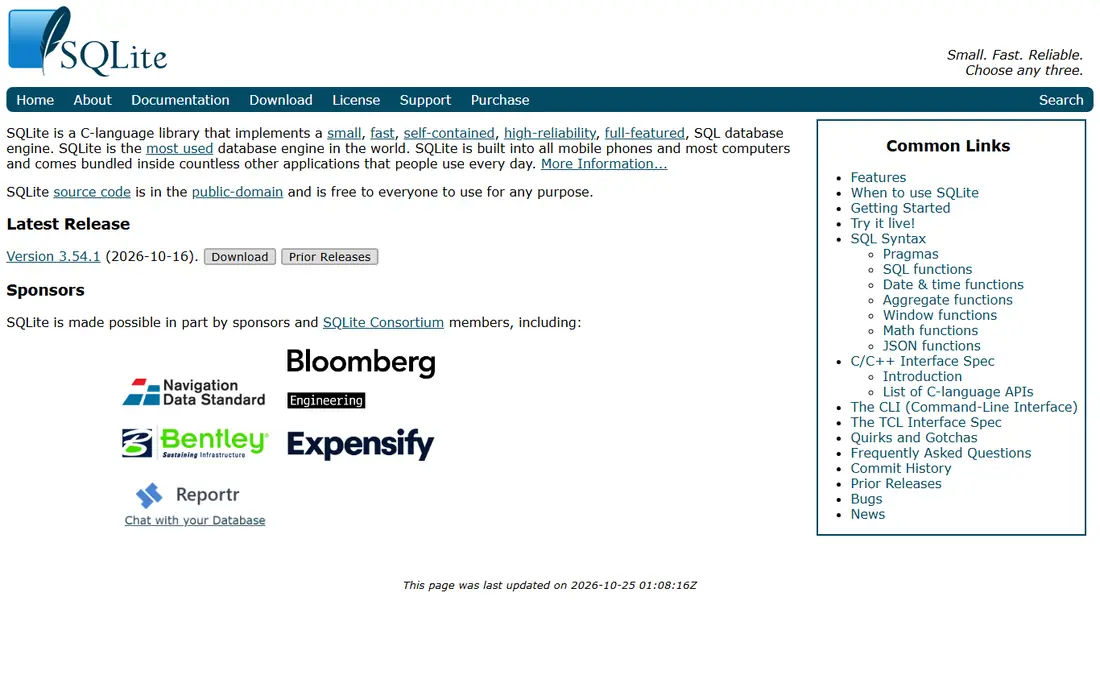
SQLite is the cheapest database in a different sense: it needs no server at all. It lives as a file inside an app, which makes it ideal for mobile apps, desktop tools, testing and small local projects. There is no hosting bill, no database server to maintain, and setup takes minutes rather than hours.
Its limits are clear and should be respected. Heavy concurrent writes from many users are not its strength, and a shared web app with many writers will usually need a server database instead. For a single-user app, a prototype or an embedded store, however, nothing beats SQLite on total cost.
- Free and embedded
- No server to run
- Fast for single-user and local apps
- Not built for heavy multi-user writes
- No separate server process for shared access
MariaDB began as a community fork of MySQL, and it keeps that compatibility while staying fully open source. Teams moving from MySQL can usually switch with little change, and the free server covers the core relational features most apps need. For a team that values open governance and a free licence, it is a strong alternative to MySQL itself.
The trade-off is ecosystem size. MySQL has a slightly wider range of hosted options and third-party tools, so a MariaDB team should confirm its chosen host and framework support it well. On licence cost alone, both are free, so the choice comes down to hosting, tooling and team familiarity.
- Free and open source
- MySQL compatible
- Community-driven development
- Some tooling and hosting options are narrower than MySQL
- Managed costs vary
MongoDB Community suits apps where data does not fit neat tables, such as catalogues, content stores or event data with changing fields. Documents can hold nested data without a rigid schema change, which speeds up early development when the data shape is still evolving. The community server itself is free, and the query language is widely known.
Total cost needs care. Self-hosting is free in licence terms but needs backup, monitoring and scaling work, while MongoDB Atlas, the managed service, charges by usage and cluster size. Teams should also check whether document flexibility will complicate reporting later, since relational tools often report more cleanly.
- Free community server
- Flexible document model
- Good for changing or nested data
- Self-hosting needs care for backups and scaling
- Managed Atlas pricing is usage-based
Supabase gives a small team a full backend, not just a database. Postgres sits alongside authentication, file storage, realtime updates and edge functions, which can replace several separate services and their bills. The free tier covers small projects, and the open source core means a team is not locked to one vendor in the same way as a closed backend.
The free tier has a real limit: projects pause after a week of inactivity, so a production app needs the Pro plan at $25 per month plus usage charges for storage, bandwidth and compute. Even with that cost, Supabase can be cheaper in total than buying auth, storage and a database separately, as long as usage stays within the plan.
- Postgres with auth, storage and realtime in one place
- Free tier for small projects
- Open source core
- Free projects pause after inactivity
- Paid Pro starts at $25 per month plus usage
Firebase suits mobile and web teams that need realtime sync, authentication and hosting from one provider. Firestore and the Realtime Database update clients as data changes, which fits chat, collaboration and live dashboards without custom sync code. The free tier covers small apps, and the pay-as-you-go model means a side project can start at no cost.
Usage is the cost risk. Reads, writes, storage and bandwidth are metered, so a popular app can see bills rise faster than a flat hosted database. Complex relational joins are also weaker than in Postgres, so teams with heavy reporting needs should test the data model before committing to Firebase alone.
- Realtime database and Firestore
- Auth, hosting and functions in one Google platform
- Free tier for small apps
- Usage-based pricing can rise with reads and writes
- Data model suits document data more than complex joins
Neon is serverless Postgres with a feature that many teams now value: database branches, like code branches, for preview and testing. A team can spin up a copy of the database for a pull request, test a migration safely, and discard it afterwards. The free tier covers small projects, and scale-to-zero compute means an idle app does not pay for a server running all month.
Paid costs depend on compute hours and storage, so a busy app needs to model its own traffic rather than trusting a headline price. Teams that do not use branching or serverless scaling may find a plain hosted Postgres plan simpler and cheaper. For teams that do use previews, Neon can save real testing time and cost.
- Serverless Postgres that scales to zero
- Database branching for previews
- Free tier for small projects
- Paid plans and compute charges vary with use
- Branching is most useful to teams with preview workflows
How we picked these
We compared official product and pricing pages and recent pricing comparisons, and we kept only databases that are available today with a free tier or a free open source edition. We judged total cost, including hosting, usage, backups and bundled features, and we left usage prices as snapshots where they vary. We did not claim hands-on testing, and we did not present a paid-only tool as free.
What to check before you buy
Start with the data shape and the traffic pattern. A relational app with joins and reports fits Postgres, MySQL or MariaDB, while a document app with changing fields fits MongoDB or Firestore. An embedded app fits SQLite, and a preview-heavy team gains from Neon branching.
Next, model a realistic month, not a demo day. Estimate storage, reads, writes, bandwidth and compute, then check free-tier limits, pause rules and overage rates. A tool that is free for a prototype can become costly at production traffic, and a flat hosted plan can beat a usage plan for steady load.
Frequently asked questions
What is the cheapest database software with the best features?
For most apps, PostgreSQL gives the best feature set at zero licence cost, with Supabase close behind for teams that also need auth and storage. SQLite is cheapest for local apps, since it needs no server, while Neon and Firebase win for specific serverless or realtime patterns.
Is a free database really free?
The software can be free, but hosting, backups, monitoring and support still cost time or money. Open source tools are free to download, while managed services charge for hosting and usage. Always add hosting and overage costs to the licence price.
Should I choose SQL or NoSQL for a cheap project?
Choose SQL, such as Postgres or MySQL, when data is structured and reporting matters. Choose a document store, such as MongoDB or Firestore, when data shapes change often or nesting is natural. Many teams start with Postgres and add a document store only when a clear need appears.
Does Supabase or Firebase cost more at scale?
Both can rise with usage, since Supabase charges for compute, storage and bandwidth beyond its plans, and Firebase meters reads, writes and storage. A steady, high-traffic app may be cheaper on a flat hosted Postgres plan, so model your own traffic before choosing.
Can I switch databases later?
Yes, but migration takes work, especially for schema, queries and data types. Choose a widely supported database, keep an export path, and avoid vendor-specific features for core data, so a future move stays possible without a full rewrite.
Sources
See where you really rank - block by block
ProMapRanker scans Google Maps across a grid of your service area. Simple monthly plans from $19, white-label on every plan.
Start freeKeep reading
 what’s the best risk software for enterprises
What Is the Best Risk Software for Enterprises in 2026
We compared what’s the best risk software for enterprises on risk registers, controls, third-party risk, and reporting, with pricing notes for large teams.
Read → what's the best pam software for enterprises
What is the Best PAM Software for Enterprises in 2026
Find what's the best pam software for enterprises, with vaulting, session recording, just in time access and pricing compared for large enterprise IT teams.
Read → what’s the best grc software
What Is the Best GRC Software in 2026
We compared what’s the best grc software on risk, compliance, audit and vendor risk, so teams can pick a platform that fits their frameworks and budget.
Read →