 ProMapRanker
Best Chat Bot Alternatives in 2026

Key takeaways
- Tidio, Botpress and Crisp give small teams a free starting point, while Intercom and Zendesk suit larger support teams with bigger budgets.
- The cheapest plan is not always the cheapest bill, since some tools charge per seat, per resolution or per conversation on top of a base plan.
- ManyChat and Landbot-style flow builders fit lead capture and social messaging better than deep help desk work.
- Start with one clear job, such as answering repeat questions or booking meetings, and test the bot on your real questions before you pay.
Quick comparison
| Pick | Great for | Pricing starts at | Free tier | |
|---|---|---|---|---|
 Intercom | Larger support teams | See website | Free trial | Visit |
 Tidio | Small shops and online stores | Free | Yes | Visit |
 Zendesk | Ticket-based support teams | See website | Free trial | Visit |
 Freshchat | Freshworks users | Free | Yes | Visit |
 Botpress | Custom AI agents | Free | Yes | Visit |
 Crisp | Small teams wanting a shared inbox | Free | Yes | Visit |
 LiveChat | Live chat with chatbot add-ons | See website | Free trial | Visit |
 ManyChat | Social and messaging campaigns | Free | Yes | Visit |
The best chat bot alternatives
These eight tools build chatbots for websites and support, but they solve different problems. Some focus on answering customers, some on capturing leads, and some on social messaging.
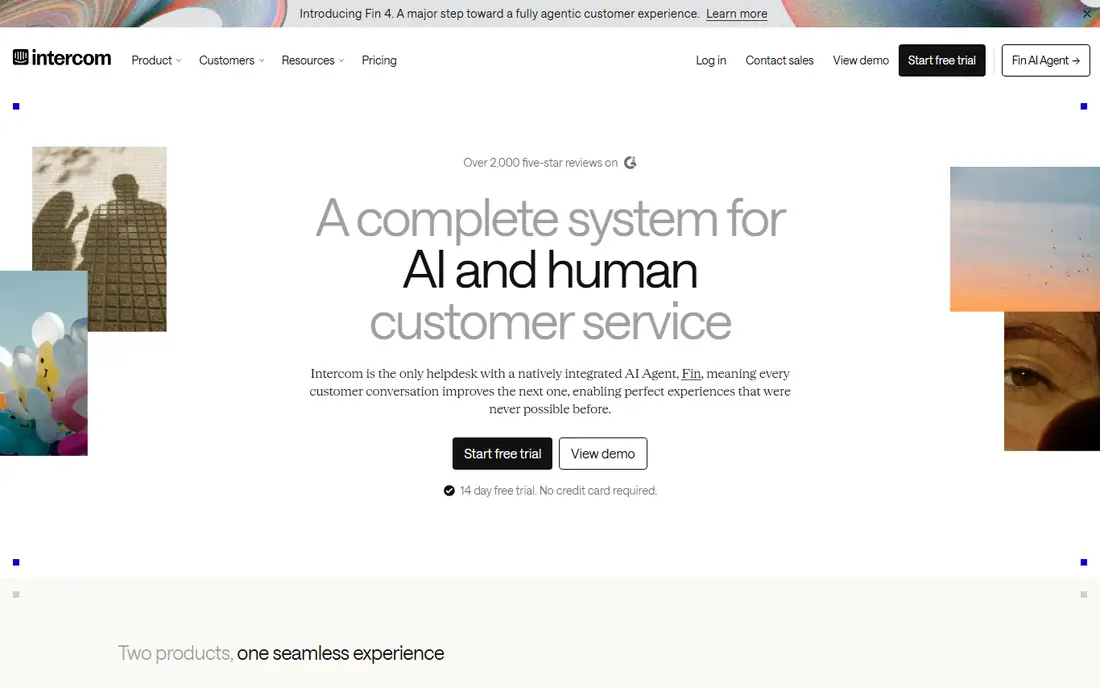
Intercom works best when support volume is already high and repeat questions eat agent time. Its AI agent, Fin, can answer from help center articles and past conversations, then hand over to a person when the question needs judgment. That mix suits software and service teams that want fewer tickets without losing the human option.
The trade-off is cost and complexity. Seat pricing plus per-resolution charges can grow faster than a flat monthly plan, so teams should model their expected volume before committing. Smaller teams may find the setup heavier than they need for a basic website bot.
We would pick Intercom for a growing support team that already has help content to feed the bot. Teams with only a handful of chats per week will likely get better value from a free or low-cost option below.
- Strong AI agent for repeat questions
- Shared inbox and help center in one place
- Good reporting on resolutions
- Pricing can rise quickly with seats and resolutions
- Setup takes more time than a simple widget
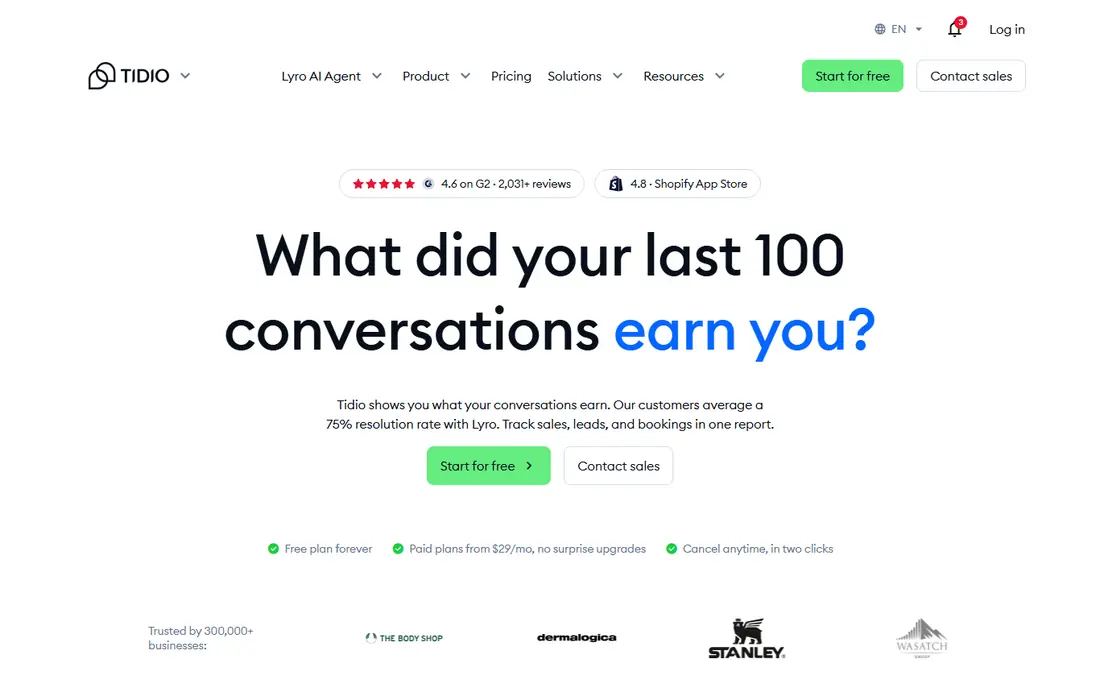
Tidio is a practical first chatbot for a small store or service site. The widget installs quickly, the free plan covers basic live chat, and its Lyro AI tool can answer common order, shipping and product questions. That combination covers the questions most small shops hear every day.
The catch is scale. AI conversations and some features are tied to plan limits, so a busy store can hit a ceiling during a sale or seasonal rush. The inbox is also simpler than a full help desk, which matters if you run complex ticket workflows.
We see Tidio as our pick for most small businesses starting out. It keeps the upfront cost at zero and lets you learn what visitors actually ask before you pay for more capacity.
- Free plan to start
- Lyro AI answers from your own content
- Works well with Shopify and WordPress
- Advanced AI use is metered by plan
- Larger teams may outgrow the simpler inbox
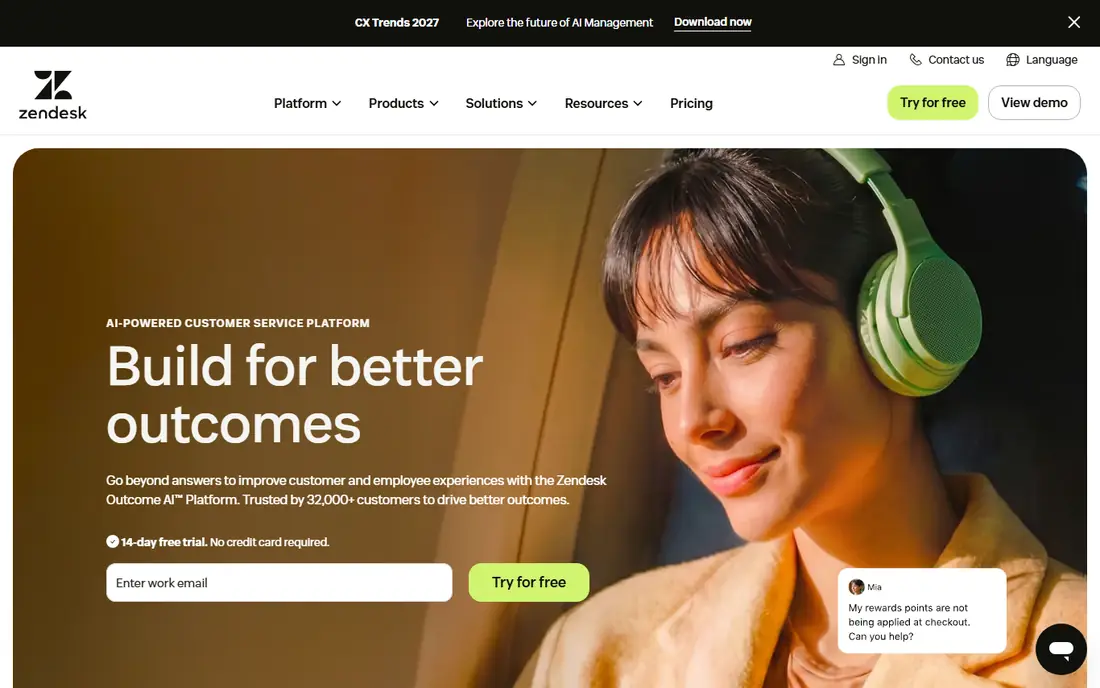
Zendesk suits teams that already treat support as tickets, not just chats. Its AI tools can draft replies, route conversations and resolve common requests, while agents keep a full record in one workspace. That structure helps when many people handle the same customer over time.
The downside is weight. For a one-page site with a few weekly questions, Zendesk can be more system than the job needs, and its pricing depends on agent seats and AI options. Implementation also takes planning around ticket fields, triggers and macros.
We would choose Zendesk when support is a core operation with multiple channels and agents. If you only need a website widget, a lighter tool will be faster to run.
- Mature ticketing and automation
- AI can work across chat, email and voice
- Strong admin controls
- Pricing varies by agent and AI add-on
- Can feel heavy for a simple website bot
Freshchat makes sense for teams already using Freshworks products. Chats can turn into Freshdesk tickets without retyping customer details, and Freddy AI can handle routine questions inside the same workspace. That link saves time when a chat needs follow-up work.
Outside that suite, the case is less clear. Other tools in this list offer similar widgets, and Freshchat shines most when the rest of your support stack is already Freshworks. Plan limits on AI and messaging also deserve a close read before you rely on it for high volume.
We would pick Freshchat for a Freshworks household that wants chat and tickets together. Standalone buyers should compare it directly with Tidio and Crisp on price and inbox feel.
- Free plan available
- Freddy AI for common answers
- Links to Freshdesk tickets
- Best value inside the Freshworks suite
- AI limits vary by plan
Botpress is built for teams that want to design an agent, not just switch on a canned bot. You can connect knowledge sources, shape conversation flows and publish the same agent to a website and messaging channels. That control appeals to developers and product teams with specific workflows.
That control comes with work. A good Botpress agent needs clear content, testing and tuning, and a team that can maintain it. Template-first tools will get a basic bot live faster, though with less room to customise behaviour.
We would pick Botpress when the bot must follow a specific process or draw on your own documents. Teams that want a quick plug-in answer bot should start with a simpler option first.
- Free plan to build and test
- Flexible flows and knowledge sources
- Deploys to web and messaging channels
- Needs more setup skill than a template widget
- Usage pricing can surprise heavy users
Crisp keeps the daily job simple: one inbox for chat, email and social messages, plus a help center for self-service answers. Small teams like that they can see every conversation in one place without learning a large platform. The free plan is enough to test that workflow on a real site.
The limits show up as needs grow. Deeper automation, advanced AI replies and detailed reporting sit on higher plans, and large support operations may want stronger admin and routing tools. Crisp is a team inbox first and an enterprise help desk second.
We would pick Crisp for a small team that wants chat and email together at low cost. It is a calm, tidy choice when the main need is fast human replies backed by a basic bot.
- Free plan with a shared inbox
- Simple widget and knowledge base
- MagicReply AI option
- AI and automation depth is limited on lower plans
- Fewer enterprise controls
LiveChat puts human chat first and adds bots around it. Agents get a focused chat workspace, canned replies, visitor details and reporting, while the chatbot add-on can greet visitors, collect details and answer routine questions. That order suits teams that value live conversation.
The catch is the add-on model. The chatbot is not the core product, so automation depth and pricing need separate checking. Per-agent pricing also adds up for a large roster, even if only some agents handle chat each day.
We would pick LiveChat for a team whose main channel is live chat and who wants a bot to support agents, not replace them. Bot-first teams will find Botpress or Intercom a closer fit.
- Fast, proven live chat
- Chatbot add-on for automation
- Good agent tools and reports
- Chatbot features are a separate add-on
- Pricing is per agent, so large teams pay more
ManyChat is a different kind of chatbot tool. It builds flows for Instagram, Messenger and WhatsApp, where the goal is often capturing a lead, delivering a link or running a campaign, rather than resolving a support ticket. Templates and visual flows make that work accessible without code.
That focus is also its limit. A website support team that needs ticketing, knowledge search and agent handover will find ManyChat thin for that job. Social platforms also set rules on promotional messages, so campaigns need to follow each channel's terms.
We would pick ManyChat for marketing and lead capture on social channels. For website support, pair it with a proper inbox tool, or choose a support-first product from this list instead.
- Free plan to start
- Strong Instagram, Messenger and WhatsApp flows
- Good for lead capture
- Less suited to deep website support
- Social platform rules can limit message types
How we picked these
We compared official feature pages, pricing pages and app listings, plus public reviews that describe real setup and limits. We kept only tools that are live in October 2026 and that build chatbots for websites, support or messaging, and we left out single-purpose personal assistants that cannot be embedded on a business site. Pricing is shown as listed by each vendor at the time of checking, and we wrote See website where a plan depends on seats, volume or a sales quote.
What to check before you choose
Start with the channel your customers already use. A website bot helps website visitors, a social bot helps social followers, and a help desk bot helps when tickets already exist. Picking the wrong channel first is the most common reason a chatbot project stalls.
Next, count the questions you actually receive. List your top ten repeat questions and check each shortlisted tool against them. If a tool cannot answer those ten well, its extra features will not save the project. Also check handover: a bot should pass the full conversation to a person, not restart the customer from zero.
Finally, test the bill, not just the demo. Seats, AI resolutions, conversations and message limits all change the monthly total. Run a small pilot on live traffic, read the usage report, and only then decide on a paid plan.
Frequently asked questions
What is a chat bot for a website?
A website chatbot answers visitors in a chat window, collects contact details, books meetings or hands the conversation to a person. Some follow fixed rules, while AI chatbots answer from your help articles, product pages or other content you provide.
How much does a chatbot builder cost?
Costs range from free plans with limits to per-seat and per-resolution pricing for larger teams. Small shops can often start free with Tidio, Crisp or ManyChat, while Intercom and Zendesk suit teams that can justify a higher monthly bill for ticket and AI capacity.
Do I need coding skills to build a chatbot?
Most tools here offer visual builders and templates, so a non-technical owner can launch a basic bot. Custom agents on Botpress or deep Zendesk automation still benefit from technical help, especially for integrations and testing.
Can a chatbot replace my support team?
No, and it should not be sold that way. A good bot resolves repeat questions and gathers details, then hands complex, sensitive or angry conversations to a person. Teams that plan handover well get better results than teams that try to automate everything.
Which chat bot alternative is best for a small business?
For most small businesses, Tidio or Crisp is the best starting point because both offer free plans and a simple widget. ManyChat is better if leads come mainly through Instagram or Messenger, while Botpress fits owners who want a custom agent.
What should I test before paying?
Test your ten most common questions, the handover to a human, mobile behaviour and the usage report after a week of live traffic. Also confirm how the tool handles wrong answers, since a confident wrong answer costs more trust than a quick handover.
Sources
See where you really rank - block by block
ProMapRanker scans Google Maps across a grid of your service area. Simple monthly plans from $19, white-label on every plan.
Start freeKeep reading
 zyte alternatives
Best Zyte Alternatives in 2026
These zyte alternatives cover managed scraping APIs, proxy networks and no code tools for lawful collection from your own or consented sources only in 2026.
Read → zerto alternatives
Best Zerto Alternatives in 2026
Compare the best zerto alternatives for disaster recovery and replication, with recovery targets, cloud options and honest trade-offs for teams in 2026.
Read → zerofox alternatives
Best ZeroFox Alternatives in 2026
We compared 9 zerofox alternatives for brand protection, phishing takedowns, dark web monitoring, and social impersonation, with clear coverage notes.
Read →