 ProMapRanker
Best CCleaner Alternatives in 2026

Key takeaways
- BleachBit and Wise Disk Cleaner suit people who want a free, focused cleaner with no subscription and no upsell pressure.
- Glary Utilities and Wise Care 365 suit people who want a broad toolkit, with startup controls, registry tools and scheduled cleaning in one place.
- Ashampoo WinOptimizer suits buyers who prefer a one time licence over a yearly subscription.
- CleanMyMac is the clear Mac pick here, while the rest of this list is mainly Windows focused.
- Most Windows users should try built in Storage Sense first, then add a third party cleaner only if they need privacy wiping or deeper controls.
Quick comparison
| Pick | Great for | Pricing starts at | Free tier | |
|---|---|---|---|---|
 BleachBit | Free open source privacy cleaning | Free | Yes | Visit |
 Glary Utilities | Broad all in one toolkit | $39.95 per year | Yes | Visit |
 Wise Disk Cleaner | Fast lightweight junk cleanup | Free | Yes | Visit |
 Wise Care 365 | Polished automatic maintenance | $39.95 per year | Yes | Visit |
 Advanced SystemCare | One click optimisation | $29.99 per year | Yes | Visit |
 Ashampoo WinOptimizer | One time licence buyers | $30 one-time | Free trial | Visit |
 PrivaZer | Deep privacy trace cleaning | Free | Yes | Visit |
 AVG TuneUp | Households with several PCs | $64.99 per year | Free trial | Visit |
 System Mechanic | Multi PC households | $54.95 per year | Free trial | Visit |
 CleanMyMac | Mac cleanup and maintenance | $39.95 per year | Free trial | Visit |
The best ccleaner alternatives
These cleaners replace CCleaner for junk removal, browser traces, startup management and privacy wiping. Prices change often with discounts, so check the vendor page before you buy, and back up important files before any deep clean.
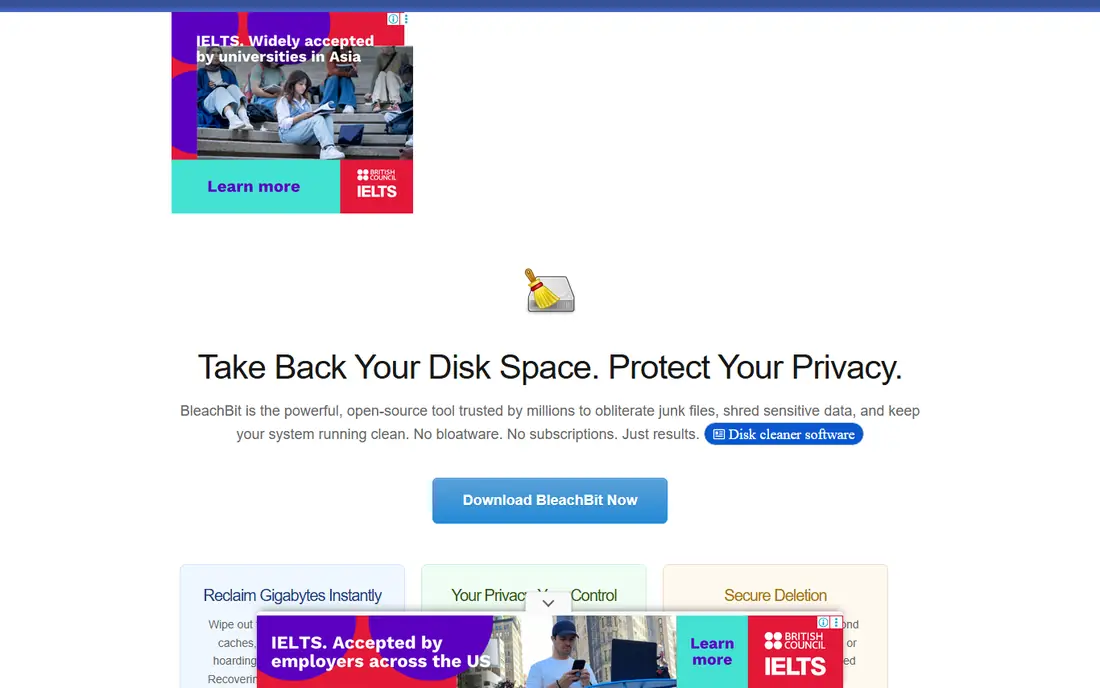
BleachBit is the honest free option. It cleans browser caches, temporary files, logs and application leftovers, and it can shred files so they are harder to recover. Because the code is open, privacy minded users can check what it does instead of trusting marketing claims. There is no paid tier pushing you to upgrade.
The trade off is guidance. BleachBit expects you to choose what to clean, and it does not include a registry cleaner, which is a deliberate choice, since registry cleaning rarely improves speed. If you want a simple, transparent cleaner and you are comfortable ticking boxes yourself, this is our first pick for Windows and Linux.
- Open source code anyone can inspect
- Secure file shredding
- No ads and no paid upsells
- Interface is plain
- No registry cleaner by design
- Fewer guided wizards than paid suites
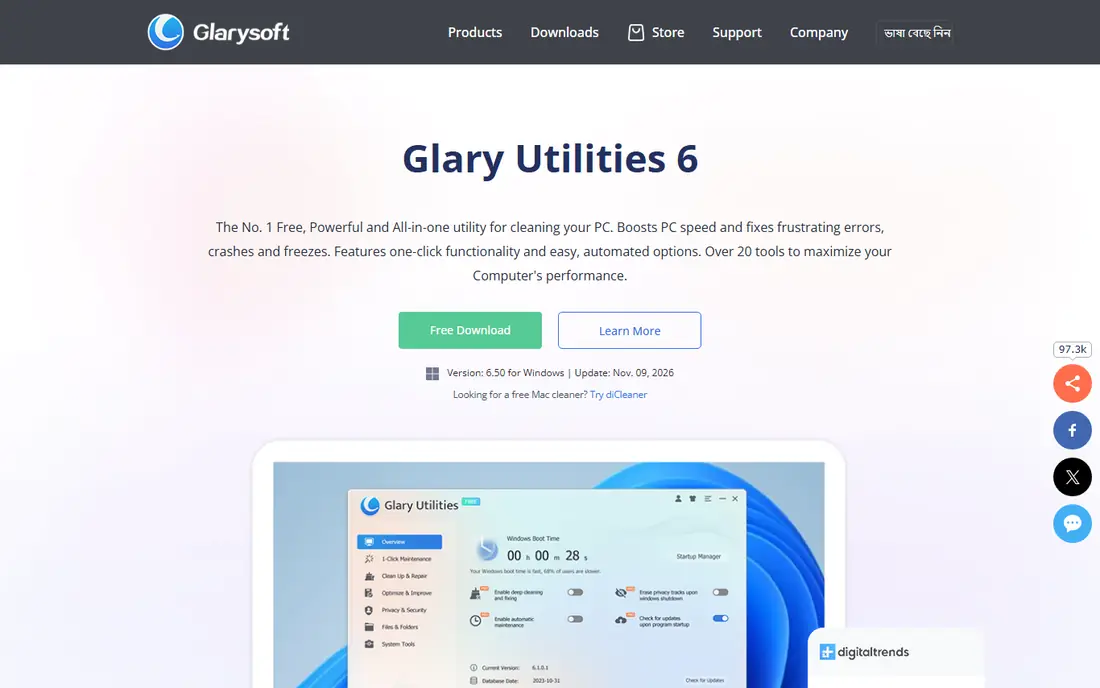
Glary Utilities packs disk cleaning, registry repair, startup management, duplicate finding, file shredding and uninstall tools into one dashboard. One click maintenance runs the common jobs together, which suits users who want a single app rather than five small ones. The free version covers most everyday cleaning, while Pro adds scheduled cleaning and deeper automation.
That breadth can overwhelm a new user. Start with disk cleanup and startup management only, and leave registry tools alone unless you have a specific problem and a backup. For a household PC that accumulates junk, temporary files and unwanted startup apps, Glary gives good value for the price.
- More than 20 tools in one suite
- One click maintenance
- Startup manager and file recovery tools
- Interface can feel crowded
- Pro features push in the free version
- Registry tools need care
Wise Disk Cleaner does one job well. It scans for temporary files, browser traces, log files and other junk, shows you the size of each category, and deletes what you approve. The app is small, starts quickly and can run on a schedule, so it suits older PCs and users who dislike heavy suites.
If you want registry care, startup tools and system monitoring, you will need its bigger sibling, Wise Care 365, below. For a pure CCleaner replacement focused on freeing disk space, Wise Disk Cleaner is enough, and its free price makes it easy to try first.
- Very light and fast
- Scheduled cleaning
- Clear view of what will be deleted
- Focused on disk junk only
- No broad optimisation suite
- Advanced features are in Wise Care 365
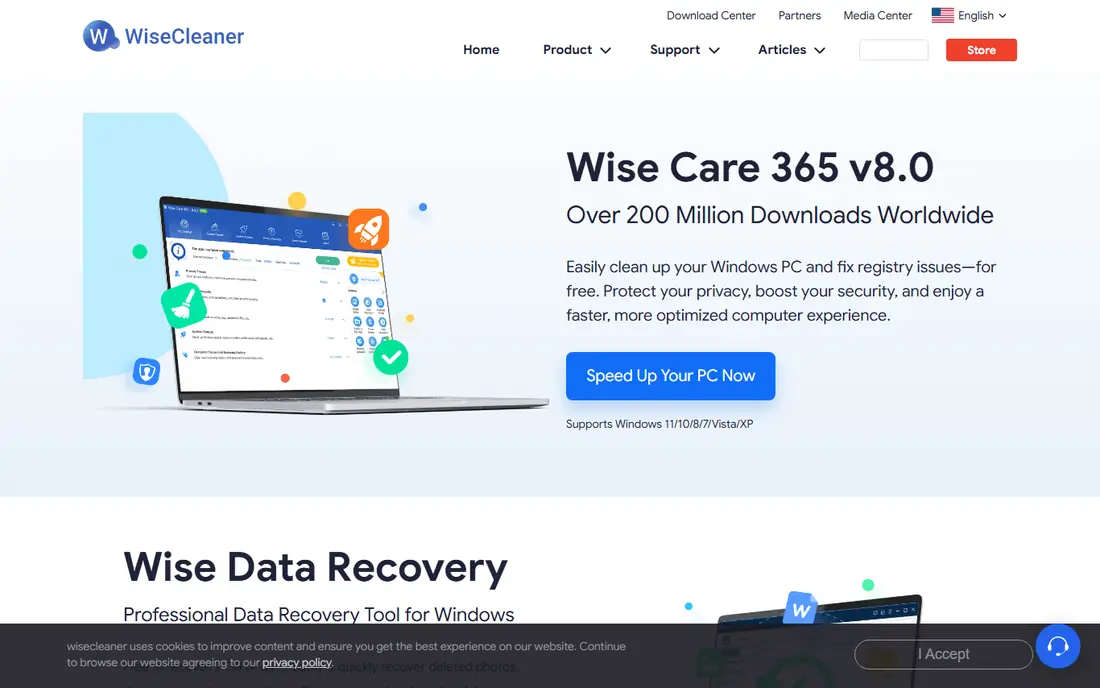
Wise Care 365 wraps the disk cleaner in a full maintenance suite. It adds registry cleaning with a backup step, privacy erasing, startup management, disk defragmentation and hardware monitoring. The dashboard is calmer than Glary, which helps users who want guidance without a wall of tools.
The free version handles basic cleaning, while Pro adds scheduled and automatic maintenance. That automation is the reason to pay: set it once, and the PC stays tidy without weekly manual runs. If you already use Wise Disk Cleaner and want more automation, this is the natural upgrade.
- Clean dashboard with guided maintenance
- Registry backup before changes
- Privacy protection and tuning tools
- Pro price overlaps Glary
- Some tools duplicate Windows features
- Annual renewal needed for Pro
Advanced SystemCare from IObit is built for users who want one button to press. A single scan checks junk files, registry entries, privacy traces, startup items and security gaps, then offers a fix list. That simplicity suits family PCs and users who do not want to learn each tool separately.
Read the installer carefully, since it can offer additional IObit software, and decline anything you do not want. The free version is usable, while Pro adds deeper cleaning, automatic updates and real time optimisation. Treat registry fixes with caution, and create a system restore point before a deep clean.
- Very simple one click scan
- Startup optimiser and privacy sweep
- Large user base with frequent updates
- Installer can offer extra software, so read each screen
- Upsell prompts in the free version
- Registry tools need care
Ashampoo WinOptimizer suits buyers who dislike subscriptions. You pay once for the current version, and the suite covers cleaning, privacy controls, tuning, startup management and system analysis. A home licence covering up to three PCs makes it good value for a small household.
Check the fine print before you buy. A one time licence usually covers the version you buy, not free upgrades to the next major version, so future upgrades may cost extra. If you keep PCs for years and want no renewal date, that trade is still attractive, and the trial lets you test the modules first.
- One time licence with no yearly bill
- 19 modules in the suite
- Licence covers up to 3 PCs on the home plan
- Licence does not include free upgrades to future versions
- Interface has many modules to learn
- Windows only
PrivaZer focuses on privacy rather than speed claims. It finds traces left by browsers, media players, office apps and Windows itself, including free space and registry traces, and it can overwrite deleted files. A portable version runs from a USB drive, which suits technicians and shared PCs.
Deep scans are slower than a quick junk clean, so run them when you have time, not before a deadline. The home version is free, while Pro is supported by a contribution model. If you are selling a PC, returning a work laptop or simply want traces gone, PrivaZer goes further than a basic junk cleaner.
- Deep trace cleaning across browsers and apps
- Secure deletion options
- Portable version available
- Deep scans take longer
- Interface is technical
- Some features need a donation supported Pro version
AVG TuneUp, from the same company behind AVG antivirus, cleans junk, updates software, puts unused background programs to sleep and manages startup items. Its sleep mode is the standout feature, since it can reduce background load without uninstalling apps you use occasionally. Automatic maintenance keeps the job running without reminders.
The price is higher than many rivals, so it makes most sense for a household that already trusts AVG or wants one vendor for security and tuning. Single PC users on a budget will find better value in BleachBit or Glary. Check how many devices your licence covers before you buy, since multi device cover changes the value.
- Trusted antivirus brand behind it
- Sleep mode for background apps
- Automatic maintenance and updates
- Higher yearly price than Glary or Wise
- Some features overlap Windows tools
- Trial is time limited
System Mechanic from iolo has been a PC tuning staple for years. It combines junk cleaning, registry repair, startup management, privacy tools and real time optimisation that tries to free memory and CPU for the app you are using. Family plans cover several PCs, which helps households with more than one Windows machine.
Watch the renewal price, since first year discounts are common in this category and the renewal rate can be higher. Use the trial to test whether the real time features help your specific PC, rather than assuming a speed gain. For a family with several older Windows PCs, the multi PC cover is the main selling point.
- Broad suite with junk, registry and startup tools
- Real time boost features
- Covers several PCs on family plans
- Renewal price can differ from first year price
- Interface has many features
- Windows only
CleanMyMac is the Mac answer to CCleaner. It cleans system junk, mail attachments and caches, finds large and old files, manages login items and uninstalls apps with their leftover files. A malware scan and privacy module add value beyond simple disk cleaning, and the interface is far clearer than most Windows suites ported to Mac.
Mac users should still try built in macOS storage tools first, since they handle basic space issues for free. CleanMyMac earns its price when you want a guided clean, a thorough uninstaller and privacy scans in one place. Windows users should pick from the other nine entries instead.
- Built for macOS with a clear interface
- Malware and privacy scans included
- Uninstaller removes app leftovers
- Mac only, so Windows users need another pick
- Yearly price for a maintenance app
- Some tools duplicate macOS features
How we picked these
We compared official pricing pages, feature lists and app store listings for cleaners that are live in October 2026 and that offer a real CCleaner replacement. We checked whether the free plan is usable, whether privacy wiping is real rather than marketing, and whether prices were current on vendor pages. We left out CCleaner itself, since this list is about alternatives, and we left out tools that only analyse disk space without cleaning.
How to clean a PC safely
Start with the built in tools. On Windows, Storage Sense can delete temporary files and empty the recycle bin on a schedule, and on Mac, built in storage management can clear caches and old files. Only add a third party cleaner if you need privacy wiping, scheduled deep cleans or a better uninstaller.
Back up before a deep clean, especially before registry changes. Create a restore point on Windows, and do not delete files you do not recognise. Registry cleaning rarely speeds up a modern PC, so treat it as a fix for a specific problem, not a weekly habit. If a cleaner promises a large speed gain, be sceptical, since most gains come from removing startup apps and freeing disk space.
Check for bundled software during install. Some free cleaners offer extra apps on installer screens, so read each step and decline extras. Run one cleaner at a time, not three at once, since overlapping tools can delete each other's logs and confuse results. A monthly quick clean is enough for most users.
Frequently asked questions
What is the best free CCleaner alternative?
BleachBit is our pick for a free, open source cleaner with no ads and real file shredding. Wise Disk Cleaner is the best free pick if you want a lighter, faster interface focused only on junk files.
Is CCleaner safe to keep using?
CCleaner itself is a legitimate product, but many users move away because of upsell prompts, bundled offers or a wish for a simpler free tool. If you keep it, download only from the official vendor site and review installer screens carefully.
Do PC cleaners actually speed up a computer?
They can help by freeing disk space and reducing startup apps, which matters most on a full or older drive. They do not turn a slow PC into a fast one, and registry cleaning alone rarely produces a noticeable gain. A storage upgrade or more memory usually helps more than any cleaner.
Which CCleaner alternative is best for Mac?
CleanMyMac is the best Mac pick in this list, with macOS specific cleaning, uninstalling and privacy tools. Windows focused tools such as Glary and Ashampoo do not run on Mac, so Mac users should not buy them expecting Mac support.
How often should I run a PC cleaner?
Monthly is enough for most users, with a quick junk clean and a startup check. Run a privacy wipe only when you need it, such as before selling a PC, and avoid daily deep cleans that can delete useful caches and slow down apps you use often.
Sources
See where you really rank - block by block
ProMapRanker scans Google Maps across a grid of your service area. Simple monthly plans from $19, white-label on every plan.
Start freeKeep reading
 zscaler alternatives
Best Zscaler Alternatives in 2026
Looking for zscaler alternatives? We compare 9 SASE and zero trust platforms on architecture, data protection, pricing, and fit for your network and team.
Read → zapier alternatives free
Best Zapier Alternatives Free in 2026
Nine automation tools for zapier alternatives free in 2026, all with genuinely free tiers, plus free plan limits, starting prices and upgrade paths explained.
Read → which platform is best for online reputation
Which Platform Is Best for Online Reputation in 2026
Wondering which platform is best for online reputation? We compare 8 review, listing, and response tools for small and multi-location businesses and agencies.
Read →