 ProMapRanker
Best Catbox Moe Alternatives in 2026

Key takeaways
- Imgur, Postimage, and ImgBB are the closest free image hosts for quick links and forum embeds.
- Flickr and FileGarden suit people who want albums, organisation, and longer-term hosting for their own photos.
- Google Drive, Dropbox, and MEGA suit private sharing, larger files, and team work better than public image links.
- WeTransfer is best for one-off large file sends, rather than permanent public hosting.
- Only share files you own or have rights to share, and check each service's rules before you upload.
Quick comparison
| Pick | Great for | Pricing starts at | Free tier | |
|---|---|---|---|---|
 Imgur | Quick public image sharing | Free | Yes | Visit |
 Postimage | Simple forum image links | Free | Yes | Visit |
 ImgBB | Direct image links | Free | Yes | Visit |
 Flickr | Photo albums and community | Free | Yes | Visit |
 FileGarden | Organised personal file hosting | See website | Free trial | Visit |
 Google Drive | Private sharing and teamwork | Free | Yes | Visit |
 Dropbox | Reliable file sync and sharing | Free | Yes | Visit |
 WeTransfer | One-off large file sends | Free | Yes | Visit |
 MEGA | Private encrypted storage | Free | Yes | Visit |
The best catbox.moe alternatives
These catbox.moe alternatives focus on legitimate file sharing and image hosting only. We did not include piracy hosts or services built around abuse-prone anonymous uploads. The picks below split into public image hosts, personal photo hosts, and private file sharing tools, so you can match the tool to the job.
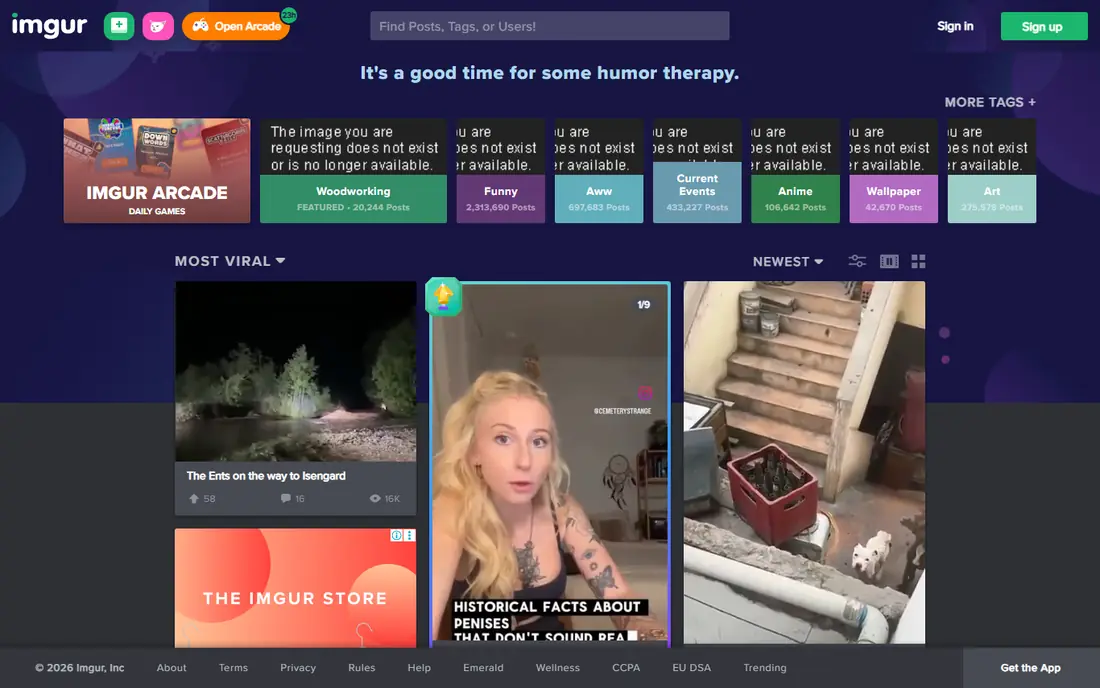
Imgur is the most direct public image host on this list. You can upload an image, get a link, and share it in a forum, chat, or post without a long setup. The service also offers editing and album features, and a large community browses public posts. For screenshots, memes, and casual images, that speed is the main appeal.
Imgur is not a private document vault. Public uploads can be seen and shared more widely, so do not use it for sensitive work files, personal documents, or anything you need to keep private. Use its privacy settings where available, and choose a private sharing tool for anything confidential. For everyday public images, Imgur remains a solid first pick.
- Free uploads
- No account needed for basic use
- Direct links for sharing
- Community and moderation rules apply
- Not ideal for private client files
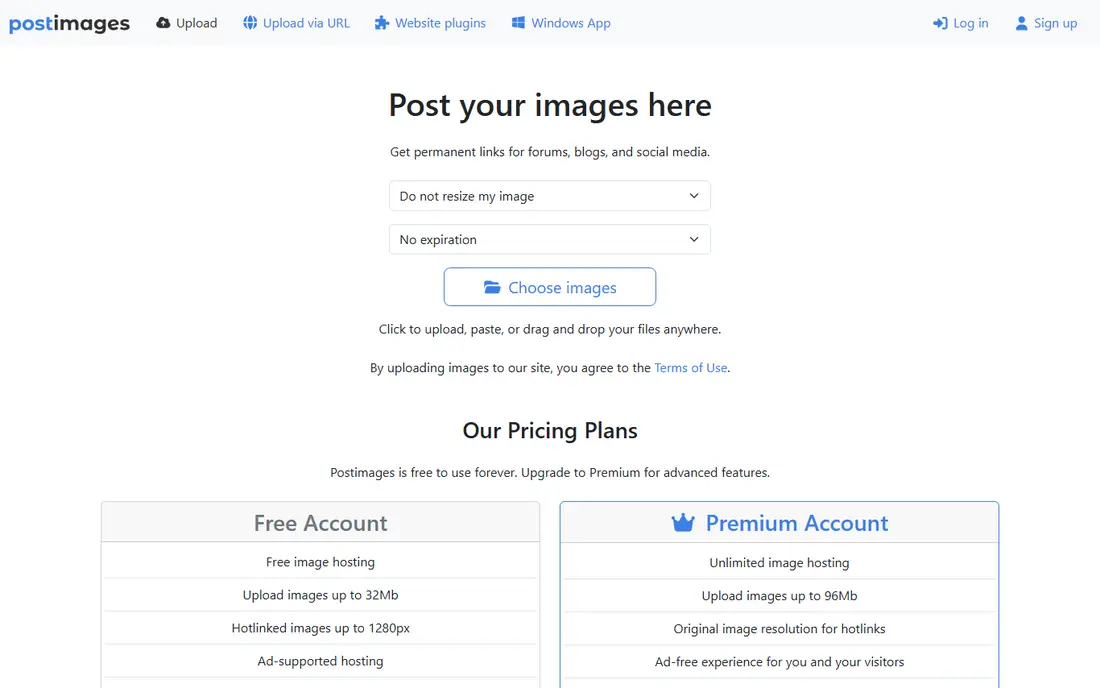
Postimage is built for one job: upload an image and get a link you can paste elsewhere. It supports common image formats, offers resizing on upload, and gives direct links suited to forums and social posts. That narrow focus keeps the site fast and easy, especially for people who do not want an account or a social feed.
The trade-off is a lack of depth. Postimage does not offer the storage, collaboration, or album tools of larger platforms, and it is not a place for video, documents, or team files. If you need a quick, free image link for a public post, it fits well. If you need organisation or private sharing, pick Flickr, Google Drive, or Dropbox instead.
- Free image hosting
- Direct links for forums
- No account needed for basic uploads
- Basic features only
- Not built for large file storage or collaboration
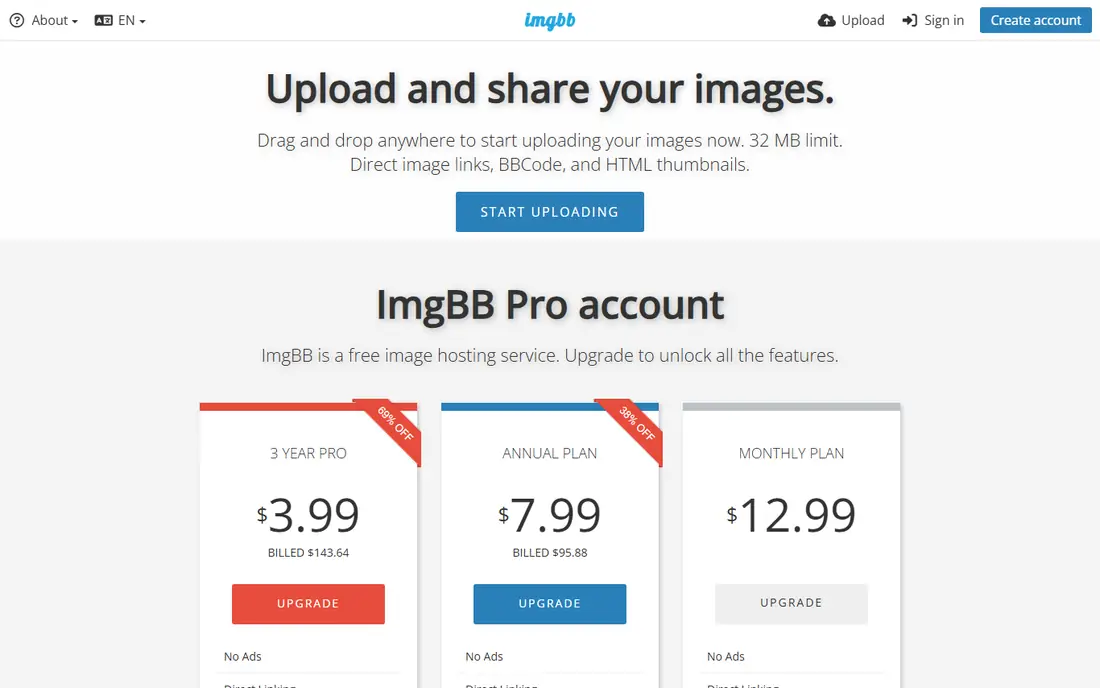
ImgBB offers a clean upload page and several link formats, including direct links and embed codes. That makes it useful for blogs, forums, and chat, where you want an image to display without extra steps. Uploads are free at the basic level, and the interface stays focused on images rather than social features.
ImgBB is not a substitute for cloud storage. It is an image host, so documents, large videos, and team collaboration sit outside its scope. Check current free limits before you rely on it for many large images, and keep originals backed up elsewhere. For quick public image sharing, though, it is a dependable and simple option.
- Free image uploads
- Direct and embed links
- Simple interface
- Free tier limits apply
- Not a full cloud storage service
Flickr is a long-running photo hosting service with albums, tags, groups, and privacy controls. Photographers can organise work by set, share selected albums publicly or privately, and take part in a community built around photography. That structure suits people who want their images to last and stay organised, rather than disappearing into a chat thread.
Free accounts have limits, and the paid Pro plan removes some of those limits and adds more storage and features. Check the current free tier on the Flickr pricing page before you upload a large library. For personal photos, portfolios, and community sharing, Flickr gives more control than a quick anonymous image host.
- Albums and organisation
- Large photo community
- Free tier for casual use
- Free account limits apply
- Pro features require a paid plan
FileGarden is a personal file hosting service that gives direct links, folders, and privacy settings for your uploads. It supports images, audio, and video, which makes it more flexible than image-only hosts. You can organise files into folders and control who can see them, which helps for creative projects, character art, and shared folders.
FileGarden requires an account, and it is a smaller service than Google Drive or Dropbox, so check its current limits and terms before you rely on it for critical files. It works best as a personal hosting space for your own creative work, not as a business document system. Keep a backup of important originals, as you should with any smaller host.
- Direct links
- Folders and privacy controls
- Images, audio, and video support
- Requires an account
- Smaller service than the major cloud platforms
Google Drive is the safest general pick for private sharing. You can upload files, share a folder or a single file with specific people, set view or edit access, and revoke access later. It integrates with Google Docs, Sheets, and Gmail, which helps for school, work, and small team projects. The free tier covers everyday documents and photos for many users.
Drive is less suited to public image embeds in forums, because sharing links are built around access control rather than simple hotlinking. Storage also counts across Google services, so photos, email attachments, and documents share the same quota. For private, controlled sharing, those trade-offs are worth it, and paid Google One plans add storage when you need it.
- Free storage tier
- Strong sharing controls
- Works with Docs and Gmail
- Public direct image embeds are less direct
- Storage fills up with other Google files
Dropbox is known for dependable file sync. Files appear across your computer, phone, and web, and sharing links can be set with passwords or expiry on paid plans. Many workplaces already use Dropbox, so clients and collaborators often know how to use it. That familiarity reduces friction for private file exchange.
The free plan offers limited storage, so it fills quickly if you share large videos or many photos. Dropbox is also a storage and sharing tool, not a public image community, so it will not give you the same forum embed experience as Imgur or Postimage. For private sharing and synced work files, it remains a strong and simple choice.
- Reliable sync across devices
- Clear sharing links
- Widely used for work
- Free storage is limited
- Paid plans needed for larger libraries
WeTransfer is built for sending files, not for keeping them public forever. You upload a file, send a link or an email, and the recipient downloads it within a set period. That model suits one-off deliveries such as design files, video drafts, or large documents, where you do not need a permanent link. The free tier covers many everyday sends without an account.
Expiry is the key limit. Free transfers do not stay live indefinitely, and WeTransfer is not a portfolio or image gallery. If you need a link that stays live for months, use Flickr, FileGarden, or a cloud drive folder instead. For a quick, large, private send, WeTransfer is one of the easiest tools available.
- Easy large file sends without an account for basic use
- Clear download links
- Paid plan adds storage
- Free transfers expire
- Not built for permanent public hosting
MEGA offers cloud storage with end-to-end encryption, which means files are encrypted before they reach MEGA servers in the way MEGA describes on its site. That privacy focus appeals to users who want stronger protection for personal files. It also offers a free storage tier, sharing links, and apps for desktop and mobile, so it works as a personal cloud drive.
MEGA is more complex than a quick image host, and free accounts have transfer and storage limits that matter for large files. It is not the best tool for public forum images, because its strength is private storage and controlled sharing. If privacy and private sharing matter most, MEGA is a strong alternative to the major cloud drives.
- End-to-end encryption
- Generous free storage tier
- Sharing links with controls
- Interface is more complex than simple image hosts
- Free limits and transfer quotas apply
How we picked these
We compared official pages and public comparisons for image hosts and file sharing services that are live in October 2026. We only kept services that support legitimate sharing of your own files and images, with clear terms and moderation. We excluded hosts whose main use is piracy, anonymous abuse-prone uploads, or content that breaks platform rules. We also split the list by use, because a public image link and a private client file need different tools.
How to choose the right type of host
First, decide whether the file should be public or private. Public images for forums and posts suit Imgur, Postimage, or ImgBB, while private work suits Google Drive, Dropbox, or MEGA. Next, check how long the link must live. WeTransfer is fine for a short delivery, but a portfolio or a forum post needs a host that keeps links live. Finally, keep a local backup of anything important, no matter which host you use.
Also respect rights and rules. Only upload files you own or have permission to share, and follow each service's content rules. If a host removes a file or an account, a backup saves you from losing the original. For work files, use a service with access controls and an audit trail, rather than a public link that anyone can forward.
Frequently asked questions
What are the best catbox.moe alternatives for image hosting?
Imgur, Postimage, and ImgBB are the closest free image hosts for quick public links. Flickr suits albums and longer-term photo hosting, while FileGarden adds folders and privacy controls for personal files. Choose the image host that matches whether you need a quick link or an organised library.
Are there alternatives to catbox.moe for private file sharing?
Yes. Google Drive, Dropbox, and MEGA offer private sharing with access controls, and WeTransfer suits one-off large sends. These tools are better than public image hosts for sensitive files, because you can limit who sees each file and revoke access. Check storage limits and sharing settings before you send private work.
Is Imgur free to use?
Yes, Imgur offers free image hosting, with basic uploads available without an account. Paid and pro features, where offered, add extra options, but casual public sharing works on the free tier. Check Imgur's current terms, because community rules and limits can change.
How long do WeTransfer links last?
Free WeTransfer transfers expire after a set period, which makes them suited to deliveries rather than permanent hosting. Paid plans add longer storage and more control over transfers. If you need a permanent link, use a cloud drive or a photo host instead.
Can I use Google Drive for forum images?
You can share a Drive link, but Drive is built for controlled access, not simple public image embeds. Forum software may not display a Drive link as an image in the same way as Imgur or Postimage. For forum embeds, use a dedicated image host, and use Drive for private sharing.
What should I avoid when choosing a file host?
Avoid hosts that promote piracy, hide their terms, or offer anonymous uploads with no moderation, because those services can disappear or host harmful content. Also avoid uploading files you do not own, personal documents to public hosts, and any service that asks you to break another platform's rules. A clear, legitimate host with backup options is safer in the long run.
Sources
See where you really rank - block by block
ProMapRanker scans Google Maps across a grid of your service area. Simple monthly plans from $19, white-label on every plan.
Start freeKeep reading
 zoro.to alternatives
Best Zoro.to Alternatives in 2026
We compare the best zoro.to alternatives in 2026, listing only legal licensed anime streaming services, from Crunchyroll to free options for fans today.
Read → zip alternatives
Best Zip Alternatives in 2026
We compare the best zip alternatives for buy now, pay later in 2026, covering pay-in-4 plans, fees, spending limits, and credit reporting options today.
Read → yesware alternatives
Best Yesware Alternatives in 2026
Compare the best yesware alternatives for sales email tracking, templates, and sequences, with current pricing and honest tradeoffs for small sales teams.
Read →