 ProMapRanker
Best Catbox Alternatives in 2026

Key takeaways
- GoFile and Pixeldrain are our closest picks for simple uploads with a direct link and no account needed for basic use.
- WeTransfer and Smash suit one-off large transfers to clients or friends, where a download link matters more than storage.
- Uguu, 0x0.st and tmpfiles.org fit short lived sharing, because files expire or are kept only for a limited time.
- File.io, SendGB and similar tools suit senders who want a link plus optional email delivery, without a full cloud drive.
- Use these services only for lawful sharing of files you have the right to share, and never upload private or sensitive material to a public link host.
Quick comparison
| Pick | Great for | Pricing starts at | Free tier | |
|---|---|---|---|---|
 GoFile | Simple large uploads | Free | Yes | Visit |
 Pixeldrain | Direct link sharing | Free | Yes | Visit |
 WeTransfer | One-off client transfers | Free | Yes | Visit |
 Smash | Very large files | Free | Yes | Visit |
 File.io | One-time private links | Free | Yes | Visit |
 Uguu | Quick anonymous uploads | Free | Yes | Visit |
 0x0.st | Minimal temporary hosting | Free | Yes | Visit |
 tmpfiles.org | Short term file links | Free | Yes | Visit |
 SendGB | Large transfers by link or email | Free | Yes | Visit |
The best Catbox alternatives
This article covers Catbox file hosting (catbox.moe) alternatives, meaning simple services that let you upload a file and share it with a link, often without creating an account. It does not cover full cloud drives or backup tools, and it is written for lawful use only. Share only files you own or have permission to share, and avoid uploading personal documents, passwords or anything that could harm others.
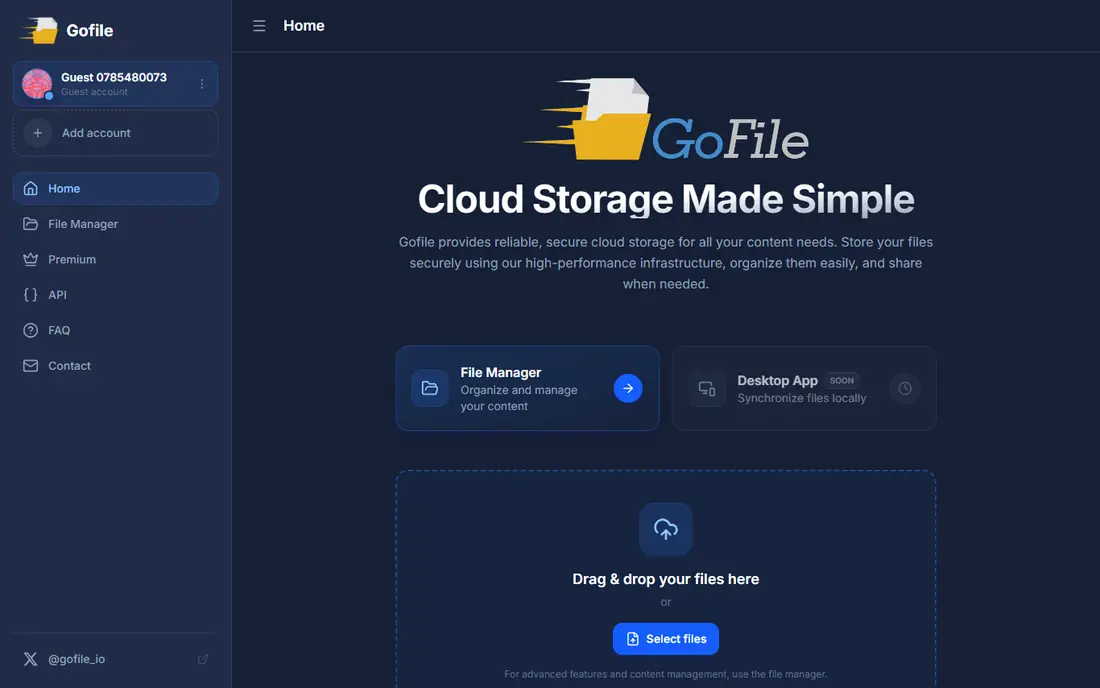
GoFile is the easiest first stop for many Catbox users because the workflow is familiar: upload, copy the link, send it on. It does not force you into a full drive, folder system or team workspace, which keeps one-off sharing fast. That simplicity is also its main appeal for images, videos and project files that only need to reach a few people.
The limit to watch is retention. Free uploads can be removed after a period of inactivity, so GoFile is not a safe place for the only copy of an important file. Keep your original, check the current retention rules on the site, and use a paid option only if you need longer storage. For quick sharing, it is hard to beat.
- No account needed for basic uploads
- Handles large files
- Simple link sharing for folders and files
- Free files can expire if inactive
- Paid permanence terms vary
- No full collaboration suite
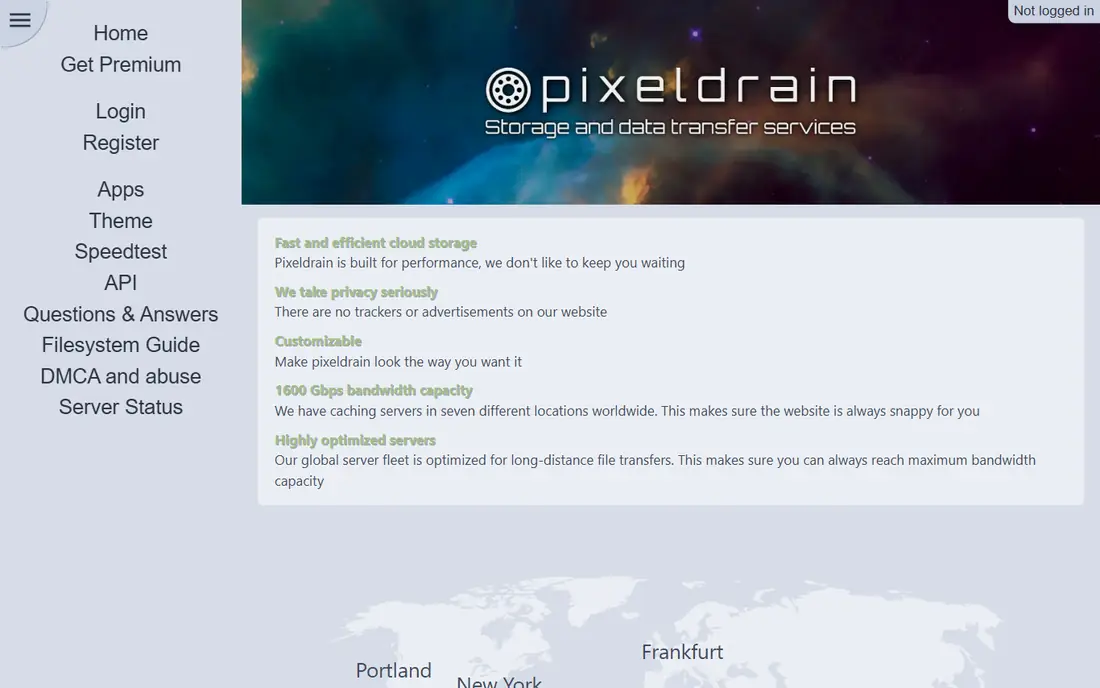
Pixeldrain feels close to Catbox in spirit: a minimal page, an upload button and a link you can paste anywhere. It is useful for sharing a video clip, a design file or a document with someone who does not want to sign up for anything. Downloads are direct, so recipients do not need to learn a new app.
The trade-offs are similar to other free hosts. Retention depends on activity and plan, ads support the free tier, and it is not the right place for confidential material. Use Pixeldrain for public or low sensitivity files, keep a local copy, and send the link through a private channel when the file is not meant for everyone.
- Fast uploads without an account
- Direct links for sharing
- Generous free file size
- Files can expire if not accessed
- Free service is ad supported
- No end-to-end encryption for sensitive files
WeTransfer is the polished option for sending work to a client, a colleague or a friend. Recipients get a clear download page and do not need an account, which removes friction when you are sending files to people outside your team. That ease is why it remains popular even though it is not a permanent file host.
Free transfers expire, and the free size limit is lower than some rivals, so it is best for delivery rather than storage. If you need larger transfers, longer availability or a branded page, check the paid plan. For a one-time handoff, WeTransfer is often the least confusing choice for the person on the other end.
- Very easy for recipients
- No account needed for basic transfers
- Clean download page
- Free transfers have size and time limits
- No permanent hosting on free tier
- Paid features needed for branding
Smash stands out when file size is the blocker. Many free tools cap a transfer at a few gigabytes, while Smash promotes transfers without a fixed size limit on its free tier, with slower speeds as the trade-off for huge files. That makes it useful for raw video, large design archives and other files that other services reject.
Expiry still applies, so treat Smash as a delivery service, not an archive. Start very large uploads early, keep the original safe, and tell the recipient when the link will expire. If you send large files often, compare the paid plan against WeTransfer and SendGB for speed and retention.
- No strict size limit on free transfers
- Simple send page
- Preview for many file types
- Free transfers can be slower for very large files
- Files expire
- Paid plans needed for longer availability and controls
File.io takes a different approach: a link that is meant to be used once, then gone. That can be useful for sending a single document to one person when you do not want the link to keep working after delivery. The simplicity also means there is little to learn and little to manage.
The same design makes it a poor fit for files that many people need over several days, because a second download may fail. Check the current deletion and expiry settings before you send, and do not use a one-time link for anything the recipient may need to download again. For a single private handoff, it is a neat fit.
- Files delete after download on some options
- Simple one-time sharing
- No account needed for basic use
- One-time model is awkward for group sharing
- Limits vary by plan
- Not a permanent host
Uguu is a small, minimal host that appeals to people who want Catbox style simplicity without extra features. You upload a file, get a link, and move on. There is no drive, no team space and no complex settings to work through, which keeps the whole process to a few seconds.
That minimal design also means you should not rely on Uguu for anything important. Files are temporary, features are basic, and there is little help if a link stops working. Use it for quick, low stakes sharing, keep your original file, and choose a larger service when you need support or longer retention.
- No account needed
- Very minimal interface
- Direct links for files and images
- Retention is limited
- No collaboration features
- Interface is bare and support is minimal
0x0.st is a temporary file host with a deliberately plain design, popular with technical users who want a link fast. It works well for sharing a screenshot, a log file or a small archive for a short time, and the lack of an account keeps friction low. If you like minimal tools, it will feel familiar.
It is not a general purpose host for large media libraries or long term sharing. Files expire, some content types are restricted, and the plain interface may confuse people who expect a polished download page. Use it for short lived, lawful sharing, and pick a friendlier service when the recipient needs guidance.
- Extremely simple upload by web or command line
- No account needed
- Fast for small files
- Temporary by design
- Strict limits for some file types
- No polished interface for non-technical users
tmpfiles.org does exactly what its name suggests: it holds a file for a short time and then removes it. That is useful when you want to share a file today and do not want a link floating around next month. The upload flow is simple, and recipients get a direct link without signing up.
Because expiry is the point, tmpfiles.org is a poor choice for anything that needs to stay available. Tell the recipient to download promptly, keep your own copy, and do not use it as a backup. For a quick, temporary handoff, its clear limits are actually a benefit.
- No account needed
- Files expire automatically
- Simple upload and link workflow
- Short retention by design
- No permanent storage
- Limited features beyond basic sharing
SendGB suits senders who want a choice between a link and an email delivery. You can upload a large file, send it to several recipients, and let them download without creating an account. That flexibility helps when some recipients prefer email and others prefer a link in chat.
Free transfers still expire, and the largest limits sit behind paid plans, so check the current free cap before starting a big upload. For a straightforward large transfer to a small group, SendGB is a practical Catbox alternative, provided you keep the original file and warn recipients about the expiry date.
- Large free transfers without an account
- Send by link or email
- Simple recipient experience
- Free files expire
- Paid plans needed for larger limits and longer storage
- Interface includes ads on free use
How we picked these
We compared official service pages, help pages and public listings for simple file hosts that offer direct links, often without an account. We kept only services that were live in October 2026 and that fit the Catbox pattern of simple sharing, rather than full cloud drives or backup suites. We used Free as the starting price where a free tier is published, and we used See website in other articles where pricing was unclear.
We did not claim hands-on testing. Our view comes from published limits, retention notes and feature pages, which change often on free hosts. Check the retention and size limits on the day you upload, and keep your original file safe.
How to choose a simple file host without losing your file
Start with how long the link must live. If the answer is a few hours or days, a temporary host like tmpfiles.org, Uguu or 0x0.st may be enough. If the link must last weeks, choose GoFile, Pixeldrain or a paid plan, and check the inactivity rules that can remove free files. For client work, pick a polished transfer tool such as WeTransfer or Smash, where the recipient experience matters.
Next, check size, file type and recipient effort. A service that rejects your file type or forces the recipient to sign up will waste more time than it saves. Avoid uploading sensitive files to any public link host, share links only with the intended recipients, and never use these tools to share material you do not have the right to distribute. A local copy plus a clear expiry note will prevent most problems.
Frequently asked questions
Is Catbox still a good choice, or should I switch?
Catbox remains a simple host for many users, but availability and limits can change, so having a backup matters. GoFile and Pixeldrain are close in workflow, while WeTransfer and Smash suit larger one-off transfers. Pick a backup based on size and retention, not on name alone.
Which Catbox alternative has no account requirement?
GoFile, Pixeldrain, Uguu, 0x0.st, tmpfiles.org and several others on this list allow basic uploads without an account. Paid plans and extra features may still ask for an account, and some services ask for an email when you choose email delivery. Check the upload page before you start if anonymity matters to you.
How long do files stay up on these services?
It varies a lot. Temporary hosts may keep files for hours or days, while other free hosts remove files after inactivity. Paid plans often extend retention, but no free link host should be treated as permanent storage. Always keep your original file and tell recipients when to download.
Can I use these services for business files?
You can for low sensitivity files, such as a public brochure or a draft for review, but we suggest avoiding confidential business material on a public link host. Use a business drive with access controls for contracts, personal data and internal documents. For client delivery, a transfer tool with expiry and a clear download page is usually safer.
What should I avoid uploading to a simple file host?
Avoid personal identity documents, passwords, private photos, copyrighted material you do not own, and anything illegal or harmful. Use these services only for lawful sharing, and check the terms of each host before uploading. If a file is sensitive, use an encrypted transfer method or a controlled business system instead.
Sources
See where you really rank - block by block
ProMapRanker scans Google Maps across a grid of your service area. Simple monthly plans from $19, white-label on every plan.
Start freeKeep reading
 zoro.to alternatives
Best Zoro.to Alternatives in 2026
We compare the best zoro.to alternatives in 2026, listing only legal licensed anime streaming services, from Crunchyroll to free options for fans today.
Read → zip alternatives
Best Zip Alternatives in 2026
We compare the best zip alternatives for buy now, pay later in 2026, covering pay-in-4 plans, fees, spending limits, and credit reporting options today.
Read → yesware alternatives
Best Yesware Alternatives in 2026
Compare the best yesware alternatives for sales email tracking, templates, and sequences, with current pricing and honest tradeoffs for small sales teams.
Read →