 ProMapRanker
Canva Alternatives Graphic Design Software in 2026

Key takeaways
- Adobe Express is the closest all-round replacement, with templates, stock assets, and AI tools.
- Figma suits team design and interface work, while Affinity suits professional photo, vector, and layout work.
- VistaCreate, Visme, and Kittl suit template-driven social and marketing design on a budget.
- Photopea and Pixlr suit browser-based photo editing without a large subscription.
- Pick by workflow first: social templates, professional design, or photo editing need different tools.
Quick comparison
| Pick | Great for | Pricing starts at | Free tier | |
|---|---|---|---|---|
 Adobe Express | All-round template design | $9.99 per month | Yes | Visit |
 Figma | Team and interface design | $16 per editor per month | Yes | Visit |
 VistaCreate | Budget template design | $10 per month | Yes | Visit |
 Visme | Presentations and infographics | $12.25 per month | Yes | Visit |
 Kittl | Typography, logos, and merch | $12 per month | Yes | Visit |
 Affinity | Professional photo and vector work | Free | Yes | Visit |
 Photopea | Free browser photo editing | Free | Yes | Visit |
 Pixlr | Quick browser photo design | $1.99 per month | Yes | Visit |
The best Canva alternatives for graphic design
These tools are alternatives to Canva, and Canva itself is not listed. They cover template design, professional design, and photo editing, so the best pick depends on the work you do most. We compared official pricing and feature pages for tools live in October 2026.

Adobe Express is the closest direct replacement for template-driven design, with drag-and-drop editing, brand kits, and quick resizing for social formats. Firefly AI tools help generate images and remove backgrounds, and Adobe Stock assets give a deep library for marketing work. For teams already using Photoshop or Illustrator, the shared libraries are a practical bonus.
The free plan covers basic design with limited AI credits, while Premium at $9.99 per month adds more templates, stock, and AI features. Users who need very niche templates may still miss some specialist libraries, but for everyday social and marketing graphics, Express covers the core job well.
- Large template and stock library
- Firefly AI tools
- Creative Cloud integration for Adobe users
- Template range is smaller than some rivals for niche social formats
- Premium features need a paid plan
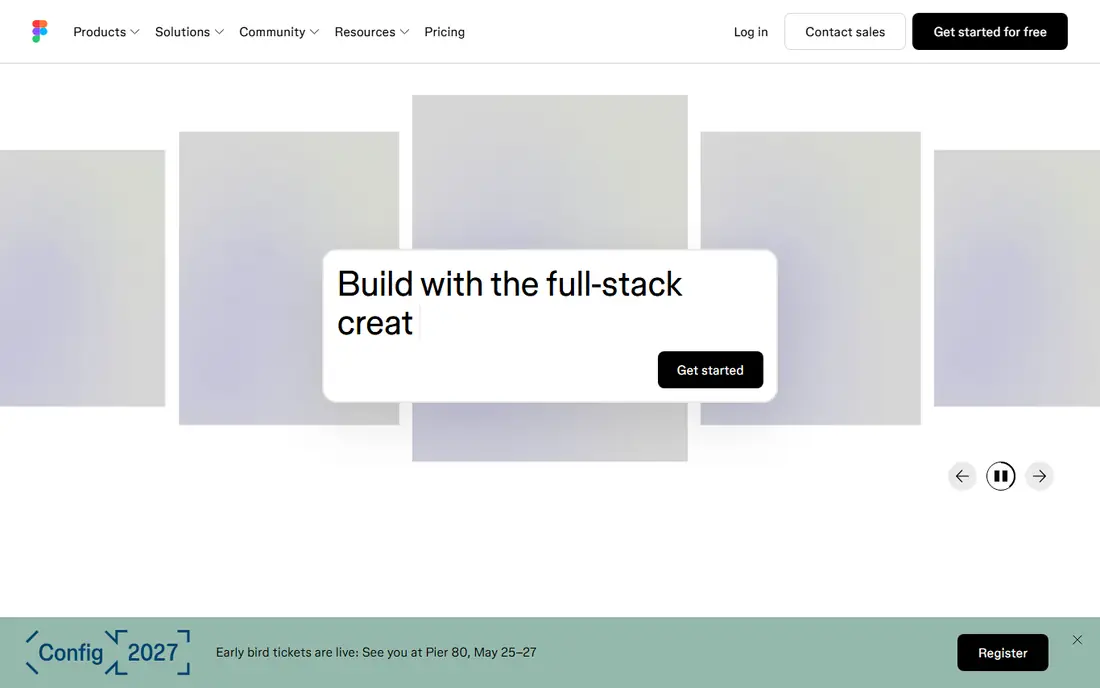
Figma is a professional design tool for interfaces, websites, and team design systems, with real-time collaboration that lets several people work on one file. Components, styles, and prototypes help a team keep branding consistent across screens. The free tier allows starter files, which is enough for a solo designer to learn the tool.
Figma is not a print layout tool, and social template workflows feel less guided than in Express or VistaCreate. For a team designing a product, website, or brand system together, it is the strongest collaborative pick in this list.
- Real-time team collaboration
- Strong interface and prototype tools
- Large plugin and template community
- Less suited to print layout than dedicated tools
- Paid seats needed for full team editing
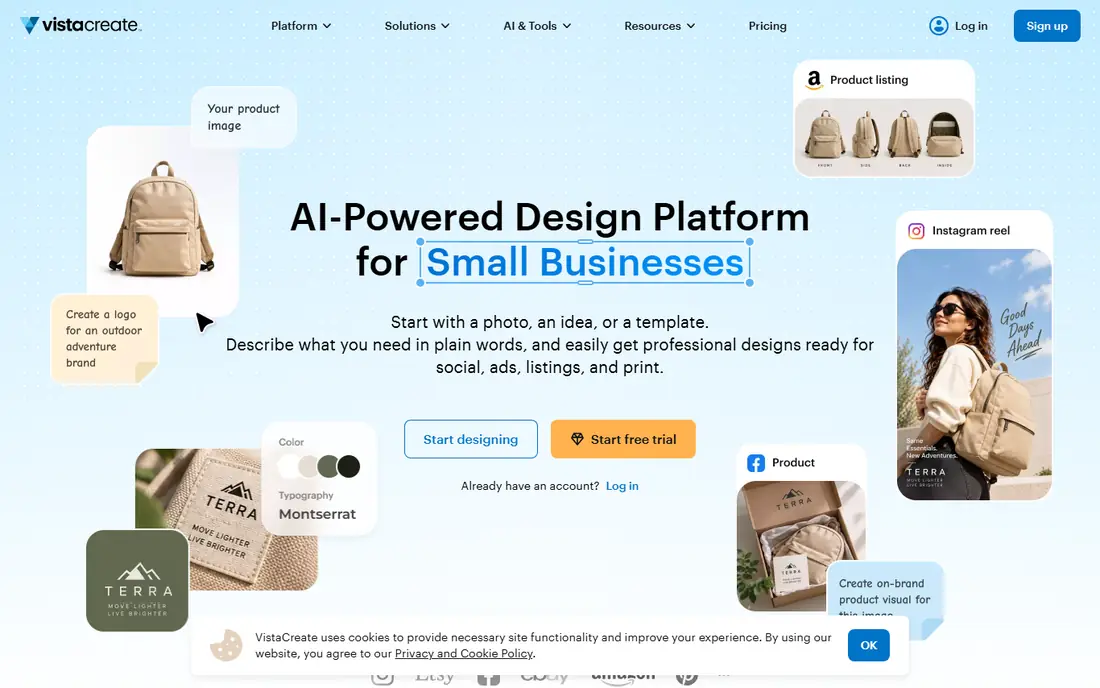
VistaCreate offers template-driven design at a lower price than many rivals, with thousands of templates for social posts, ads, and marketing materials. The editor is simple enough for a non-designer to produce a clean post quickly, and the free plan covers basic design with standard templates. Paid plans add premium assets and more storage.
Collaboration and brand controls are lighter than in larger tools, so bigger teams may want a different platform. For a solo creator or small business that needs regular social graphics on a budget, VistaCreate is a strong value pick.
- Large template library
- Low paid price
- Simple editor for social and marketing graphics
- Smaller brand and collaboration depth than larger suites
- Some premium assets need a paid plan
Visme focuses on presentations, infographics, reports, and data visuals, where charts and diagrams matter more than photo filters. Templates help turn a report or pitch into a polished deck, and data widgets let users show numbers without a separate chart tool. Brand kits keep colors and fonts consistent across documents.
Photo editing is not the focus, so users who mainly retouch images should pair Visme with Pixlr or Photopea. For business documents, training materials, and client presentations, Visme fills a gap that general template tools cover less well.
- Strong presentation and infographic templates
- Data widgets and charts
- Brand kit tools
- Less suited to pure photo editing
- Free plan has storage and AI limits
Kittl is built for typography-led design, including logos, t-shirts, posters, and merch graphics. Its text effects, textures, and illustration tools suit designers who want a crafted, print-ready look without learning a full vector suite. AI tools help generate artwork that can then be edited as design layers.
The free plan is limited to personal use, so commercial work needs a paid plan from $12 per month billed annually. Kittl is also not a document or presentation tool. For merch and logo work, it is one of the most focused alternatives in this list.
- Strong type and vintage design tools
- Logo and merch templates
- AI image tools for designers
- Free plan is for personal use
- Less suited to long documents or presentations
Affinity offers professional-grade apps for photo editing, vector illustration, and page layout, aimed at designers who want full control over their files. The suite suits print work, branding, and detailed illustration, where precision matters more than a quick template. Recent changes made Affinity free for individuals, which lowers the barrier for serious designers.
Beginners may find the depth daunting, and the template library is smaller than in Express or VistaCreate. For a designer moving from template tools to professional work, Affinity is a strong next step that does not force a monthly subscription for individuals.
- Professional photo, vector, and layout apps
- One-time purchase history and now free for individuals
- No template lock-in
- Learning curve for beginners
- Template and stock libraries are smaller than template-first tools
Photopea runs in a browser and offers layered photo editing close to desktop software, without installing an app. It opens PSD and other common files, supports masks, adjustments, and export options, and works on most computers. A premium ad-free plan is available for users who want a cleaner workspace.
It is a photo editor, not a template design suite, so social templates and brand kits need another tool or manual setup. For editing photos, product shots, and graphics files for free, Photopea is one of the best browser options available.
- Free in the browser with ads
- Photoshop-style layers and masks
- Opens PSD, AI, and common image files
- Ads on the free tier
- No native template library like template-first tools
- Needs a stable internet connection
Pixlr offers browser-based photo editing and design with a low paid entry price from $1.99 per month billed annually. The free tier covers basic editing, while paid plans add AI tools, premium assets, and more storage. Mobile apps make quick edits on a phone practical for social creators.
Template depth is lighter than in Express or VistaCreate, so users who want hundreds of ready social templates may prefer those tools. For quick photo edits, social graphics, and AI-assisted cleanup at a low price, Pixlr is a practical pick.
- Very low paid entry price
- Browser and mobile editing
- AI tools for background removal and generation
- Some advanced features need a paid plan
- Template depth is lighter than template-first tools
How we picked these
We compared official pricing pages, feature pages, and product documentation for graphic design tools live in October 2026. We kept only alternatives to Canva, and we did not list Canva itself. We did not claim hands-on testing, and we did not invent prices, template counts, or ratings. Where pricing varies by billing period, we list the entry figure we could verify or write See website.
How to choose a design tool
Start with the output you make most. Social posts need templates and resizing, presentations need charts and layouts, logos need vector control, and photos need layers and masks. A tool that excels at one output may be weak at another, so match the tool to the job.
Next, check brand controls and file exports. A business needs brand colors, fonts, and logo storage, plus exports for print and social at the right sizes. Test a real project end to end, from template to exported file, before paying for a year.
Check collaboration needs too. Solo creators can use almost any tool, while teams need shared folders, comments, and approval steps. Figma and Adobe Express handle team work better than solo-focused editors.
Finally, test the free tier with real work. A free plan that covers your weekly posts is enough, while a free plan that locks background removal or brand kits behind paywalls may cost more in time than the subscription saves.
Frequently asked questions
What are the best alternatives to Canva graphic design tools for social media?
Adobe Express and VistaCreate are the strongest social-first alternatives, with templates, resizing, and brand kits. Pixlr and Kittl also suit social graphics, with Pixlr leaning to photo edits and Kittl leaning to typography-led posts.
Is there a free alternative to Canva?
Yes. Photopea is free for browser photo editing, Affinity is free for individuals for professional design, and Adobe Express, Figma, VistaCreate, and Pixlr all offer free tiers with limits.
Which Canva alternative is best for professional design?
Affinity is best for professional photo, vector, and layout work, while Figma is best for team interface design. Adobe Express sits between them, with template ease plus Adobe ecosystem links.
Do these alternatives work for presentations?
Visme is the strongest presentation pick here, with infographic and data tools. Adobe Express and VistaCreate also handle simple decks, but Visme covers data visuals better.
Can I use these tools without design experience?
Yes, for template tools. Adobe Express, VistaCreate, and Visme are built for non-designers, while Figma, Affinity, and Photopea need more learning time for full control.
Sources
See where you really rank - block by block
ProMapRanker scans Google Maps across a grid of your service area. Simple monthly plans from $19, white-label on every plan.
Start freeKeep reading
 zscaler alternatives
Best Zscaler Alternatives in 2026
Looking for zscaler alternatives? We compare 9 SASE and zero trust platforms on architecture, data protection, pricing, and fit for your network and team.
Read → zapier alternatives free
Best Zapier Alternatives Free in 2026
Nine automation tools for zapier alternatives free in 2026, all with genuinely free tiers, plus free plan limits, starting prices and upgrade paths explained.
Read → which platform is best for online reputation
Which Platform Is Best for Online Reputation in 2026
Wondering which platform is best for online reputation? We compare 8 review, listing, and response tools for small and multi-location businesses and agencies.
Read →