 ProMapRanker
Best AI Dubbing Tool in 2026

Key takeaways
- HeyGen leads for lip synced video dubbing, while ElevenLabs leads for voice quality and audio first dubbing.
- Rask AI suits teams localising into many languages, but lip sync sits on higher tiers, so check plan details before you buy.
- Dubbing is priced by minutes or credits, not just by monthly fee, so compare cost per finished minute for your typical video length.
- A native speaker review matters more than a demo clip, because translation accuracy and lip sync flaws show up on real footage.
- For training and corporate video, Synthesia and Murf offer structured workflows that simple dubbing tools do not.
Quick comparison
| Pick | Great for | Pricing starts at | Free tier | |
|---|---|---|---|---|
 HeyGen HeyGen | lip synced video dubbing | $24 per month | Yes | Visit |
 ElevenLabs ElevenLabs | voice quality and audio dubbing | $6 per month | Yes | Visit |
 Rask AI Rask AI | team localisation in many languages | $60 per month | Free trial | Visit |
 Dubverse Dubverse | budget dubbing for creators | $18 per month | Yes | Visit |
 Murf AI Murf AI | training and e-learning dubbing | $19 per month | Yes | Visit |
 Synthesia Synthesia | corporate avatar video with dubbing | $29 per month | Free trial | Visit |
 CAMB.AI CAMB.AI | live and studio dubbing quality | $5 per month | Yes | Visit |
 Deepdub AI Deepdub AI | studio grade film and TV dubbing | See website | No | Visit |
 Speechify Studio Speechify Studio | simple voiceover dubbing | See website | Yes | Visit |
The best ai dubbing tool
AI dubbing replaces spoken audio with a translated version, often cloning the original voice and, in some tools, adjusting lip movement to match. The best tool depends on whether you need lip sync, voice cloning, many languages, or a low cost per minute. The picks below cover creators, teams, and studios.
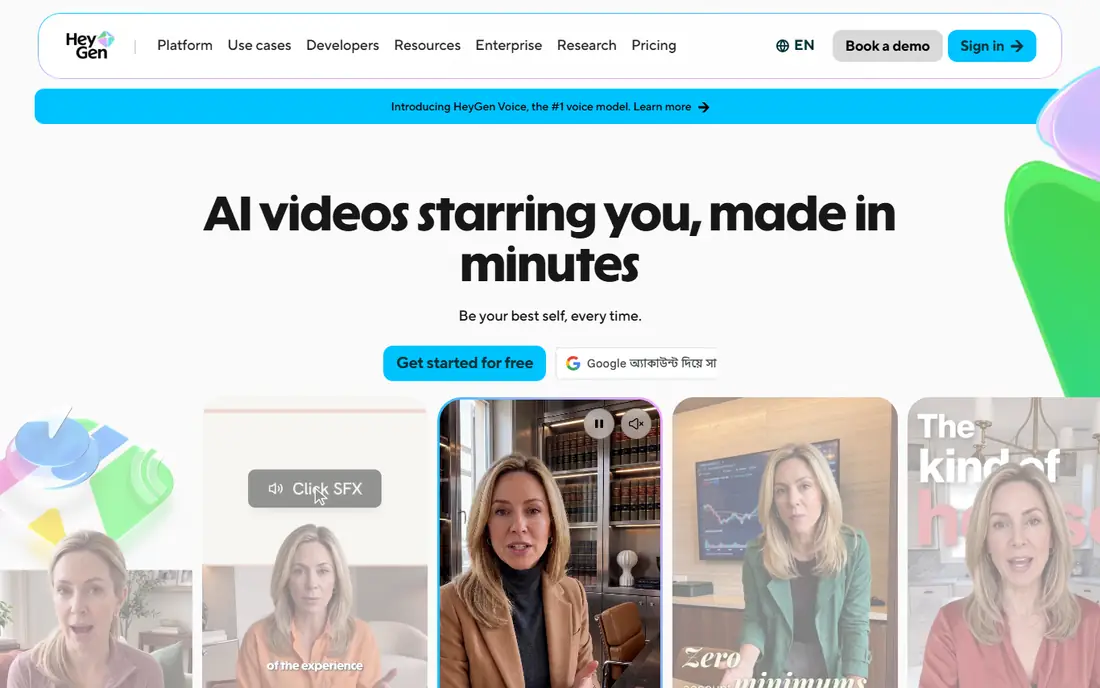
HeyGen is the strongest all round choice for video creators who want dubbed video that looks natural. Upload a video, choose a target language, and HeyGen generates translated audio with lip sync that matches the speaker. The Creator plan covers that core workflow, plus avatar creation and 1080p output, at a price many creators can justify. Credits are shared across avatar video and dubbing, so heavy users in both areas need to plan usage. Business features such as SCORM export sit on higher plans. For YouTube, marketing, and training videos where lip sync matters, HeyGen gives the most complete result at the entry price.
- Lip synced dubbing included on Creator plan
- Large language range
- Avatar video and translation in one platform
- Credits are shared with avatar video
- Higher business features such as LMS export cost more
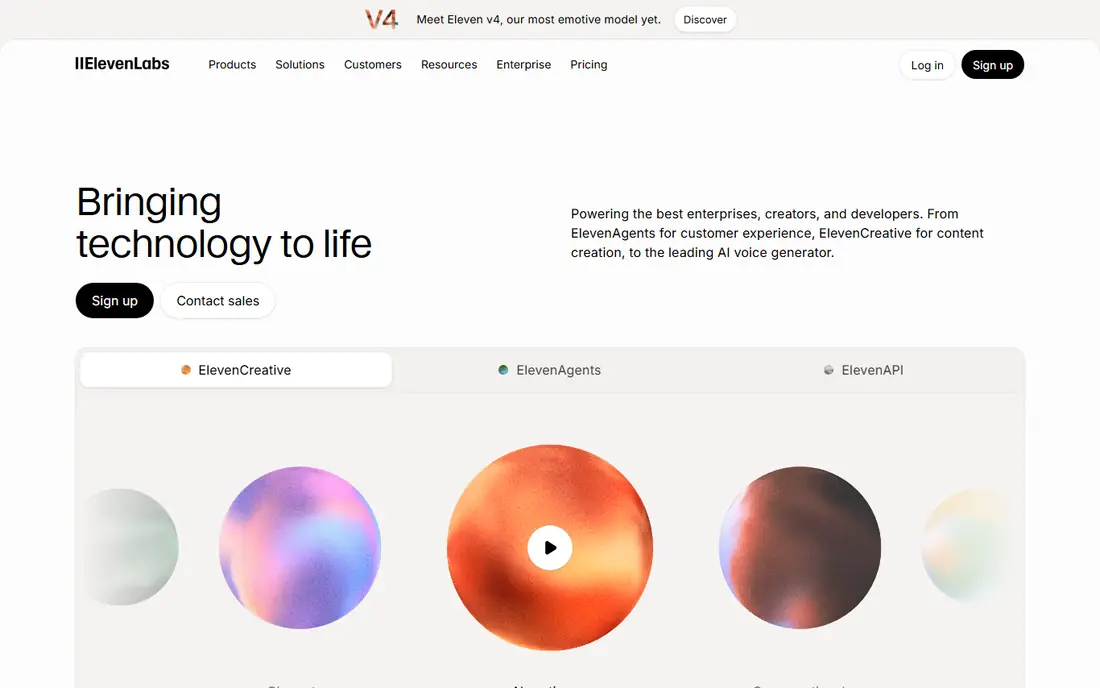
ElevenLabs leads on voice quality. Its dubbing tool transcribes speech, translates it, and generates a cloned voice that sounds close to the original speaker, across many languages. For podcasts, narration, and videos where audio quality matters more than lip movement, that voice realism is hard to match. The limit is video. ElevenLabs dubbing does not adjust lip movement on real footage in the way HeyGen does, so talking head videos may show a mismatch between lips and audio. If your audience listens more than watches lip movement, or if you work mainly in audio, ElevenLabs is the best voice first choice.
- Very natural voice cloning
- Wide language support for dubbing
- Flexible API and studio tools
- Dubbing is audio focused with no real footage lip sync
- Costs rise with usage and characters
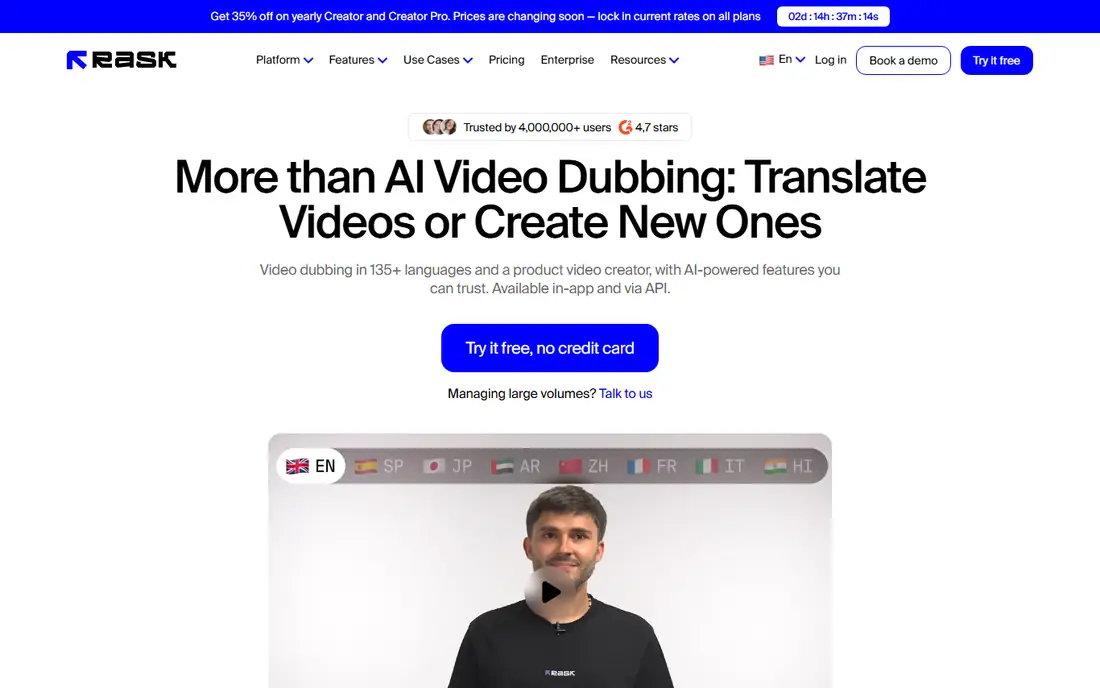
Rask AI suits teams that localise many videos into many languages. It supports over 130 languages, offers voice cloning in many of them, and provides workflows for reviewing and managing dubbed versions. That scale helps education, media, and corporate teams with a regular localisation pipeline. Cost needs careful reading. Entry plans cover a limited number of minutes, and lip sync sits on higher tiers, with enhanced lip sync consuming extra quota per finished minute. For audio first localisation or screen recordings where lip sync is less critical, Rask works well. For lip synced talking head video, compare HeyGen pricing first.
- Large language range
- Team workflows and voice cloning
- Useful for high volume localisation
- Lip sync requires higher tiers
- Per minute cost is higher than some rivals
Dubverse offers one of the lowest entry prices for AI dubbing, which makes it a useful test for creators new to localisation. It covers a range of languages, with particular strength in Hindi and other Indian languages, and provides a straightforward upload and dub workflow. A free tier lets you test output before paying. Credit maths matters. Dubverse plans meter dubbing in credits, with several credits per dubbed minute, so the headline monthly price buys fewer finished minutes than it first appears. For short videos and occasional localisation, it is good value. For long weekly videos, compare cost per minute with HeyGen and ElevenLabs.
- Low entry price
- Useful for Indian languages and other regional languages
- Simple creator workflow
- Credits limit dubbed minutes per month
- Lip sync quality is limited compared with HeyGen
Murf AI, also known as Murf Dub, targets training, e-learning, and corporate video teams. Its dubbing workflow fits courses and internal videos where clear narration and consistent voices matter more than perfect lip sync. A large voice library lets teams pick voices that suit different modules and audiences. Buyers should check current lip sync status, because some 2026 comparisons list it as coming soon rather than fully available. Dubbing minutes are also metered in credits, so test a real lesson length before committing. For structured training content, Murf is a practical, team friendly option.
- Dubbing workflow suited to training videos
- Large voice library
- Team and enterprise options
- Lip sync has been listed as coming soon in some comparisons
- Dubbing is metered in credits
Synthesia is best for corporate teams that already make avatar videos and want those videos in many languages. Create an avatar presenter, write or upload a script, and dub the result into over 140 languages. That workflow suits compliance training, product updates, and internal communications that need consistent presenters. Real footage dubbing is a different job. Synthesia dubbing works, but lip sync doubles the credit cost in some comparisons, and avatar video remains the core strength. If your source is a real presenter on camera, HeyGen or a studio tool may give a more natural result. If your source is avatar video, Synthesia is efficient.
- Avatar video plus dubbing in one platform
- Large language range
- Enterprise controls for teams
- Dubbing cost rises with lip sync
- Avatar focus may not suit real footage dubbing
CAMB.AI stands out for live and studio grade dubbing, alongside file based localisation. It offers voice cloning, keeps music and background audio in dubbed output where supported, and lists live streaming alongside standard dubbing. That combination suits broadcasters, sports, and event teams as well as creators. Pricing needs a calculator check, because dubbing minutes and credits vary by plan. The low entry price is a starting point, not a full dubbing budget. For teams that need live localisation or careful audio preservation, CAMB.AI deserves a test alongside the better known creator tools.
- Low entry price
- Voice cloning with music preservation
- Live streaming localisation options
- Per minute dubbing cost needs checking in the pricing calculator
- Less known for creator workflows
Deepdub AI targets film, television, and premium content, where dubbing must match emotion, timing, and performance, not just words. Its workflows include professional review and studio grade output, which suits distributors and production companies localising long form content. That focus sets it apart from creator tools built for short videos. Most small creators will not need Deepdub, and pricing is not published as a simple monthly plan. For a feature, a series, or a high value catalogue where dubbing quality affects distribution, Deepdub is the studio level option to evaluate with a demo and a quote.
- Studio grade dubbing for film and TV
- Emotional voice performance focus
- Professional review workflows
- No public entry price for most buyers
- Overkill for short creator videos
Speechify Studio suits creators who need a quick dubbed voiceover without a complex localisation pipeline. Pick a stock AI voice, generate narration in another language, and add it to a video. That simplicity helps for short social clips, explainer videos, and internal updates where speed matters more than cloning the original speaker. Specialist dubbing tools offer better voice cloning, lip sync, and team review. Speechify is a good starting point for simple projects, and a useful backup when a full dubbing workflow would slow a short video down. Check current pricing on the vendor site, because plans and voice options change.
- Simple studio for voiceovers and dubbing
- Stock AI voices for quick projects
- Useful for short content
- Stock voices rather than full voice cloning on lower tiers
- Dubbing depth is less than specialist tools
How we picked these
We compared official feature pages, pricing pages, app listings, privacy policies, and public reviews for AI dubbing tools available in October 2026. We looked for translation quality, voice cloning, lip sync, language range, team workflows, and real cost per finished minute, including credit and per minute charges. We included creator, corporate, live, and studio tools so different budgets and quality needs were covered. We did not claim hands-on testing for this list. Dubbing prices change often, and credit systems make headline prices misleading, so check the vendor pricing page and run a test with your own footage before you buy.
How to test an AI dubbing tool properly
Use your real footage, not a demo clip
Demo clips are chosen to flatter a tool. Test with your own video, including a profile shot, a moment where the face is partly hidden, and at least two speakers if your content has them. Flaws in lip sync and speaker separation show up on real footage first.
Get a native speaker review
Machine translation can sound fluent while missing meaning, tone, or cultural fit. Ask a native speaker to review translation accuracy before you judge voice quality. A beautiful voice reading a wrong translation is still a failed dub.
Compare cost per finished minute
Convert every plan to cost per finished minute for your typical video length and language count. Include credit multipliers for lip sync, extra languages, and review rounds. A low monthly fee with expensive per minute charges can cost more than a higher fee with generous minutes.
Check rights and voice consent
Voice cloning raises consent and rights questions, especially for other speakers, actors, or employees. Get written consent before cloning a voice, check your contracts, and keep records of consent for commercial projects.
Frequently asked questions
Can you recommend the best AI dubbing tool for YouTube?
HeyGen is the best overall pick for YouTube creators who need lip synced dubbing in many languages. ElevenLabs is better if you prioritise voice quality for audio led content. Test both with one of your own videos, and ask a native speaker to review the translation before you publish.
What is the best AI dubbing tool for lip sync?
HeyGen offers lip synced dubbing on its Creator plan, which makes it the most accessible lip sync option for creators. Rask AI offers lip sync on higher tiers, and Synthesia offers it for avatar video at extra credit cost. For real footage, HeyGen currently gives the best balance of price and lip sync.
Is there a free AI dubbing tool?
HeyGen, ElevenLabs, Dubverse, Murf, CAMB.AI, and Speechify Studio offer free tiers or trials, but all limit minutes, videos, or features. Free tiers suit testing, not regular publishing. For ongoing localisation, budget for a paid plan based on cost per finished minute.
How much does AI dubbing cost per minute?
Cost per finished minute varies by tool, plan, and lip sync. Creator comparisons in 2026 put many tools between about $0.15 and $1.56 per minute inside a plan, with extra minutes costing more. Always convert credits to minutes for your video length before comparing headline prices.
Does AI dubbing clone the original voice?
Many tools, including ElevenLabs, HeyGen, Rask AI, and CAMB.AI, offer voice cloning that mimics the original speaker in another language. Cloning quality varies by audio quality, language, and consent. Always get consent before cloning someone else voice, and test cloning on clean audio first.
Can AI dubbing handle multiple speakers?
Yes, many tools detect speakers and assign different voices, but accuracy drops with overlapping speech, background noise, or many speakers. Test multi-speaker footage before committing, and check whether the tool lets you review and correct speaker assignments.
Sources
See where you really rank - block by block
ProMapRanker scans Google Maps across a grid of your service area. Simple monthly plans from $19, white-label on every plan.
Start freeKeep reading
 zendesk alternatives
Best Zendesk Alternatives in 2026
Compare the best Zendesk alternatives in 2026, from budget help desks to AI-first support tools, with current pricing, free plans, and honest trade-offs.
Read → wordpress alternatives
Best WordPress Alternatives in 2026
Looking for the best WordPress alternatives? We compare 8 free and paid options for blogs, business sites, stores, and developer-led projects in 2026.
Read → which real estate company has the best training
Best Real Estate Company Training in 2026
Compare which real estate company has the best training, from Keller Williams and eXp to Compass and Coldwell Banker, by program, mentor, and fit in 2026.
Read →