 ProMapRanker
Best Browser Alternatives in 2026

Key takeaways
- Firefox is the best mainstream alternative for users who want a non Chromium engine and strong privacy controls.
- Brave is the easiest privacy upgrade for Chrome users, since it blocks ads and trackers by default.
- Microsoft Edge suits Windows and Microsoft 365 users, while Safari suits Apple device owners.
- Vivaldi and Zen Browser suit power users who want deep customization and better tab management.
- Tor Browser and LibreWolf suit private sessions, but they are less convenient as a daily browser for logged in accounts.
Quick comparison
| Pick | Great for | Pricing starts at | Free tier | |
|---|---|---|---|---|
 Mozilla Firefox | Independent engine and privacy | Free | Yes | Visit |
 Brave | Privacy by default on Chromium | Free | Yes | Visit |
 Microsoft Edge | Windows and Microsoft 365 | Free | Yes | Visit |
 Safari | Apple devices and battery life | Free | Yes | Visit |
 Vivaldi | Deep customization | Free | Yes | Visit |
 Opera | Built in extras | Free | Yes | Visit |
 Arc | Sidebar and workspace workflow | Free | Yes | Visit |
 Zen Browser | Arc style layout on Firefox | Free | Yes | Visit |
 Tor Browser | Anonymous browsing sessions | Free | Yes | Visit |
 LibreWolf | Hardened Firefox experience | Free | Yes | Visit |
The best browser alternatives
Most people use the browser that came with their device, but switching can improve privacy, tab management, battery life, or compatibility with the tools you use every day. The ten browsers below are all free to download and use, and they cover the main choices for Windows, Mac, Linux, Android, and iOS. We compared official product pages and public feature descriptions to build this list.
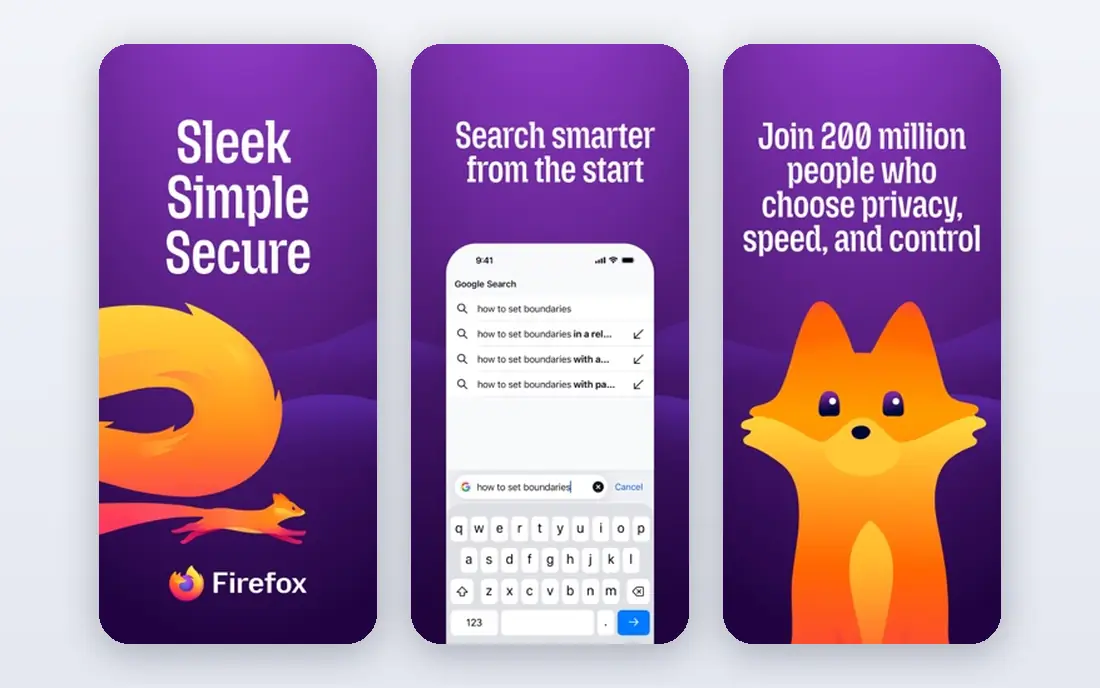
Firefox is the last major browser built on an independent engine rather than Chromium. That matters for web diversity, and it also gives Mozilla freedom to set its own privacy defaults. Enhanced tracking protection blocks many trackers by default, and its extension library covers the main tools most users need.
Some sites are built and tested mainly for Chromium, so a rare site may behave slightly differently in Firefox. For most daily browsing, Firefox is fast, stable, and a strong default choice for privacy minded users.
- Independent Gecko engine
- Strong tracking protection
- Wide extension support
- Some sites are tested mainly for Chromium
- Performance varies by site
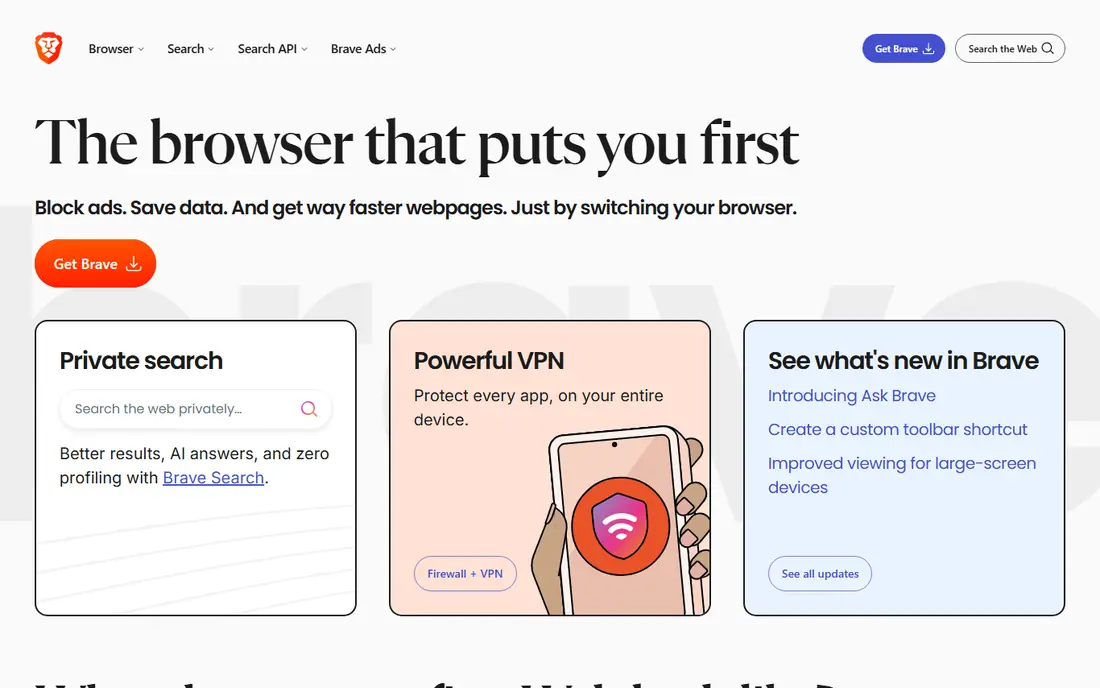
Brave is our pick for most Chrome users who want better privacy without learning a new browser. It blocks ads and trackers by default, which often makes pages load faster and feel cleaner. Since it is built on Chromium, most Chrome extensions work, and site compatibility is high.
Brave includes optional crypto and rewards features that some users will want to switch off. Once you set those aside, Brave is a clean, private, and familiar daily browser.
- Ad and tracker blocking built in
- Chromium extension compatibility
- Fast page loads
- Crypto and rewards features need turning off if you do not want them
- Sync is simpler than Chrome
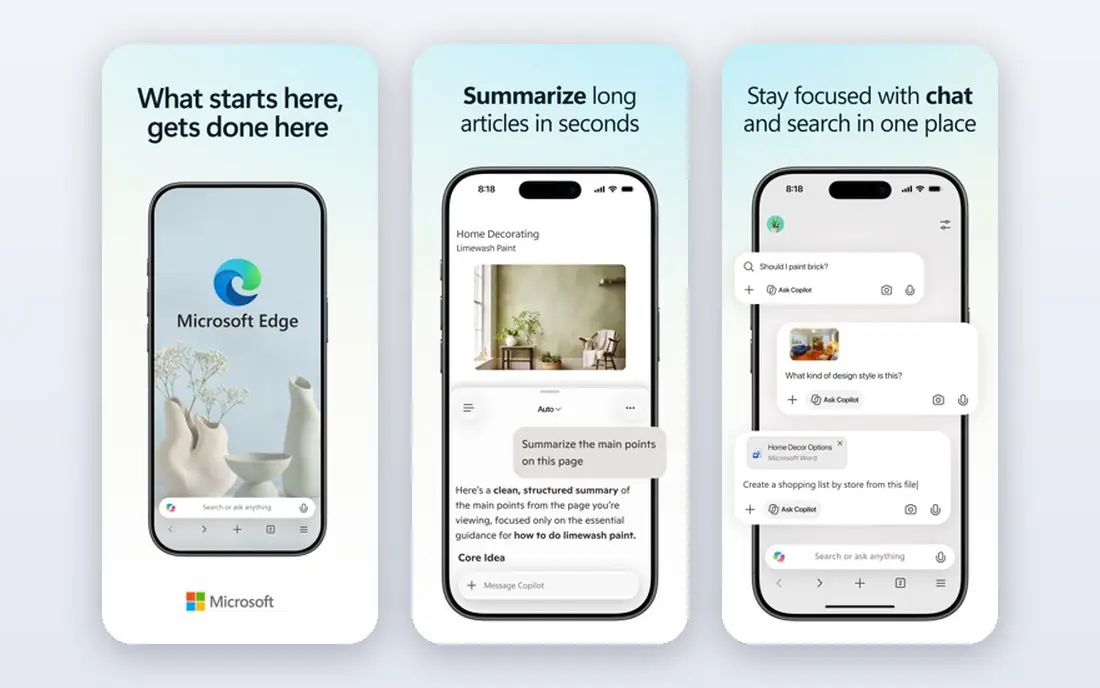
Edge is the default browser on Windows, and it is a strong choice for Microsoft 365 users. It offers vertical tabs, collections for research, and sleeping tabs that reduce memory use. Its AI sidebar and Microsoft account sync suit users who already live in Outlook, Teams, and Office apps.
Edge does prompt users toward Microsoft services more than some rivals, and its privacy settings deserve a careful review on first setup. If you use Windows daily, Edge is a practical and capable browser.
- Good Windows and Microsoft 365 integration
- Vertical tabs and collections
- Sleeping tabs save memory
- Microsoft prompts can be intrusive
- Privacy settings need review
Safari is the best browser for Apple only users. On a Mac, it offers strong battery life, fast performance, and smooth sync with iPhone and iPad through iCloud, including passwords, tabs, and reading lists. Its privacy features include tracking prevention and private relay options for iCloud subscribers.
Safari is not available on Windows or Android, and its extension library is smaller than Chromium or Firefox. If your devices are all Apple, Safari is hard to beat for everyday use.
- Excellent battery life on Mac
- Strong Apple device sync
- Clean and fast interface
- Only available on Apple devices
- Extension library is smaller than Chrome or Firefox
Vivaldi is built for power users who want control over every part of the browser. Tab stacks, tab tiling, custom keyboard shortcuts, and a flexible interface let you shape the browser around your workflow. Built in mail, calendar, and RSS tools reduce the need for extra apps.
That flexibility can overwhelm a new user, since the settings list is long. If you enjoy tuning tools and you juggle many tabs, Vivaldi rewards the setup time with a browser that fits you closely.
- Tab stacks and tiling
- Built in mail, calendar, and notes
- Very flexible interface
- Many options can overwhelm new users
- Setup takes time to get right
Opera packs in more built in tools than most browsers, including a free VPN, ad blocking, sidebar messengers, and AI assistance. Tab islands help group related tabs, and the interface feels polished for everyday use. For users who want extras without installing many extensions, Opera delivers a lot for free.
Its privacy record is less clear than Firefox or Brave, so users who prioritise privacy should review its policy and settings. Opera also includes an Opera One and Neon line with AI features that may not suit everyone. For feature rich free browsing, Opera remains a solid choice.
- Free built in VPN
- Sidebar messengers
- Ad blocking and AI tools included
- Privacy record is less clear than Firefox or Brave
- Some features need an account
Arc changed how many people think about browsers, with sidebar tabs, Spaces for different projects, and a calm interface that hides clutter. Split view and auto archiving help users who keep many tabs open for work. For tab organisers, Arc still offers a distinctive workflow.
Arc development is shifting, since its maker is focusing on a successor browser, and new Arc accounts have been limited in late 2026. If you already use Arc, it remains usable, but new users should consider Zen Browser or the successor browser instead of starting fresh with Arc alone.
- Sidebar tabs and Spaces
- Split view
- Clean and calm interface
- Future development is shifting to a successor browser
- Windows support is more limited
Zen Browser offers an Arc style sidebar, workspaces, and split view, built on Firefox rather than Chromium. That mix gives users a modern layout with Firefox privacy protections and an open source codebase. Community themes and mods add further customization.
Zen is still maturing, and as a smaller project it lacks the support resources of Firefox or Edge. For users who loved Arc and want a similar look without a Chromium base, Zen is the closest open source match.
- Vertical tabs and workspaces
- Firefox privacy base
- Open source and free
- Still in beta for some users
- Smaller support team than major browsers
Tor Browser is designed for anonymous browsing. It routes traffic through the Tor network, blocks many trackers, and resists fingerprinting. That makes it useful for journalists, researchers, and anyone who needs a private session on a shared or untrusted network.
Tor is slower than a normal browser, and some sites block Tor traffic or ask for extra verification. It is also less convenient for logged in accounts, since its privacy protections work best when you avoid personal logins. Use Tor for private sessions, and a normal browser for daily accounts.
- Routes traffic through Tor network
- Blocks many trackers
- Free and open source
- Slower than normal browsers
- Some sites block Tor or need extra checks
LibreWolf is a hardened version of Firefox, with stronger privacy defaults and telemetry removed. It suits users who like Firefox but want stricter settings without configuring everything by hand. It is free, open source, and available on major desktop platforms.
The stricter defaults can break some sites, so you may need to adjust settings for video, logins, or specific web apps. Updates can also lag behind Firefox. If privacy matters more than convenience, LibreWolf is a strong specialist choice.
- Firefox base with stronger privacy defaults
- No telemetry by design
- Open source
- Some sites need settings tweaks
- Updates lag behind Firefox at times
How we picked these
We compared official product pages, platform support, and public feature descriptions for each browser. We kept only browsers that are still available in October 2026, free to download, and usable as a daily or specialist browser on major platforms. We left out browsers that had closed, browsers with no clear official site, and niche forks with no active maintenance. We weighed privacy defaults, engine diversity, tab management, extension support, and platform coverage.
How to choose the right browser
Start with your devices. Apple only users should test Safari first, Windows and Microsoft 365 users should test Edge, and users who want the same browser everywhere should test Firefox or Brave.
Next, decide what matters most. If privacy is the priority, Brave, Firefox, LibreWolf, or Tor will serve you best, depending on how much convenience you will trade. If tab management is the priority, Vivaldi, Zen Browser, or Arc will help most. If battery life on a Mac matters, Safari is the clear pick.
Finally, try a browser for a full week, not just an hour. Import bookmarks and passwords, install your must have extensions, and use it for work, shopping, and video. Check that your bank, work tools, and favourite sites all work well. Switching browsers is low cost, so the best test is real daily use.
A simple switching checklist
Export bookmarks and passwords from your old browser before you switch. Install the new browser, import your data, and add your essential extensions. Set your default search engine and privacy settings, then use the new browser as your default for a week before you delete the old one.
Frequently asked questions
What is the best browser alternative to Chrome?
Brave is the best Chrome alternative for most users, because it keeps Chromium compatibility and extensions while blocking ads and trackers by default. Firefox is the best choice if you want to leave Chromium entirely.
What is the best free web browser?
All ten browsers in this list are free. Firefox and Brave are the best free all round choices, Edge is best for Windows users, Safari is best for Apple users, and Vivaldi is best for power users who want customization.
Which browser is best for privacy?
Tor Browser offers the strongest anonymity for private sessions, while LibreWolf and Brave offer strong privacy for daily use. Firefox also offers strong tracking protection with a mainstream feature set. No browser makes you fully anonymous for logged in accounts, so use Tor for private sessions and a normal browser for daily accounts.
Is Arc still a good browser in 2026?
Arc still offers a distinctive sidebar and workspace workflow, but its maker is shifting focus to a successor browser and new accounts have been limited. New users who want that style should test Zen Browser or the successor browser instead.
Do these browsers work on mobile?
Firefox, Brave, Edge, Opera, and Safari all offer mobile versions, while Vivaldi, Tor Browser, and Zen Browser have more limited mobile support. Check each vendor site for your exact phone or tablet before you switch.
Can I use more than one browser?
Yes, and many users do. A common setup is a main browser for daily accounts, plus Tor Browser or LibreWolf for private sessions, and a second browser for work accounts. Using two browsers can also separate work and personal browsing cleanly.
Sources
See where you really rank - block by block
ProMapRanker scans Google Maps across a grid of your service area. Simple monthly plans from $19, white-label on every plan.
Start freeKeep reading
 zscaler alternatives
Best Zscaler Alternatives in 2026
Looking for zscaler alternatives? We compare 9 SASE and zero trust platforms on architecture, data protection, pricing, and fit for your network and team.
Read → zapier alternatives free
Best Zapier Alternatives Free in 2026
Nine automation tools for zapier alternatives free in 2026, all with genuinely free tiers, plus free plan limits, starting prices and upgrade paths explained.
Read → which platform is best for online reputation
Which Platform Is Best for Online Reputation in 2026
Wondering which platform is best for online reputation? We compare 8 review, listing, and response tools for small and multi-location businesses and agencies.
Read →