 ProMapRanker
Best Bitrix24 Alternatives in 2026

Key takeaways
- HubSpot is our pick for teams that want to start free and add marketing, sales and service tools in one place.
- Zoho CRM gives the most features for the money, with a free plan for up to three users and paid plans from $14 per user per month.
- Pipedrive suits sales teams that live in their pipeline, with a clear visual deal flow and a 14-day trial.
- Monday CRM and Asana suit teams that need flexible project work alongside customer tracking.
- Bitrix24 bundles CRM, projects, chat and HR in one system, so the best alternative depends on which part of that bundle you actually use.
Quick comparison
| Pick | Great for | Pricing starts at | Free tier | |
|---|---|---|---|---|
 HubSpot | All-in-one starting free | Free | Yes | Visit |
 Zoho CRM | Value and customisation | Free | Yes | Visit |
 Pipedrive | Visual sales pipelines | $14 per user per month | No | Visit |
 Monday CRM | Flexible workflows | $12 per user per month | No | Visit |
 Asana | Projects plus customers | See website | Yes | Visit |
 ClickUp | All-in-one work hub | See website | Yes | Visit |
 Salesforce | Scaling and customisation | $25 per user per month | No | Visit |
 Freshsales | Phone and email sales | $9 per user per month | Yes | Visit |
The best Bitrix24 alternatives
Bitrix24 is an all-in-one system that combines CRM, project management, chat, telephony and HR tools. That breadth is its appeal and its problem: teams often use only part of it and pay for the rest in complexity. The alternatives below split that bundle into clearer choices, from a free CRM to a visual pipeline tool to an enterprise platform. We compared pricing, free plans, pipeline tools, project features and ease of setup, and we kept only platforms that are sold and supported in October 2026.

HubSpot is the closest all-in-one replacement for Bitrix24, and its free plan is a real working CRM, not a short trial. It covers contact and deal tracking, email tracking, live chat and basic reporting, with paid hubs for marketing, sales and service when you need them. For a small team that wants to start free and grow without switching systems, that path is hard to beat.
The cost jump is the catch. Starter plans are reported around $20 per seat per month, while Professional tiers are reported around $90 to $100 per seat per month, plus onboarding fees in some guides, so check the vendor pricing page for your exact bundle. Contact-based pricing can also grow as your database grows. If you value a free start and a clear upgrade path, HubSpot is our pick.
- Strong free CRM with contact and deal tracking
- Marketing, sales and service hubs in one system
- Large integration library
- Paid Starter plans start around $20 per seat per month in guides, with higher tiers rising steeply
- Contact-based pricing can grow fast
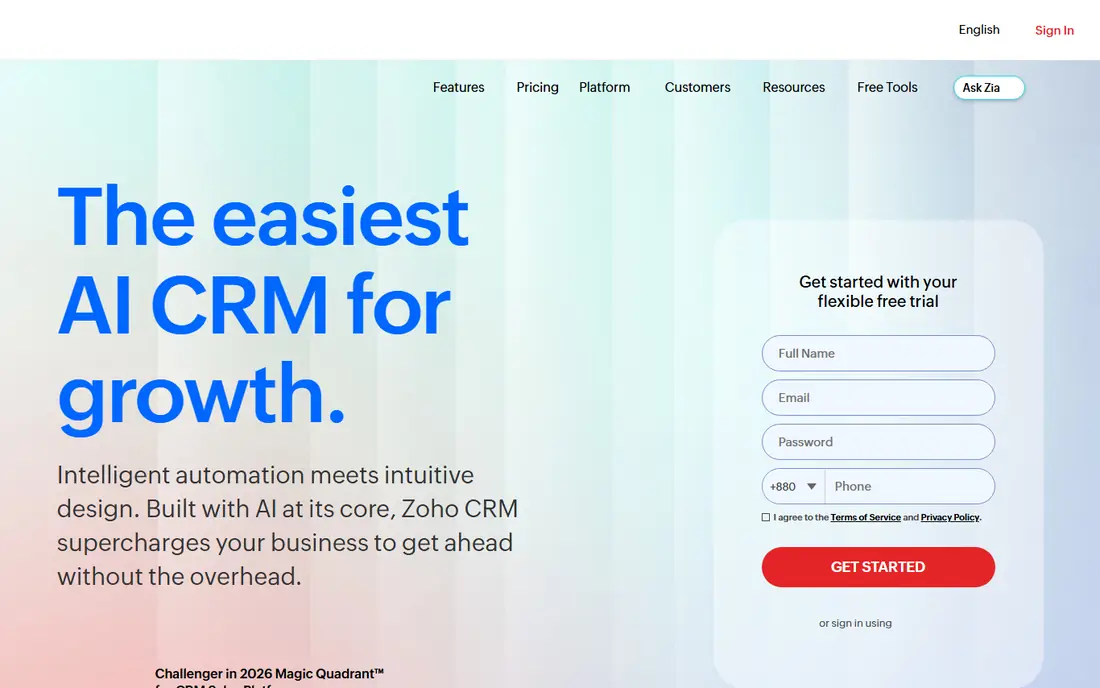
Zoho CRM gives small teams the most features per dollar in this list. Its free plan covers up to three users, and paid plans start at $14 per user per month on annual billing, rising to $23 for Professional and $40 for Enterprise in recent guides. Custom fields, workflows and automation cover most small-business needs, and the wider Zoho suite adds books, mail, projects and support tools.
The trade-off is polish and setup time. The interface is functional rather than elegant, and complex workflows need careful configuration. Teams that want a guided, pretty setup may prefer HubSpot, while teams that want breadth on a budget will find Zoho hard to beat. For value and customisation, Zoho CRM is the strongest pick here.
- Free plan for up to three users
- Paid plans from $14 per user per month
- Deep customisation and a wide Zoho app suite
- Interface feels less polished than HubSpot
- Setup takes longer for complex workflows
- Some advanced features need higher tiers
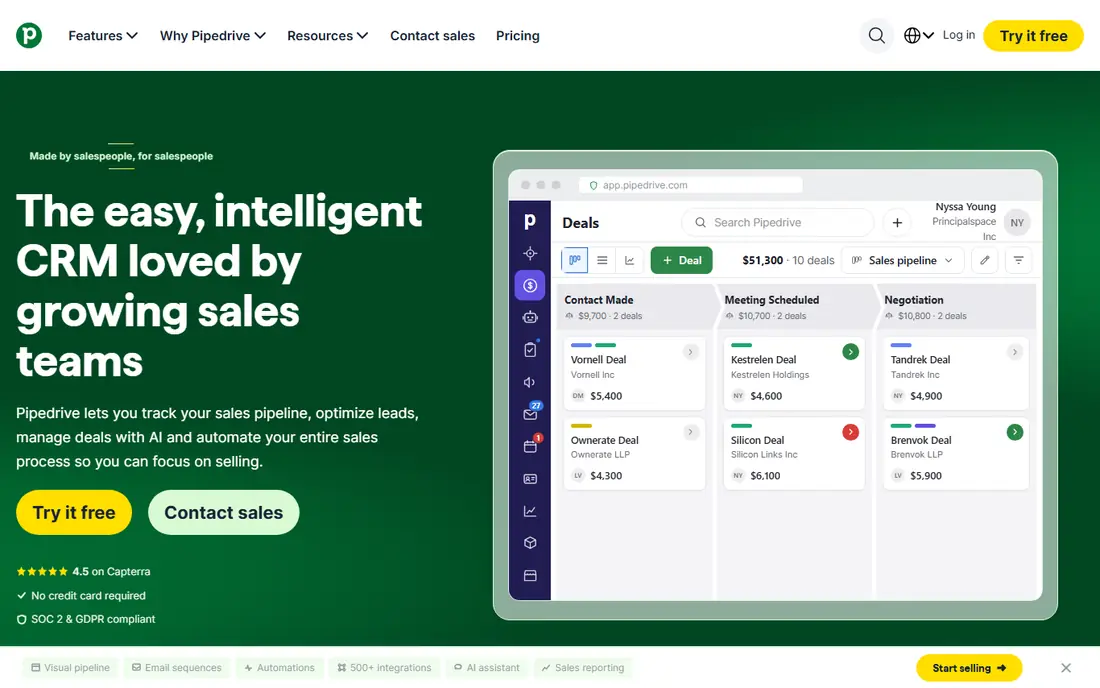
Pipedrive suits teams whose main job is closing deals, not running a full business suite. Its pipeline view makes deal stage, value and next activity visible at a glance, and reps tend to adopt it quickly because the daily workflow is obvious. Setup takes hours, not weeks, and automations handle routine follow-ups and reminders.
The limits are breadth and price structure. There is no free plan, only a 14-day trial, and the Lite plan starts at $14 per user per month on annual billing in recent guides. Marketing, project and service tools are lighter than HubSpot or Zoho, and add-ons can raise the total. If sales pipeline clarity matters most, Pipedrive is our pick.
- Clear visual pipeline that sales teams adopt quickly
- Fast setup
- Useful automations and AI assistant on higher plans
- No free plan, only a 14-day trial
- Marketing and project tools are lighter than HubSpot
- Add-ons add cost
Monday CRM, built on monday.com Work OS, suits teams that want one flexible board system for customers, projects and operations. You can shape pipelines, track deals, manage onboarding and run marketing work from the same boards, with automations and integrations to connect email and other tools. Customisation without code is its main strength.
The catch is cost structure. There is no free plan, only a 14-day trial, and the Basic plan starts at $12 per seat per month with a three-seat minimum in recent guides. Pure CRM depth, such as advanced forecasting and telephony, is lighter than Zoho or Salesforce. If your team thinks in boards and wants flexibility, Monday CRM is a strong choice.
- Visual boards that adapt to sales, projects and operations
- Easy customisation without code
- Good automations
- No free plan, only a 14-day trial with a three-seat minimum
- Costs rise with seats and features
- CRM depth is lighter than Zoho
Asana is the pick for teams that use Bitrix24 mainly for projects and tasks, with customer tracking as a secondary job. Its timelines, boards, workloads and goals help teams plan work, assign owners and track progress across departments. The free plan covers small teams, and paid plans add timelines, reporting and automation.
As a CRM, Asana needs custom setup. It does not offer the same pipeline, forecasting or telephony depth as Pipedrive or Zoho, so sales-heavy teams should pair it with a dedicated CRM or choose another tool here. If project delivery is your core need and customer records sit alongside it, Asana is a clean and proven option.
- Strong project and task management
- Clear timelines and workloads
- Free plan for small teams
- CRM features need custom setup
- Not a dedicated sales CRM
- Pricing varies by plan and seat count
ClickUp aims at the same all-in-one idea as Bitrix24, but with a modern work-hub design. It combines tasks, documents, goals, chat, whiteboards and CRM views, so a small team can run projects, track customers and plan work without buying several tools. The free plan is generous for testing, and paid plans add more storage, automation and reporting.
The risk is overload. With so many views and options, a team without clear rules can build a messy workspace quickly. Take time to set naming, statuses and permissions before inviting everyone. If you want one hub and you are willing to set it up properly, ClickUp is the closest modern match to the Bitrix24 bundle.
- Tasks, docs, goals, chat and CRM views in one place
- Highly customisable
- Generous free plan
- Depth can feel overwhelming at first
- Setup needs discipline to stay tidy
- Pricing and limits vary by plan
Salesforce is the enterprise pick for teams that outgrow simpler CRMs. Its Starter Suite starts at $25 per user per month in recent guides, with Professional and Enterprise tiers far higher, and its AppExchange ecosystem adds thousands of integrations and add-ons. Custom objects, workflows, reporting and AI features support complex sales, service and operations processes.
The cost is complexity as much as price. Setup for a large deployment often needs an admin or partner, and small teams can find the system heavier than they need. If you plan to scale across departments, need deep customisation, or already use Salesforce tools, it is the safest long-term choice. If you are a team of five, start with HubSpot or Zoho instead.
- Deepest customisation and ecosystem in this list
- Strong reporting and automation
- Scales from small teams to enterprises
- No free plan, only a trial
- Starter Suite starts at $25 per user per month, with higher tiers far costlier
- Setup often needs expertise
Freshsales, from Freshworks, suits sales teams that live on phone and email. It bundles calling, email tracking, deal management and AI-assisted forecasting, so reps can work from one inbox-style view. Its free plan covers up to three users in recent guides, and the Growth plan starts at $9 per user per month, making it one of the cheapest paid starts here.
The ecosystem is smaller than HubSpot or Salesforce, so check integrations before committing, especially for marketing and accounting tools. Advanced features also sit on higher tiers, with Pro and Enterprise plans costing far more. For a communication-heavy sales team on a budget, Freshsales is a practical and affordable pick.
- Built-in phone and email for sales teams
- Free plan for up to three users in guides
- AI forecasting on higher plans
- Ecosystem is smaller than HubSpot or Salesforce
- Some advanced features need higher tiers
- Interface changes with Freshworks updates
How we picked these
We compared official product pages, pricing pages and 2026 CRM pricing guides. We kept platforms that are sold and supported now, that cover a distinct need such as free starting, value, pipeline clarity, flexible work, project delivery, all-in-one work or enterprise scale, and that offer a real alternative to part or all of the Bitrix24 bundle. We left out tools with no clear vendor pricing path and niche CRMs that lack a full sales workflow. Prices are vendor or recent guide figures from October 2026, and we wrote See website where plan structures vary too much to quote one fair number.
What to check before you switch
First, list what you actually use in Bitrix24. If you use CRM plus chat plus HR, no single tool here copies the whole bundle, so you may need two tools or accept a narrower system. Second, test migration with real data. Import a sample of contacts, deals and tasks, and check that custom fields, deal stages and history survive. Third, add up seat costs for your real team size, not the headline per-user price, and include any minimum seat counts.
A simple switch checklist
- Export contacts, deals, tasks and files before cancelling anything.
- Map deal stages and custom fields to the new system before importing.
- Run both systems in parallel for two weeks with a small team.
- Train the team on the new daily workflow, not just the feature list.
- Confirm reporting answers the questions your manager asks each month.
Frequently asked questions
What is the best Bitrix24 alternative overall?
HubSpot is the best overall pick for most small teams, since it starts free and adds marketing, sales and service tools in one system. Zoho CRM is the best value pick, and Pipedrive is the best pick for sales teams that want pipeline clarity above all else. Your best choice depends on whether you need breadth, value or pipeline focus.
Is there a free Bitrix24 alternative?
Yes, in part. HubSpot, Zoho CRM, Asana, ClickUp and Freshsales all offer free plans, though each limits features, users or storage. No free plan copies the full Bitrix24 bundle, including CRM, projects, chat, telephony and HR, so expect to combine tools or pay for the parts you need most.
Which alternative is best for small business?
Zoho CRM is the best small-business pick on value, with a free plan for up to three users and paid plans from $14 per user per month. HubSpot is the best pick if you want a free start with a clear path to marketing and service tools. Pipedrive suits small sales teams that want a simple pipeline.
Can I migrate from Bitrix24 to HubSpot or Zoho?
Yes. Both offer import tools for contacts, companies and deals, and partners can help with larger migrations. Test with a small sample first, map custom fields and deal stages, and run both systems in parallel for a short period. Keep a backup export from Bitrix24 until the new system is proven in daily use.
Which alternative is best for project management?
Asana is the best project-first pick, with timelines, boards and workloads built for delivery work. ClickUp and Monday CRM also handle projects plus customer tracking, which suits teams that want one hub. If project work is secondary to sales, pick a dedicated CRM such as Pipedrive or Zoho instead.
Do these tools work for teams outside sales?
Yes. Monday CRM, Asana and ClickUp support operations, marketing and service workflows alongside sales, while HubSpot adds dedicated service tools. Salesforce scales across departments but needs more setup. Match the tool to the team that will use it daily, not just to the sales team.
Sources
See where you really rank - block by block
ProMapRanker scans Google Maps across a grid of your service area. Simple monthly plans from $19, white-label on every plan.
Start freeKeep reading
 zscaler alternatives
Best Zscaler Alternatives in 2026
Looking for zscaler alternatives? We compare 9 SASE and zero trust platforms on architecture, data protection, pricing, and fit for your network and team.
Read → zapier alternatives free
Best Zapier Alternatives Free in 2026
Nine automation tools for zapier alternatives free in 2026, all with genuinely free tiers, plus free plan limits, starting prices and upgrade paths explained.
Read → which platform is best for online reputation
Which Platform Is Best for Online Reputation in 2026
Wondering which platform is best for online reputation? We compare 8 review, listing, and response tools for small and multi-location businesses and agencies.
Read →