 ProMapRanker
Best YouTube Video Downloader Apps in 2026

Key takeaways
- YouTube Premium is the safest and simplest way to watch offline, and it is the first option most people should try.
- Only download your own videos, public domain or Creative Commons content with permission, or content you have a clear right to save.
- Desktop tools suit creators who need to archive their own uploads, back up licensed files, or work without a connection.
- Free tools vary in upkeep and format support, so check the latest version before you rely on one for a project.
- Do not use any tool here to copy someone else's videos, music, or shows without permission.
Quick comparison
| Pick | Great for | Pricing starts at | Free tier | |
|---|---|---|---|---|
 YouTube Premium | Official offline viewing | See website | Free trial | Visit |
 4K Video Downloader | Simple desktop downloads | Free | Yes | Visit |
 yt-dlp | Flexible command line tool | Free | Yes | Visit |
 ClipGrab | Free basic downloads | Free | Yes | Visit |
 JDownloader | Batch and playlist handling | Free | Yes | Visit |
 Downie | Mac only ease of use | See website | Free trial | Visit |
 VideoProc Converter AI | Download plus editing | See website | Free trial | Visit |
 Pulltube | Mac subtitles and trimming | See website | Free trial | Visit |
The best YouTube video downloader apps
This guide covers legal use only. That means your own uploads, videos in the public domain, Creative Commons content used under its licence, and other material where you have clear permission. It does not cover copying other creators' work, music videos, or shows you do not own. Start with YouTube Premium, then use a desktop tool only for material you have a right to save.
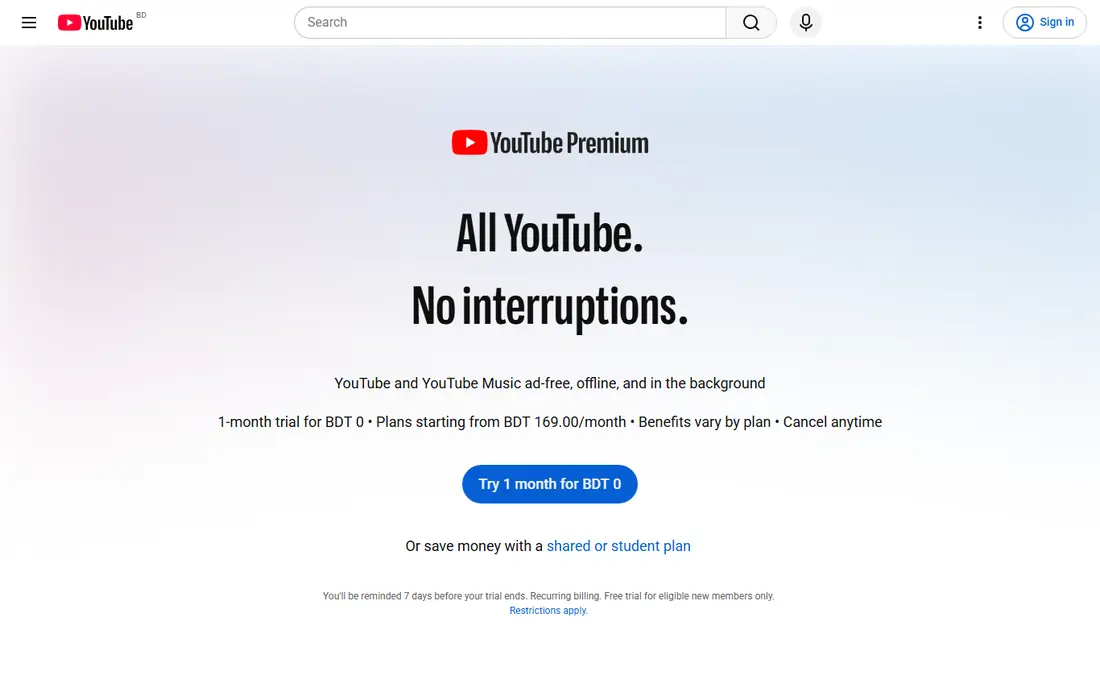
YouTube Premium is the only option here that works inside YouTube's own terms for offline viewing. You download in the YouTube app, watch without a connection, and keep access while your subscription stays active. That makes it ideal for travel, commutes, and places with weak mobile data.
The limit is that Premium downloads are not standalone video files you can edit or move to another app. If you need a file for editing, you need a different legal route, such as downloading your own upload from YouTube Studio. For most viewers, though, Premium is the simplest and safest choice, and a trial lets you test offline viewing before you pay.
- Official offline downloads in the app
- No ads on YouTube
- Includes YouTube Music
- Downloads stay inside the YouTube app
- Subscription cost adds up over time
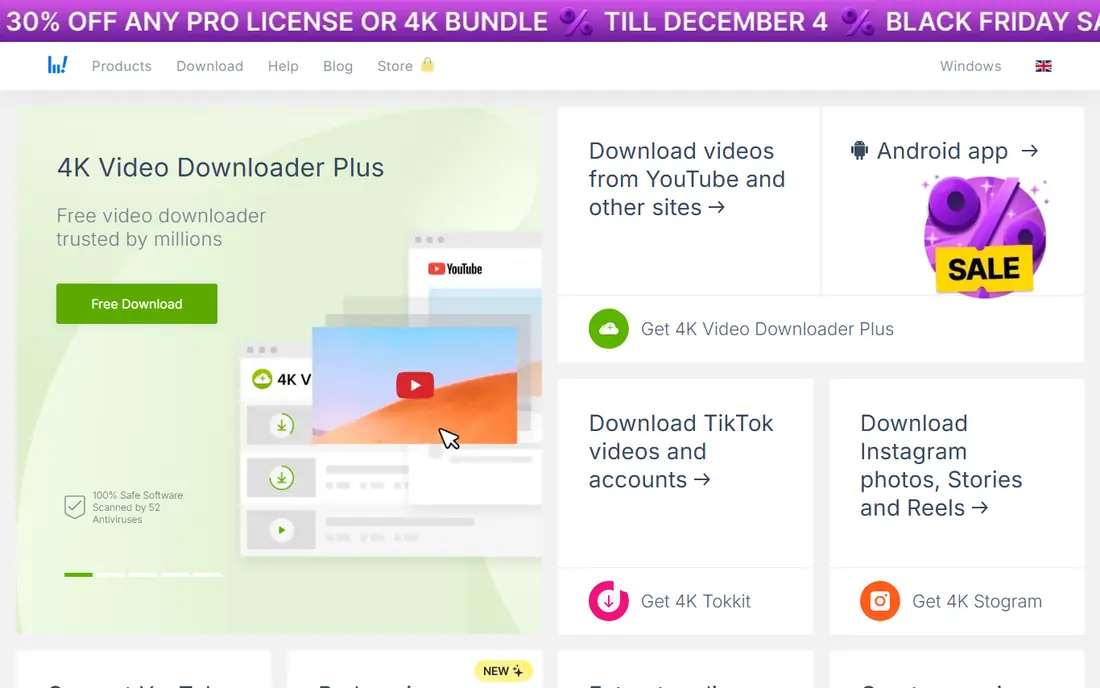
4K Video Downloader suits creators who want a straightforward desktop tool for their own videos and licensed content. Paste a link, pick quality and format, and download a single video, a playlist, or subtitles where the licence allows. The interface stays simple, which helps when you need a file quickly for editing or archiving.
Free use has limits on playlists and other features, so check the current free terms before a large project. Use it only for material you own or have permission to save, and respect the licence on Creative Commons work, including credit where required. For simple, occasional archiving, it is an easy first desktop tool to try.
- Clear interface
- Playlist and subtitle support
- Quality and format choice
- Free plan has limits
- Paid licence needed for full features
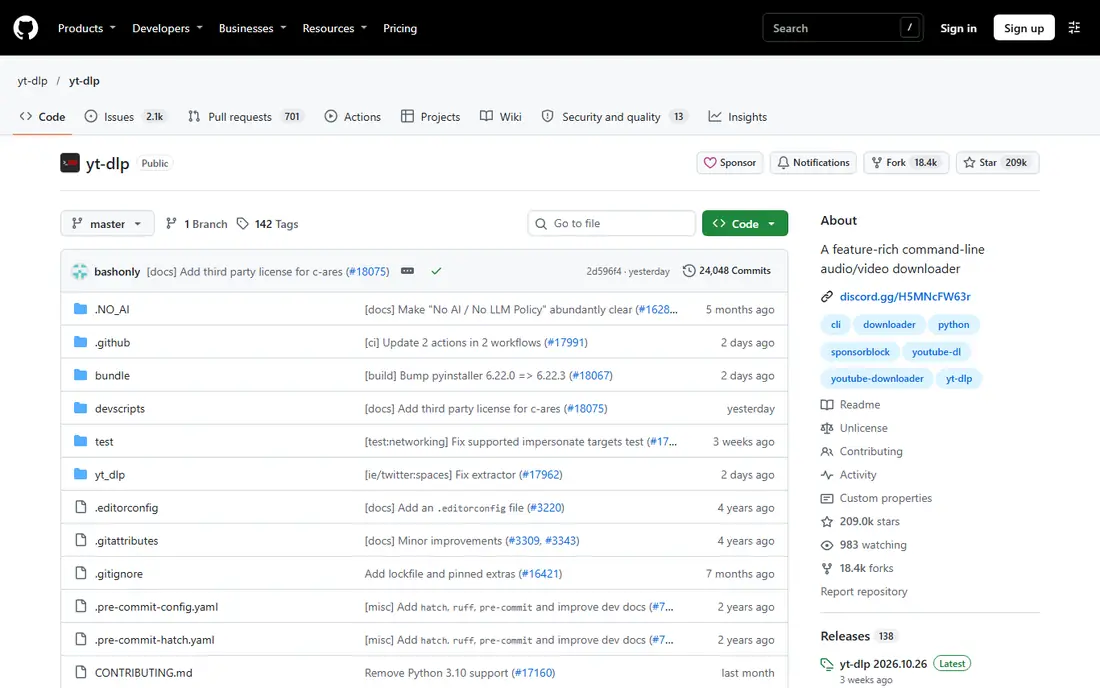
yt-dlp is a free, open source command line tool used by many creators and archivists for lawful downloads of their own material and licensed content. It offers detailed control over format, quality, subtitles, and playlists, and it is updated often to keep up with site changes. If you are comfortable with a terminal, it is the most flexible tool here.
The learning curve is real. There is no friendly button interface in the base tool, so new users should follow the official documentation and test with their own short video first. Do not use yt-dlp to copy other people's work. For creators who archive their own channel or licensed files, its control and cost, free, are hard to beat.
- Free and open source
- Many format and quality options
- Active upkeep
- Command line only
- Learning curve for new users
ClipGrab is a free desktop app for Windows, Mac, and Linux that keeps downloading simple. Paste a link, choose a format, and save the file. That simplicity suits people who only need occasional downloads of their own videos or licensed material and do not want to learn a command line tool.
Reliability can vary when video sites change, and ClipGrab may need an update before it works again. That is common for free downloaders, so keep expectations modest and check for a new version if a download fails. Use it only within the legal limits set out at the top of this guide.
- Free
- Simple paste and download flow
- Basic format conversion
- Occasional site changes can break downloads
- Format range is basic
JDownloader suits people with a batch job, such as archiving a series of their own uploads or a set of licensed files. You can add many links, queue them, pause and resume, and manage downloads in one window. That batch handling saves time compared with downloading one file at a time.
The interface is busier than ClipGrab or 4K Video Downloader, and first setup takes a few minutes. It is also a general download manager, not a YouTube only tool, so ignore features you do not need. For lawful batch archiving, it is a strong free option once you learn the layout.
- Free and open source
- Handles many links at once
- Pause and resume support
- Interface feels busy
- Setup takes longer than simpler tools
Downie is a Mac app that focuses on ease of use. Drag a link or paste it, and Downie handles the download with little setup. It supports many sites beyond YouTube, which helps creators who work with licensed material from several sources. The trial lets you test it with your own videos before you pay.
The main limit is platform. Windows and Linux users need a different tool here. Check current pricing on the vendor site, since trial terms and licence prices change. For Mac users who want the smoothest lawful download workflow, Downie is a strong pick.
- Very easy Mac workflow
- Many supported sites
- Clean interface
- Mac only
- Paid after the trial
VideoProc Converter AI suits creators who download their own material and then edit, compress, or convert it. Instead of moving files between three apps, you can download, trim, convert, and prepare a file for upload in one place. That workflow helps when you repurpose your own videos for different platforms.
The app is heavier than a simple downloader, and full use needs a paid licence, so check the trial limits first. Use it only for material you own or have permission to use, and keep licence details with the project. For creators who edit as well as archive, the combined tools justify the extra size.
- Download, convert, and edit in one app
- 4K support
- Batch tools
- Larger app than a simple downloader
- Paid for full use
Pulltube is another Mac focused downloader, with subtitle support and basic trimming that help creators prepare their own videos and licensed clips. The interface stays light, and trimming a start or end point before saving can save an extra editing step. It suits people who work with captioned content.
As with Downie, Mac only support is the main limit, and full use needs payment after the trial. Check current pricing on the vendor site. For Mac users who need subtitles and trimming for lawful material, Pulltube is a tidy alternative to a larger editing suite.
- Subtitle downloads
- Simple trimming
- Clean Mac design
- Mac only
- Paid after the trial
How we picked these
We compared official product pages, pricing, and app listings, and favoured tools that are still maintained in 2026 and work for lawful archiving of your own or licensed material. We put YouTube Premium first because it is the official offline option. We left out piracy focused sites, tools with no working homepage, and services that promote copying other creators' work.
How to download legally and safely
First, check your right to the video. Your own uploads are the clearest case, and you can also download them from YouTube Studio in many cases. For Creative Commons content, read the exact licence, give credit where required, and respect any non commercial or no derivative limits. Public domain material still needs a check, since a new recording or edit can carry its own rights.
Second, prefer the official route when you only need to watch offline. YouTube Premium keeps downloads inside the app and avoids licence questions entirely. Use a desktop tool only when you need a file for editing or archiving your own work, and keep a note of the licence for each file you save.
Third, stay safe with free tools. Download only from the official site, skip bundled offers during install, and keep the tool updated. If a tool stops working after a site change, update it rather than switching to a random site that promises the same download. Never enter your YouTube password into a third party downloader that does not need it.
Frequently asked questions
What is the best YouTube video downloader app?
For most viewers, YouTube Premium is the best choice, since it is official and simple for offline viewing. For creators archiving their own videos, 4K Video Downloader is easy, yt-dlp is the most flexible, and Downie or Pulltube suit Mac users. The best pick depends on whether you need to watch offline or keep an editable file.
What are the best YouTube video downloader tools for creators?
Creators should use YouTube Studio for their own uploads where possible, plus a desktop tool for licensed material or format conversion. 4K Video Downloader, yt-dlp, VideoProc Converter AI, and JDownloader cover simple, flexible, editing, and batch needs. Always keep licence notes with each project.
What is the best YouTube video downloader software for Mac?
Downie and Pulltube are the strongest Mac only picks, with clean interfaces and subtitle support. ClipGrab and 4K Video Downloader also work on Mac and cover basic needs. Test the trial versions with your own videos before paying for a Mac only licence.
Is it legal to download YouTube videos?
It depends on the video and your rights. Downloading your own videos, public domain material, and Creative Commons content under its licence is generally lawful use. Copying other creators' videos, music, or shows without permission is not, and it can breach YouTube terms and copyright law. When in doubt, do not download it.
Can I download YouTube videos for offline viewing without Premium?
YouTube Premium is the official offline option inside the YouTube app. Desktop tools in this guide save files, but they should be used only for material you own or have permission to save. Do not use them as a substitute for Premium to keep other people's videos offline.
What is the best free YouTube downloader app?
ClipGrab, yt-dlp, and JDownloader are free, while 4K Video Downloader offers a free plan with limits. yt-dlp is the most capable free tool but needs command line skills. ClipGrab is easier for beginners, while JDownloader suits batch jobs. All three should be used only for lawful material.
Sources
See where you really rank - block by block
ProMapRanker scans Google Maps across a grid of your service area. Simple monthly plans from $19, white-label on every plan.
Start freeKeep reading
 zscaler alternatives
Best Zscaler Alternatives in 2026
Looking for zscaler alternatives? We compare 9 SASE and zero trust platforms on architecture, data protection, pricing, and fit for your network and team.
Read → zapier alternatives free
Best Zapier Alternatives Free in 2026
Nine automation tools for zapier alternatives free in 2026, all with genuinely free tiers, plus free plan limits, starting prices and upgrade paths explained.
Read → which platform is best for online reputation
Which Platform Is Best for Online Reputation in 2026
Wondering which platform is best for online reputation? We compare 8 review, listing, and response tools for small and multi-location businesses and agencies.
Read →