 ProMapRanker
Best Writing Assistant Software in 2026

Key takeaways
- Grammarly is the best all-round choice for everyday writing across browsers, documents, and email.
- ProWritingAid suits long-form writers who want detailed style reports, while LanguageTool suits writers working in more than one language.
- QuillBot is the strongest pick when rewriting matters as much as grammar, and Hemingway suits writers focused on clarity.
- Every tool here offers a free tier or trial, so test each one on your own writing before paying.
Quick comparison
| Pick | Great for | Pricing starts at | Free tier | |
|---|---|---|---|---|
 Grammarly | Everyday writing everywhere | $12 per month | Yes | Visit |
 ProWritingAid | Long-form style and manuscript reports | $10 per month | Yes | Visit |
 LanguageTool | Multilingual grammar checking | See website | Yes | Visit |
 QuillBot | Grammar plus rewriting | $8.33 per month | Yes | Visit |
 Hemingway Editor | Clear, readable sentences | See website | Yes | Visit |
 Microsoft Editor | Office and browser writing | See website | Yes | Visit |
 Ginger | English learners and simple corrections | See website | Yes | Visit |
 DeepL Write | Style and tone in several languages | See website | Yes | Visit |
 Sapling AI | Team writing and support messages | See website | Free trial | Visit |
The best writing assistant software
A good writing assistant catches errors, tightens sentences, and helps you match the tone you intend, without taking over your voice. We compared official pricing pages, feature descriptions, and free-plan limits for tools live in October 2026, covering everyday writing, long manuscripts, and team use.

Grammarly is our pick for most people because it follows you across the apps where you actually write. It checks grammar, spelling, and punctuation as you type, suggests clearer phrasing, and on Pro adds tone changes, full-sentence rewrites, and plagiarism checks. The Pro plan is listed at 12 dollars per month on annual billing, and the free plan covers basic corrections plus a monthly allowance of AI prompts.
The limits are price on monthly billing and language range. Monthly Pro costs much more than annual Pro, so casual users should stay on the free plan or commit yearly only if they write daily. Grammarly has added checks in more languages, but English remains its strongest area. For everyday professional writing, it is still the most complete single tool.
- Works across browsers, Word, Google Docs, and mobile
- Tone and rewrite help
- Plagiarism checks on Pro
- Pro costs 30 dollars per month on monthly billing
- English focus, with other languages still limited

ProWritingAid is the pick for authors, editors, and anyone writing long reports or books. Beyond grammar, it produces reports on style, sentence variety, pacing, repeated phrases, and structure, which helps you revise a full chapter rather than just fix typos. Premium is listed at 10 dollars per month on annual billing, with a lifetime option also available.
The trade-offs are language and free-plan limits. ProWritingAid works in English only, and the free plan checks shorter passages at a time, so long manuscripts need a paid plan. Its reports can also feel dense at first. If you write books, theses, or long reports and want editing depth over everyday convenience, ProWritingAid is the strongest choice here.
- Detailed style, pacing, and structure reports
- Works on long documents
- Lifetime plan available
- English only
- Free plan checks 500 words at a time
- Interface can feel dense
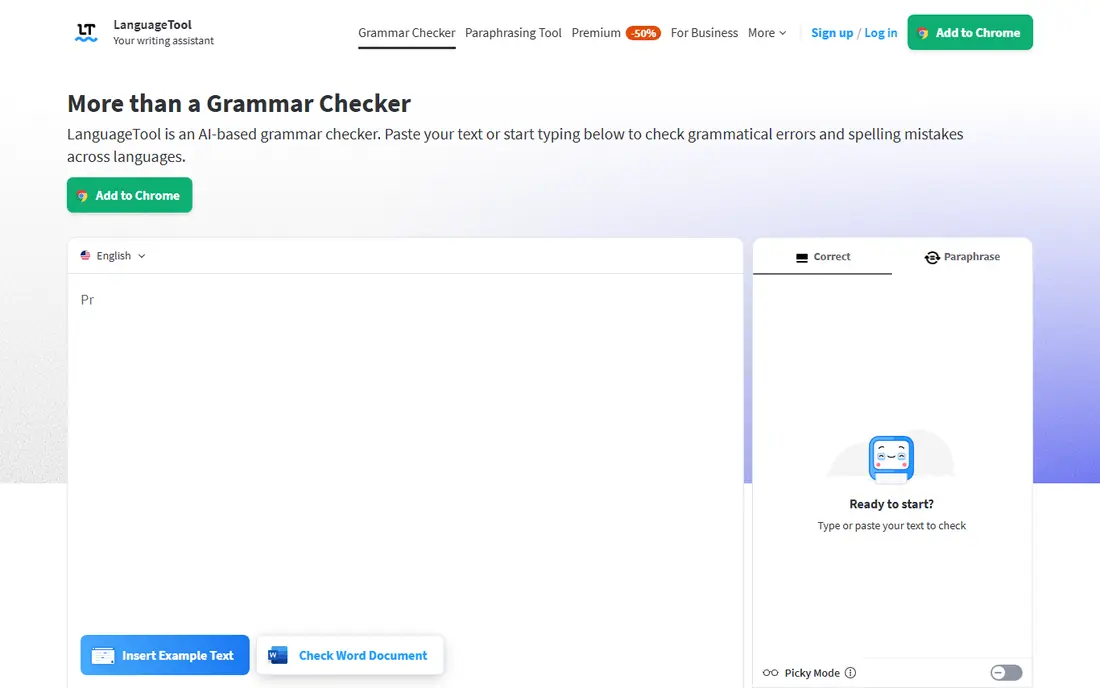
LanguageTool is the best option for writers who work in more than one language. It checks grammar, spelling, and style in over 30 languages, with a free plan that covers shorter texts and a premium plan that raises limits and adds style and paraphrasing features. Browser extensions, desktop apps, and integrations for Word and Google Docs make it easy to use across your workflow.
The catch is uneven depth. English and major European languages get the fullest rule sets, while smaller languages may get lighter coverage. Premium prices also vary by billing period and currency, so check the vendor page for your location. For multilingual teams and students on a budget, LanguageTool is hard to beat.
- Checks more than 30 languages
- Generous free plan
- Browser, desktop, and API options
- Style depth varies by language
- Premium pricing varies by billing and currency
QuillBot suits writers who need to rewrite as well as correct. Its paraphraser offers modes for fluency, formality, simplicity, and other tones, while the grammar checker, summarizer, and citation tools cover the rest of the drafting workflow. Premium is listed at 8.33 dollars per month on annual billing, and the free plan covers basic grammar and paraphrasing with limits.
The risk with any paraphraser is meaning drift. A rewritten sentence can sound smoother while changing a fact, a qualifier, or a technical term, so you should always read the output against your source. Used with care, QuillBot is excellent for students, content writers, and non-native English writers who need help reshaping clumsy sentences.
- Paraphraser with tone modes
- Grammar checker and summarizer in one place
- Free AI detector
- Rewriting can drift from your meaning if unchecked
- Premium features need a paid plan
Hemingway Editor takes a different approach: it does not try to fix every grammar error, it shows you where writing is hard to read. Long sentences, dense passages, passive voice, and complex words are highlighted, with a readability grade to guide revision. The web version is free, and a desktop app is available as a one-time purchase.
The limit is scope. Hemingway will not catch every spelling or grammar mistake, and it will not help with tone or plagiarism. It works best as a second pass after Grammarly, LanguageTool, or ProWritingAid, when you want to cut clutter and make a draft easier to follow. Writers who value clarity over correction depth will like its simplicity.
- Highlights long sentences and hard-to-read passages
- Simple interface
- Free web version
- No full grammar engine
- Desktop app is a separate purchase
- No collaboration features
Microsoft Editor is the sensible pick for people who already live in Word and Outlook. It checks spelling, grammar, and style as you write, suggests clearer and more concise phrasing, and works through a browser extension for web writing. Basic checks are free, while fuller refinement features sit inside Microsoft 365 plans.
The downside is depth. Microsoft Editor does not match ProWritingAid reports or Grammarly tone tools, and its suggestions can feel generic on creative or technical text. If you already pay for Microsoft 365, though, it is a capable editor with no extra subscription, and it keeps your workflow inside Office.
- Built into Word and Outlook
- Browser extension for Edge and Chrome
- Clarity and conciseness help
- Fullest features need Microsoft 365
- Less detailed than dedicated editors
Ginger suits English learners who want to understand corrections, not just accept them. It checks grammar and spelling, offers sentence rephrasing, and includes translation help for writers working between languages. The interface is simple, and the free plan covers basic checks for short texts.
The limits are language and depth. Ginger works in English only, and its free plan is more restricted than Grammarly or LanguageTool. It also lacks the long-form reports of ProWritingAid and the paraphrasing range of QuillBot. For a learner who wants clear explanations and a gentle learning curve, Ginger remains a friendly and affordable option.
- Explains corrections in a helpful way
- Sentence rephraser
- Translator built in
- English only
- Free plan is limited
- Smaller feature range than Grammarly
DeepL Write builds on DeepL translation quality to offer writing help in several languages, including English and German. It suggests alternative phrasing, adjusts tone, and helps non-native writers produce natural-sounding text. A free version covers basic use, with Pro plans adding higher limits and more features.
The catch is ecosystem. DeepL Write has fewer browser and app integrations than Grammarly, so it may not follow you into every editor. Its writing tool is also newer than its translation service, so feature depth is still growing. For multilingual writers who already trust DeepL for translation, Write is a natural companion.
- Strong language quality from DeepL
- Style and tone suggestions
- Supports several languages
- Fewer integrations than Grammarly
- Writing features are newer than its translation tools
Sapling AI is designed for teams that write a high volume of similar messages, such as support replies, sales emails, and internal notes. It offers grammar and style checks, autocomplete, and shared snippets that keep team language consistent. That team focus sets it apart from solo writing tools, which optimize for one writer at a time.
The trade-off is fit. A solo author will find Sapling less useful than Grammarly or ProWritingAid, and its pricing reflects team use. For a support or sales team that needs consistent, correct replies at volume, Sapling is a practical choice that reduces editing time across the whole team.
- Built for team consistency
- Autocomplete and snippet features
- Works across support and sales tools
- Less suited to solo creative writing
- Pricing is team-oriented
How we picked these
We compared official pricing pages, feature descriptions, and free-plan limits for writing assistants live in October 2026. We kept tools that check grammar and style in real documents, offer a free tier or trial, and fit a distinct use case: everyday writing, long-form editing, multilingual work, rewriting, clarity, or team writing. We left out pure AI chatbots, pure plagiarism checkers, and tools that only generate text without editing help.
What to check before you pay
Start with your own writing. Paste a recent email, report, or chapter into each free plan and compare the suggestions, not just the error count. Check whether the tool preserves your meaning, handles your technical terms, and works in the apps you use daily. A tool that flags correct domain terms as errors will slow you down.
Then check the plan that matches your volume. Free plans often cap words, prompts, or document length, and annual billing can halve the monthly cost. Finally, read the privacy terms for your plan before pasting sensitive drafts, and avoid sending confidential client material to a free tool without checking its data policy.
Frequently asked questions
What is the best writing assistant software for most people?
Grammarly is the best all-round pick for most people, because it works across browsers, Word, Google Docs, and mobile, and its free plan covers basic corrections. ProWritingAid is better for long manuscripts, and LanguageTool is better for multilingual writing.
What are the best tools for writers working on a book?
ProWritingAid is the strongest tool for writers working on a book, thanks to its long-form style, pacing, and structure reports. Hemingway Editor is a useful second pass for clarity, after ProWritingAid or Grammarly has handled grammar.
What are the best tools for writing in more than one language?
LanguageTool checks more than 30 languages and offers a generous free plan, while DeepL Write suits writers who already use DeepL for translation. Grammarly has added checks in more languages, but English remains its strongest area.
Do writing assistants replace human editing?
No. Writing assistants catch errors and suggest clearer phrasing, but they can miss context, change meaning, and approve a smooth sentence that is factually wrong. Use them for a first pass, then edit yourself or hire an editor for work that matters.
Is there a free writing assistant that is actually useful?
Yes. Grammarly, LanguageTool, QuillBot, and Hemingway all offer free plans that cover real everyday writing. Start free, test each tool on your own text, and pay only when you hit a limit that affects your daily work.
Sources
See where you really rank - block by block
ProMapRanker scans Google Maps across a grid of your service area. Simple monthly plans from $19, white-label on every plan.
Start freeKeep reading
 zscaler alternatives
Best Zscaler Alternatives in 2026
Looking for zscaler alternatives? We compare 9 SASE and zero trust platforms on architecture, data protection, pricing, and fit for your network and team.
Read → zapier alternatives free
Best Zapier Alternatives Free in 2026
Nine automation tools for zapier alternatives free in 2026, all with genuinely free tiers, plus free plan limits, starting prices and upgrade paths explained.
Read → which platform is best for online reputation
Which Platform Is Best for Online Reputation in 2026
Wondering which platform is best for online reputation? We compare 8 review, listing, and response tools for small and multi-location businesses and agencies.
Read →