 ProMapRanker
Best Workout Apps for Beginners in 2026

Key takeaways
- Nike Training Club is the best free starting point, with guided workouts for every level and no subscription.
- FitOn is the best free home workout option for people who like live-style classes and community features.
- Apple Fitness+ suits Apple Watch owners who want studio-style classes across strength, yoga, and cardio.
- Beginners should start free, build a short routine they can repeat, and only pay when a specific feature is missing.
Quick comparison
| Pick | Great for | Pricing starts at | Free tier | |
|---|---|---|---|---|
 Nike Training Club | Free guided workouts | Free | Yes | Visit |
 FitOn | Free home classes | Free | Yes | Visit |
 Apple Fitness+ | Apple Watch classes | $9.99 per month | Free trial | Visit |
 Peloton App | Live and on-demand classes | See website | Free trial | Visit |
 Sweat | Trainer-led programs | $24.99 per month | Free trial | Visit |
 Fitbod | Gym strength plans | $15.99 per month | Free trial | Visit |
 JEFIT | Gym logging and programs | See website | Yes | Visit |
 Hevy | Simple strength logging | $2.99 per month | Yes | Visit |
 Centr | All-round fitness and meals | $29.99 per month | Free trial | Visit |
The best workout apps for beginners
This guide is general information, not medical advice. If you have a health condition, an injury, or you are returning to exercise after a long break, talk to a clinician before starting a new program. The apps below were compared on official pricing pages and app store listings, and only live apps that suit beginners are listed.
Nike Training Club is the easiest recommendation for a beginner who does not want to pay. The app offers guided video workouts across strength, cardio, yoga, mobility, and HIIT, with filters for equipment, duration, and difficulty. That makes it simple to find a short bodyweight session for a small room, or a longer dumbbell workout when you have more time.
Programs add structure for people who do not want to pick a new workout every day. The main limit is logging. Nike Training Club is a class library, not a detailed tracker, so gym users who want to record sets, reps, and weights will need a second app. For a first month of regular exercise, though, it is hard to beat a free library this broad.
- Entire workout library is free
- Workouts for all levels
- Programs for structure
- No detailed strength logging
- Less useful for barbell training
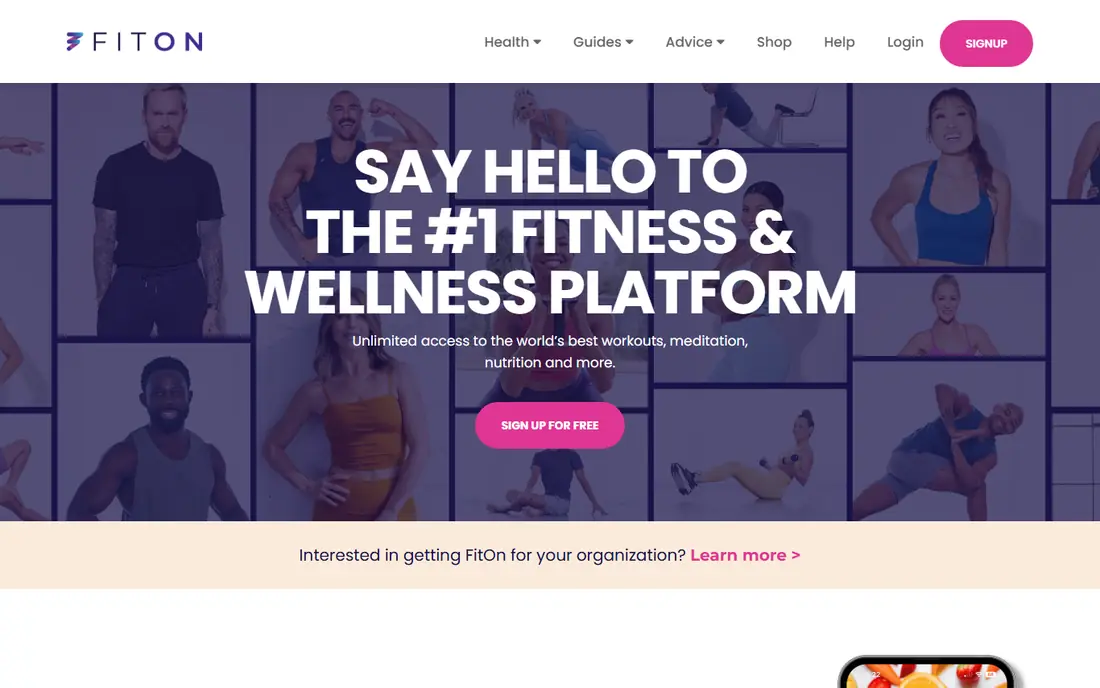
FitOn is another strong free option, and it leans more toward home classes and community than Nike Training Club. You can join cardio, strength, yoga, Pilates, and dance classes, and many sessions need no equipment at all. That makes it a good fit for beginners who train at home and want a class feel without a gym membership.
The free library is generous, and a paid PRO plan adds extra features, but most beginners can start without paying. The main drawback is that FitOn is less suited to a structured gym program than Fitbod or JEFIT. If your goal is home fitness and habit building, that is not a problem.
- Large free class library
- Live-style classes
- Works without equipment
- Paid upgrade needed for some features
- Class style suits home training best
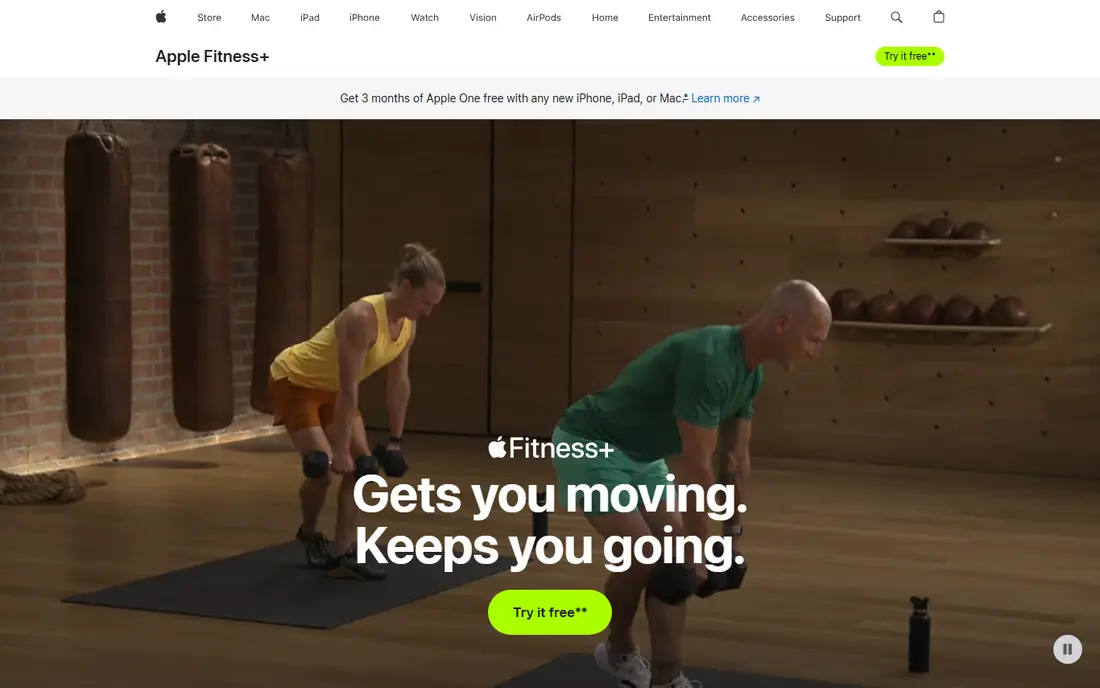
Apple Fitness+ offers studio-style classes for strength, yoga, HIIT, Pilates, dance, cycling, and more, with trainer guidance and on-screen metrics when paired with an Apple Watch. Beginners benefit from clear cueing and a wide range of durations, so a 10 minute session is a real option on a busy day. New subscribers often get a trial period, and the annual plan costs $79.99 per year.
The catch is the ecosystem. Fitness+ works best with Apple devices, and an Apple Watch adds the most value, since heart rate and activity rings appear on screen. Android users should pick Nike Training Club or FitOn instead. Apple users who already own a watch will find Fitness+ the most polished class experience here.
- Studio-style classes
- Apple Watch metrics on screen
- Family sharing options
- Best with an Apple Watch
- Apple devices only
The Peloton App gives access to live and on-demand classes in strength, yoga, running, cycling, meditation, and more, without needing Peloton hardware. That breadth is useful for a beginner who wants to try different styles before settling on one. Challenges and programs add motivation, and the community features help some people stay consistent.
Pricing has varied across sources, so check the current Peloton pricing page before subscribing. The class energy can also feel intense at first. Beginners should filter for beginner classes and shorter sessions, and ignore the leaderboard until the habit is steady.
- Huge class library
- Live classes and challenges
- No Peloton hardware needed for the app
- Price varies by plan
- Class style may feel intense for complete beginners
Sweat is built around trainer-led programs rather than a loose class library. You pick a program and a trainer, then follow a week-by-week plan for strength, cardio, or postpartum fitness, at home or in a gym. That structure suits beginners who want to be told what to do each day, rather than choosing from hundreds of classes.
The price is higher than most apps here, at $24.99 per month or $134.99 per year, and there is no ongoing free plan. A trial helps you test the style, but you should only pay if the program format keeps you training. If you prefer variety over a fixed program, Nike Training Club or FitOn will suit you better.
- Structured trainer programs
- Home and gym options
- Programs for different goals
- Higher monthly price
- No free plan beyond a trial
Fitbod builds each gym session from your available equipment, past workouts, and estimated muscle recovery. That is useful once you know the basic lifts, since it removes the planning work and keeps training balanced across muscle groups. Exercise videos show each movement, and the app works with Apple Watch and Wear OS.
For a true beginner, Fitbod has a learning gap. It assumes some comfort with gym equipment and form, and it does not replace coaching on technique. Start with a few guided sessions elsewhere if you are new to lifting, then move to Fitbod when you want a personalised gym plan. Pricing is $15.99 per month or $95.99 per year, after a trial.
- Builds workouts from your equipment and history
- Exercise videos
- Tracks muscle recovery
- Trial only, no lasting free plan
- Less guidance for complete beginners on form
JEFIT is a gym workout planner and logger with a large exercise database and ready-made programs for beginners. You can follow a plan, log sets and weights, and track progress over time, which helps beginners see strength gains that are easy to miss day to day. The free plan is ad-supported and usable, which makes it a low-risk way to try gym training.
The interface is busier than Hevy or Nike Training Club, and it can feel overwhelming on the first few visits. Pricing has also varied across app store listings, so check the current listing before upgrading. If you want a free gym logger with programs included, JEFIT is a solid pick.
- Large exercise database
- Ready-made programs
- Free ad-supported plan
- Interface feels busy
- Pricing varies by store listing
Hevy is a minimalist strength logger, and that simplicity is its strength. You can build a routine, log sets and reps quickly between sets, and review progress without wading through menus. The free tier covers core logging with limits on routines, while Pro starts at $2.99 per month or $23.99 per year.
Hevy does not teach workouts, so it suits beginners who already have a plan from a trainer, a program, or another app. Pair it with Nike Training Club for guided sessions, or use it on its own once you have a simple routine you trust. If you want classes and coaching in one app, pick a class app instead.
- Clean, fast logging
- Free tier covers core logging
- Social features for motivation
- No guided classes
- Free tier limits routines
Centr bundles workouts, meal ideas, and mindfulness in one subscription, with programs led by trainers and designed for home or gym training. That all-round approach suits beginners who want fitness, food, and recovery guidance in one place, rather than three separate apps. The programs are structured, which helps when you are not sure how to plan a week.
The price is the main drawback, at $29.99 per month or $119.99 per year in recent listings, with only a trial before paying. Beginners on a budget should start free with Nike Training Club or FitOn, and only consider Centr if the meal and mindfulness content is something you will actually use.
- Workouts, meals, and mindfulness in one app
- Trainer-led programs
- Home and gym plans
- Highest price here
- Trial only, no free plan
How we picked these
We compared official pricing pages and app store listings for apps that offer beginner-friendly workouts, clear guidance, and a usable free tier or trial. We favoured apps that work without specialist equipment, that label beginner sessions clearly, and that are live in October 2026. Where prices differed across sources, we wrote See website rather than publishing a figure we could not confirm.
Choosing a beginner workout app
Start with where you will train and how much guidance you want. Home trainers should start with Nike Training Club or FitOn, since both are free and need little or no equipment. Gym beginners should pair a guided app with a logger such as Hevy or JEFIT, so you learn form first and track progress second.
Build a habit before you buy a plan
Pick sessions of 10 to 30 minutes, three times a week, and keep the same time of day if you can. A short session you repeat beats a long session you skip. After two to three weeks, you will know whether you need more structure, more variety, or a gym plan, and you can pay for that specific gap.
Check equipment, space, and form cues
Filter for no-equipment or dumbbell-only workouts if that is what you own. Look for apps that show form cues and offer beginner versions of each move. If a move hurts, stop and pick an easier version, and seek professional advice if pain persists. Good apps make it easy to swap a move, not to push through it.
Compare the true monthly cost
Some apps charge monthly, some charge yearly, and some add a base fee or a trial that renews. Check the price on the app store listing or vendor pricing page, set a reminder before any trial ends, and cancel if you are not using the app at least twice a week. Free apps are not a compromise here, since the best beginner apps are free.
Frequently asked questions
What is the best workout app for beginners?
Nike Training Club is the best workout app for beginners for most people, because it is free, it offers guided workouts for every level, and it needs no equipment for many sessions. FitOn is a close second for home classes. Pick Apple Fitness+ if you already use an Apple Watch.
What is the best beginner workout app that is free?
Nike Training Club and FitOn are the best free beginner workout apps. Both offer large free libraries with no subscription needed to start. Nike Training Club suits all-round training, while FitOn leans toward home classes and community features.
What is the best fitness app for beginners at home?
FitOn and Nike Training Club are the best fitness apps for beginners at home. Both offer bodyweight sessions, short classes, and programs that fit a small space. Centr is a paid alternative if you also want meal ideas and mindfulness in the same app.
Do I need equipment for a beginner workout app?
No, not for most beginner apps. Nike Training Club, FitOn, and Apple Fitness+ all offer bodyweight sessions that need no equipment. A mat helps for floor work, and dumbbells or resistance bands add options later, but they are not required to start.
How often should a beginner work out?
Most beginners do well with three sessions a week, with rest days between strength sessions. Start with short sessions, build gradually, and add a fourth session only when the habit feels steady. If you feel pain rather than normal muscle soreness, rest and seek advice.
Is a paid workout app worth it for a beginner?
A paid app is worth it only when it fills a gap in a free app. Pay for a gym plan like Fitbod when you train in a gym and want personalised sessions, or for a program like Sweat when a fixed trainer plan keeps you consistent. Start free first, so you pay for a known need, not a guess.
Sources
See where you really rank - block by block
ProMapRanker scans Google Maps across a grid of your service area. Simple monthly plans from $19, white-label on every plan.
Start freeKeep reading
 who has the best home internet service
Who Has the Best Home Internet Service in 2026
Who has the best home internet service in 2026? Compare fiber, cable, and 5G providers on speed, price, data caps, and availability at your address today.
Read → visio alternatives
Best Visio Alternatives in 2026
Compare 9 Visio alternatives for flowcharts, org charts, and network diagrams, with free plans, pricing, and the best pick for teams and solo users in 2026.
Read → top 10 logistics software
Top 10 Logistics Software in 2026
We compared the top 10 logistics software tools for transport, warehousing, visibility and shipping, for shippers, carriers and 3PL teams in 2026 today.
Read →