 ProMapRanker
How to Pick Workforce Planning Software

Direct answer
For people analytics and benchmarking, One Model is where this list starts. Planful is the stronger choice for finance-led workforce budgeting, while Orgvue suits Org design and workforce modeling. All 8 tools are compared below on price, free plan and limits.
Key takeaways
- Top of the list is One Model, which targets people analytics and benchmarking.
- The cheapest monthly starting price in the list is $8/employee/month, offered by ChartHop.
- Neither One Model nor Workday Adaptive Planning, nor any of the other 6 tools, has a permanent free plan; trials and quotes are the norm.
- For Workday HCM customers, Workday Adaptive Planning is worth a look.
Quick comparison
| Pick | Great for | Pricing starts at | Free tier | |
|---|---|---|---|---|
 One Model | People analytics and benchmarking | See website | No | Visit |
 Planful | Finance-led workforce budgeting | See website | No | Visit |
 Orgvue | Org design and workforce modeling | See website | No | Visit |
 Anaplan | Enterprise connected planning | See website | No | Visit |
 ChartHop | Org design and headcount planning | $8/employee/month | Free trial | Visit |
 Vena | Excel-native planning teams | See website | No | Visit |
 Pigment | Modern mid-market planning | See website | No | Visit |
 Workday Adaptive Planning | Workday HCM customers | See website | No | Visit |
Workforce Planning Software, one by one
Short on time? The summary and table above give the quick view of 8 tools for workforce planning software, and the profiles that follow give the detail behind each entry.
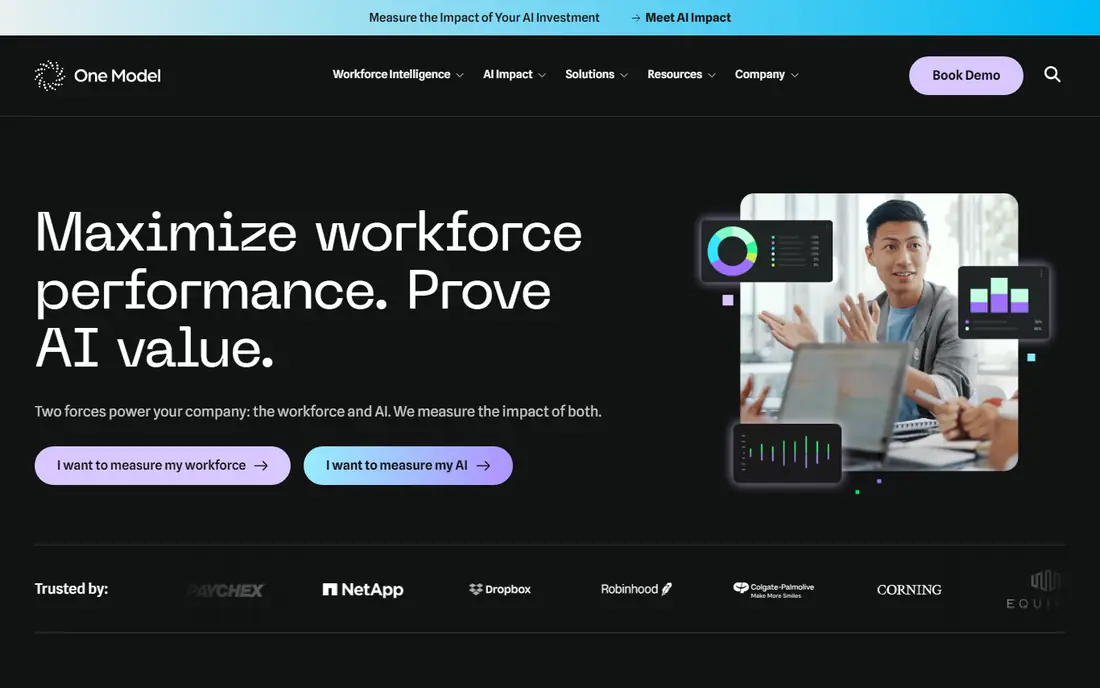
One Model is designed for people analytics and benchmarking. Workforce analytics, benchmarking, and practical HR dashboards include turnover, diversity, compensation, and headcount trends with solid data integration from HRIS sources. The product's positioning is pragmatic analytics.
In practice, HR teams get credible, benchmarked insight into their workforce without the enterprise analytics project, and the Nucleus 2026 matrix places One Model among core providers, reflecting dependable fundamentals. On top of that, for mid-market to large HR teams wanting analytics and benchmarking as the priority, it is a credible alternative to the giants. No starting price is listed for One Model here; confirm pricing on the vendor site. There is no free plan with One Model.
Drawbacks to consider: Smaller vendor than Visier.
- Practical HR insights
- Decent data integration
- Planning features thinner than dedicated systems
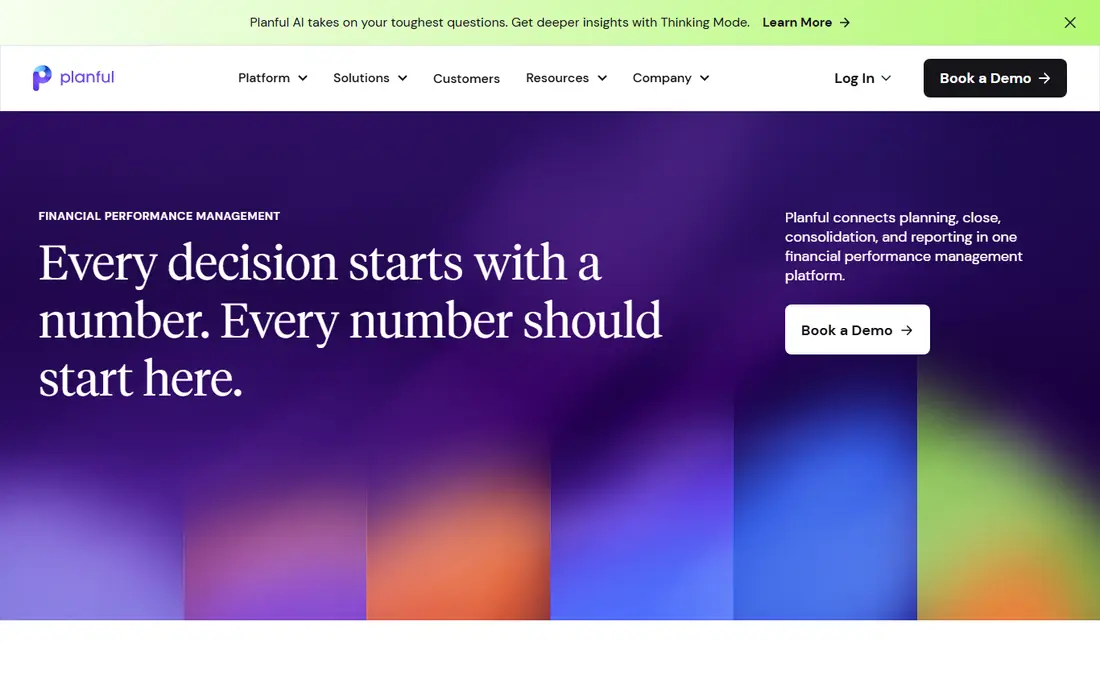
Choose Planful for finance-led workforce budgeting. The honest trade-offs are HR depth and modernity. It is the right tool when the budget owns the plan; HR-led organizations wanting org design and skills analytics should look elsewhere.
More specifically, Planful comes from financial planning and extends naturally into workforce planning. From a buyer's view, businesses where finance owns the headcount plan get a coherent workflow. This comparison lists no price for Planful; ask the vendor. Planful has no permanent free option.
Where it is weaker: Quote-only pricing.
- Capable financial planning heritage
- Well suited to budget-cycle workforce planning
- HR-specific analytics thinner than Visier
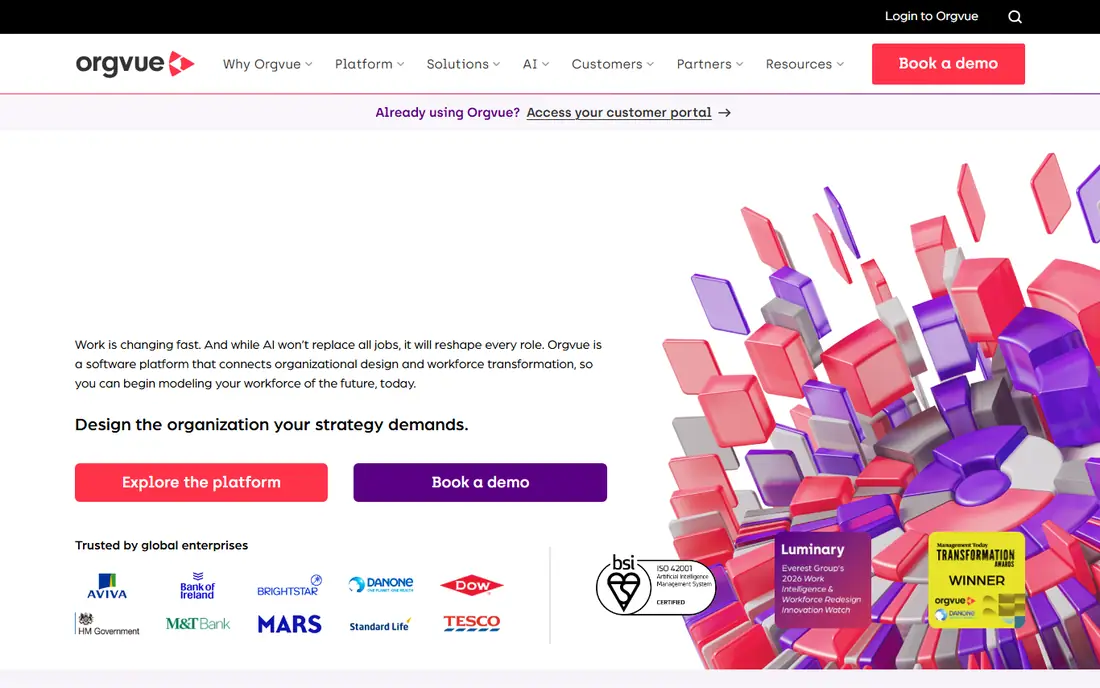
Orgvue serves Org design and workforce modeling. The honest limitation is breadth. As for the details, the differentiator is focus.
The main drawbacks: Narrower than full planning suites.
HR transformation teams and consultants run their org design work here. More specifically, Orgvue concentrates on organizational design and workforce modeling. Orgvue shows no starting price here, so confirm the cost on the vendor site. There is no free plan with Orgvue.
- Purpose-built org design
- Handles complicated orgs
- Quote-only pricing
Anaplan was built for enterprise connected planning. The Nucleus Research 2026 value matrix names Anaplan a leader in workforce planning, reflecting that enterprise credibility. Pricing is quote-only with enterprise-level contracts, implementation is a significant project, and the product needs trained administrators.
More specifically, large enterprises model tens of thousands of employees across regions, entities, and cost centers, with governance controls that satisfy audit requirements. For everyday use, Anaplan is the enterprise standard for connected planning. Its in-memory modeling engine lets finance and HR teams build workforce plans linked to financial forecasts, sales targets, and operational drivers, then run what-if scenarios across the entire model in seconds. Worth adding: headcount, compensation, and hiring plans update together rather than living in separate spreadsheets. Anaplan shows no starting price here, so confirm the cost on the vendor site. Anaplan has no free tier.
Limits to weigh: Needs dedicated administrators.
- Most capable connected planning engine
- Deep scenario modeling
- Complex implementation
ChartHop is aimed squarely at Org design and headcount planning. ChartHop is the most accessible serious workforce planning system. For mid-market People Ops teams wanting visual org design and headcount planning, it is the practical pick.
Points against: Predictive modeling thinner than Visier.
At $8 per employee a month for the first core module, with a $2 per employee Basic level, it publishes pricing the enterprise vendors keep behind sales calls. The honest caveats are the minimums and depth. Core plans carry a $9,000 annual minimum with separate implementation fees, so the published per-employee rate applies to real commitments. From a buyer's view, leaders see how the organization has changed over time, model future structures visually, and surface compensation and turnover insights without analyst support. ChartHop starts at: $8/employee/month. Free options: Free trial.
- Very good org visualization
- Headcount planning plus people analytics
- $9,000 annual minimum on core plans
Where Vena fits: Excel-native planning teams. Workforce planning happens in the familiar spreadsheet interface, with Vena adding centralized data, version control, workflow approvals, and audit trails behind the scenes. In practice, the honest limitation is the Excel ceiling.
Where it falls short: People analytics thinner than HR-native tools.
In practice, teams that want to move beyond spreadsheets will find Vena perpetuates the habit. Teams that want spreadsheets with governance will find it ideal. More specifically, the appeal is adoption. Finance teams that live in Excel get planning software without learning a new interface, which eliminates the change management that sinks plenty of implementations. As for the details, deep automation, real-time collaboration at scale, and HR-native analytics all lag the purpose-built products. Vena does not show a starting price in this comparison, so check the vendor site for current pricing. No free plan comes with Vena.
- Works inside Excel
- Lowest change management of any choice
- Quote-only pricing
Pick Pigment if this describes you: modern mid-market planning. Pigment is the modern challenger that made workforce planning feel like a spreadsheet rather than an IT project. Beyond that, mid-market businesses choose Pigment to escape spreadsheet chaos without taking on Anaplan-scale complexity.
The honest caveats are maturity and pricing transparency. In practice, the interface is familiar enough that finance and HR teams adopt it rapidly, whereas the underlying engine takes care of multi-dimensional modeling, real-time collaboration, and scenario planning that spreadsheets cannot. On top of that, implementation runs quicker, the ramp-up time is gentler. The collaborative features let budget owners edit their own headcount plans with guardrails. Nucleus Research lists Pigment among 2026 accelerators, reflecting its usability advantage. This comparison lists no price for Pigment; ask the vendor. Pigment has no free plan.
What to check first: Enterprise governance still maturing.
- Spreadsheet-like interface teams actually adopt
- Quick implementation
- Quote-only pricing
Where Workday Adaptive Planning fits: Workday HCM customers. Outside the Workday world, Adaptive Planning loses its primary advantage and competes as a general planning tool against Anaplan and Pigment. Workday Adaptive Planning is the workforce planning choice for firms already running Workday HCM.
Points against: Quote-only pricing.
Since the planning layer sits on the same data foundation as HR, headcount plans draw from live employee records, compensation data, and org structure without integration work. From a buyer's view, finance and HR plan from one source of truth. This comparison lists no price for Workday Adaptive Planning; ask the vendor. Workday Adaptive Planning has no free plan.
- Capable for existing customers
- Workforce and financial planning unified
- Enterprise sales process
How we built this list
ProMapRanker used vendor pricing pages and product documentation as the base, then compared plans, free access and documented limits for 8 tools. Seat minimums, billing terms and add-ons can move the real cost, so the starting prices here are a guide and not a quote. Tools are placed by general fit for workforce planning software, with price clarity and free access as tie-breakers. A different team can reasonably rank them differently.
Pre-purchase checklist
- Ask One Model, Planful, Orgvue and others for a written quote, since no starting price is shown.
- Take the trial from ChartHop and push a live task through it before you pay.
- Before choosing One Model, weigh its main limit: quote-only pricing.
- Before rolling out Anaplan, verify the integrations your workflow depends on.
- Look at the help docs and support options for One Model before you commit.
Frequently asked questions
How long does implementation take?
Straightforward deployments with clean HRIS data take weeks to a couple of months. As for the details, enterprise implementations with complicated org structures, several data sources, and custom governance take three to nine months. Data preparation is normally the longest phase.
Is One Model the right pick for everyone comparing workforce planning software?
No single tool suits every team. One Model comes first because it fits people analytics and benchmarking, while Planful suits finance-led workforce budgeting and Orgvue suits Org design and workforce modeling. Match the tool to your own size, budget and workflow before deciding.
Do I need workforce planning software or just a good HRIS?
Companies under 100 employees normally handle with HRIS reports and spreadsheets. Past that, notably with growth or restructuring, the scenario modeling and cost forecasting justify a dedicated tool.
What is the cheapest option for workforce planning software in this list?
On published monthly entry prices, ChartHop is the lowest here at $8/employee/month. Entry price is only part of the cost, because seats, add-ons and billing terms can change the total.
Can I try these options before paying?
Often, yes. ChartHop offers a free trial. Use your own data and a real task during the test, and check what the free tier or trial limits before you rely on it.
How are the tools for workforce planning software ordered?
The order follows typical fit for workforce planning software, with One Model first and Workday Adaptive Planning last, then price clarity and free access. It is editorial judgement, not a score, so another team could rank the tools differently.
Sources
See where you really rank - block by block
ProMapRanker scans Google Maps across a grid of your service area. Simple monthly plans from $19, white-label on every plan.
Start freeKeep reading
 zoho inventory alternatives
6 Alternatives to Zoho Inventory, Compared on Price and Fit
Zoho Inventory alternatives: 6 tools compared on price, free plans and fit. Katana leads the list for manufacturers. Fit and flaws are laid out for each entry.
Read → zoho crm alternatives
Best Zoho CRM Alternatives (2026)
Need Zoho CRM alternatives? We compare 7 tools on cost, free access and who each suits. Every pick gets a straight assessment. Built for quick decisions.
Read → zelle alternatives
Best Zelle Alternatives in 2026
Compare the best Zelle alternatives for sending money to friends, paying sellers and moving funds abroad, with honest notes on fees, speed and safety in 2026.
Read →