 ProMapRanker
8 Best Workforce Analytics Software Options for 2026


Teams that want productivity analytics with a real free level · Pricing starts at: $10/user/month (Essentials plan, billed yearly)
Key takeaways
- This list starts with ActivTrak, which is built for teams that want productivity analytics with a real free level.
- For leaders who want one productivity score per employee, Prodoscore is worth a look.
- Only 2 of the 8 tools have a free plan (ActivTrak, Hubstaff), so check the caps.
- The cheapest monthly starting price in the list is $6.67/user/month, offered by Time Doctor.
- The main caution on ActivTrak: screenshots, API access and extended data history are premium extras, not included.
Direct answer
ActivTrak leads the list, best for teams that want productivity analytics with a real free level. If your case is different, ChartHop suits visual org analytics, headcount planning and scenario modeling and Teramind suits regulated industries that require monitoring plus DLP. The full list of 8 tools follows, with prices and free plan facts.
Quick comparison
| Pick | Great for | Pricing starts at | Free tier | |
|---|---|---|---|---|
| ActivTrak | Teams that want productivity analytics with a real free level | $10/user/month (Essentials plan, billed yearly) | Yes | Visit |
 ChartHop | Visual org analytics, headcount planning and scenario modeling | See website (per-employee-per-month pricing, modular) | No | Visit |
 Teramind | Regulated industries that require monitoring plus DLP | $15/user/month (Starter plan, monthly billing) | Free trial (7 days) | Visit |
 Time Doctor | Remote teams that require time tracking with productivity analytics | $6.67/user/month (Basic plan, billed annually) | Free trial (14 days) | Visit |
 Visier | Enterprises that want the deepest people analytics product | See website (custom quote, enterprise pricing) | No | Visit |
 SAP SuccessFactors | SAP HCM customers that require analytics on SuccessFactors data | See website (custom quote, module licensing) | No | Visit |
 Hubstaff | Field and remote teams that require time tracking plus analytics | $7/user/month (Starter plan, monthly billing) | Yes | Visit |
 Prodoscore | Leaders who want one productivity score per employee | $19.99/user/month (Basic package) | No | Visit |
The 8 tools in detail
Choosing workforce analytics software usually comes down to price, fit and limits. This ProMapRanker guide sets 8 tools side by side on those three points, with the facts kept short and checkable.
ActivTrak
Great for: Teams that want productivity analytics with a real free level
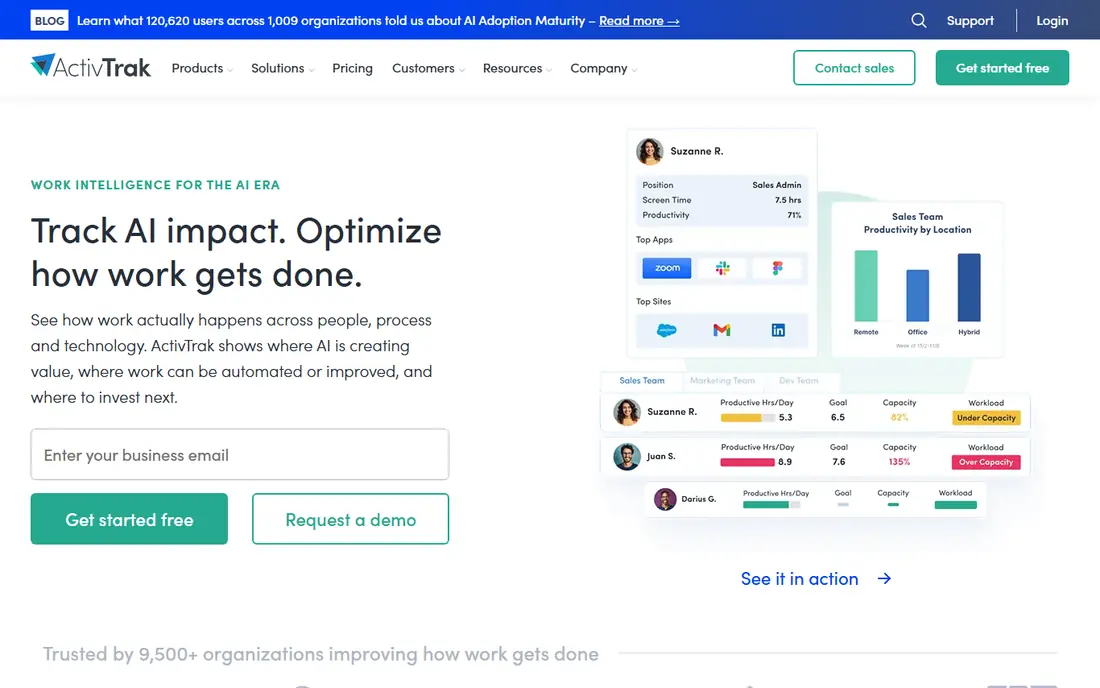
Choose ActivTrak for teams that want productivity analytics with a real free tier. ActivTrak is the productivity-analytics entry point for teams that want visibility into how work happens without surveillance-grade monitoring. It classifies app and website activity as productive or unproductive, tracks focus time and context switching, flags burnout risk and workload imbalance.
What to check first: API access and extended data history are premium extras, not included; Screenshots.
Reports it all in dashboards managers actually read. In daily use, billing is annual-only on premium plans. Screenshots cost additional through the Screen Details add-on, API access is an add-on, and extended data history is an add-on. The honest catch is the add-on ladder. Starting cost for ActivTrak: $10/user/month. A free plan is available with ActivTrak.
- Published pricing from $10 per user a month with extras plainly separated
- Privacy-first positioning with no keystroke logging
- Deeper analytics gated to the $19 Professional level
ChartHop
Great for: Visual org analytics, headcount planning and scenario modeling
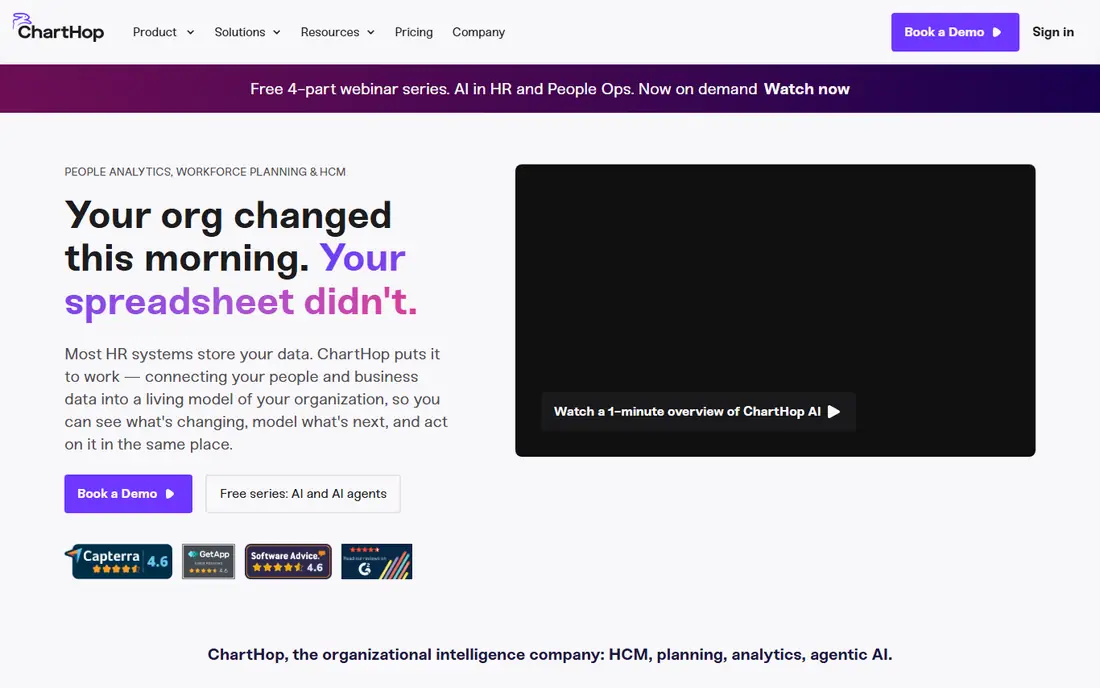
ChartHop targets visual org analytics, headcount planning and scenario modeling. ChartHop calls its category "organizational intelligence": a living model of the entire organization that links people, work, finance and operations.
But for headcount planning, org design and giving executives a current picture of the company, ChartHop is the most approachable of the enterprise trio and the fastest to value. Pricing for ChartHop is not stated here, so ask the vendor for current figures. ChartHop has no free tier.
Trade-offs to know: only the pricing model; Analytics depth for complicated predictive use cases trails Visier.
- Cost and output together
- Headcount scenario planning with live budget impact
- No published per-employee price
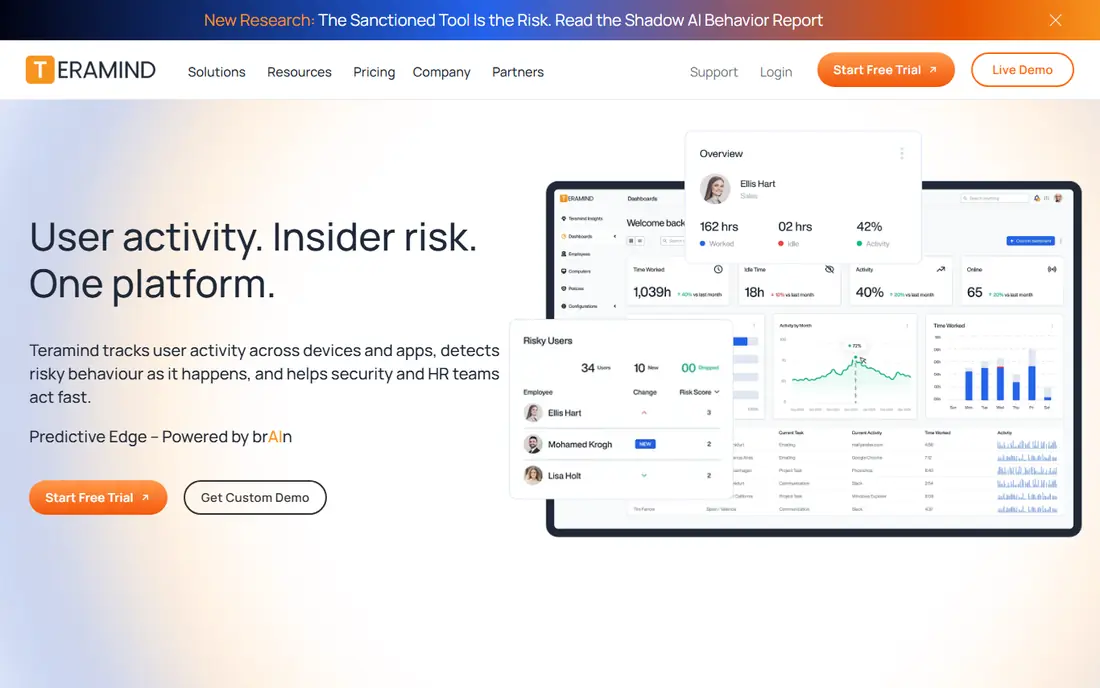
Choose Teramind for regulated industries that require monitoring plus DLP. Teramind is the heavyweight of workforce monitoring. Also, the 5-seat minimum means small teams overpay, and the DLP features most buyers actually want sit at $35 per seat a month.
Points against: Advanced monitoring features (keystroke logging, screen recording) raise employee trust issues.
From a buyer's view, deployment adaptability is a real advantage: cloud, on-premises, private cloud and GovCloud, which matters for regulated industries. Also, for pure productivity coaching, Prodoscore suits better. On cost, Teramind starts like this: $15/user/month. Free access: Free trial (7 days).
- Cloud
- On-premises and private cloud deployment choices
- The full DLP level costs $35 per seat a month
Time Doctor
Great for: Remote teams that require time tracking with productivity analytics
Pick Time Doctor if this describes you: remote teams that require time tracking with productivity analytics. Pricing is completely published: Entry-level at $6.67 per user a month annually ($8 monthly), Standard at $11.67 ($14 monthly), Premium at $16.70 ($20 monthly).
Entry-level is a tracker; the analytics that make Time Doctor a workforce analytics tool (web and app usage reports, productivity ratings, payroll, integrations) start at Standard. Price to start with Time Doctor: $6.67/user/month. Free plan details: Free trial (14 days).
Best features of Time Doctor: task tracking and offline time on every plan.
Watch-outs: Payroll; No free plan, trial only.
- Screenshots
- Published three-tier pricing with clear feature ladders
- Unusual activity detection and video recording gated to Premium
Visier makes the most sense for enterprises that want the deepest people analytics platform. Visier is the reference product in people analytics. It sits on top of your HRIS, ATS, payroll and engagement systems, maps the data into a workforce semantic model, and ships with hundreds of pre-built metrics: turnover drivers, retention risk, compensation equity, hiring quality, span of control.
As for the details, the benchmark dataset, drawn from thousands of enterprises instead of surveys, is the feature competitors cannot copy. Firms under 500 employees seldom clear the value bar. Pricing for Visier is not stated here, so ask the vendor for current figures. Visier has no permanent free option.
Drawbacks to consider: Implementation needs data work to unify HR systems.
- Capable predictive modeling for turnover and workforce planning
- Vee AI assistant answers workforce questions in plain language
- Overbuilt for businesses under a handful of hundred employees
SAP SuccessFactors
Great for: SAP HCM customers that require analytics on SuccessFactors data
Think of SAP SuccessFactors for SAP HCM customers that require analytics on SuccessFactors data. For organizations standardized on SAP, the data residency and governance story is capable.
In practice, the interface feels a generation behind Visier and ChartHop. SAP SuccessFactors shows no starting price here, so confirm the cost on the vendor site. SAP SuccessFactors has no free tier.
What to check first: Module licensing on top of the SuccessFactors contract.
- Workforce Analytics and Planning run natively on SuccessFactors data
- Deep OLAP-style metrics cubes for complicated headcount analysis
- Dated interface compared to modern analytics tools
Hubstaff
Great for: Field and remote teams that require time tracking plus analytics
Hubstaff is a good fit for field and remote teams that require time tracking plus analytics. Remote teams get activity levels, app and URL tracking and timesheets; field teams get GPS routes, geofencing and automatic clock-ins at job sites. For agencies, contractors and field operations that require proof of work plus payroll in one place, it is the most complete package at this price.
In daily use, the free plan handles a single user, and premium plans start at $7 per user a month for Starter on monthly billing ($4.99 annually). For everyday use, the honest catch is the seat minimum and the add-on structure. Beyond that, every premium plan needs a minimum of 2 seats. The workforce analytics features (Insights) plus additional screenshots are extras on lower levels. Hubstaff starts at: $7/user/month. Free access exists with Hubstaff.
Limits to weigh: Workforce analytics depth (Insights) is an add-on on lower levels.
- GPS tracking for field teams on higher levels
- Payments
- Screenshots and advanced features split across extras
In short, Prodoscore is for leaders who want one productivity score per employee. Prodoscore takes a different approach: rather than monitoring screens, it plugs into your cloud business tools (Google Workspace, Microsoft 365, CRM, VoIP) and computes a daily productivity score per employee from real activity. Deployment is genuinely quick, about 15 minutes via API integrations.
Also, a single number invites misinterpretation, and managers who handle to the score without understanding the underlying activity will make bad decisions. The Premium level is custom-quoted. Entry price for Prodoscore: $19.99/user/month. No free plan comes with Prodoscore.
Limits to weigh: Pricing is higher than more straightforward trackers for what is essentially activity data.
- No keystroke logging or screenshots, which eases the privacy conversation
- 15-minute API-based deployment
- The single score can be gamed or misread without context
Key differences between the options
The first group examines your HR data: headcount, turnover, compensation, engagement, hiring pipelines. Also, the second group measures how work actually happens: app usage, focus time, productivity patterns, burnout signals. On top of that, ActivTrak, Teramind, Prodoscore, Time Doctor and Hubstaff live there.
How the list was put together
Each tool was reviewed on what its vendor publishes: price, plan limits, core features and stated drawbacks. We did not run hands-on tests. Seat minimums, billing terms and add-ons can move the real cost, so the starting prices here are a guide and not a quote. The sequence is a judgement call: typical use case first, then pricing transparency, then free access. Use the profiles to check fit.
What to check before you buy
- Ask ChartHop, Visier and SAP SuccessFactors for a written quote, since no starting price is shown.
- Read the fine print on the free plans from ActivTrak and Hubstaff; seat, project and feature caps differ.
- Run a trial of Teramind and Time Doctor with real work before paying for a year; your own workflow is the best test.
- Before choosing ActivTrak, weigh its main limit: screenshots, API access and extended data history are premium add-ons, not included.
- Read the plan comparison for Hubstaff carefully; key features often start on a higher tier.
- See whether ChartHop offers onboarding or training, and whether it is included in the price.
Frequently asked questions
Which options for workforce analytics software have a free plan?
ActivTrak and Hubstaff offer a free plan in this list. Free plans usually cap users, projects or features, so check the limits on the vendor page. Several others offer a trial instead.
Is ActivTrak the right pick for everyone comparing workforce analytics software?
No single tool suits every team. ActivTrak comes first because it fits teams that want productivity analytics with a real free tier, while ChartHop suits visual org analytics, headcount planning and scenario modeling and Teramind suits regulated industries that need monitoring plus DLP. Match the tool to your own size, budget and workflow before deciding.
Can I try these options before paying?
Often, yes. ActivTrak and Hubstaff have a free plan and Teramind and Time Doctor offer a free trial. Use your own data and a real task during the test, and check what the free tier or trial limits before you rely on it.
What is the cheapest option for workforce analytics software in this list?
On published monthly entry prices, Time Doctor is the lowest here at $6.67/user/month. Entry price is only part of the cost, because seats, add-ons and billing terms can change the total.
Sources
See where you really rank - block by block
ProMapRanker scans Google Maps across a grid of your service area. Simple monthly plans from $19, white-label on every plan.
Start freeKeep reading
 zscaler alternatives
Best Zscaler Alternatives in 2026
Looking for zscaler alternatives? We compare 9 SASE and zero trust platforms on architecture, data protection, pricing, and fit for your network and team.
Read → zapier alternatives free
Best Zapier Alternatives Free in 2026
Nine automation tools for zapier alternatives free in 2026, all with genuinely free tiers, plus free plan limits, starting prices and upgrade paths explained.
Read → which platform is best for online reputation
Which Platform Is Best for Online Reputation in 2026
Wondering which platform is best for online reputation? We compare 8 review, listing, and response tools for small and multi-location businesses and agencies.
Read →