 ProMapRanker
Best Workflow Software for Small Business in 2026

Key takeaways
- Workflow software pays off when it removes repeated manual steps, not when it adds a prettier task list.
- Automation tools such as Zapier and Make suit app-to-app work, while monday.com, Asana, and ClickUp suit team workflows with approvals.
- Count automation runs, not just seats. A cheap seat price can hide a usage bill that grows with every automated step.
- Start with one workflow, such as lead follow-up or invoice chasing, and prove it before automating the whole business.
- Free plans work for testing, but approvals, advanced automation, and reporting usually need a paid tier.
Quick comparison
| Pick | Great for | Pricing starts at | Free tier | |
|---|---|---|---|---|
 monday.com | Visual team workflows | $9 per user per month | Yes | Visit |
 Asana | Structured workflows and approvals | $10.99 per user per month | Yes | Visit |
 ClickUp | All-in-one workflows | $7 per user per month | Yes | Visit |
 Trello | Simple workflow boards | $5 per user per month | Yes | Visit |
 Zapier | App-to-app automation | $19.99 per month | Yes | Visit |
 Make | Visual automation on a budget | $9 per month | Yes | Visit |
 Notion | Workflows plus docs and wikis | $10 per user per month | Yes | Visit |
 Airtable | Database-driven workflows | $20 per user per month | Yes | Visit |
The best workflow software for small business
A small business workflow is the path work takes from first contact to finished job: a lead becomes a quote, a quote becomes an order, an order becomes an invoice, and an invoice becomes payment. When that path lives in inboxes and memory, work slips. The eight tools below cover visual team workflows, database workflows, and app-to-app automation, so a small team can pick the kind that matches its bottleneck.
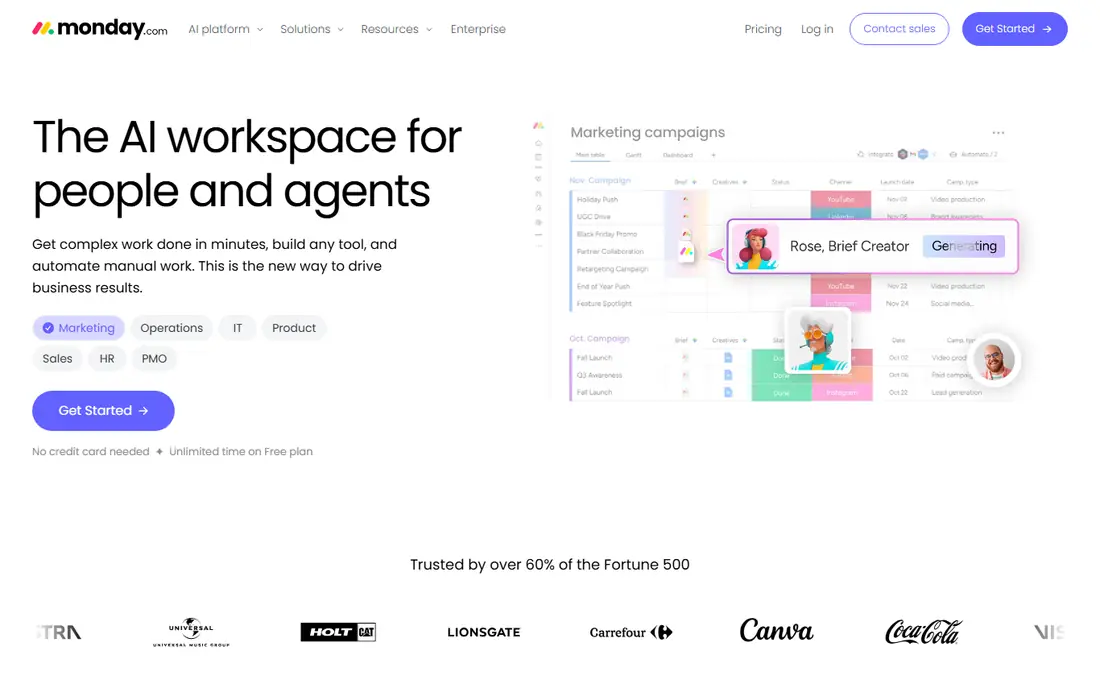
monday.com suits small teams that want a workflow they can see at a glance. A hiring pipeline, a content calendar, or an order tracker becomes a board with columns for owner, stage, date, and priority, and automations move items, send reminders, and notify the next person when a stage changes. Templates shorten setup, so a team can start from a process close to its own.
Seat minimums and tier-based automation limits are the catches. Paid plans start near $9 per user per month billed annually but may require a minimum number of seats, and heavy automation users may hit monthly action limits. For a visual team that wants broad adoption with little training, monday.com remains an easy recommendation.
- Visual boards anyone can read
- Templates for common processes
- No-code automations
- Seat minimums on paid plans
- Automation limits vary by tier
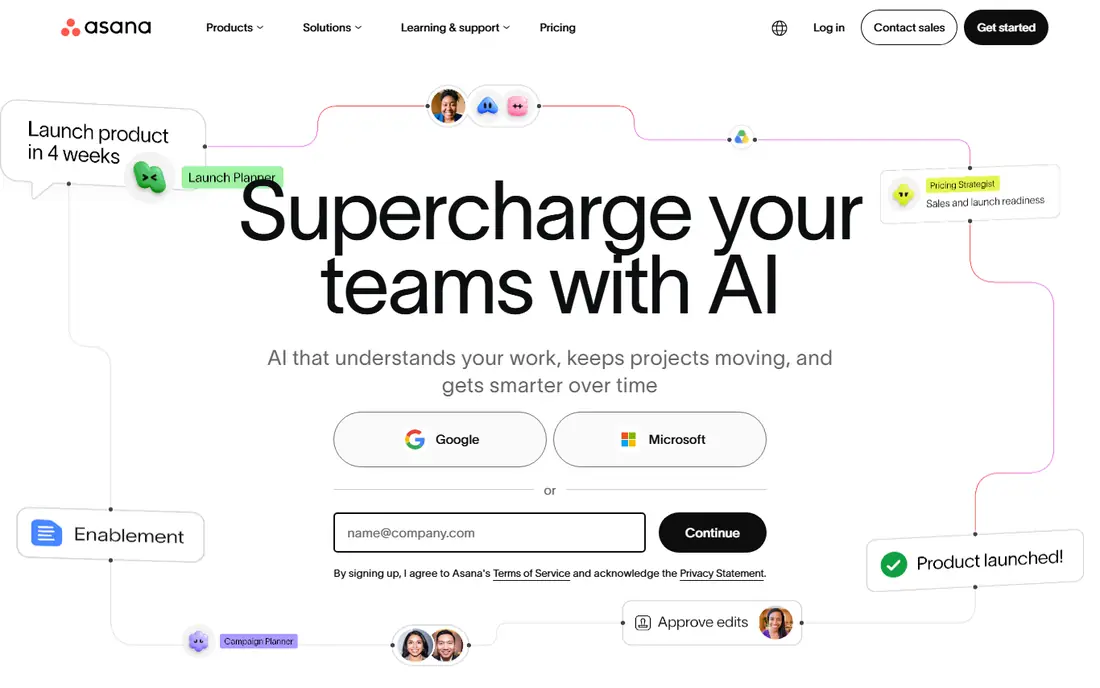
Asana fits small businesses that need structure around approvals and handoffs. A request form can create a task, routing rules assign it, dependencies show what blocks what, and an approval step stops work moving forward until a manager signs off. That discipline helps service businesses where a missed approval means rework or a compliance problem.
The entry price, $10.99 per user per month billed annually for Starter, sits above Trello and ClickUp, and portfolios and advanced reporting sit higher still. Teams that only need a simple board will find Asana more than they need. Teams that lose work between handoffs will find the structure worth the price.
- Clear approvals and dependencies
- Portfolios on higher tiers
- Strong automation rules
- Higher entry price
- Advanced reporting needs higher tiers
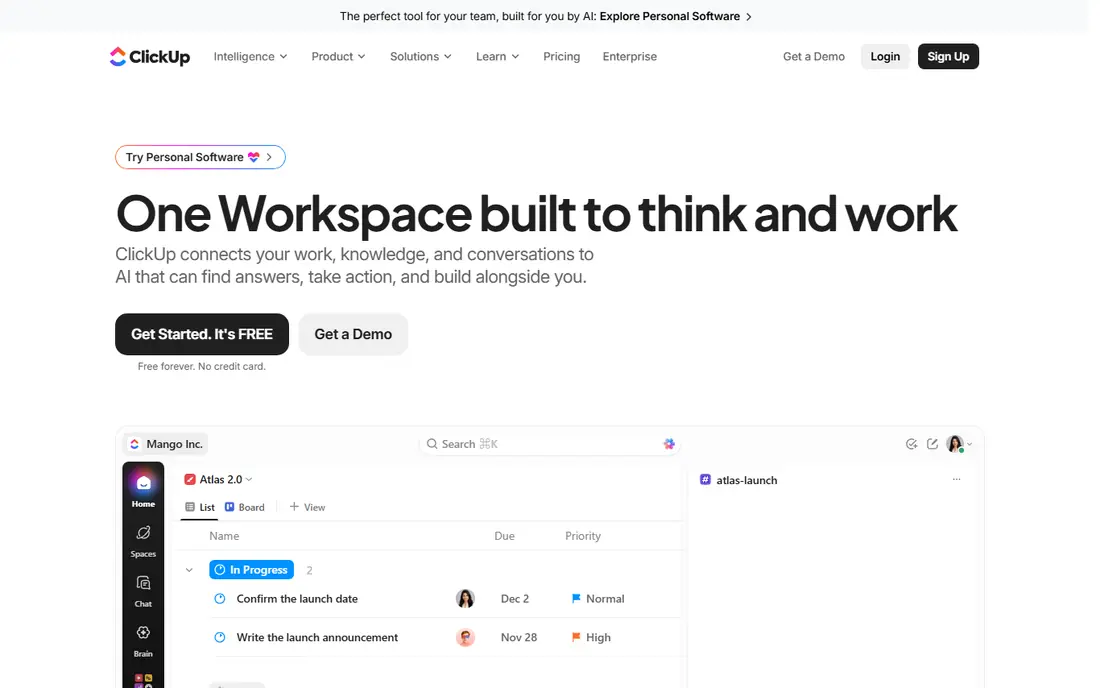
ClickUp appeals to small businesses that want one tool for tasks, documents, goals, and team chat instead of four subscriptions. Custom fields, statuses, and automations let a team mirror its real process, from intake to delivery, and Unlimited starts near $7 per user per month billed annually. The free plan is generous enough to run a real workflow before paying.
The breadth needs discipline. A team that turns on every feature at once will spend more time configuring than working, so start with one workflow and a handful of fields. Done that way, ClickUp gives a small business an all-in-one system at a price below most rivals with similar depth.
- Tasks, docs, and chat in one place
- Generous free plan
- Deep custom fields
- Setup takes time
- Interface can feel busy
Trello turns a workflow into a board that anyone understands in minutes. Cards move from new to in progress to done, checklists track steps inside a card, and Butler automation handles routine moves, due-date reminders, and card creation. Standard starts near $5 per user per month billed annually, making it the cheapest paid option here.
Complex approvals and cross-project reporting expose its limits. A business with multi-stage sign-offs, resource planning, or portfolio views will outgrow Trello. A small team with a linear process, such as content production or simple order fulfilment, may never need more. Simplicity is Trello's strength, and it should not be mistaken for a weakness when the process is genuinely simple.
- Simplest workflow to learn
- Low price
- Butler automation for routine moves
- Weak for complex approvals
- Reporting is limited
Zapier connects apps that do not talk to each other. A new form response can create a CRM record, send a Slack message, and start an invoice without anyone copying data by hand. The catalogue covers thousands of apps, and multi-step workflows handle branching logic that simple integrations cannot. Professional plans start near $19.99 per month.
Billing is the point to watch. Zapier counts successful actions as tasks, so a long workflow with many steps uses many tasks, and volume can raise the bill quickly. Small teams should map task use for a typical week before choosing a tier. For non-technical teams that need reliable app-to-app automation, Zapier remains the easiest tool to adopt.
- Largest app catalogue
- No code needed
- Multi-step workflows
- Tasks billed per action
- Costs grow with volume
Make, formerly Integromat, builds automations as visual diagrams where each module is a step and lines show how data flows. That visual style helps teams see a whole workflow at once, including filters, routers, and error handling that Zapier hides in menus. Core starts near $9 per month billed annually, below Zapier's entry paid tier.
Make counts operations per module action, so long workflows still cost, just in a different unit. Complex scenarios also take time to learn, and error handling rewards users who test carefully. For a budget-minded team comfortable with a visual builder, Make offers strong value and control.
- Visual workflow builder
- Lower entry price than Zapier
- Flexible routing and filters
- Learning curve for complex scenarios
- Operations counted per module action
Notion suits small businesses whose workflow lives inside documents. A project database can hold tasks, a wiki can hold procedures, and a client page can hold notes, files, and status in one place. Templates for content calendars, CRM pipelines, and meeting notes help teams start quickly, and Plus starts near $10 per user per month billed annually.
Automation is lighter than on Zapier or Make, so Notion works best when paired with an automation tool for app-to-app work, or when the workflow itself is document-centred. Very large workspaces can also feel slower. For a team that writes, plans, and tracks in the same place, Notion reduces the number of tools staff must open each day.
- Docs, wikis, and tasks in one workspace
- Flexible databases
- Good templates
- Automation is lighter than Zapier or Make
- Performance can lag on huge workspaces
Airtable turns a workflow into a database with views for each role. A grid view suits data entry, a kanban view suits daily work, a calendar view suits deadlines, and an interface view gives clients or staff a clean form without exposing the whole base. Automations move records, send alerts, and trigger actions when fields change.
The entry price, near $20 per user per month billed annually, is the highest in this list, and record and automation limits vary by tier. Small teams should test with real data volumes before committing. For businesses whose workflow is really a structured process with many fields, such as inventory, orders, or project tracking, Airtable's database model fits better than a simple task board.
- Flexible database views
- Interfaces for staff and clients
- Strong automations
- Highest entry price here
- Record limits vary by tier
How we picked these
We compared official pricing pages, feature documentation, and public reviews for workflow and automation tools. We kept only tools that exist and work in October 2026, that help small teams route, approve, or automate work, and that publish enough pricing detail to judge fairly. Where billing units differ, such as tasks versus operations, we explained the unit rather than comparing headline prices alone.
What to check before you choose
Map one workflow on paper before you buy software. Write each step, who owns it, what triggers the next step, and where work currently stalls. That map tells you if you need a team board, a database, or app-to-app automation, and it stops you buying a tool for a problem you do not have.
Test with real volume. Run the workflow for two weeks on live work and count automation runs, seats, and time saved. Check approval behaviour, notification noise, and data export, and confirm who can change a workflow once it is live. A workflow only its creator can edit becomes a risk when that person is away. Finally, compare the total monthly cost, including seats, automation usage, and any add-ons, against the hours the workflow actually saves.
Frequently asked questions
What is workflow software for a small business?
It is software that defines the steps work follows, assigns owners, tracks progress, and automates routine moves between steps. It can be a team board, a database, or an automation tool that connects apps. The goal is fewer dropped handoffs, less manual copying, and a clear view of where each job stands.
Should a small business use Zapier or a project tool?
Use a project tool when people do the work inside the tool, with tasks, approvals, and deadlines. Use Zapier or Make when the work happens across apps and needs data moved automatically between them. Many small businesses use both: a project board for team work and an automation tool for app connections.
How much does workflow software cost?
Entry prices here run from $5 to $20 per user per month billed annually for team tools, plus $9 to $19.99 per month for automation tools. Automation usage can add cost beyond seats, so count tasks or operations for a typical week. Free plans suit testing, but approvals and advanced automation usually need a paid tier.
Can workflow software replace hiring?
It can delay hiring by removing manual admin, but it does not replace judgement, customer care, or skilled work. Automate repeated, rule-based steps first, such as notifications, data copying, and reminders. Keep people on decisions, exceptions, and customer contact, where human judgement matters most.
How long does it take to set up workflow software?
Simple boards in Trello or monday.com can run in an afternoon. Asana, ClickUp, and Airtable typically take a few days including templates and testing. Zapier and Make automations take hours to days depending on steps and error handling. Start with one workflow, prove it, then expand.
Sources
See where you really rank - block by block
ProMapRanker scans Google Maps across a grid of your service area. Simple monthly plans from $19, white-label on every plan.
Start freeKeep reading
 what’s the best risk software for enterprises
What Is the Best Risk Software for Enterprises in 2026
We compared what’s the best risk software for enterprises on risk registers, controls, third-party risk, and reporting, with pricing notes for large teams.
Read → what's the best pam software for enterprises
What is the Best PAM Software for Enterprises in 2026
Find what's the best pam software for enterprises, with vaulting, session recording, just in time access and pricing compared for large enterprise IT teams.
Read → what’s the best grc software
What Is the Best GRC Software in 2026
We compared what’s the best grc software on risk, compliance, audit and vendor risk, so teams can pick a platform that fits their frameworks and budget.
Read →