 ProMapRanker
6 Best Workflow Management Software for Marketing Teams for 2026

Approvals and campaign intake · Pricing starts at: $10 per user/month (billed yearly)
Direct answer
Our first pick is Wrike, best for approvals and campaign intake. Listed starting prices: Wrike from $10 per user/month, Notion from $10 per member/month and Airtable from $20 per user/month. Notion fits briefs and campaign docs; Airtable fits campaign data and asset records. The other 3 tools in the list cover narrower or pricier cases.
ProMapRanker compared 6 workflow management software for marketing teams. The goal is a practical shortlist: published prices, free plan facts, best-fit use cases and honest limits for every entry.
Key takeaways
- This list starts with Wrike, which is built for approvals and campaign intake.
- Check the limits for Wrike before you commit: approvals and request forms need Business at $25 per user a month.
- ClickUp suits all in one task workspace.
- For the cheapest start, look at monday.com: $9 per seat/month.
- Free plans are common here: 6 of 6 tools have one, including Wrike, Notion, Airtable and Asana.
Quick comparison
| Pick | Great for | Pricing starts at | Free tier | |
|---|---|---|---|---|
| Wrike | Approvals and campaign intake | $10 per user/month (billed yearly) | Yes | Visit |
 Notion | Briefs and campaign docs | $10 per member/month (billed yearly) | Yes | Visit |
 Airtable | Campaign data and asset records | $20 per user/month (billed yearly) | Yes | Visit |
 Asana | Intake and review flows | $10.99 per user/month (billed annually) | Yes | Visit |
 monday.com | Campaign boards and approvals | $9 per seat/month (billed yearly) | Yes | Visit |
 ClickUp | All in one task workspace | $9 per user/month (billed yearly) | Yes | Visit |
Workflow Management Software for Marketing Teams profiles
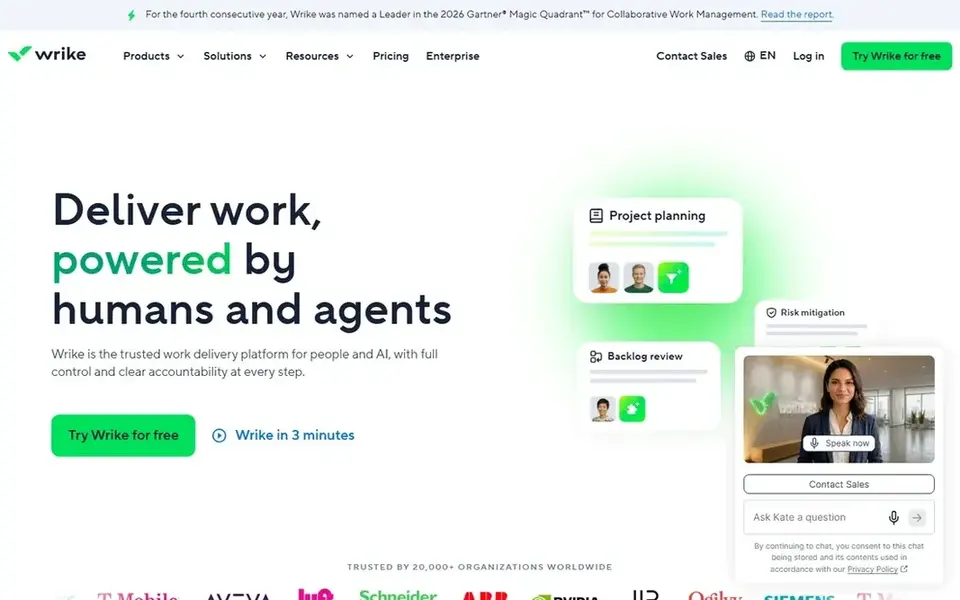
Pick Wrike if this describes you: approvals and campaign intake. The primary cost to watch is the jump to Business, since the approval and intake features that set Wrike apart are not on the entry plan.
Business at $25 per user a month billed yearly brings approvals, request forms, dashboards, and resource views, which are the features that make Wrike fit review heavy marketing work. For everyday use, Wrike fits a marketing team that runs campaigns through formal intake and approval, with request forms that turn a brief into a task and proofing that keeps comments on the asset itself. What you pay to start with Wrike: $10 per user/month. Wrike includes a free tier.
Honest limits: approvals and request forms need Business at $25 per user a month.
- Solid reporting on higher plans
- Request forms and proofing support review heavy campaigns
- The entry plan is thin on automation
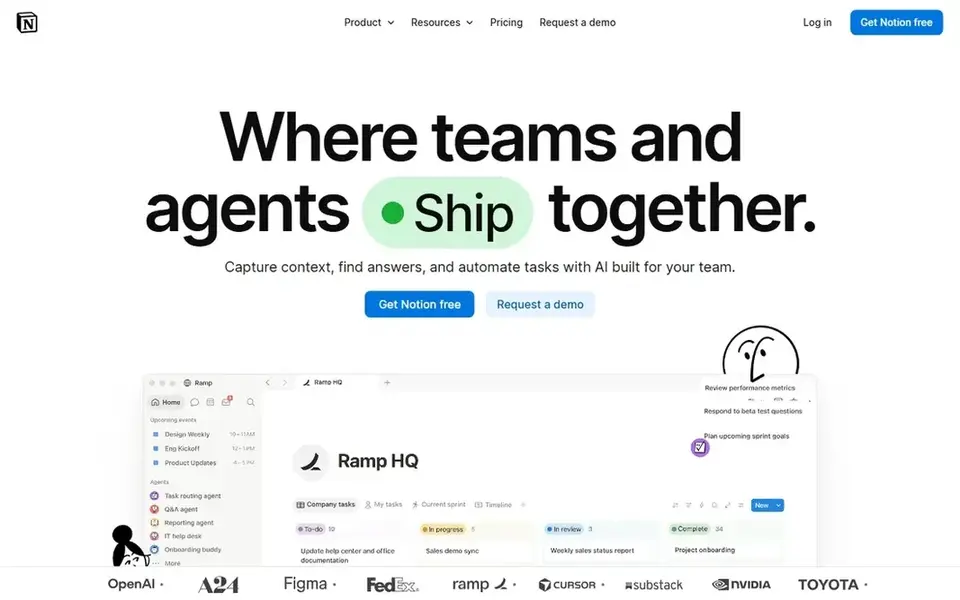
Pick Notion if this describes you: briefs and campaign docs. In daily use, the trade off is that Notion is a docs tool first. So its task views and automations are lighter than monday.com or Asana.
More specifically, a team that wants deep project tracking will feel the gap, whereas a team that lives in docs will find it natural. For a marketing team that wants briefs, guides, and tasks in one adaptable workspace, Notion is a solid fit. Notion starts at: $10 per member/month. A free plan is available with Notion.
Where it falls short: automations need Business at $20 per member a month.
- Docs, wikis
- Adaptable pages for briefs and brand guides
- Task management is lighter than a full project tool
Airtable was built for campaign data and asset records. The Team plan at $20 per user a month billed yearly handles 50,000 records per base, 25,000 automation runs per month, and calendar, gallery, and Kanban views.
Starting cost for Airtable: $20 per user/month. Airtable offers a free plan.
Points against: task views are lighter than a full project tool.
- Structured records link campaigns, assets, channels
- 25,000 automation runs per month on Team
- The most costly entry plan in this guide at $20 per user a month
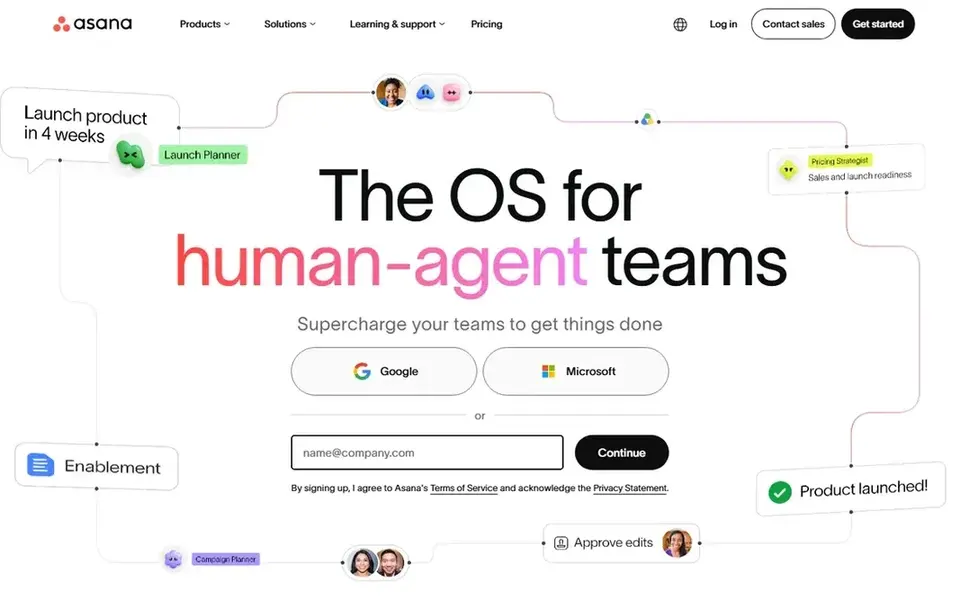
Asana makes the most sense for intake and review flows. Advanced at $24.99 per user a month billed yearly layers on proofing, approvals, portfolios, and goals, which matter when a campaign needs sign off from legal or brand before it ships. The free plan includes up to 10 collaborators, so a small team can run real work before it buys a plan.
Rules and forms still make Starter handy for intake, and the timeline view keeps launch dates clear across channels. On top of that, the Starter plan at $10.99 per user a month billed yearly handles timeline and calendar views, 250 automations a month, forms, and rules that route a request to the right person. Starting cost for Asana: $10.99 per user/month. A free plan is available with Asana.
What to check first: the free plan includes up to 10 collaborators.
- Rules and forms turn requests into tasks
- Timeline and calendar views for campaigns
- Proofing and approvals need Advanced at $24.99 per user a month
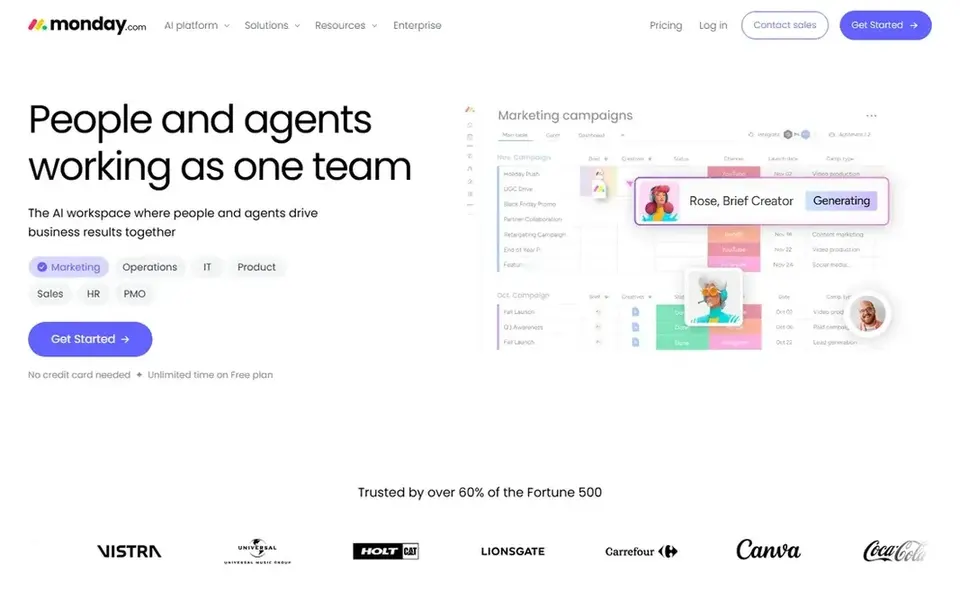
monday.com was built for campaign boards and approvals. The Basic plan at $9 per seat a month billed yearly handles unlimited boards and docs, with 200 items per board.
Where it falls short: a 3 seat minimum applies to entry plans.
Standard at $12 per seat a month billed yearly brings timeline and Gantt views, guest access, and 250 automation actions a month. In daily use, the free plan spans up to 2 seats, so a very small team can try the core boards before it commits. The starting price for monday.com: $9 per seat/month. monday.com offers a free plan.
- Automations on every plan
- Visual boards with plenty of marketing templates
- Dashboards and higher automation limits need Pro at $19 per seat a month
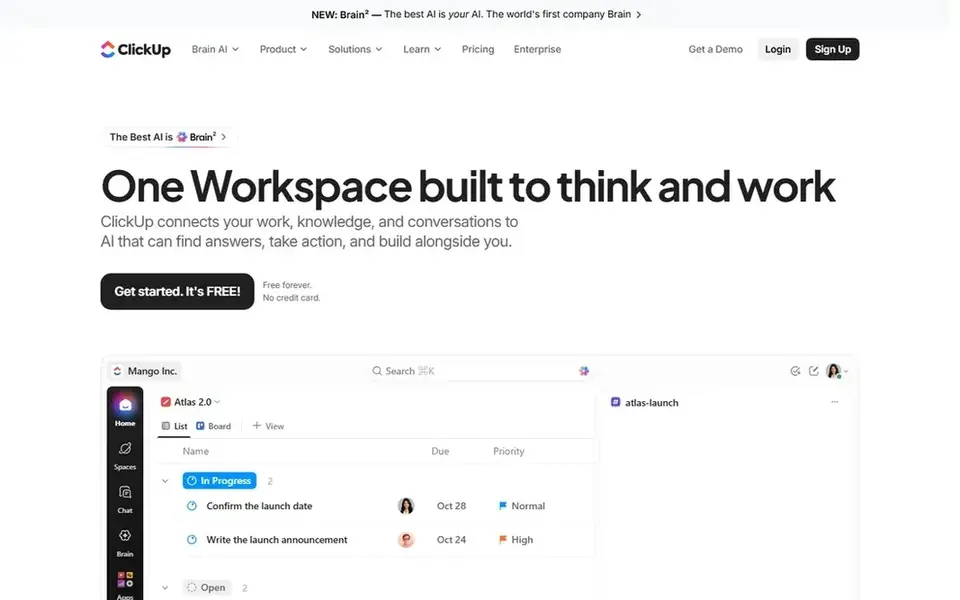
ClickUp serves all in one task workspace. The trade off is breadth, and ClickUp has so plenty of views and settings that a new team can take a week to settle on a setup.
Points against: the range of features can feel crowded at first.
ClickUp starts at: $9 per user/month. A free plan is available with ClickUp.
- Plenty of views, docs, goals
- Free plan covers unlimited members
- Advanced automations need Business at $17 per user a month
How these tools were picked
Pricing pages, product documentation and feature lists were the main sources, and every entry carries at least one honest drawback. Prices and plan limits come from vendor pages and can change, so confirm them on the vendor site before you buy. Tools are placed by general fit for workflow management software for marketing teams, with price clarity and free access as tie-breakers. A different team can reasonably rank them differently.
A buyer's checklist
- Confirm the entry price on the vendor page: monday.com starts at $9 per seat/month, but seat counts and billing terms change the total.
- Read the fine print on the free plans from Wrike, Notion, Airtable and others; seat, project and feature caps differ.
- Read the limits listed for Wrike first: approvals and request forms need Business at $25 per user a month.
- Find out whether the entry plan of Notion covers your must-haves or only a trimmed-down version.
- Confirm minimum seats and billing terms with Airtable before you commit to an annual plan.
Frequently asked questions
Is Wrike the right pick for everyone comparing workflow management software for marketing teams?
No single tool suits every team. Wrike comes first because it fits approvals and campaign intake, while Notion suits briefs and campaign docs and Airtable suits campaign data and asset records. Match the tool to your own size, budget and workflow before deciding.
Which options for workflow management software for marketing teams have a free plan?
On this list, 6 of 6 tools include a free plan, among them Wrike, Notion, Airtable and Asana. Caps on seats, usage or features are common, so test the free plan against your real workload.
Do these tools publish their prices?
Yes. Every tool from Wrike to ClickUp shows a starting price, though seats, add-ons and billing terms still change the final cost.
How much does workflow management software cost for a marketing team?
A 10 person team costs $90 per month on monday.com Basic or ClickUp Core, $109.90 a month on Asana Starter, and $200 per month on Airtable Team at list prices. In daily use, add the next plan up when the team needs approvals or proofing.
What is the cheapest option for workflow management software for marketing teams in this list?
On published monthly entry prices, monday.com is the lowest here at $9 per seat/month. Entry price is only part of the cost, because seats, add-ons and billing terms can change the total.
Sources
See where you really rank - block by block
ProMapRanker scans Google Maps across a grid of your service area. Simple monthly plans from $19, white-label on every plan.
Start freeBrowse all guides
← Tech Pack Software for Apparel Brands: Best Picks of 2026
 best product authentication software for ecommerce brands
5 Best Product Authentication Software for Ecommerce Brands (2026)
5 best product authentication software for ecommerce brands, compared on pricing, free plans and best-fit use. Verdicts stay brief and factual. Decide faster.
Read → best last mile delivery software for ecommerce brands
7 Best Last Mile Delivery Software for Ecommerce Brands for 2026
Best last mile delivery software for ecommerce brands in 2026: 7 contenders with entry costs and free tiers. Plus the drawbacks of each tool. Pick by budget.
Read → best inventory management software for jewelry brands
6 Best Inventory Management Software for Jewelry Brands for 2026
6 best inventory management software for jewelry brands, compared on pricing, free plans and best-fit use. Weak spots flagged for every entry. Facts only.
Read → top rated white label marketing software
7 Best Rated White Label Marketing Software Options for 2026
Weighing the top rated white label marketing software? We lined up 7 products by cost, free access and fit. Pros and cons for every tool. Prices included.
Read → best referral management software for saas
Comparing 5 Referral Management Software for SaaS in 2026
5 best Referral management software for SaaS, compared on pricing, free plans and best-fit use. Every pick includes one clear drawback. Refreshed for 2026.
Read → best marketing calendar software
Marketing Calendar Software
7 tools for the best marketing calendar software, compared on pricing, free plans and best-fit use. Every entry states what it lacks. Narrow your shortlist.
Read →More in Marketing Software · All guides A to Z by date · Latest guides