 ProMapRanker
Marketing Calendar Software


SMBs that want AI-assisted social planning without the ramp-up time · Pricing starts at: See website
Direct answer
Start with Loomly if you need SMBs that want AI-assisted social planning without the ramp-up time. StoryChief fits content teams that plan from brief to multichannel publish; Monday.com fits marketing teams that think in boards and want the calendar as a view. All 7 tools are compared below on price, free plan and limits.
Key takeaways
- Top of the list is Loomly, which targets SMBs that want AI-assisted social planning without the ramp-up time.
- 3 of 7 tools offer a free plan: Monday.com, Trello, ClickUp.
- Check the limits for StoryChief before you commit: pricing is not published on the vendor site.
- Planable is the one to check for agencies and teams where clients must approve every post.
- The lowest published monthly entry price here is $29/month billed annually, from CoSchedule.
Quick comparison
| Pick | Great for | Pricing starts at | Free tier | |
|---|---|---|---|---|
| Loomly | SMBs that want AI-assisted social planning without the ramp-up time | See website | Free trial (7 days) | Visit |
 StoryChief | Content teams that plan from brief to multichannel publish | See website | Free trial | Visit |
 Monday.com | Marketing teams that think in boards and want the calendar as a view | See website | Yes | Visit |
 Trello | Small teams that want the simplest shared marketing calendar | See website | Yes | Visit |
 ClickUp | Teams that want tasks, docs, chat and calendar in one workspace | See website | Yes | Visit |
 CoSchedule | Social-led marketing teams that want a calendar aimed at publishing | $29/month billed yearly ($39 per month) for Starter; Professional $49/month billed annually ($59 per month); Suite custom | Free trial | Visit |
 Planable | Agencies and teams where clients must approve every post | See website | Not stated | Visit |
Marketing Calendar Software profiles
ProMapRanker put together this guide to marketing calendar software for readers who want a clear shortlist without reading every vendor page. It compares 7 tools on starting price, free plans, who each one suits and where each one falls short.
Loomly
Great for: SMBs that want AI-assisted social planning without the ramp-up time
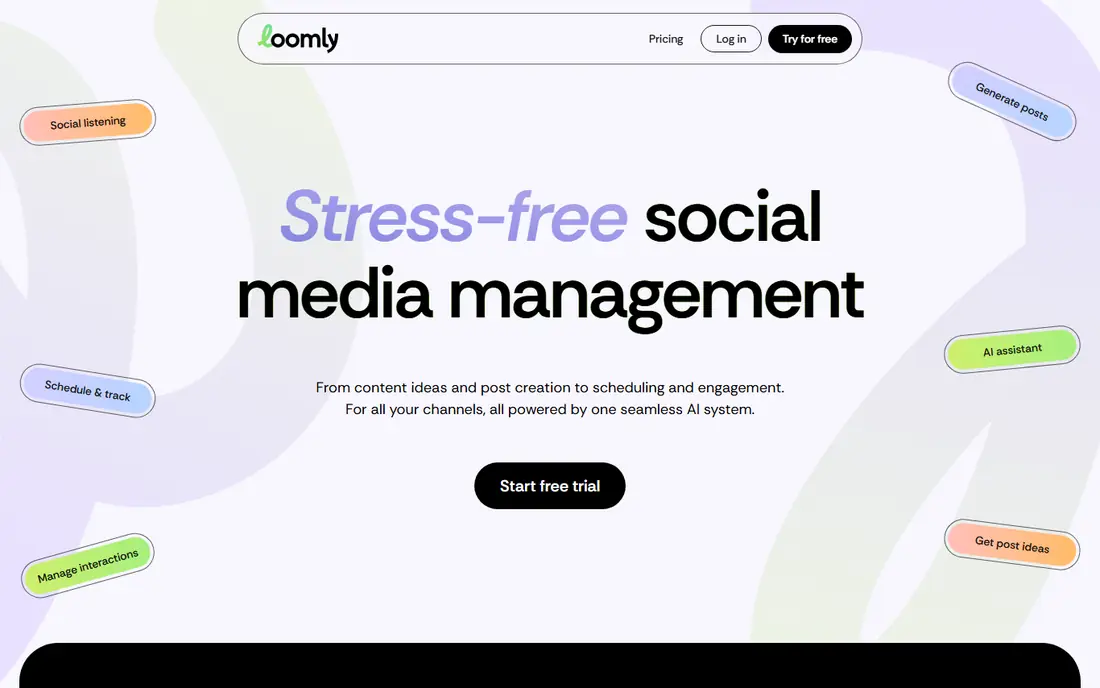
Loomly is built with SMBs that want AI-assisted social planning without the ramp-up time in mind. Loomly pitches stress-free social management: produce post ideas, produce captions and visuals with AI, plan weeks of content on the calendar, then handle comments and DMs with AI help. As for the details, pricing is not published on the homepage.
Main advantages: Calendar-first planning with AI-generated post ideas.
Where it falls short: Pricing is not published on the vendor homepage.
As for the details, the calendar view handles 10-plus channels, and collaboration features let teams assign roles and approve posts rapidly. The 7-day trial needs no credit card, so testing is low friction. This is a social tool with a calendar, not a campaign planning product. Product launches, content pipelines and cross-channel campaigns still need a project layer. No starting price is listed for Loomly here; confirm pricing on the vendor site. Free options: Free trial (7 days).
- AI-assisted comment and DM handling plus social listening and analytics
- Collaboration and approval workflows made for modern marketing teams
- Positioned for social, so broader campaign planning needs another tool

Choose StoryChief for content teams that plan from brief to multichannel publish. StoryChief treats content marketing as one connected workflow rather than scattered tools.
More specifically, the employee advocacy add-on is a genuine differentiator for B2B teams that can mobilize staff sharing. Check the vendor site for StoryChief pricing; none is listed in this comparison. On free options: Free trial.
Trade-offs to know: Smaller teams may underuse the campaign and analytics depth.
- Employee advocacy module turns staff into a distribution channel
- AI-assisted drafting with human review before anything publishes
- Pricing is not published on the vendor site
Monday.com
Great for: Marketing teams that think in boards and want the calendar as a view

Monday.com was built for marketing teams that think in boards and want the calendar as a view. Monday.com is a work operating system that marketing teams often adopt as their calendar. In daily use, pricing is per seat with minimums.
The features marketing teams want (timeline views, automations, integrations) sit above the entry level. The main limit is that it is a general system wearing a marketing hat. On top of that, buy this when the calendar must also run the work behind the posts. Also, the vendor homepage advertises a free plan with unlimited time, which is a genuine on-ramp. Check the vendor site for Monday.com pricing; none is listed in this comparison. You can start on Monday.com without paying.
What to check first: Per-seat pricing with minimum seat counts can sting small teams.
- Email and file tools
- Huge template library and 20-plus column types for content metadata
- No published pricing found on the vendor homepage during research, so budgeting needs a quote
Pick Trello if this describes you: small teams that want the simplest shared marketing calendar. Setup takes minutes, and the free plan manages small teams without complaint. For everyday use, for a two-person marketing operation or a side project, this is frequently all the calendar it needs.
Drawbacks to consider: Bigger operations outgrow it quick.
More specifically, pricing is not published on the homepage. In daily use, buy this when simplicity beats features, knowing you will likely outgrow it. Trello shows no starting price here, so confirm the cost on the vendor site. Trello includes a free tier.
- The simplest mental model on this list: cards on lists, with a calendar view on top
- The fastest onboarding of any tool here
- Thin on marketing-specific features (no native social publishing, approvals or analytics)
ClickUp is aimed squarely at teams that want tasks, docs, chat and calendar in one workspace. The AI layer (Brain, Super Agents) is the current differentiator, searching tasks, docs and conversations together.
What to check first: No published pricing found on the vendor homepage during research.
Beyond that, the main limit is sprawl. Pricing is not published on the homepage, and the premium levels are where the serious permissions and automation live. Pricing for ClickUp is not stated here, so ask the vendor for current figures. ClickUp offers a free plan.
- Chat and AI built into the same workspace as the tasks
- Calendar, list
- Advanced permissions and controls sit on premium plans
CoSchedule
Great for: Social-led marketing teams that want a calendar aimed at publishing
CoSchedule is designed for social-led marketing teams that want a calendar aimed at publishing. CoSchedule is the closest thing to a marketing calendar by definition instead of by adaptation. From a buyer's view, the calendar sits at the center: social posts, campaigns and content projects share one drag-and-drop view, with color labels, saved filtered calendars and read-only sharing for stakeholders.
Worth adding: ReQueue picks up evergreen posts and reshares them on quiet days, which is the kind of automation that actually cuts weekly workload. Beyond that, premium plans publish to 11 networks, and AI tools draft posts, campaigns and images with no usage caps on premium levels. On top of that, starter handles 1 user and 3 profiles, Professional spans 2 users (max 3) and 5 profiles. Every additional profile is $5 a month whereas X/Twitter profiles are $16 each a month. Also, buy this when the calendar's job is publishing social content on schedule, not managing a product launch. What you pay to start with CoSchedule: $29/month billed annually. On free options: Free trial.
Downsides: Smaller teams may find it more structured than they need; Pricing scales with users and profiles (Starter lets 1 user and 3 profiles.
- Unlimited scheduled messages on premium plans, with AI campaign drafting and social analytics built in
- Purpose-built marketing calendar with drag-and-drop scheduling across 11 social networks
- X/Twitter profiles cost $16 each a month on top of base plans
Planable is designed for agencies and teams where clients must approve every post. Planable is the approval people's calendar. On top of that, one-time share links let clients review without accounts.
Drawbacks to consider: Made for approval workflows, so solo creators get less value.
Where Planable stands out: grid and list views with real post previews.
The approval workflow is the product's core, with one-click green lights and a kanban approvals tab so nothing skips review. In daily use, the main limit is that the approval workflow is the entire pitch. Pricing for Planable is not stated here, so ask the vendor for current figures. On free options: Not stated.
- Calendar, feed
- Suggestions and annotations on every post
- Pricing is not published on the vendor homepage during research
More on marketing calendar software
Marketing calendars fail in spreadsheets since a spreadsheet cannot remind anyone, hold an approval, or display the month at a glance. Social calendars (CoSchedule, Loomly, Planable, StoryChief) are made for posts, profiles and publishing schedules.
How we built this list
For each of the 7 tools we noted price, free plan or trial, fit for marketing calendar software and the main limit, using vendor pages and documentation. Treat prices as a snapshot: vendors change plans often, so check the vendor site for the figure that applies today. We ordered the tools by general fit, then by how clearly pricing is shown, then by free access. A buyer with unusual needs may reorder them.
Things to verify first
- Get a written quote from Loomly, StoryChief, Monday.com and others; the list shows no starting price for them.
- Read the fine print on the free plans from Monday.com, Trello and ClickUp; seat, project and feature caps differ.
- Run a trial of Loomly, StoryChief and CoSchedule with real work before paying for a year; your own workflow is the best test.
- Read the limits listed for Loomly first: pricing is not published on the vendor homepage.
- Map your must-have features to a specific ClickUp plan before you compare prices.
- Find out what support Loomly includes on your plan, and whether onboarding help costs extra.
Frequently asked questions
Do these tools publish their prices?
Not all of them. Loomly, StoryChief, Monday.com and others publish no starting price, so expect a quote request for those. The rest, CoSchedule included, show a starting price, though seats and billing terms still change the final cost.
What is the cheapest option for marketing calendar software in this list?
On published monthly entry prices, CoSchedule is the lowest here at $29/month billed annually. Entry price is only part of the cost, because seats, add-ons and billing terms can change the total.
Is Loomly the right pick for everyone comparing marketing calendar software?
No single tool suits every team. Loomly comes first because it fits SMBs that want AI-assisted social planning without the learning curve, while StoryChief suits content teams that plan from brief to multichannel publish and Monday.com suits marketing teams that think in boards and want the calendar as a view. Match the tool to your own size, budget and workflow before deciding.
How are the tools for marketing calendar software ordered?
Loomly sits first and Planable last because the order follows typical fit for marketing calendar software, then price clarity and free access. It is a judgement call, so read each profile for fit and limits.
Which marketing calendar is a good match for agencies?
The first pick on this list is Loomly, because it suits SMBs that want AI-assisted social planning without the ramp-up time. StoryChief is better for content teams that plan from brief to multichannel publish, and Monday.com for marketing teams that think in boards and want the calendar as a view. Check price and limits against your own needs before choosing.
Sources
See where you really rank - block by block
ProMapRanker scans Google Maps across a grid of your service area. Simple monthly plans from $19, white-label on every plan.
Start freeKeep reading
 zscaler alternatives
Best Zscaler Alternatives in 2026
Looking for zscaler alternatives? We compare 9 SASE and zero trust platforms on architecture, data protection, pricing, and fit for your network and team.
Read → zapier alternatives free
Best Zapier Alternatives Free in 2026
Nine automation tools for zapier alternatives free in 2026, all with genuinely free tiers, plus free plan limits, starting prices and upgrade paths explained.
Read → which platform is best for online reputation
Which Platform Is Best for Online Reputation in 2026
Wondering which platform is best for online reputation? We compare 8 review, listing, and response tools for small and multi-location businesses and agencies.
Read →