 ProMapRanker
Best Workflow Automation Tools for Content Teams in 2026

Database-style content calendars with automation · Pricing starts at: $20 per user a month
Direct answer
Start with Airtable if you need database-style content calendars with automation. Listed starting prices: Airtable from $20 per user a month, ClickUp from $9 per user per month and Asana from $10.99 per user a month. Alternatives: ClickUp for consolidating tasks, docs and goals, and Asana for planning and executing critical content workflows. All 6 tools are compared below on price, free plan and limits.
If you are comparing workflow automation tools for content teams, this page covers 6 tools in one place: what each is best for, what it costs to start, whether it has a free plan, and the main limit to know about.
Key takeaways
- Number one here is Airtable, a fit for database-style content calendars with automation.
- Make fits visual no-code automation across many apps.
- Check the limits for Notion before you commit: automation depth is restricted.
- 6 out of 6 tools include a free plan, among them Airtable, ClickUp, Asana and Notion.
Quick comparison
| Pick | Great for | Pricing starts at | Free tier | |
|---|---|---|---|---|
| Airtable | Database-style content calendars with automation | $20 per user a month | Yes | Visit |
 ClickUp | Consolidating tasks, docs and goals | $9 per user per month | Yes | Visit |
 Asana | Planning and executing critical content workflows | $10.99 per user a month | Yes | Visit |
 Notion | Docs, wikis and light automation in one workspace | $10 per member per month | Yes | Visit |
 monday.com | Managed project workflows with AI agents | $9 per seat a month | Yes | Visit |
 Make | Visual no-code automation across plenty of apps | See website | Yes | Visit |
The best workflow automation tools for content teams
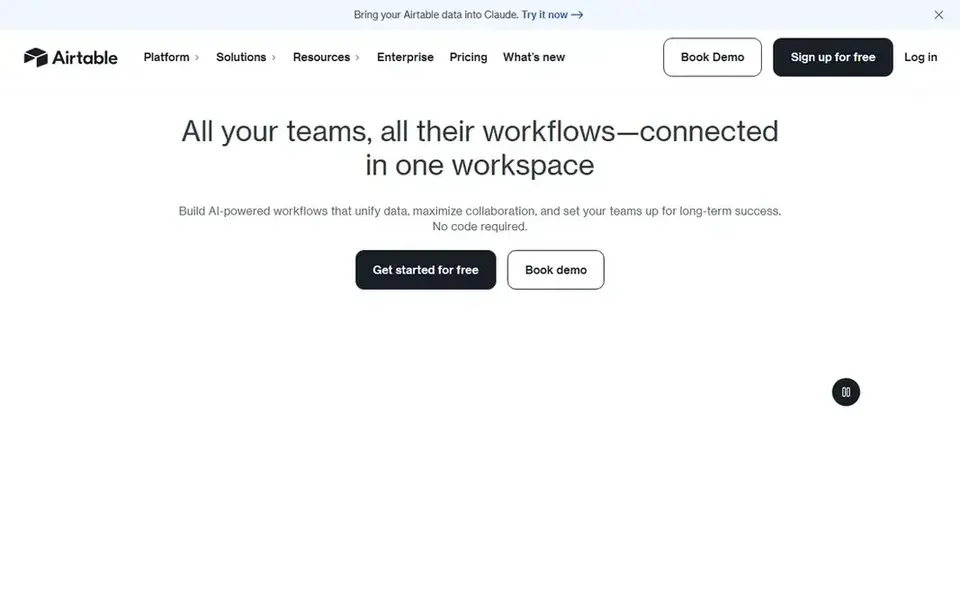
Where Airtable fits: database-style content calendars with automation. As bases grow, structure and permissions can become hard to handle without discipline.
It is not designed as a writing or publishing tool. Airtable presents itself as a product for building enterprise-ready AI workflows, apps and agents, with automation of repetitive tasks and live collaboration. Airtable starts at: $20 per user per month. Free access exists with Airtable.
Where it falls short: Not a dedicated long-form writing tool.
- Automates repetitive tasks and manual work
- Structured records for content planning
- Large bases can grow complicated
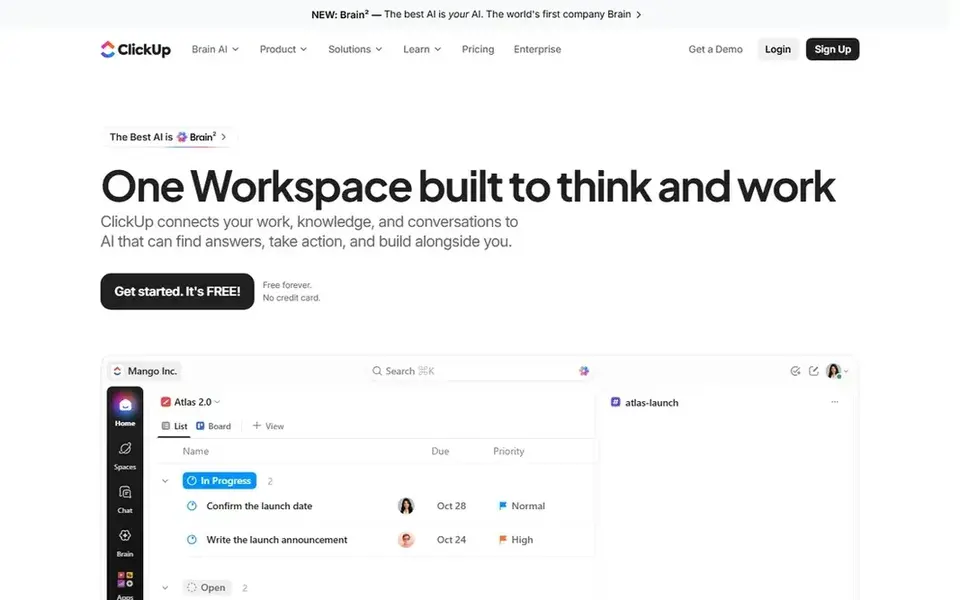
Where ClickUp fits: consolidating tasks, docs and goals. ClickUp positions itself as the everything app for work, bringing tasks, docs, goals and chat together with software, AI and humans converging.
For everyday use, if your team wants a narrow, focused automation layer, a more straightforward tool may cause less friction. On top of that, content teams can track production, store briefs and link goals to the pieces being published. What you pay to start with ClickUp: $9 per user per month. ClickUp includes a free tier.
Limits to weigh: Configuration takes time.
- Handy for content production tracking
- Goals and chat together
- Feature density can overwhelm
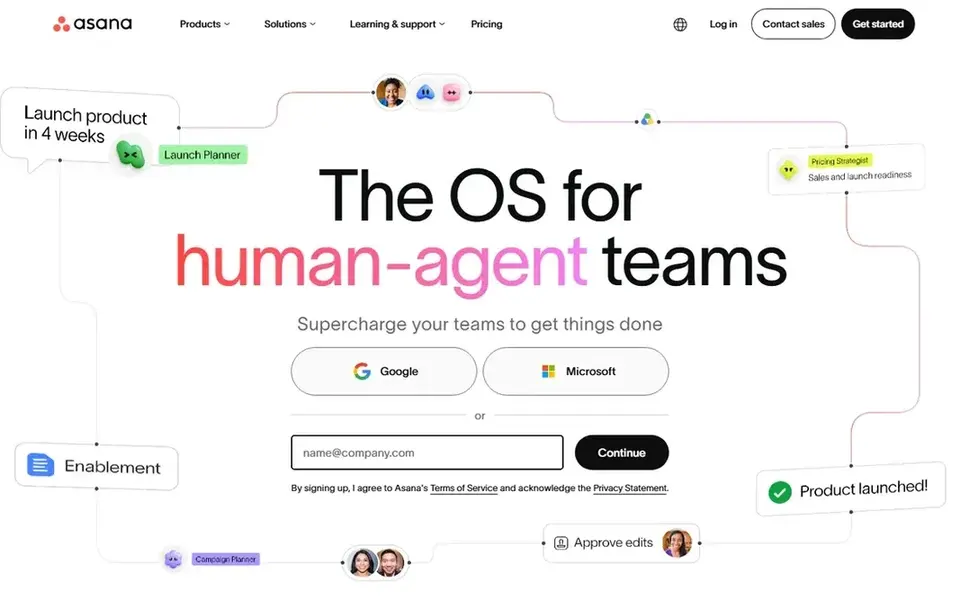
Pick Asana if this describes you: planning and executing critical content workflows. Asana is work and project management software for teams and AI agents, built to plan, automate and execute critical workflows together.
It is a decent match for teams that want automation embedded in a structured planning tool instead of a separate automation builder. On cost, Asana starts like this: $10.99 per user per month. A free plan is available with Asana.
Where it falls short: Less suited to cross-app data syncing.
Main advantages: Work management for teams and AI agents.
- Automate and execute in one place
- Plan
- Automation is tied to task structure
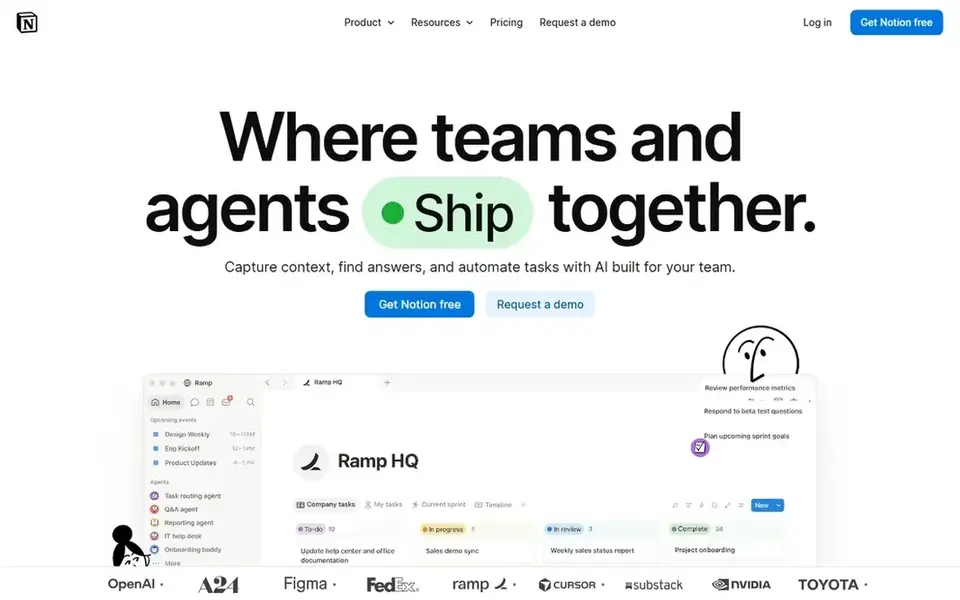
Notion targets docs, wikis and light automation in one workspace. Automation is less deep than in dedicated automation products, and sprawling workspaces can become hard to navigate without clear structure.
Pick a specialized automation tool if you need complicated multi-app logic. Notion cost at the entry level: $10 per member per month. Notion includes a free tier.
The main drawbacks: Automation depth is restricted.
- Automates busywork in one workspace
- Databases and search
- Large workspaces need governance
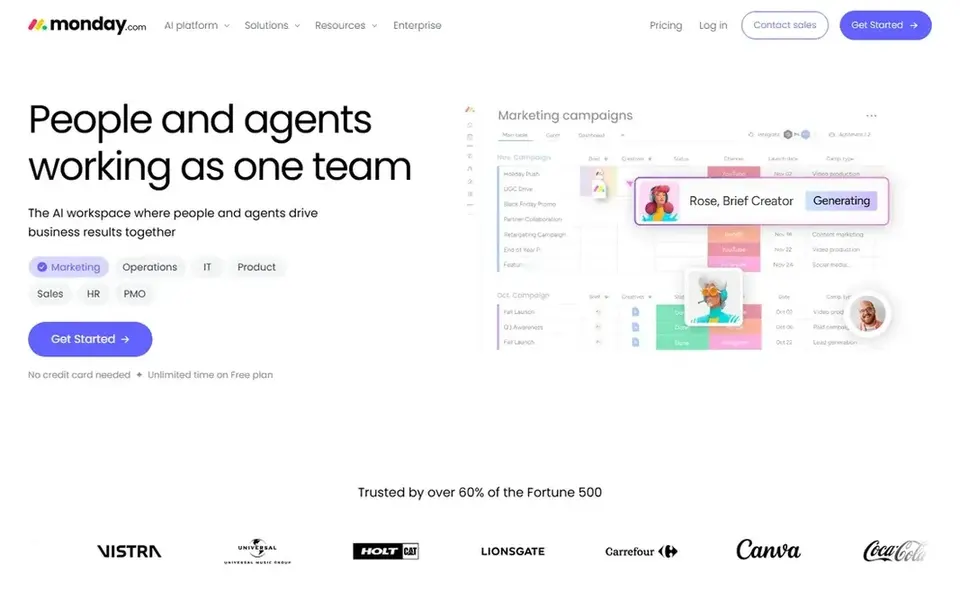
monday.com is a good fit for managed project workflows with AI agents. monday.com describes itself as an AI workspace for people and agents, where teams execute, handle and operate together. As for the details, the breadth of choices can feel heavy for small teams or straightforward content calendars.
You will have to decide on structure early. In daily use, if you want a lighter automation layer behind existing tools, a connector-focused system may be a better fit. In daily use, content teams can model editorial pipelines as boards, assign owners and let automation deal with routine moves and reminders. monday.com pricing: $9 per seat per month. monday.com includes a free tier.
Honest limits: Numerous features can feel busy.
- Boards for tracking content stages
- Supports execution and operations together
- Setup choices take some planning

Make is a good fit for visual no-code automation across plenty of apps. The visual builder is approachable, but elaborate multi-step scenarios can take time to design and maintain. The tool is not a full project management workspace on its own.
Trade-offs to know: Complicated scenarios need careful setup.
From a buyer's view, pick something else if your central need is task tracking, approvals and planning views instead of cross-app automation. Also, Make is a no-code automation system where you visually build, scale and automate workflows that link your apps and AI steps. Make does not show a starting price in this comparison, so check the vendor site for current pricing. A free plan is available with Make.
- Links apps without code
- Visual builder for multi-step workflows
- Less suited to pure project planning
Selection criteria
The comparison looks at four things: starting price, free access, how well the feature set matches workflow automation tools for content teams, and the main limit of each tool. Seat minimums, billing terms and add-ons can move the real cost, so the starting prices here are a guide and not a quote. The order reflects how well each tool fits the most common buying scenario for workflow automation tools for content teams, then price clarity, then free plan access. It is a starting point, not a verdict.
A buyer's checklist
- Ask Make for a written quote, since no starting price is shown.
- Read the fine print on the free plans from Airtable, ClickUp, Asana and others; seat, project and feature caps differ.
- Before choosing Airtable, weigh its main limit: large bases can grow complicated.
- Verify that exporting from Asana is possible on your plan and covers all your records.
- Before rolling out ClickUp, verify the integrations your workflow depends on.
Frequently asked questions
Is Airtable the right pick for everyone comparing workflow automation tools for content teams?
No single tool suits every team. Airtable comes first because it fits database-style content calendars with automation, while ClickUp suits consolidating tasks, docs and goals and Asana suits planning and executing critical content workflows. Match the tool to your own size, budget and workflow before deciding.
How are the tools for workflow automation tools for content teams ordered?
The order follows typical fit for workflow automation tools for content teams, with Airtable first and Make last, then price clarity and free access. It is editorial judgement, not a score, so another team could rank the tools differently.
Can content teams use a database tool rather than a project manager?
Yes. Airtable lets teams model an editorial calendar as structured records with automation for reminders and status changes. It performs well when your pipeline benefits from adaptable fields and views.
Do these tools publish their prices?
Not all of them. Make publishes no starting price, so expect a quote request for it. The rest, Airtable included, show a starting price, though seats and billing terms still change the final cost.
What is the cheapest option for workflow automation tools for content teams in this list?
On published monthly entry prices, ClickUp is the lowest here at $9 per user per month. Entry price is only part of the cost, because seats, add-ons and billing terms can change the total. For the full picture, the cards above cover all 6 entries of this workflow automation tools for content teams list, including price, free plan and limits.
Which tool is a good match for automating content approvals?
Airtable comes first here and is built for database-style content calendars with automation. Buyers with other needs may prefer ClickUp (for consolidating tasks, docs and goals) or Asana (for planning and executing critical content workflows). Compare costs and limits first.
Sources
See where you really rank - block by block
ProMapRanker scans Google Maps across a grid of your service area. Simple monthly plans from $19, white-label on every plan.
Start freeBrowse all guides
← 6 Best Dropship Supplier Management Software for Agencies for 2026Best Training Content Software for Retail Chains (2026) →
 best white label calendar software
Best White Label Calendar Software: 2026 Prices and Picks
Need the best white label calendar software? We compare 6 tools on cost, free access and who each suits. Every entry states what it lacks. Read before you buy.
Read → best amazon a plus content tools
2026 Guide to the Best Amazon a Plus Content Tools
Weighing the best amazon a plus content tools? We lined up 6 products by cost, free access and fit. Short, factual notes on every option. Decide faster.
Read → best platforms for scaling content production
Platforms for Scaling Content Production: Best Picks of 2026
Searching for the best platforms for scaling content production? Here are 6 options with prices and free plans. Plain-spoken summaries throughout. No hype.
Read → best web hosting services for ecommerce
Best Web Hosting Services for Ecommerce in 2026
Compare the best web hosting services for ecommerce, from Shopify and BigCommerce to WooCommerce hosts, with speed, security, support and pricing notes.
Read → best product analytics tools
Best Product Analytics Tools in 2026
We compared the best product analytics tools for 2026, from Mixpanel and Amplitude to PostHog and Pendo, with free tiers and current pricing notes in detail.
Read → best privileged access management tools
Best Privileged Access Management Tools in 2026
Best privileged access management tools, with 8 products that vault credentials, control admin sessions, and reduce standing access risk for teams in 2026.
Read →More in Ecommerce & Retail · All guides A to Z by date · Latest guides