 ProMapRanker
Best Work Order Management Software in 2026


Mobile first teams moving off paper · Pricing starts at: $20 per user per month
Key takeaways
- MaintainX, Fiix, Limble, and Coast all offer free plans, so small teams can start without paying.
- MaintainX at $20 per user per month and UpKeep at $24 per user per month are the lowest published entry prices among the main CMMS tools here.
- Mobile quality matters most, because technicians will ignore a tool that is slow or awkward on a phone.
- Flat fee pricing, such as eWorkOrders, can beat per user pricing once a team grows past about 15 to 20 technicians.
- Preventive maintenance scheduling is not on every entry plan, so check that feature before you choose on price alone.
Quick comparison
| Pick | Great for | Pricing starts at | Free tier | |
|---|---|---|---|---|
| MaintainX | Mobile first teams moving off paper | $20 per user per month | Yes | Visit |
 UpKeep | Small to mid size teams wanting simple mobile work | $24 per user per month | Free trial | Visit |
 Limble | Teams wanting an easy CMMS to adopt | $28 per user per month | Yes | Visit |
 Fiix | Manufacturers wanting a proven mid market CMMS | $45 per user per month | Yes | Visit |
 Coast | Commercial facilities with flexible workflows | $20 per user per month | Yes | Visit |
 eWorkOrders | Growing teams wanting flat fee pricing | $380 per month | No | Visit |
 FMX | Schools and mid size facilities | $35 per user per month | Free trial | Visit |
 eMaint | Plants needing detailed reporting | See website | Free trial | Visit |
 MicroMain | Multi site manufacturers needing deep work orders | $99 per user per month | No | Visit |
The best work order management software
We compared tools on work order creation, mobile use, preventive maintenance, parts and asset tracking, and published pricing, with a focus on teams that actually run maintenance day to day.
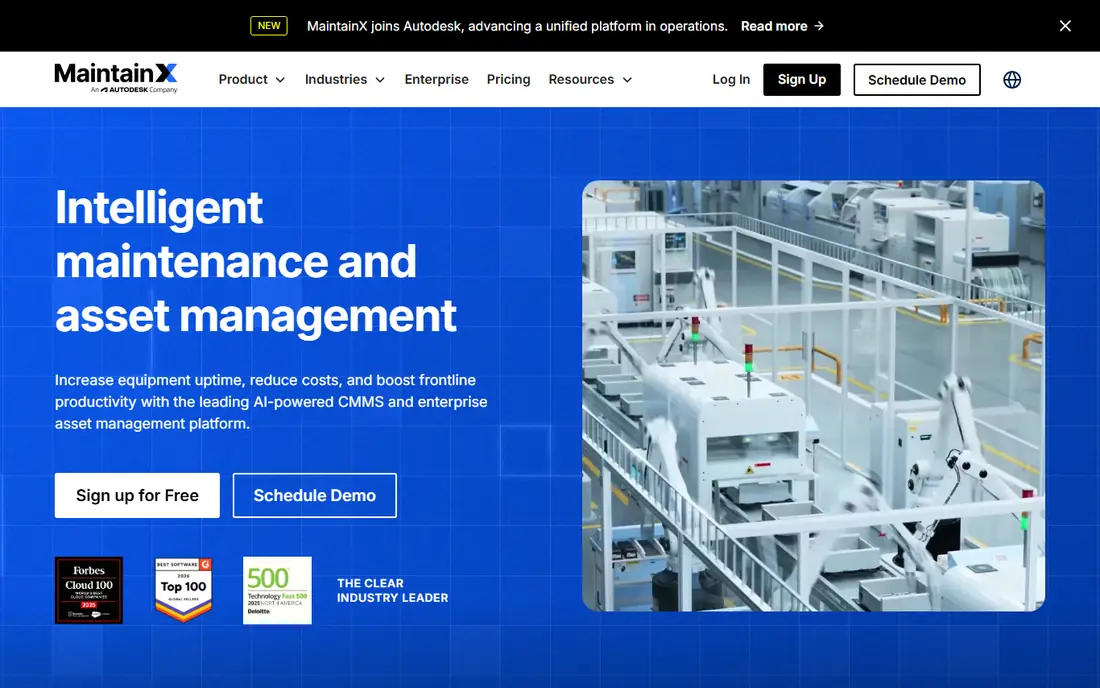
MaintainX is our pick for most small teams moving off paper or spreadsheets, because the free plan is genuinely usable and the mobile app is built for technicians first. Staff can submit requests without a full account, technicians can open a job, add photos, and close it from a phone, and managers can see status without chasing paper forms. That low friction is why adoption tends to be higher than with heavier systems.
The catch is that lower tiers are not unlimited in every direction. Repeating work orders, procedure use, and analytics have caps or sit on paid plans, and some teams hit the one asset per work order limit on simpler jobs. Still, for a team that needs clean work orders, messaging, and a phone app that staff will use, MaintainX is a strong starting point, and the $20 Essential plan is a clear next step.
- Free plan with unlimited work orders
- Strong mobile app
- Easy requester access for staff who do not need a full licence
- Some limits on lower tiers, such as one asset per work order
- Form customisation is limited
- Advanced analytics sit on higher plans
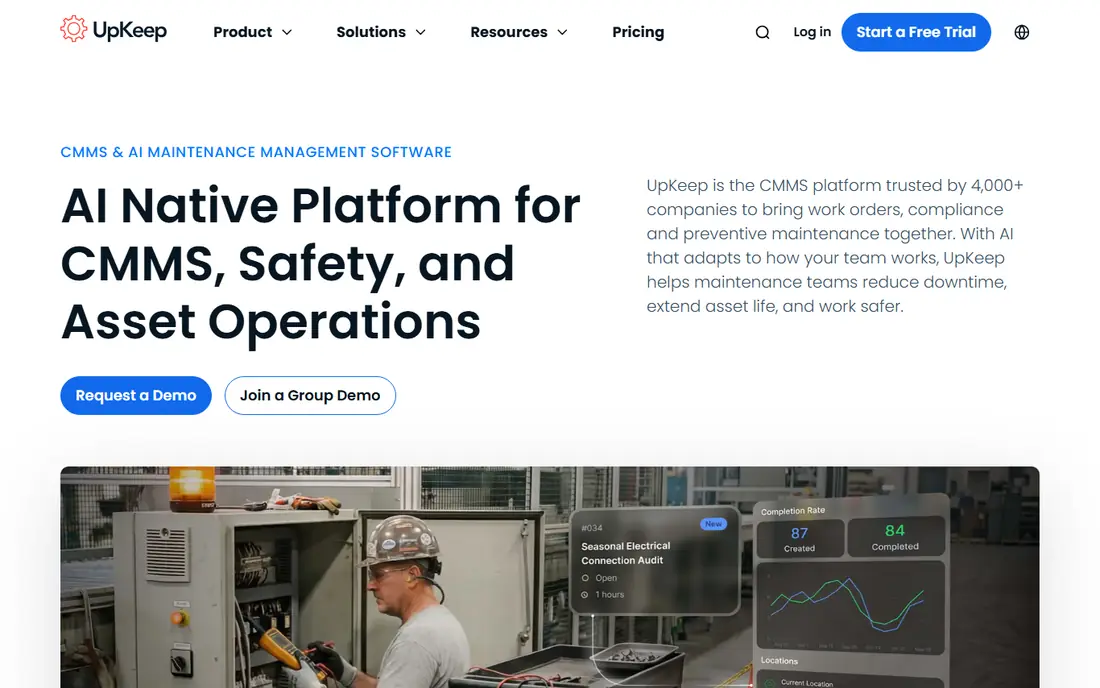
UpKeep suits teams that want a straightforward CMMS without a long setup project. Work orders, assets, parts, and requests live in one system, and the mobile app covers the daily job of opening, updating, and closing work. Its Edge sensor line also gives teams a route into temperature, humidity, vibration, and water monitoring without buying a separate sensor platform.
Price is the watch point. Entry pricing is close to MaintainX, but preventive maintenance scheduling begins on Premium, and implementation fees are published in a range that can add to year one cost. If your main need is reactive work orders and simple asset tracking, UpKeep works well. If preventive schedules are central from day one, price the Premium tier, not just the entry tier.
- Simple technician app
- Work order, asset, and parts tracking in one place
- Own sensor line for condition monitoring
- No free forever plan
- Preventive scheduling starts on higher tiers
- Published implementation fees can add cost
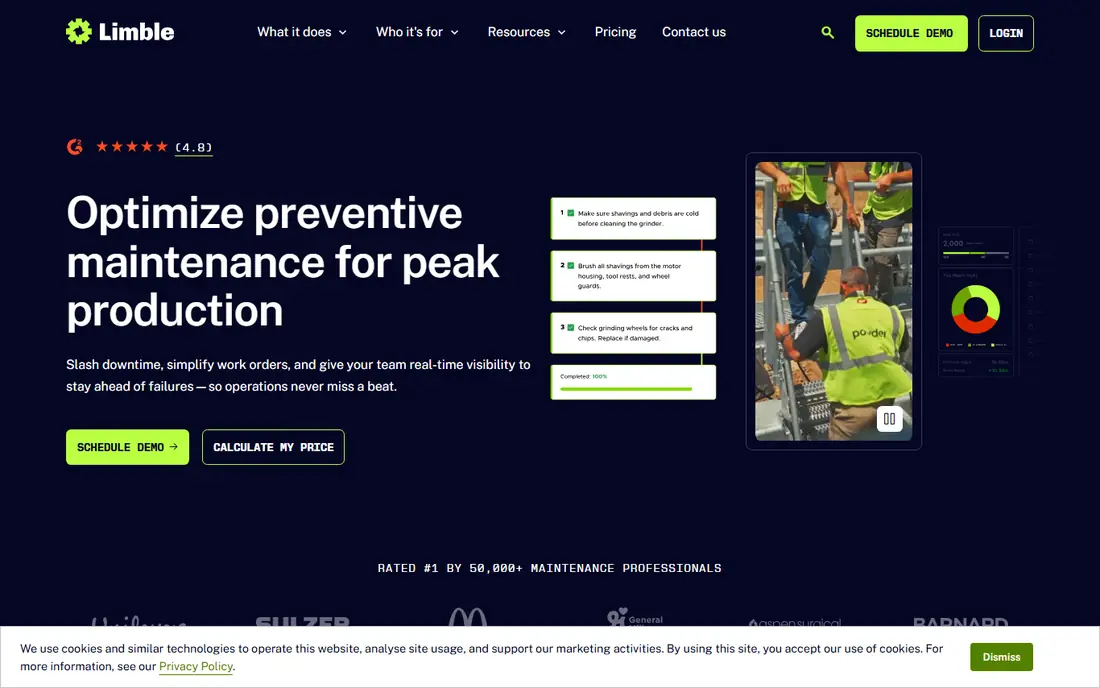
Limble is the easiest of the mid market tools for many teams to learn, and that matters when technicians have limited time for training. Preventive schedules, work orders, and parts are laid out clearly, and reporting is strong enough for managers to spot overdue jobs and repeat failures without building custom reports. The free plan lets a small team test the core flow before paying.
The trade off is price and scope. At $28 per user per month for Standard, it costs more than the two tools above it, and some ERP integrations carry extra cost. Property teams that need deep vendor or tenant workflows may also find it thinner. For a maintenance team that values fast adoption and clean preventive planning, Limble is still a very good fit.
- Clean preventive maintenance and reporting
- Free plan to start
- Offline mobile use on higher plans
- Higher entry price than MaintainX and UpKeep
- ERP links can cost extra
- Less depth for property and vendor management
Fiix is a proven choice for manufacturers that need more than basic work orders. Asset records, preventive plans, and reliability views are deeper than on simpler tools, and the free plan still covers unlimited work orders and assets, with a cap on active preventive plans. Mobile offline use helps teams in plants where signal is patchy, which is a real advantage in large sites.
The price jump is the honest catch. Basic starts at $45 per user per month, well above MaintainX and UpKeep, and some ERP links require Enterprise. For a small team with simple jobs, that may be more than needed. For a plant team that needs reliability reporting and a system that can grow with it, Fiix earns its place.
- Strong asset and reliability tooling
- Free plan with unlimited work orders and assets
- Works offline on mobile
- Entry price is higher than newer rivals
- Some advanced integrations sit on Enterprise
- Setup takes more care
Coast fits commercial facilities, such as offices, retail sites, and multi site operations, where workflows vary by site and requesters are not all maintenance staff. The free plan covers unlimited work orders, and paid plans start at a low $20 per user per month, which makes it easy to test with a real team. Custom workflows help managers shape requests, approvals, and job steps to match how a site actually runs.
It is not as deep as Fiix or eMaint for heavy industrial reliability work, and free plan history is limited. For facility teams that need flexible requests and a clean mobile job flow, though, Coast is a strong value pick, especially where many requesters and a smaller core maintenance team share one system.
- Free plan with unlimited work orders
- Flexible workflows for facilities
- Low entry price for paid plans
- Smaller vendor than the leaders
- Some advanced CMMS depth is thinner
- History limits on the free plan
eWorkOrders changes the maths for larger teams. Instead of paying per user, Starter costs $380 per month for unlimited users, which can beat per user tools once a team passes roughly 15 to 20 technicians. The system covers work orders, assets, preventive maintenance, and reporting, so it is a real CMMS, not just a request form.
For a team of three or four, that flat fee is hard to justify, and there is no free plan to soften the start. The interface also feels more practical than modern compared with MaintainX or Limble. If your team is growing and per user bills are climbing, though, eWorkOrders deserves a quote, because the total cost curve is very different.
- Flat fee with unlimited users on Starter
- Good value for larger teams
- Covers work orders, assets, and preventive work
- No free plan
- Flat fee is costly for very small teams
- Interface is more functional than polished
FMX suits schools, colleges, and mid size facilities that need to manage both maintenance and space scheduling. A requester can book a room and report a fault in related workflows, and managers can see work orders, schedules, and approvals without juggling two systems. That combined view is useful for facilities teams that serve many internal users.
The limits are scope and price. FMX is lighter on heavy industrial IoT and enterprise depth than Fiix or eMaint, and there is no free forever plan. At $35 per user per month to start, it sits in the middle of this list. For education and public sector facilities, the scheduling plus maintenance mix often outweighs those limits.
- Scheduling plus maintenance in one tool
- Good fit for schools and public facilities
- Clear request and approval flow
- Lighter enterprise and IoT depth
- No standing free plan
- Pricing rises with added modules
eMaint is the reporting and compliance pick for plants and regulated sites. Work orders, assets, and reports can be shaped in detail, which helps teams that must prove maintenance history, track calibration, or meet audit needs. That flexibility is why larger plants and regulated industries keep choosing it even when simpler tools look cheaper at first glance.
Flexibility has a cost in effort. Setting up eMaint well takes skill, and teams that want a tool that works well out of the box may find the setup phase long. Pricing is quoted in many cases, so get a written scope that includes users, modules, and training. If audit grade reporting is a must, eMaint is worth that effort.
- Highly configurable work orders and reports
- Strong for regulated industries
- Deep asset and compliance tracking
- Configuration takes skill and time
- Pricing is quoted for many buyers
- Minimum user counts can apply
MicroMain is built for multi site manufacturers that need deep work order control across plants. Asset histories, work order detail, and site level reporting are stronger than on lighter tools, and the system is shaped for teams that run maintenance as a formal operation, not as ad hoc fixes. For a manufacturer with several sites and a central maintenance function, that depth is the point.
Price and scope rule it out for small teams. At $99 per user per month with no free plan, it is the most costly entry point here, and a single site team will not use much of its depth. Price it only when multi site control, detailed histories, and formal workflows are real needs, not nice extras.
- Deep multi site work order and asset coverage
- Strong for manufacturers with several plants
- Detailed tracking
- Highest entry price on this list
- No free plan
- Overkill for small single site teams
How we picked these
We compared official pricing pages, feature pages, and public reviews, and we kept tools that are live in October 2026 and that handle full work orders, not just simple task lists. We included free plans, flat fee pricing, and enterprise depth, because maintenance teams range from three people to several plants. Where pricing was quoted or unclear, we wrote See website rather than guessing.
What to check before you buy
Count your real users first, including requesters, technicians, and managers, because per user pricing changes fast with headcount. A tool with a free requester tier can cut that bill a lot, while a flat fee tool can win once the team grows.
Test the phone app on a real job
Ask two technicians to run a full job on their own phones, from opening to photos to close, in a weak signal area if you can. A tool that looks good on a desktop demo can still fail in a plant or on a roof.
Check preventive maintenance on the plan you will buy
Some entry plans cover reactive work only, with preventive schedules on a higher tier. If planned work is core to your operation, price that tier from the start and confirm meter based schedules if you need them.
Confirm parts, assets, and reporting needs
List the asset fields, parts tracking, and reports you must have, such as overdue jobs by site or cost by asset. A tool that cannot produce those reports without extra work will cost you time every month.
Frequently asked questions
What is the best work order software for a small team?
MaintainX is a strong start for small teams, because its free plan covers unlimited work orders and its paid plan starts at $20 per user per month. Coast is another low cost option with a free plan, while Limble suits teams that want an easier learning curve.
What is the best work order management software solution for manufacturers?
Fiix and MicroMain suit manufacturers best, with Fiix as the mid market pick and MicroMain for multi site depth. MaintainX and Limble also work for smaller plants, but check preventive and reporting needs before you choose on price alone.
Is there free work order management software?
Yes. MaintainX, Fiix, Limble, and Coast all offer free plans, though each caps some features, such as repeating jobs, history, or analytics. A free plan is a good way to test mobile use and work order flow before you pay.
How much does work order software cost?
Entry prices here range from free to $99 per user per month, plus a $380 per month flat fee option from eWorkOrders. Total cost depends on user count, preventive features, integrations, and training, so price the plan that includes the features you will actually use.
Do these tools work offline?
Some do, with limits. Fiix offers mobile offline use, and Limble offers offline mode on higher plans. Check offline behaviour on the exact plan you plan to buy, because offline access is not always included on entry tiers.
Can requesters submit work without a licence?
On several tools, yes. MaintainX offers free requester accounts, and other tools offer request forms or limited requester access. Confirm how requesters submit, track, and comment on jobs, because that flow affects adoption across a site.
Sources
See where you really rank - block by block
ProMapRanker scans Google Maps across a grid of your service area. Simple monthly plans from $19, white-label on every plan.
Start freeKeep reading
 zscaler alternatives
Best Zscaler Alternatives in 2026
Looking for zscaler alternatives? We compare 9 SASE and zero trust platforms on architecture, data protection, pricing, and fit for your network and team.
Read → zapier alternatives free
Best Zapier Alternatives Free in 2026
Nine automation tools for zapier alternatives free in 2026, all with genuinely free tiers, plus free plan limits, starting prices and upgrade paths explained.
Read → which platform is best for online reputation
Which Platform Is Best for Online Reputation in 2026
Wondering which platform is best for online reputation? We compare 8 review, listing, and response tools for small and multi-location businesses and agencies.
Read →